ZBrushCentral

Greeble Pack for Zbrush 4R7

Apollonia A new tutorial from Glenn P. is the Highlight of my day!

Patpotlood thnx, again and again and …
very usefull.

megacal Awesome!!!

Thanks Glenn! :):+1:small_orange_diamond:+1:small_orange_diamond:+1:

Glad Everyone got some use out of this one, I’m definitely gonna be using this workflow for UV’s and Export from now on.

Glenn thank you for all your tutorials!
I am starting on zbrush so I hope you will forgive the imperfection of this model, I do with a symmetry of uv but I have not watched your last tutorial I will hasten to do just after writing it post.

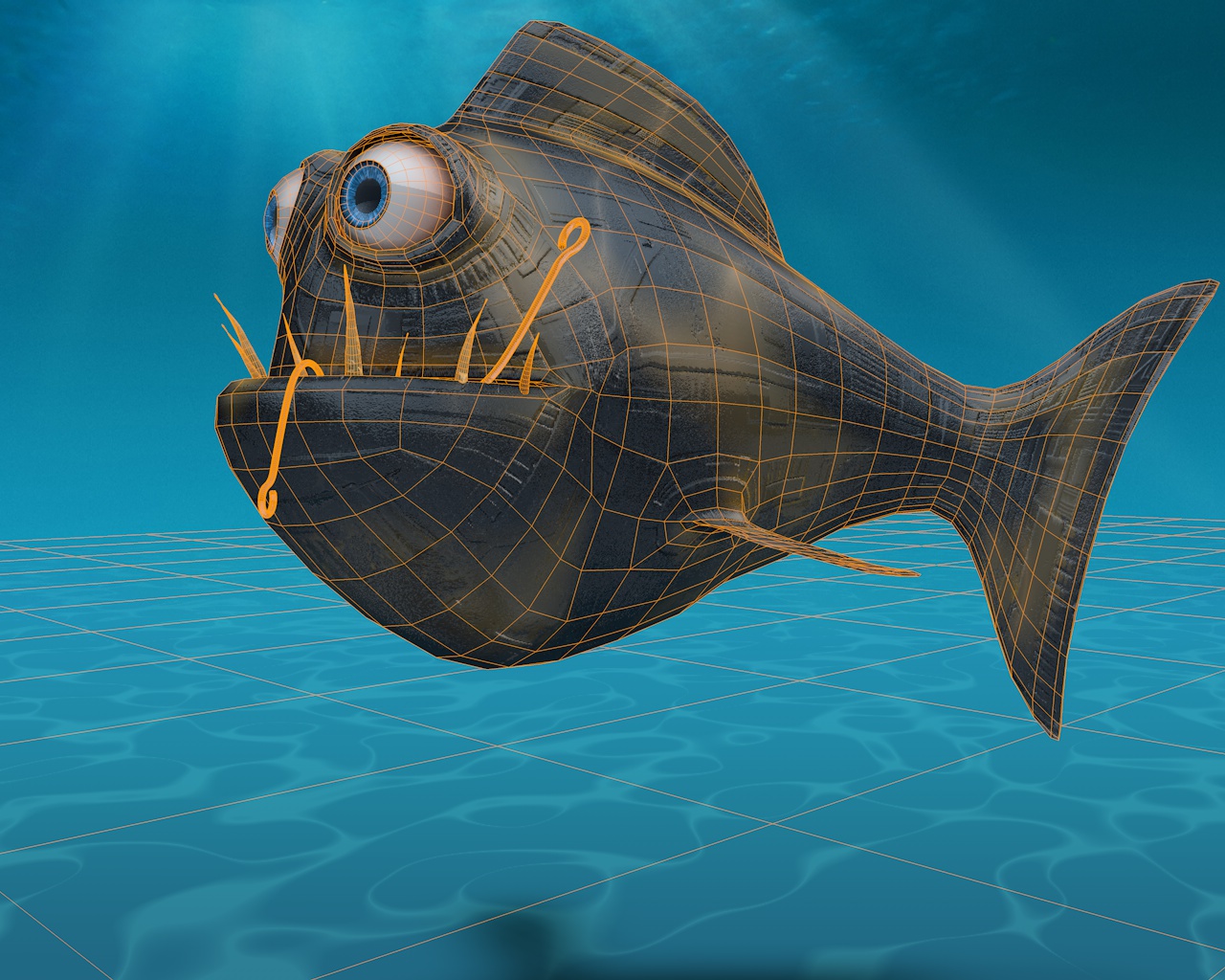
Math the fish CEL.jpg

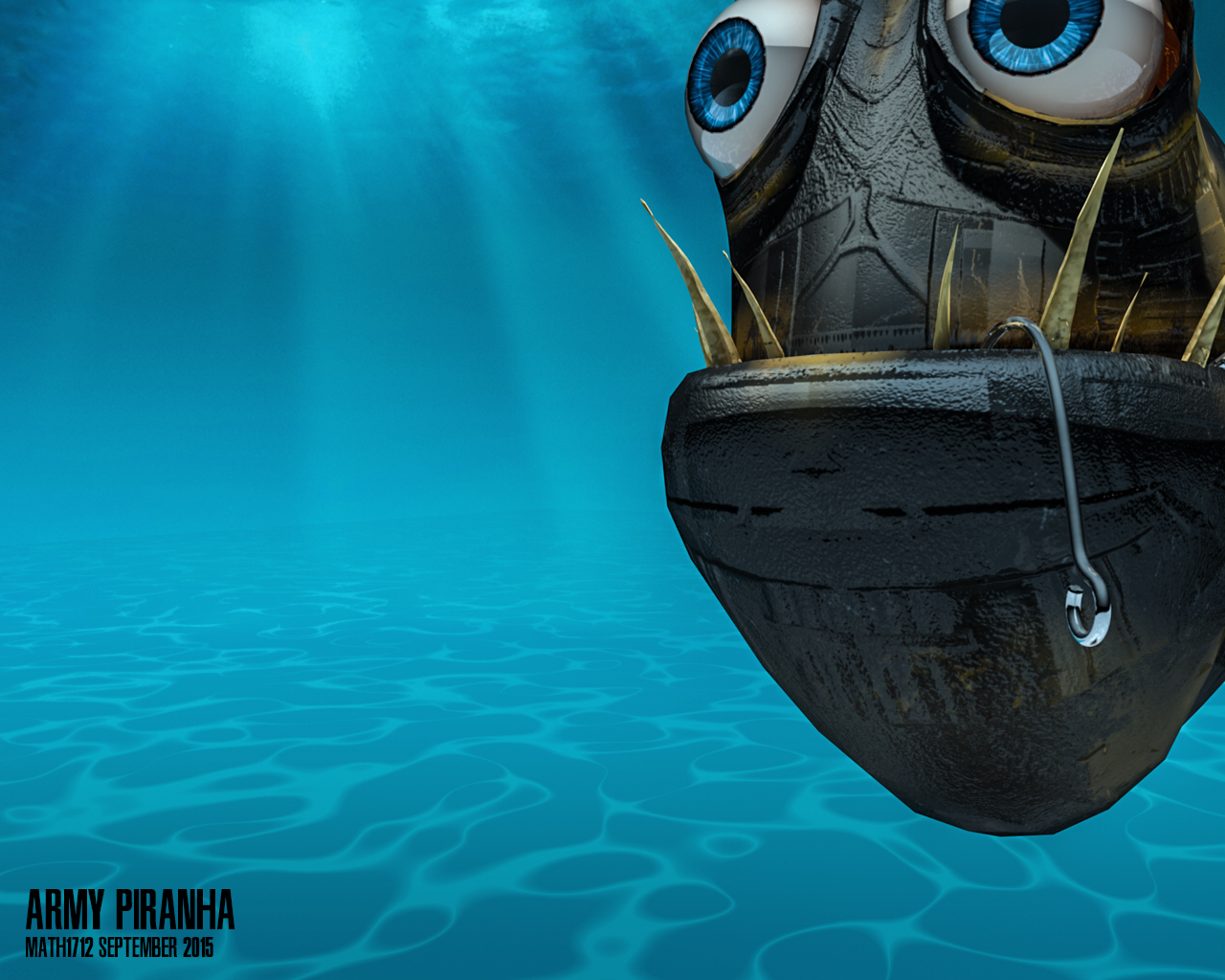
Math the fish 2.jpg

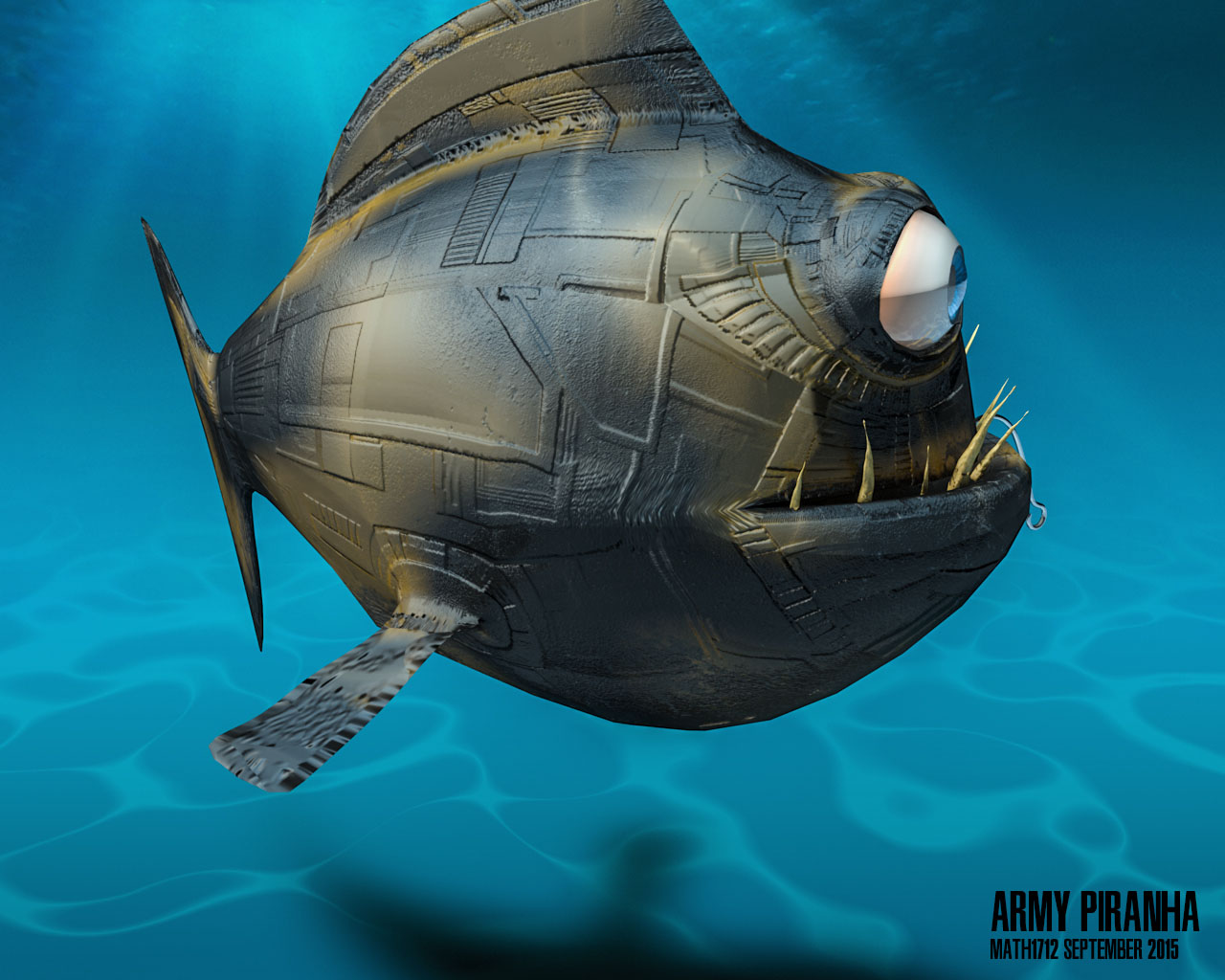
Math the fish 31.jpg

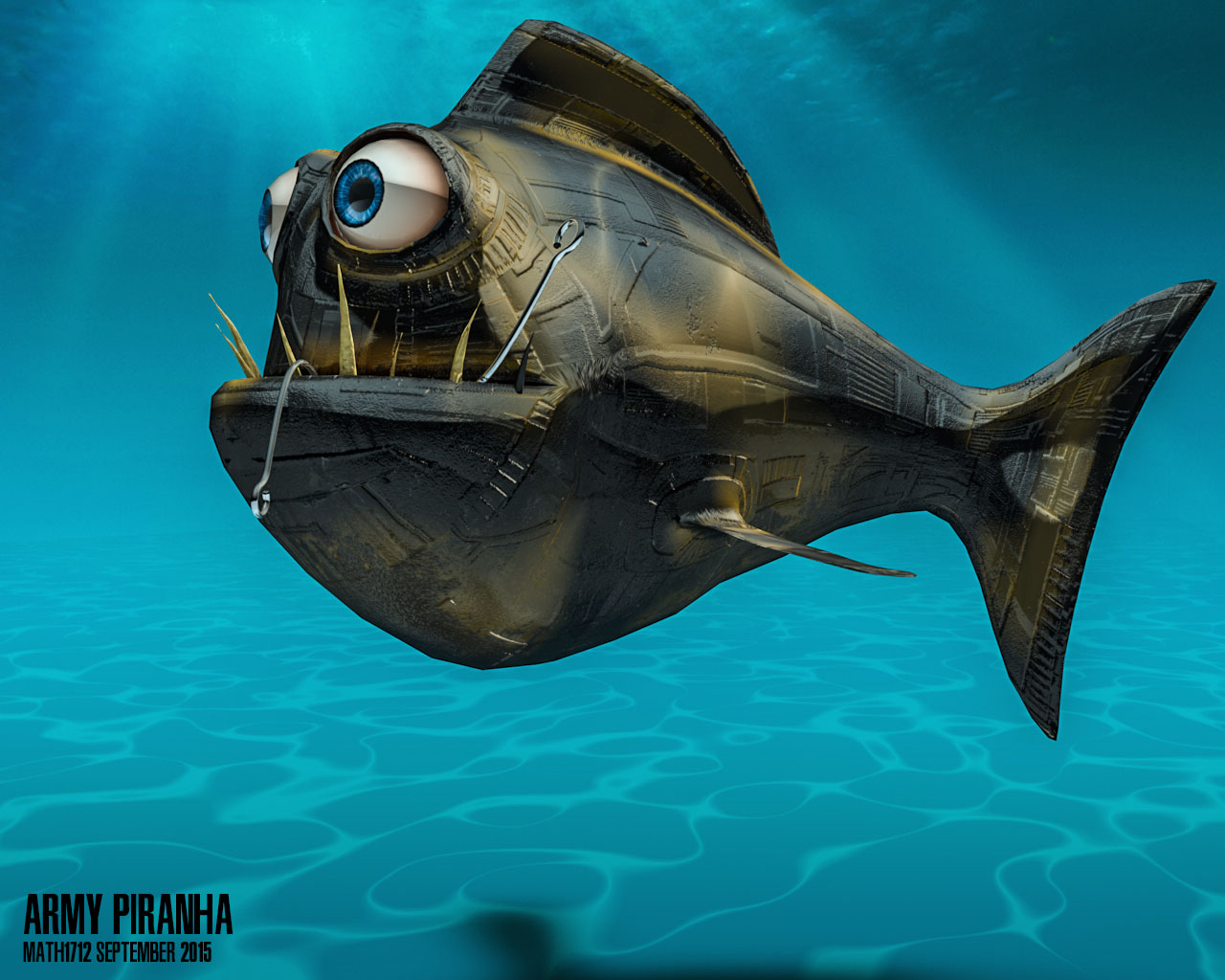
Math the fish 41.jpg

[Army Piranha](https://vimeo.com/140573045) from [Mathieu Gougeon](https://vimeo.com/3dmathieu) on [Vimeo](https://vimeo.com).

Attachments

Math the fish 2.jpg

Math the fish CEL.jpg

Math the fish 31.jpg

Math the fish 41.jpg

math1712 Glenn thank you for all your tutorials!
I am starting on zbrush so I hope you will forgive the imperfection of this model, I do with a symmetry of uv but I have not watched your last tutorial I will hasten to do just after writing it post.

Your Welcome! That was Pretty Cool! Love the Animation! Maybe the Next Iteration of him you can make some overlapping Panels or Plates going down the length of the Body then do the Greebles.

math1712,

great animation…very smooth and fish-like.

Which app(s) did you use besides ZBrush? Maya? (later…ah! C4D =)

I was anticipating he would casually swim closer & closer to the camera,
and then, “chomp!”, eat the camera! :):+1:

Hello,

Thank you a lot ! I find it funny too that fish.:smiley:

It is a rig that I made with Cinema 4D ago over a year and I out of the closet to test greeble pack.

Rendering is also in C4D.

I’m working on a tiny laptop I do not have a real machine to do this kind of exercise so everything is very long to do

I’m going to keep working this model and I like the idea of eating the camera! Why not in a future release ?:lol:

Ok Glenn I noted your advice.:wink:

Hey Glenn,

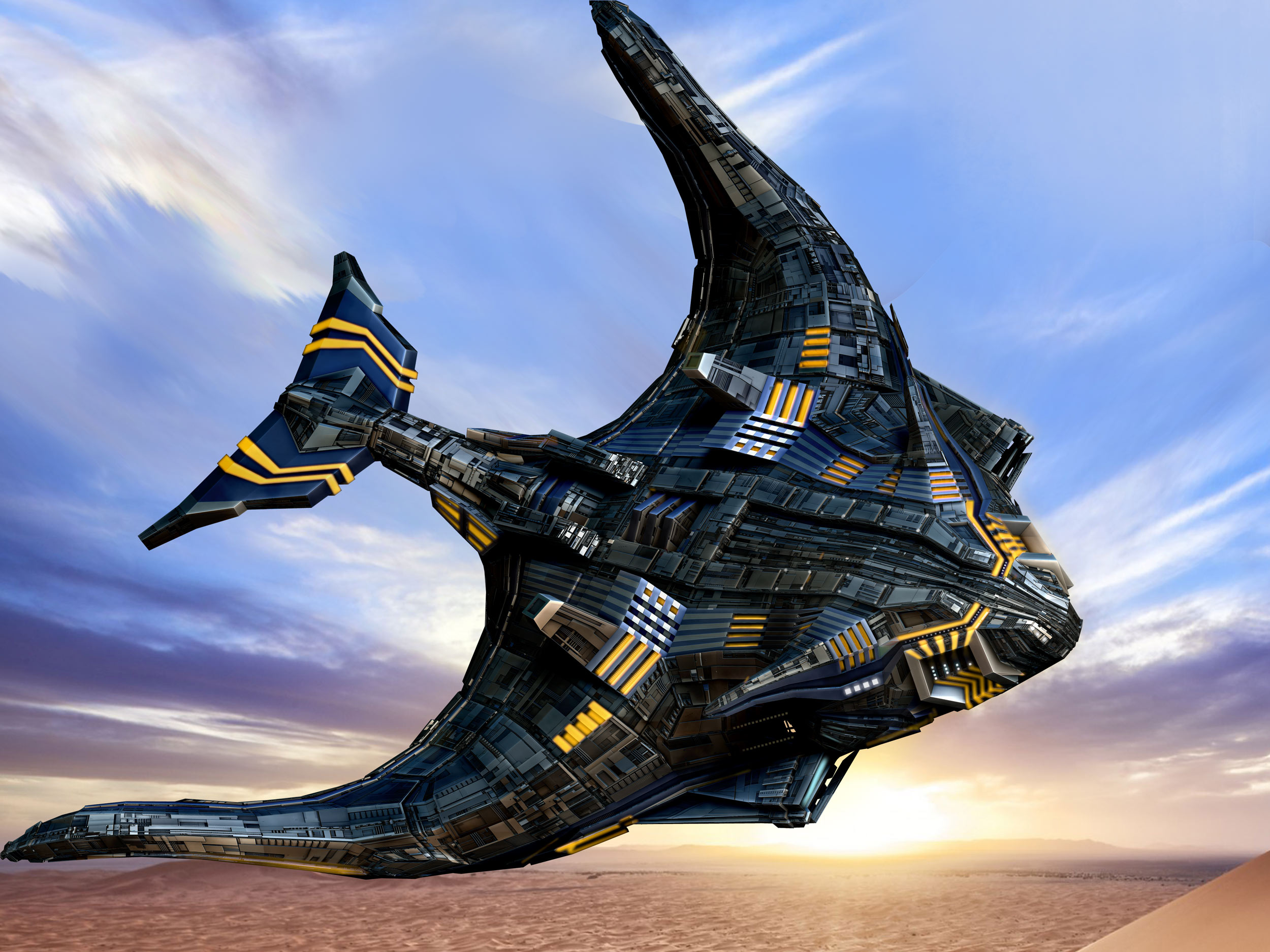
finally I got my displacements working. Thanks for you offer anyway very kind.
As your Greeble Generator is.

Rendering is not too lucky just done in zBrush and put a backdrop in PS.
Thank you so much for all your efforts.

MechUfoComp1.jpg

Attachments

MechUfoComp1.jpg

Knacki
Hey Glenn,

finally I got my displacements working. Thanks for you offer anyway very kind.
As your Greeble Generator is.

Rendering is not too lucky just done in zBrush and put a backdrop in PS.
Thank you so much for all your efforts.

That turned out Awesome Knacki

Thanks a lot Glenn.

it is just one map I generated with your system, and I guess I made still some mistakes after looking into your thread and watching my stuff again.
But it is awesome how much more attractive your generator makes a model.
i played with original Greeble plug in max yesterday again. Even though it is quite effective to get some extra geometry, it is not compareable in visual turnaround.

Silly thing is just…man this is a timetrap! One can spent ages without getting bored or finished :wink: A hell of fun!
Thanks again!

Knacki Thanks a lot Glenn.

Your Welcome! Your Right about a Timetrap, but you dont realize it. I find I’ve been spending a lot more of my Time making more elaborate Low Poly Models to use my Greebles on with Zmodeler and spending only a Tenth of the Time Greebling it up. The Greebles have actually helped me push my Low Poly Skills on Design. Thinking of Designing a Premium version of Greeble Generator and Greeble Elements with many Times the Tools to use and Starter Models to get People going just for a Few Bucks on Gumroad, not sure if anyone would be interested though. I would still have Lighter Versions for Free. What do you Think?

Ha, this thread needs to placed into a zBrush wiki! If there is once something like that.
I found my last problems.
First the tiling wich is not done when Apply Displacement is used - export-import trick.
Second, in Displacement mode everything lost it’s sharp corners from my low poly - then I saw that “Quick display” is turned off by switching “mode” on.
Reason - if quick is turned off there are smoothing options to adjust under “Display Properties”.
Or klick “Quick” on again, then everything has sharp corners again but looses its displacement.

I remember michalis once told us this “turn quick off” trick to render Sculptris sculpts in zbrush smoothly without any retopo :wink:
Just if it’s not said already??

Speaking for me about your selling plans:

If I am testing around and have free tools like yours, I am fine. If I need this for a job and it’s below 30$, it’s bought without even thinking.
I try to support guys like you. Badking has this huge library of free zBrush stuff I used a lot - no question that I donated him.
Michael Dunham offering his very useful brushes for free at the beginning (and still does offering most free) donated for sure.

Another question if you don’t mind.
Using Element 3D, there is no displacement. So only way to use your stuff as a bump isn’t it?

Thank you so much.

I’ll buy it all

@knacki
most of the time you can get your models ready for element 3d with decimation master,
after you applied the displacements in zbrush.

some early experiments i did, using element 3d 1.6 i think

5 mili polys (after decimation) in this one

Another question if you don’t mind.
Using Element 3D, there is no displacement. So only way to use your stuff as a bump isn’t it?

Element 3Dv2 doesnt do Displacements but does support Normal Maps or Bump Maps.

Speaking for me about your selling plans:

If I am testing around and have free tools like yours, I am fine. If I need this for a job and it’s below 30$, it’s bought without even thinking.
I try to support guys like you. Badking has this huge library of free zBrush stuff I used a lot - no question that I donated him.
Michael Dunham offering his very useful brushes for free at the beginning (and still does offering most free) donated for sure.

I was only Thinking in the $3 to $5 Range, nothing Crazy. Not trying to get Rich out of it like some People out there. I’ve noticed some People putting some Awesome Models on Gumroad at Rock Bottom Prices and thought thats the way I need to go.

Patpotlood I’ll buy it all

Thanks.

Knacki,
cool model! Would love to see it fly! ;):+1:

Glenn,
I’m amazed you haven’t charged for Elements “Lite”…it’s been a revolutinary
addon/plugin that has saved a huge amount of time and hassle!

If you create a “Pro” version, I’d be the first in line to buy it! :):+1:small_orange_diamond:+1:small_orange_diamond:+1:

BTW, I sent you a PM on what I think the price should be.

megacal

If you create a “Pro” version, I’d be the first in line to buy it! :):+1:small_orange_diamond:+1:small_orange_diamond:+1:

Thank You Sir, that makes 3 potential customers

Thought I’d show you the WIP of Greeble Pack PRO. I’m Starting out by adding many more Subtools to Greeble Elements. Currently I’m up to about 42 Subtools, I’m shooting for 100 or so Subtools. Once I finish up Elements I’ll Reconstruct the Greeble Generator with all the new elements I created. Definitely will be doing a PDF Instructions for both the Tools this Time. I’m also including a Bunch of Start up Models for People to Play with and use in their Work. More to Come so Stay Tuned.

Attachments

So cool! I’m definitely camping out for it.

Thanks Glenn!!! :):+1:small_orange_diamond:+1:small_orange_diamond:+1:

BTW, PM’d you.

megacal So cool! I’m definitely camping out for it.

Thanks Glenn!!! :):+1:small_orange_diamond:+1:small_orange_diamond:+1:

Shooting for Early November to Release it. The Element Part will take the Longest, coming up with Unique Designs then making Variations of them. Figure the Documentation will take a Day or Two as Well. Dont think the Generator will take long due to the fact I already created all the elements for it already. I’ll keep you guys posted on the Progress.

Should sell like hot cakes! ;):+1:

Very stoked! Saw an internet buddy’s work with your pack and it looked amazing. Guess I’ll wait for this pro pack!