ZBrushCentral

Greeble Pack for Zbrush 4R7

nuzzletops Very stoked! Saw an internet buddy’s work with your pack and it looked amazing. Guess I’ll wait for this pro pack!

Cool! No need to wait, you can play with the Previous Version now if you wanted just grab it from the Link Below.

GreebleElements_V1_1.zip (294 KB)

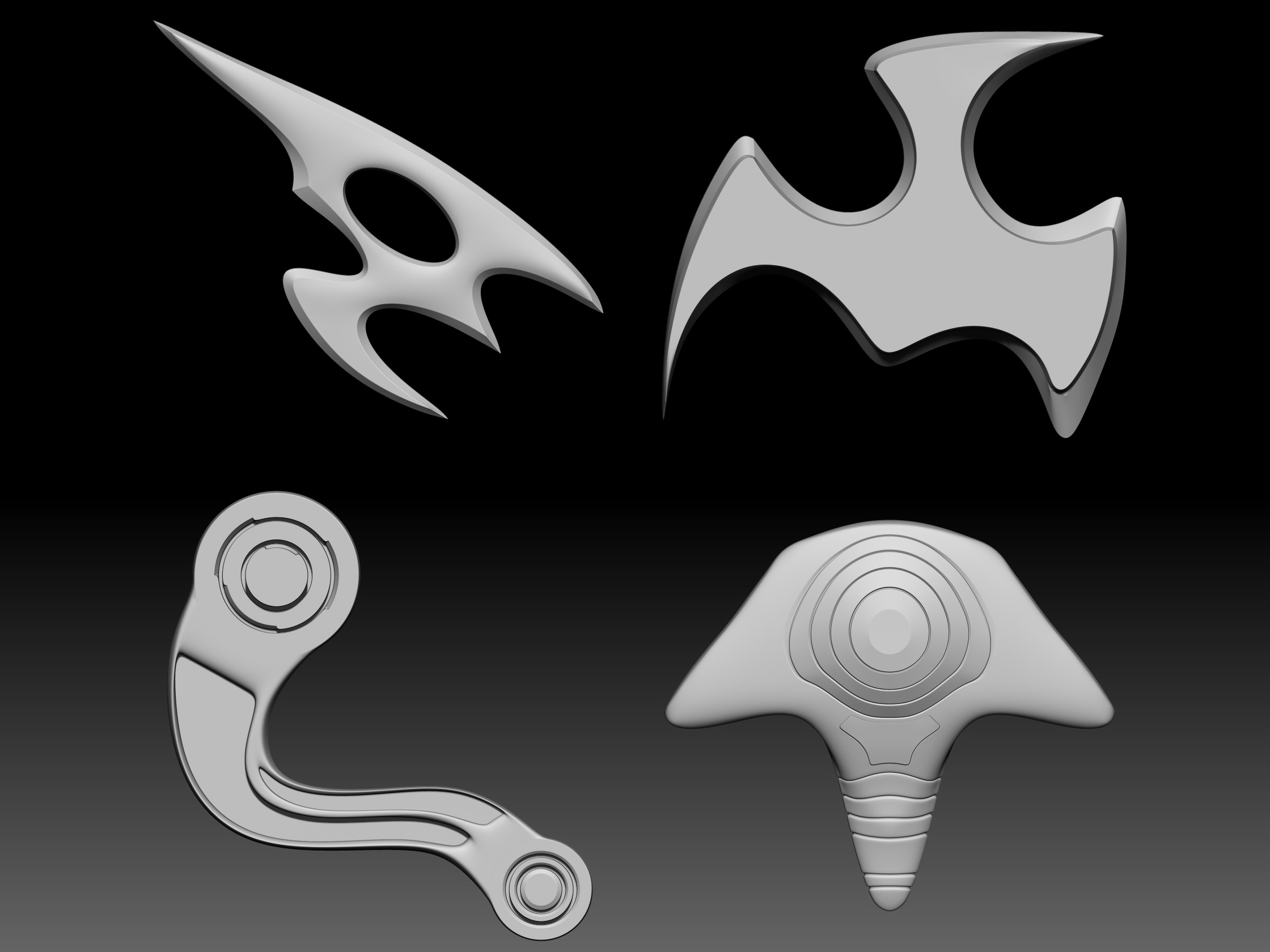
Now I need everyones help Testing out some Curvy Greebles, by Request of Megacal. Need to see if they can work without to much blockyness on the edges, youll need to probably create a 2K or 4K Texture to help reduce it. Also need a little input on what you all are looking for, some reference shots or links will help in creating more Greebles.

GreebleCurve.zip (178 KB)
GreeblePRO_WIP02.jpgGreebleElements_V1_1.zip (294 KB)GreebleCurve.zip (178 KB)

Attachments

GreeblePRO_WIP02.jpg

Thanks Big Time, Glenn! I’ll try it & get back ASAP.

BTW, for anyone who hasn’t tried Elements yet, see Glenn’s tutorial (post#440 on page 30 of this thread).

Also, just realized there’s a Thread Gallery…a good way to see at a glance how things have evolved.
When you see something interesting, click on it and go to the page…pretty cool.

But if you can, I highly recommend starting on page one and going through all the pages…it’s worth it.
There are 18 excellent tutorials (over 2GB!) Glenn has put together for us. :):+1:small_orange_diamond:+1:small_orange_diamond:+1:

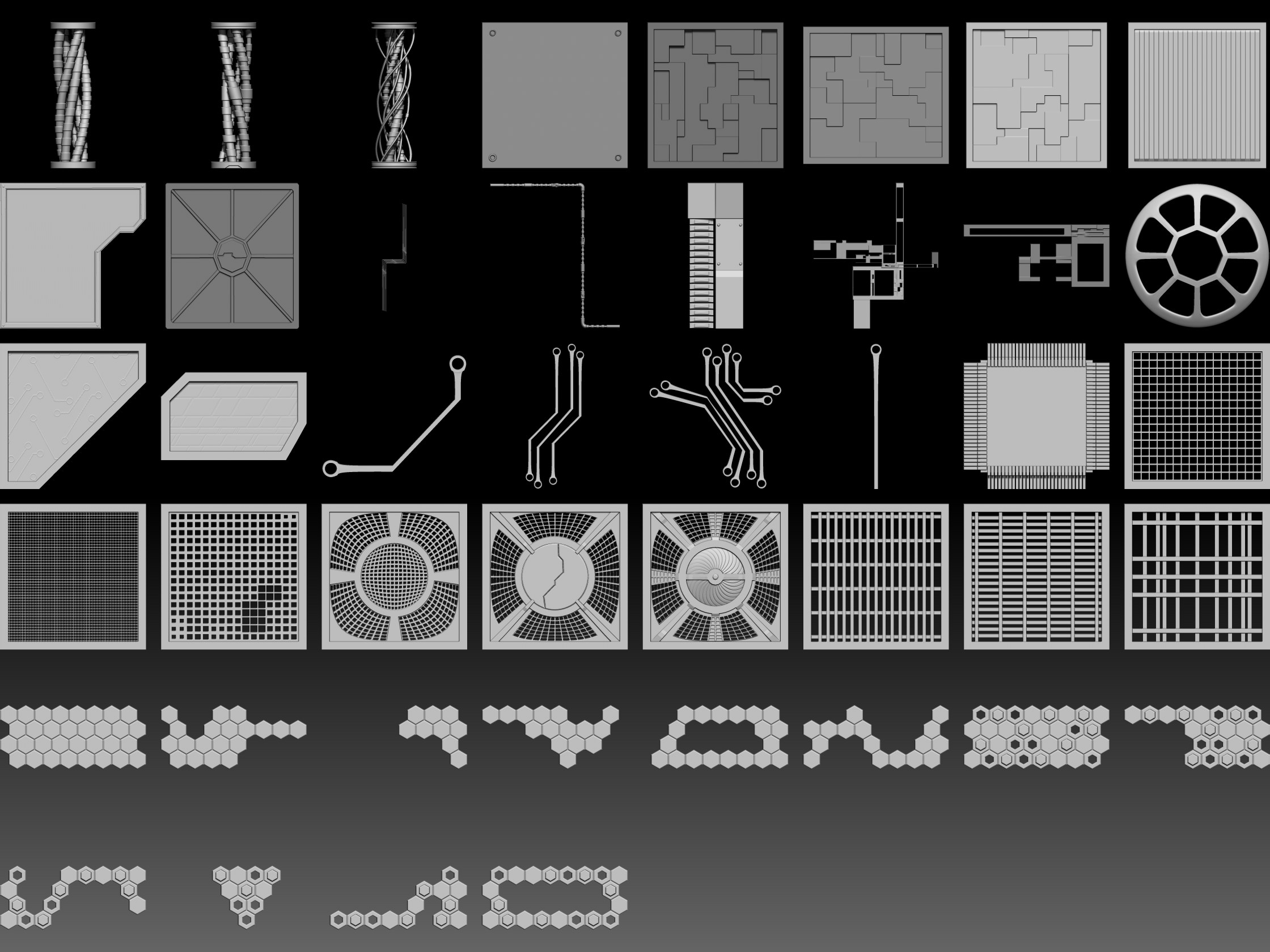
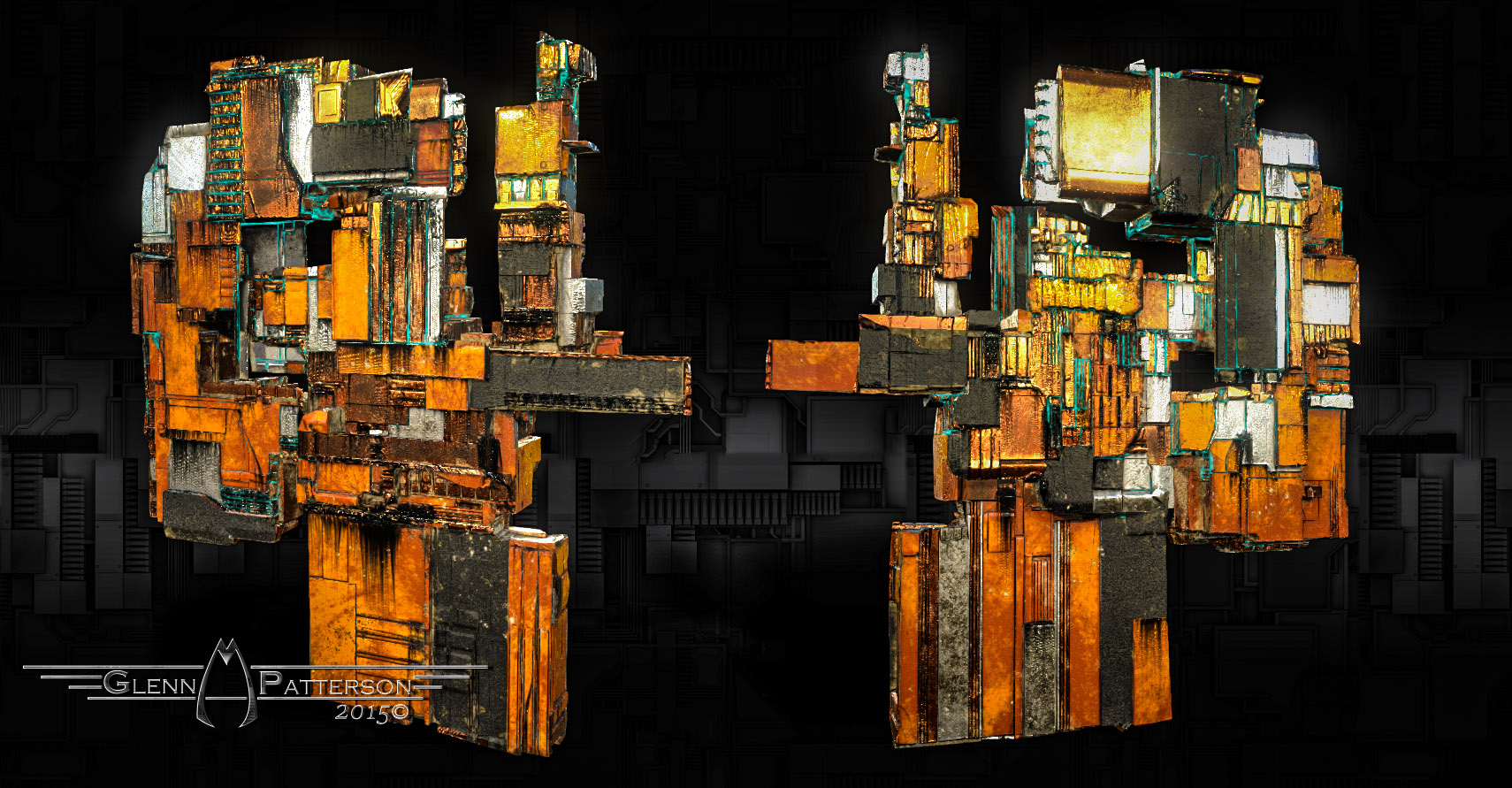
Update. Getting Close to the Half Way Mark on Elements, Started work on the Conduits part now. Thought Id show off the Elements as they stand now. If there’s something you’d like designed and added let me know.

GreeblePRO_WIP03.jpg

Attachments

GreeblePRO_WIP03.jpg

This is getting very promising!! Thank you for your generous work, Glenn!!

Marzalet This is getting very promising!! Thank you for your generous work, Glenn!!

Should be Pretty Cool when I get Done with it.

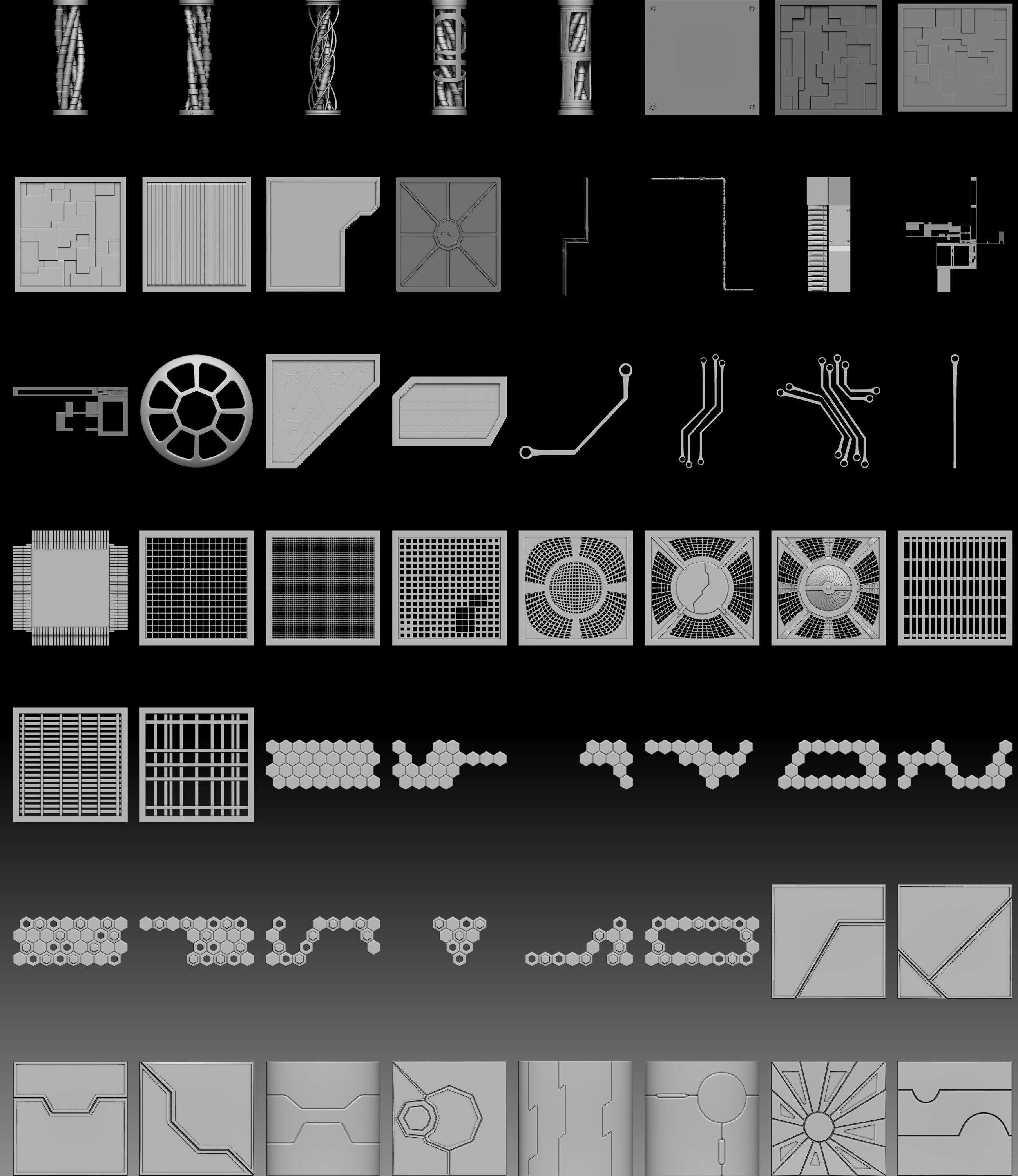
Here’s another Update for Ya.

GreeblePRO_WIP04.jpg

Attachments

GreeblePRO_WIP04.jpg

Hello Glenn, thank you for your wonderful work.
I am trying to getting out the Mesh in lowpoly and just one Normalmap and one Texture to import it into the unreal engine.
I didnt yet find out how to import this beatiful looking stuff into another application like the Unreal Engine and let it look nice there still.
Greetings

Ali Riza

Ali Riza Export
Hello Glenn, thank you for your wonderful work.
I am trying to getting out the Mesh in lowpoly and just one Normalmap and one Texture to import it into the unreal engine.
I didnt yet find out how to import this beatiful looking stuff into another application like the Unreal Engine and let it look nice there still.

The 3 Part Video series below will show you how to get a Model out of Zbrush to Substance Painter to Bake your Normals as well Texture and then Export to Sketchfab. You should be able to use the Models and Textures that Exported to Sketchfab and bring them into Unreal, sorry I dont have an exact workflow for Unreal, but I plan to take a crack at it in the next few months.

<iframe width=“960” height=“720” src=“https://www.youtube.com/embed/S_zSQHAcVDc” frameborder=“0” allowfullscreen

UPDATE TO GREEBLE ELEMENTS

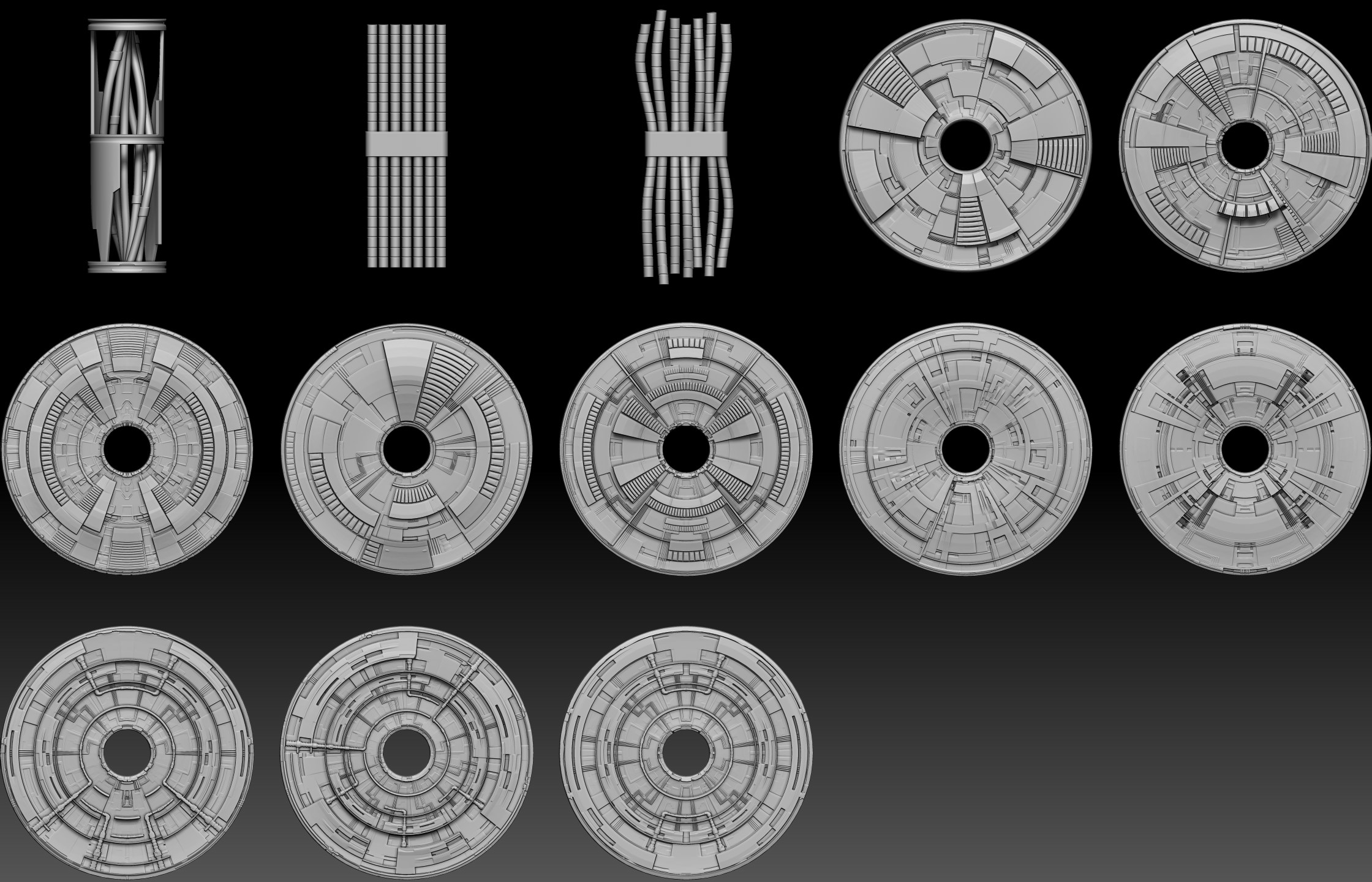
Handful more Greebles Added. Made use of my Greeble Generator to Generate the Surface Noise for the Medallions. Forgot how much fun that Generator was.

GreeblePRO_WIP05.jpg

Attachments

GreeblePRO_WIP05.jpg

Looking very cool, Glenn!

Thanks for working on it and making the videos…very helpful!!!
:):+1:small_orange_diamond:+1:small_orange_diamond:+1:

megacal Looking very cool, Glenn!

Thanks for working on it and making the videos…very helpful!!!

Thanks Cal

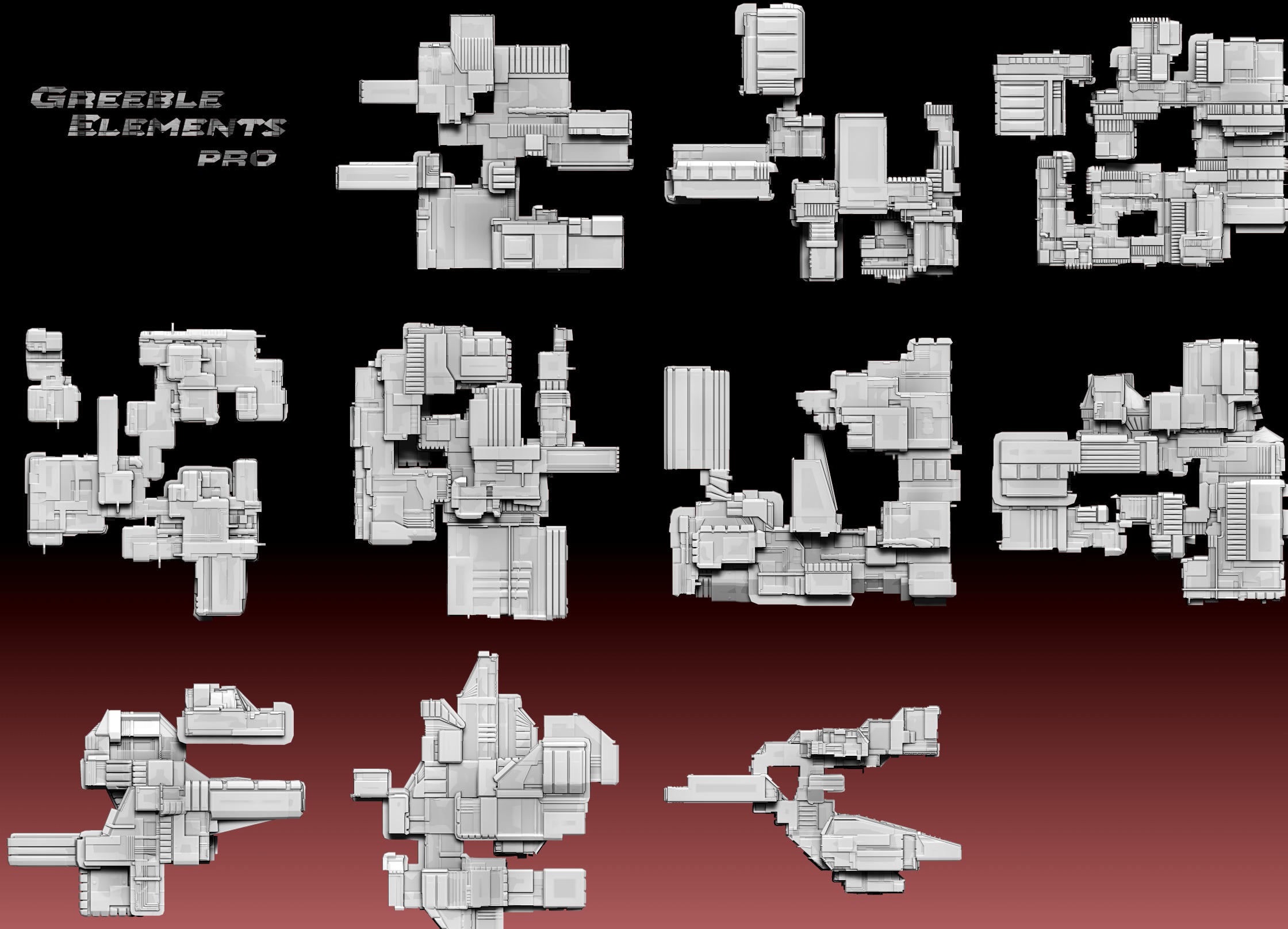
Here’s a New Batch for ya. Thinking these new Tech Panels will make Great Insert Meshes as Well, got them down to 30 to 50K each so relatively light for a Zbrush Scene.

GreeblePRO_WIP06.jpg

Attachments

GreeblePRO_WIP06.jpg

Awesome!

How soon will Elements Pro be available?

How soon will Elements Pro be available?

Still Gonna be a Couple Weeks. Need to do another 20 Subtools for Elements before I move into the Generator Rebuild. Right now Elements is at 83 Subtools. Plan on Bundling Elements and the Generator Together along with a couple start up scenes and models for people to play with. Next I’m adding Sci-Fi Doors to Elements, gonna work on that Tomorrow.

Great…just wondering…no rush. :slight_smile:

Just Messing Around with some of the Greeble Panels. Thought I’d see if I could make them into Game Assets. So I Decimated them Further to 5 and 8K Poly. On my Second attempt I figured a way to Break up the High Poly into the Separate Panels so I could use it for Material ID in Substance Painter. Also added on the Second one some Emission Lights coming from the Cavities of the Model. Once I get the new Greeble Pack up and going I’ll do a Tutorial on the Process. Enjoy :wink:

Greeble Panel Test by gmp1993 on Sketchfab

Greeble Panel Test 2 by gmp1993 on Sketchfab

GreeblePanelTest.jpg

Attachments

GreeblePanelTest.jpg

Great Grungy Greebles, Glenn!!:):+1:small_orange_diamond:+1:small_orange_diamond:+1:

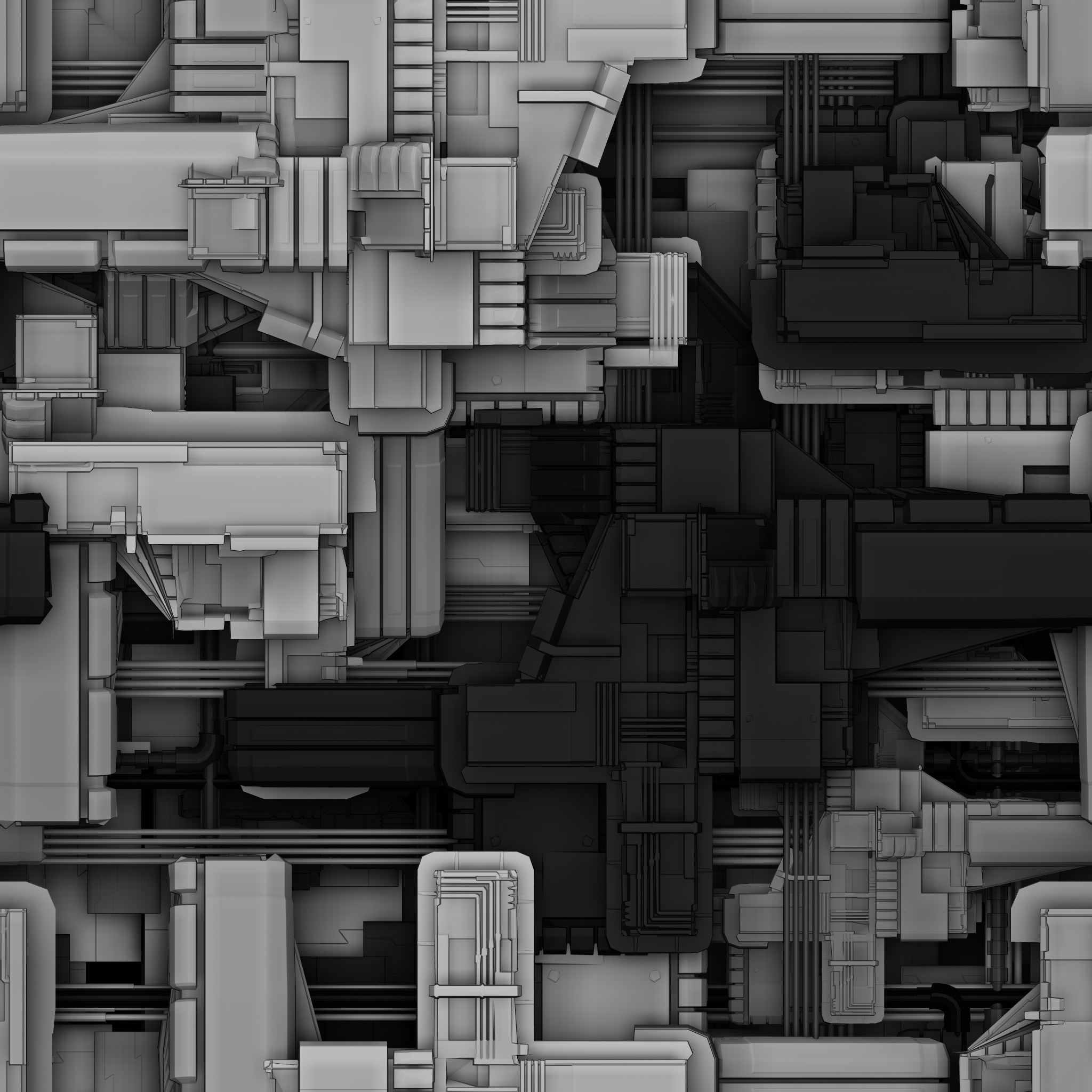
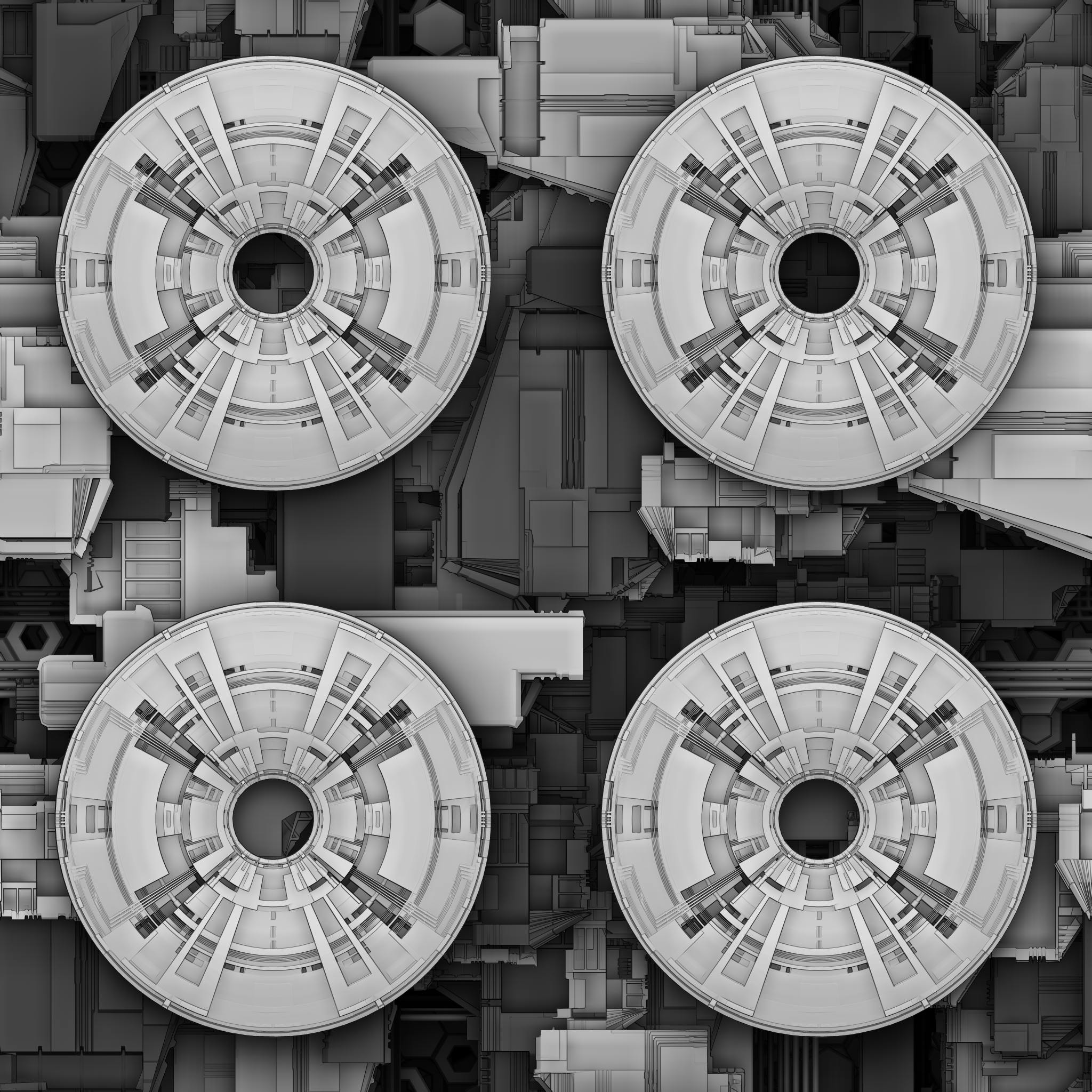
Started work on the Generator. Took little Tinkering and now Your Greebles will a be Tillable! :smiley: My very Early Test are Below. Enjoy :wink:
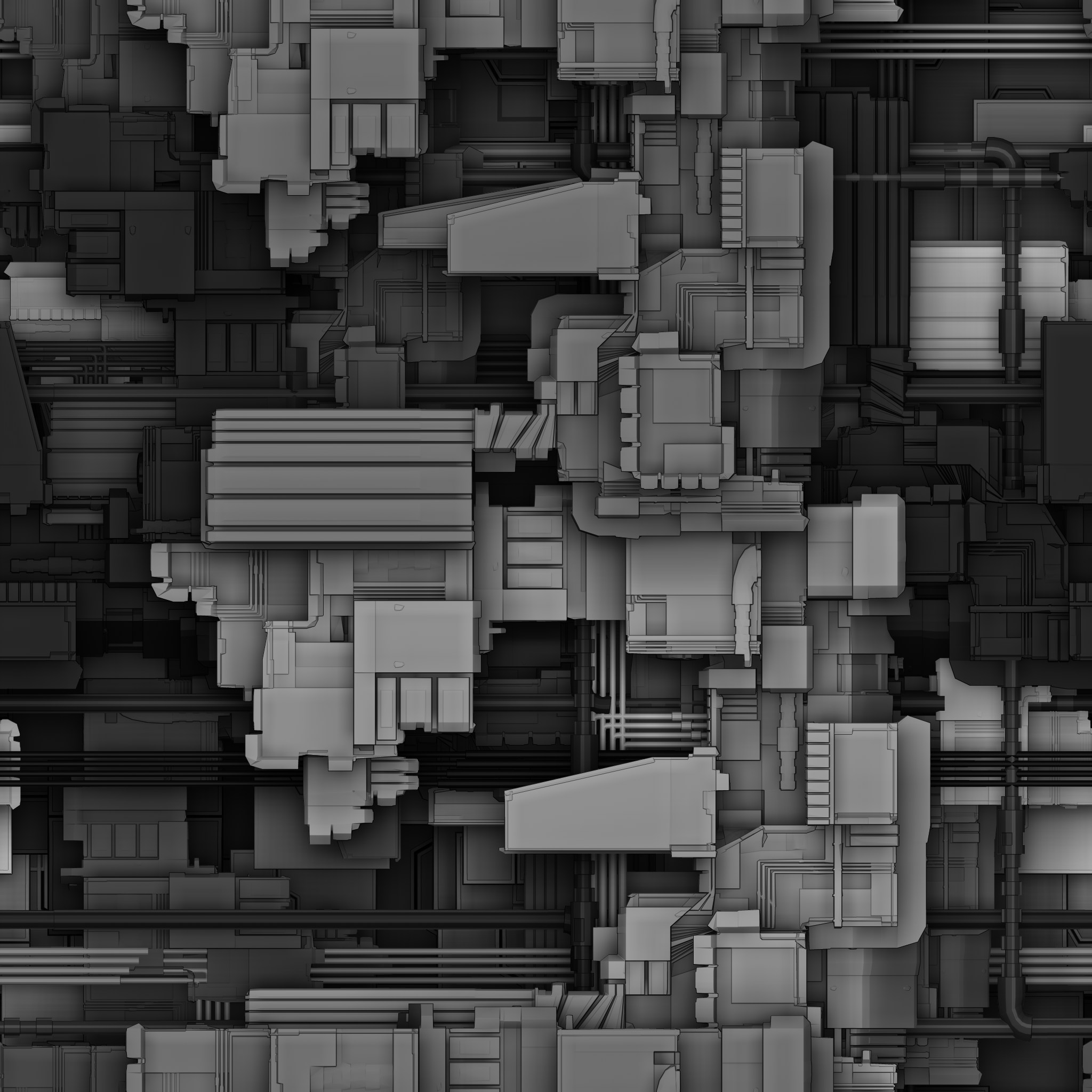
GreeblePRO_WIP07.jpg

Attachments

GreeblePRO_WIP07.jpg

that’s fantastic work.can’t wait.

Patpotlood that’s fantastic work.can’t wait.

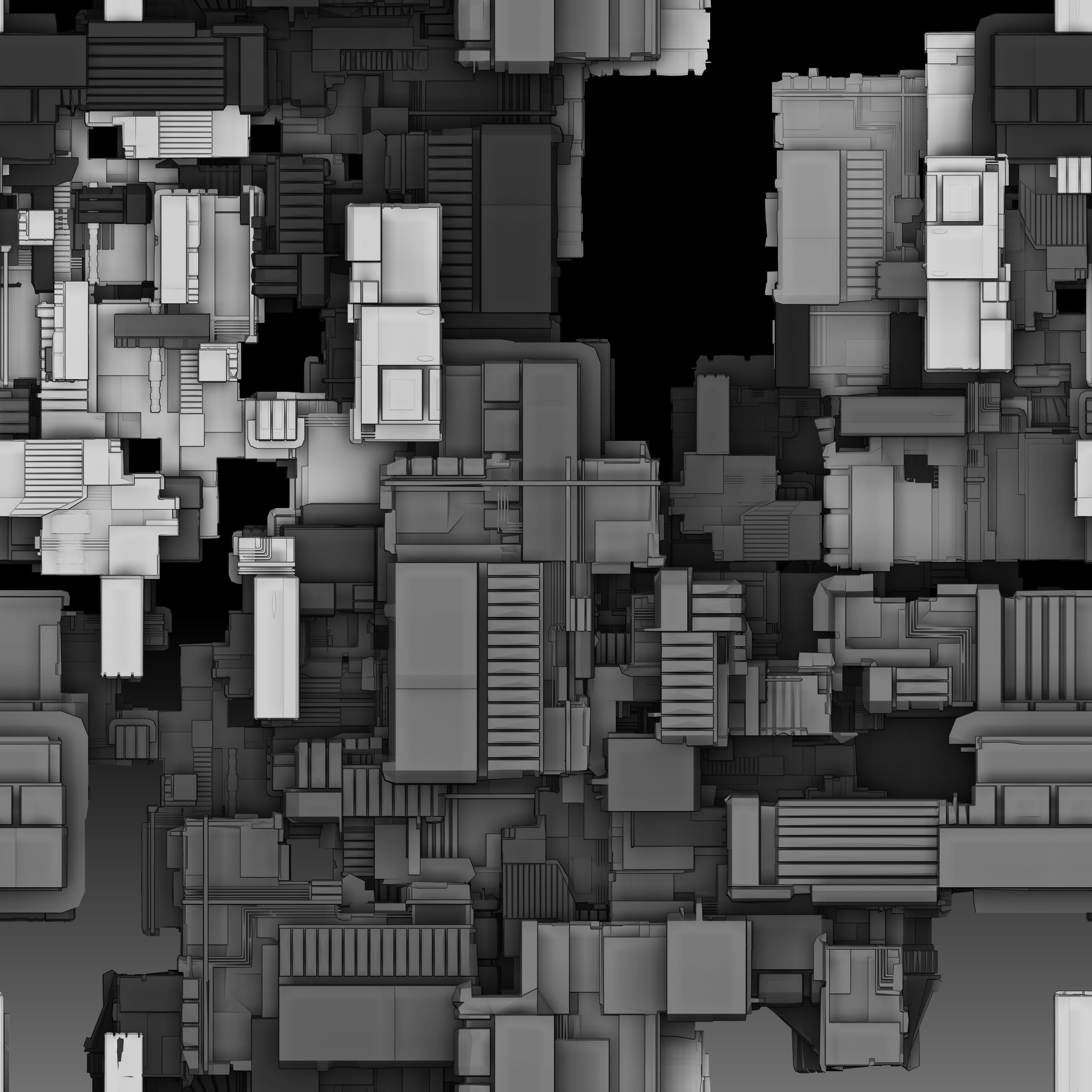
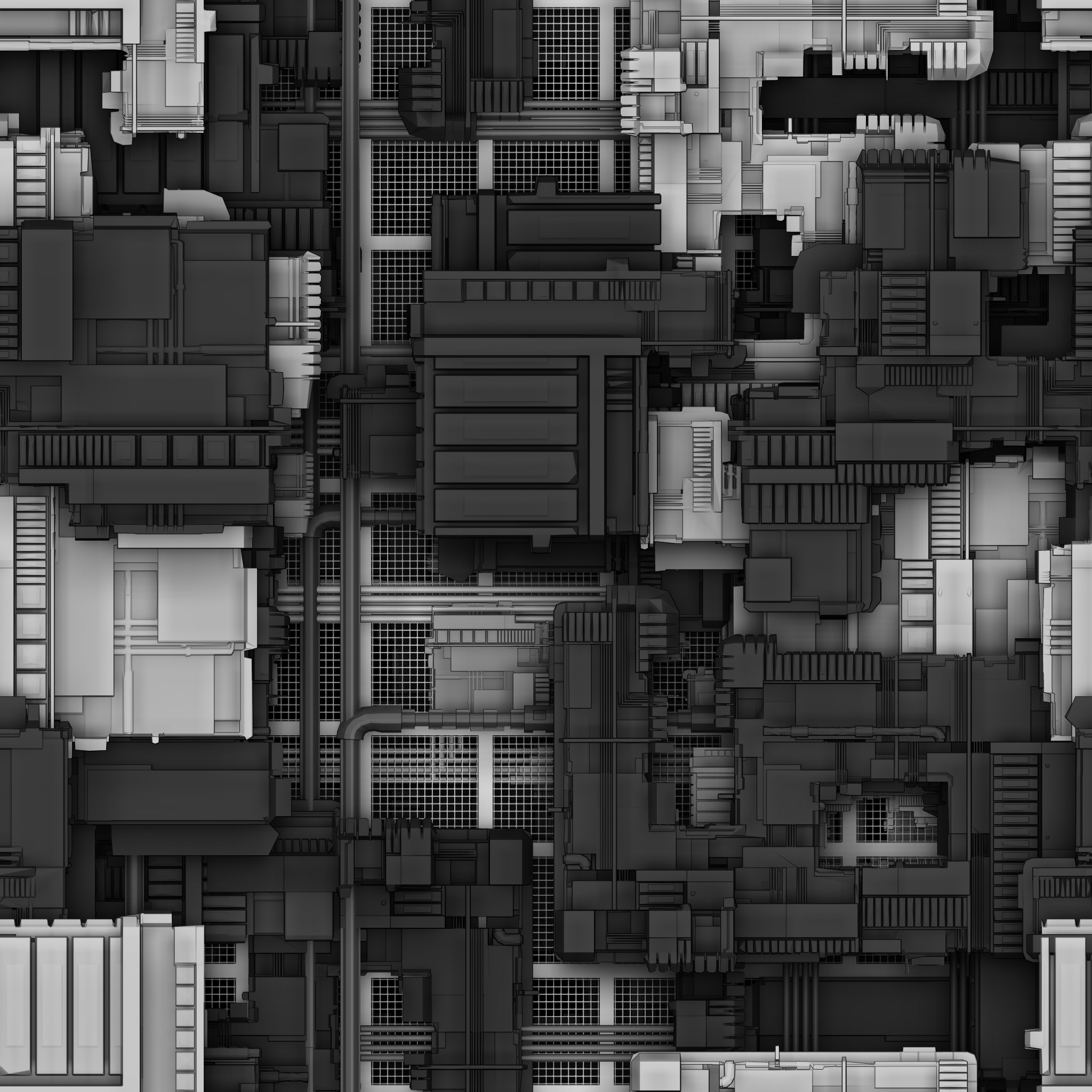
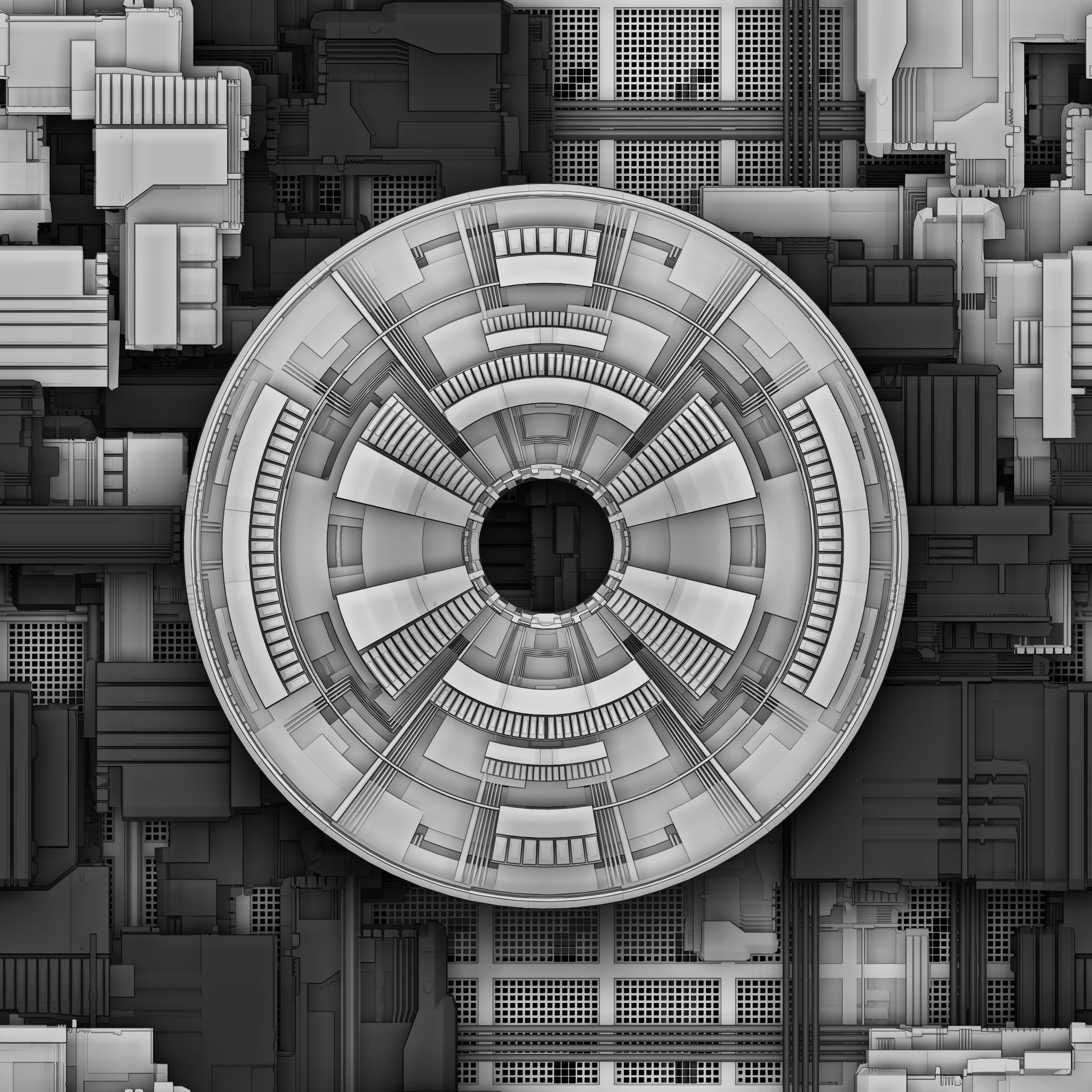
Thanks! The Generator is Coming Together, Love it even more the more I play with it. Here’s some more Fun with it.

GreeblePRO_WIP08.jpg
GreeblePRO_WIP09.jpg
GreeblePRO_WIP10.jpg
GreeblePRO_WIP11.jpg
GreeblePRO_WIP12.jpg

Attachments

GreeblePRO_WIP08.jpg

GreeblePRO_WIP09.jpg

GreeblePRO_WIP10.jpg

GreeblePRO_WIP11.jpg

GreeblePRO_WIP12.jpg

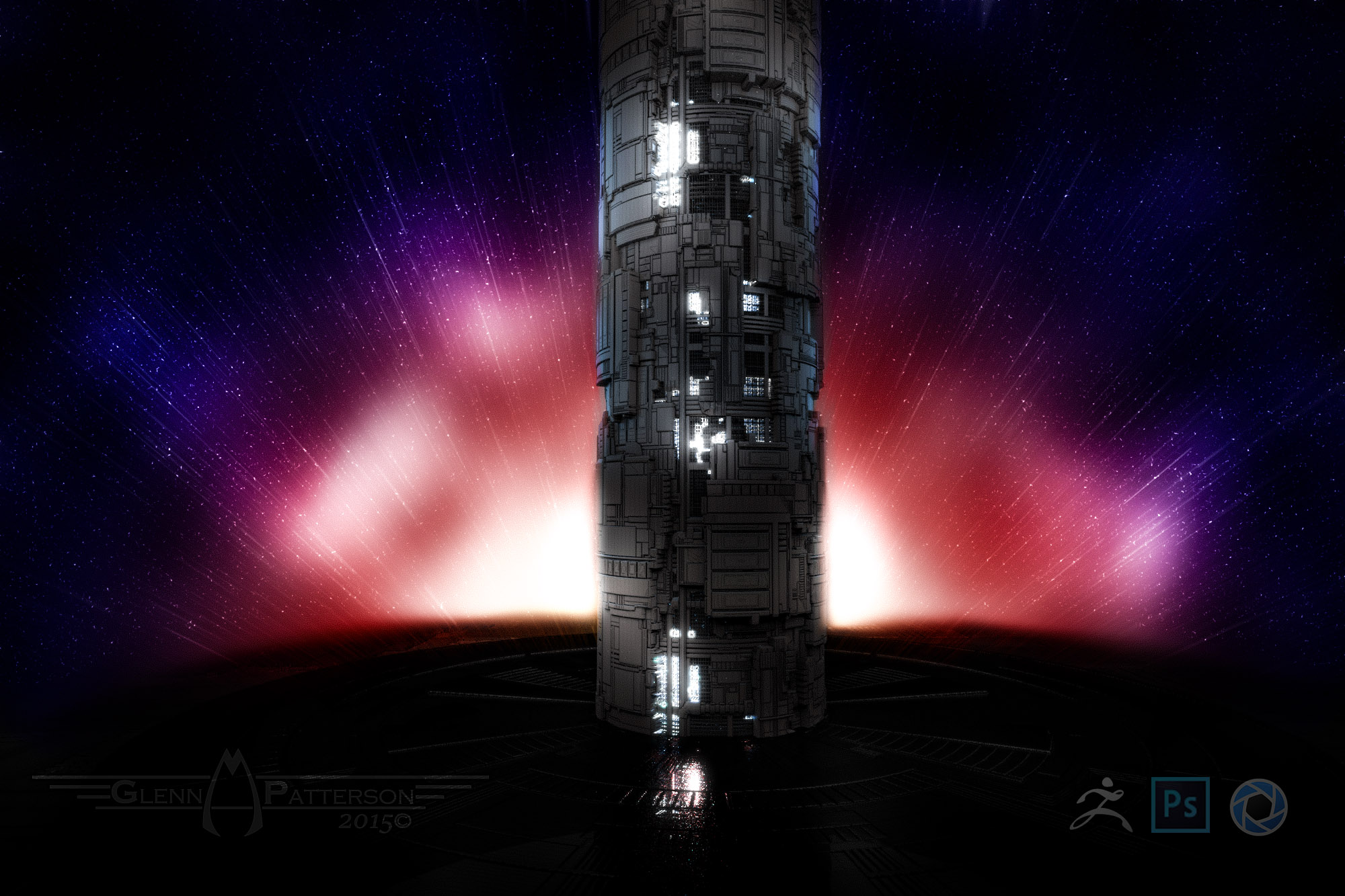
2 Textures + 2 Primitives = Awesome!!! Rendered in Keyshot and some Photoshop Love for Post. You guys are Gonna have Fun with the New Greeble Pack along with some new Techniques to go with it.

GreeblePillar.jpg

Attachments

GreeblePillar.jpg