Hi Glenn, first off thanks for posting the tutorials on greebling.
I have a problem with displacement maps and GUV maps in zBrush.
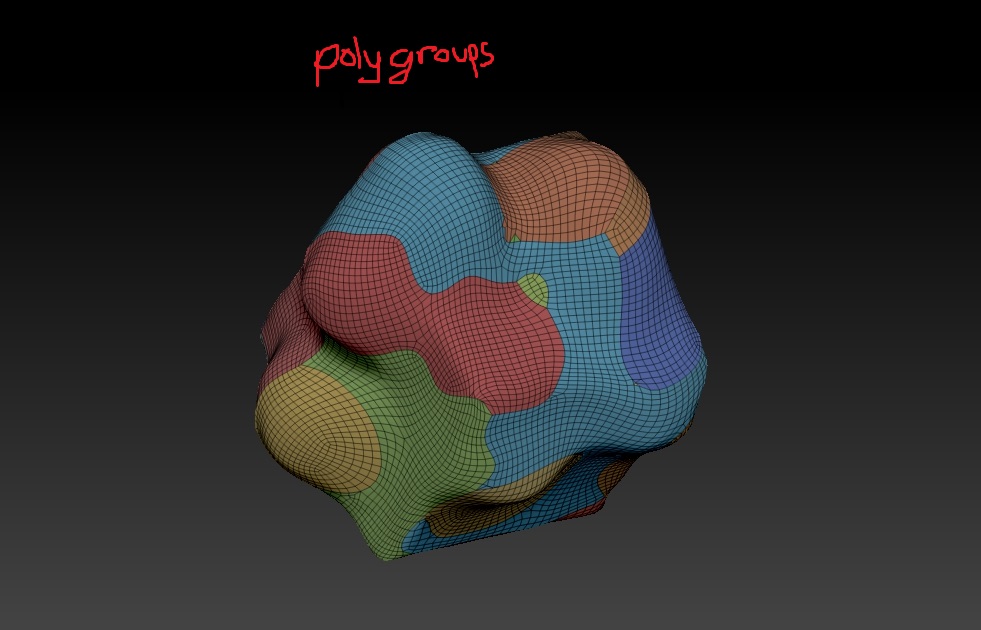
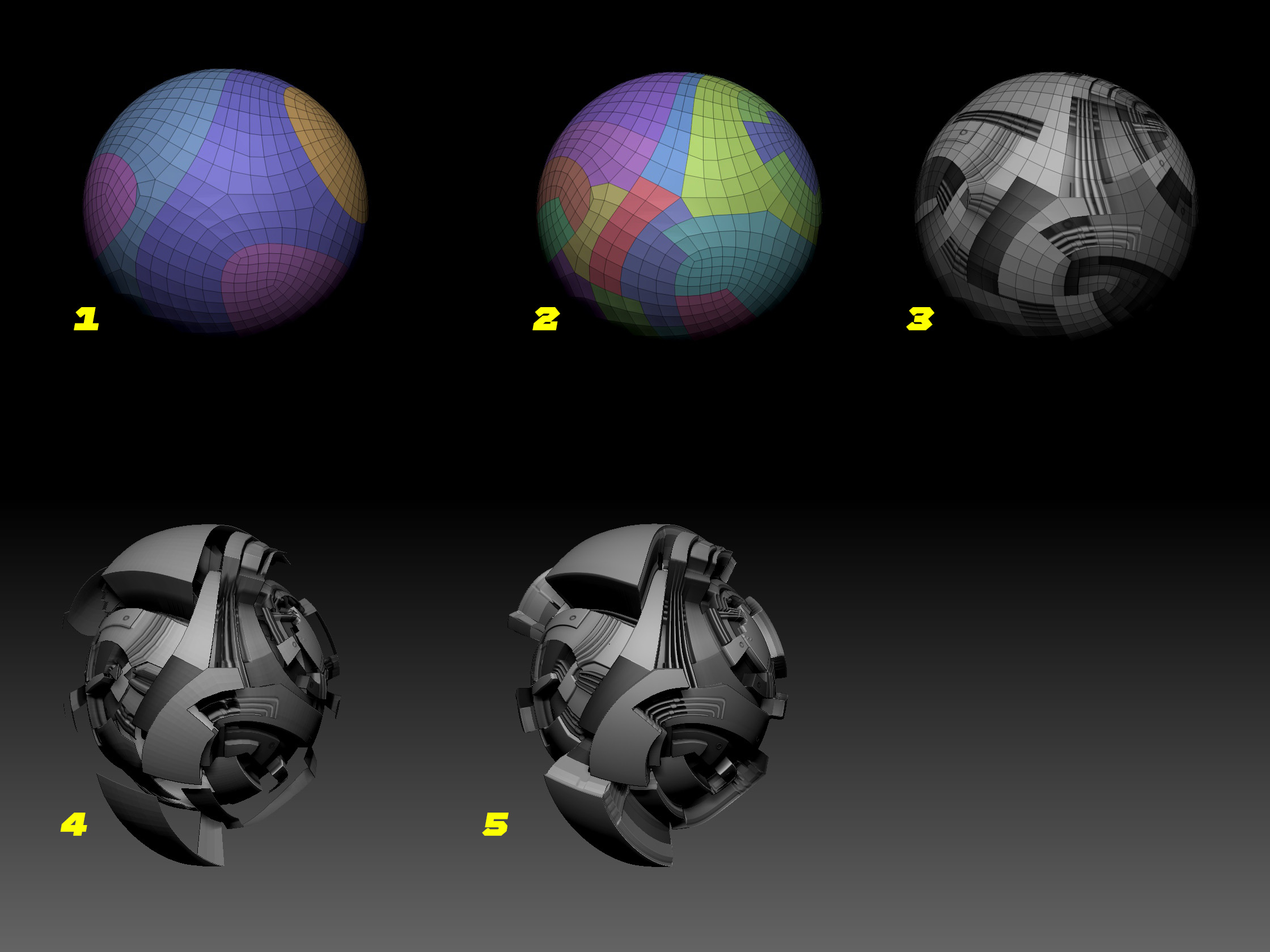
I made a simple cube with zRemesher (to get quad topology) and assign random polygroups to it
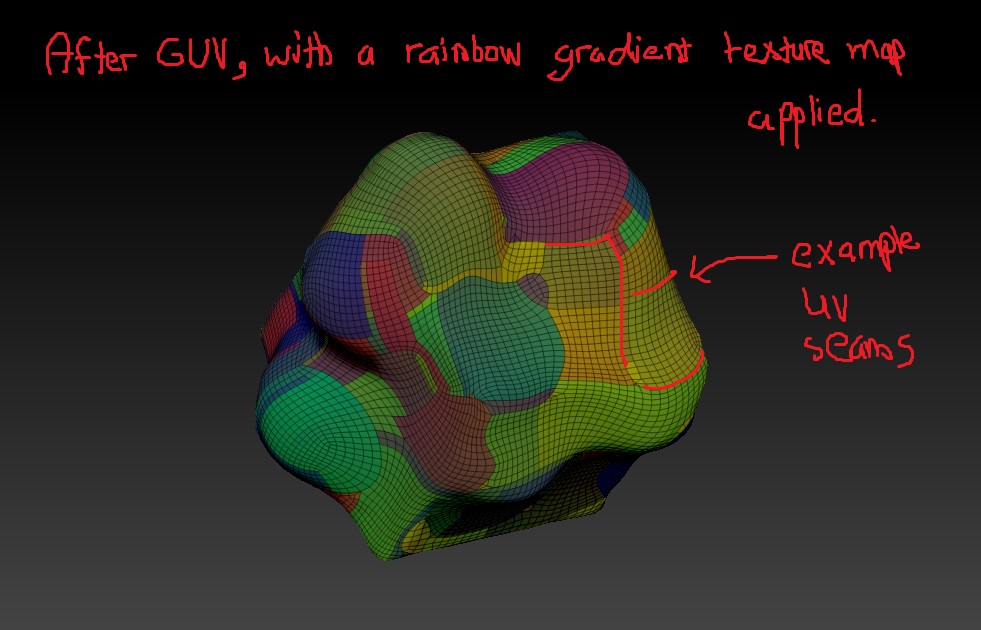
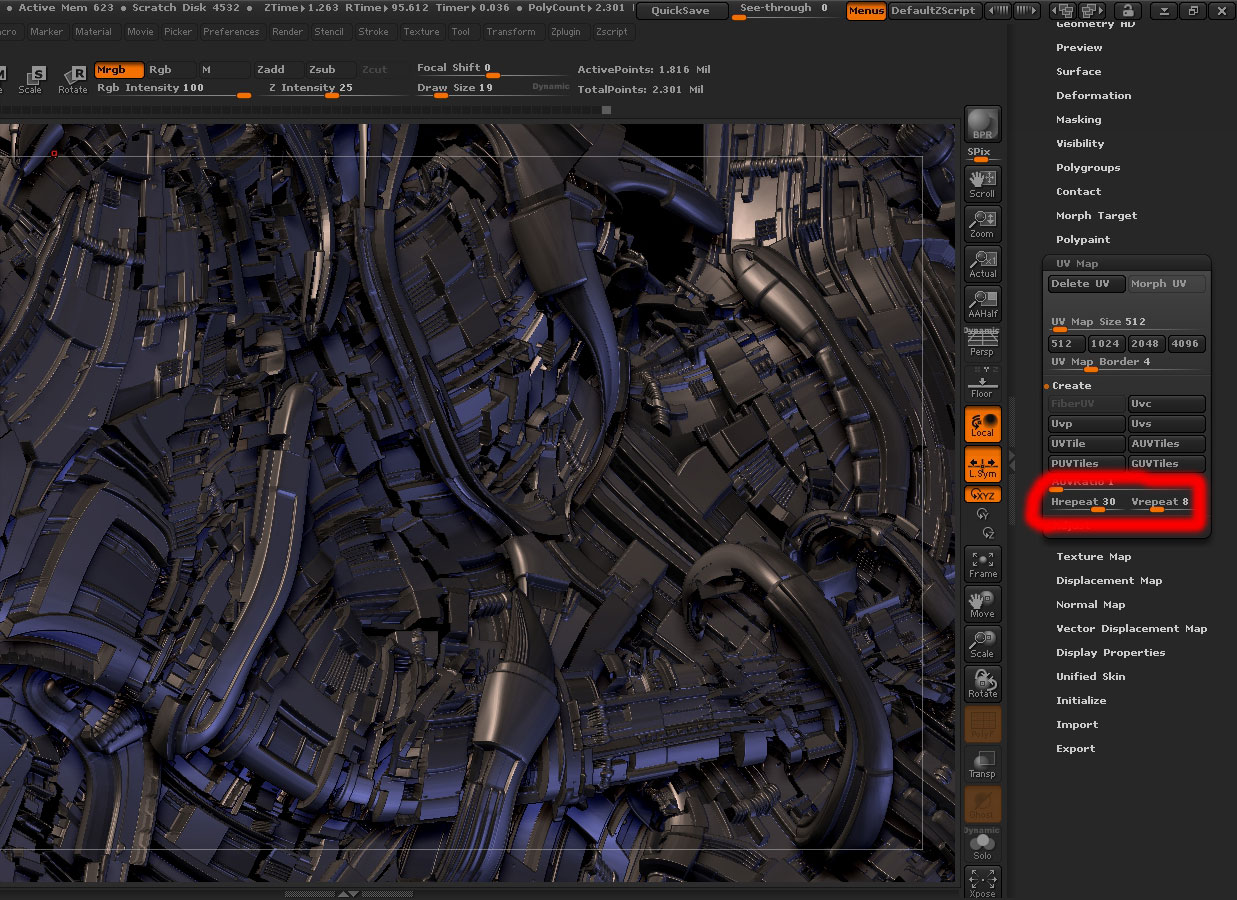
Then, I made GUV tiles.
I then put a greeble texture map, and a displacement map on said object.
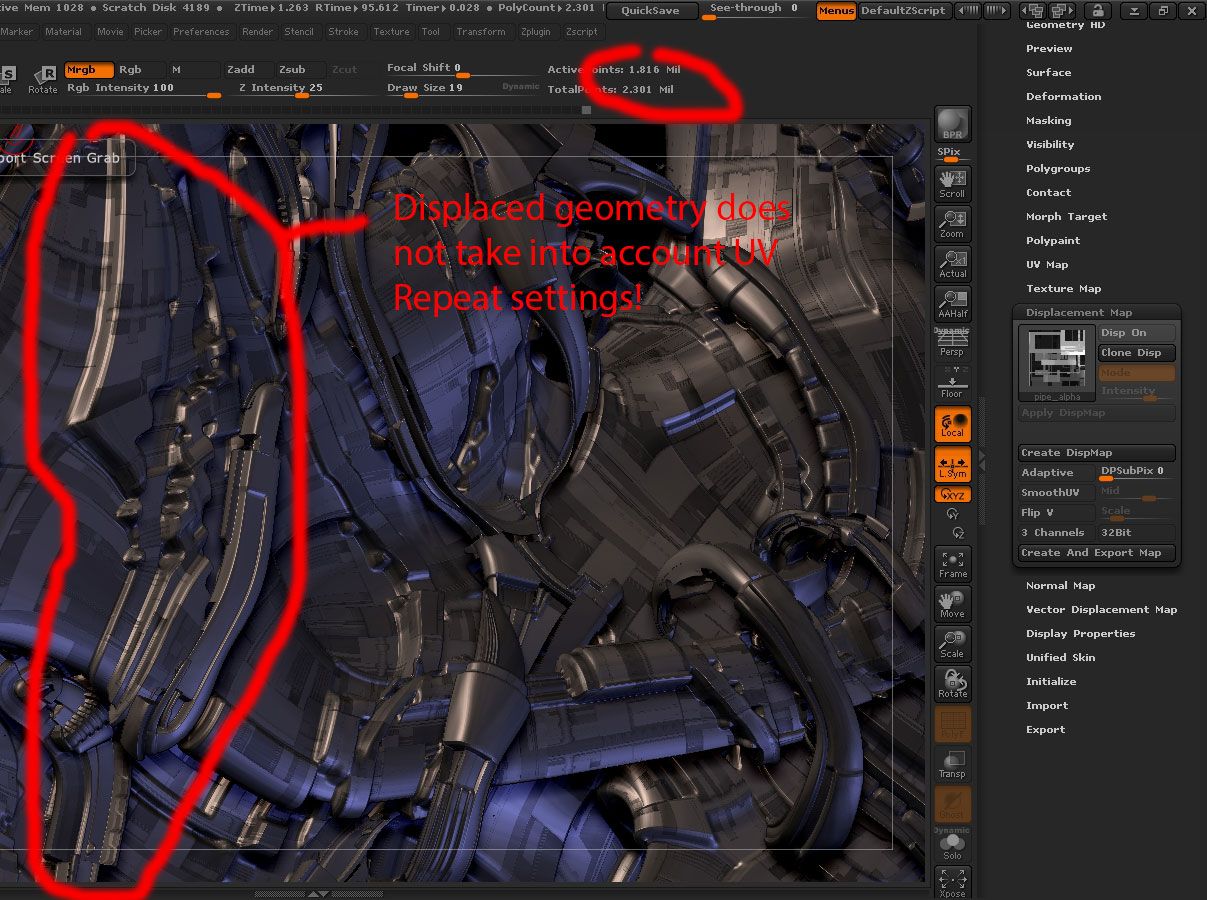
Upon turning displacement mode on, there appear to be gaps or see-through areas only in the parts where there are UV tiles ‘seams’ or ‘edges’.
Also to note, I am using 16-bit PSD for the maps.
Also I made sure there were no pure blacks in the maps by adjusting contrast in photoshop. So it can’t be a transparent texture resulting from pure black textures.
And it only happens exclusively on the UV’edges
What can I do to fill up these gaps?
Do you also get this issue and just ignore it due to the fact that when U and V tiling is increased, the displacement details tend to ‘hide’ these little seams?
thank you!
-
Just the polygroups.
-
After GUV, and applying rainbow texture. Can clearly see the tiles seams.
-
Applying a texture map from your nanomesh greeble generator.
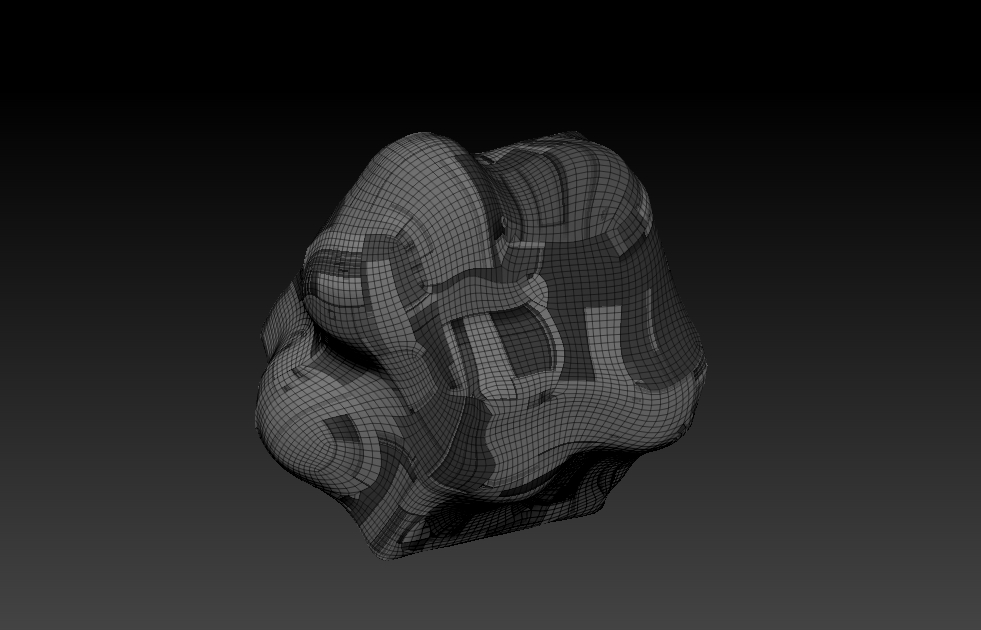
-
Displacing it with the same alpha map. Only the UV tile seams create the gaps or transparency.
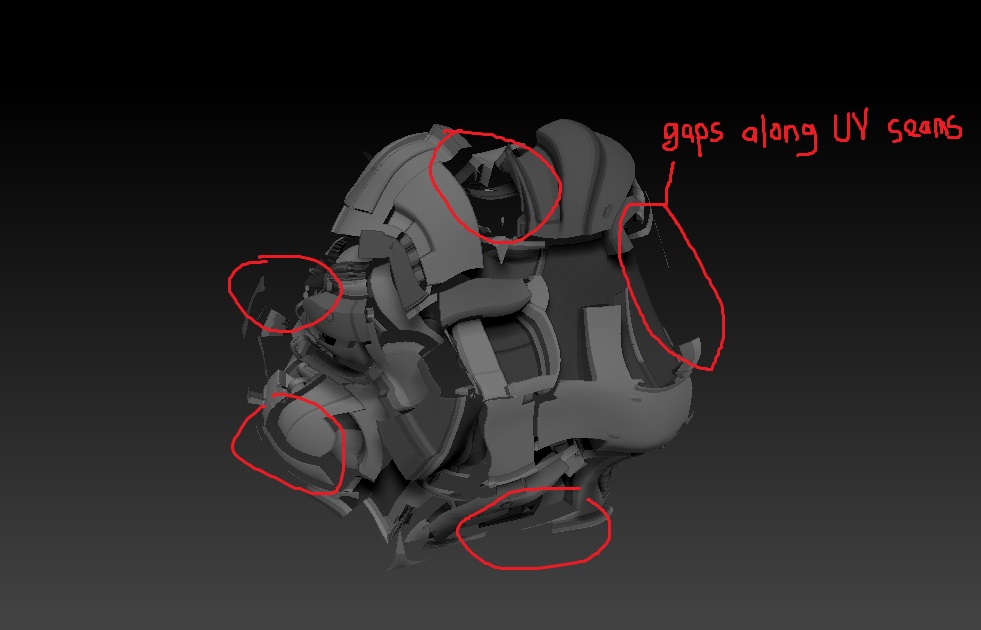
-
Texture map changed back to rainbow gradient to see more clearly the gaps in the seams.
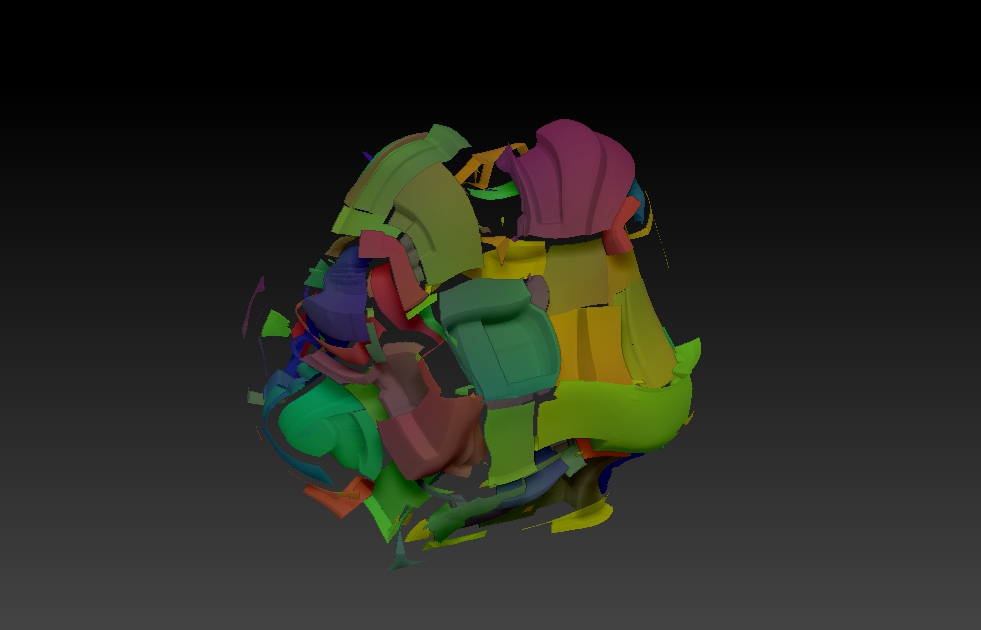
The same issue also arises when testing on a simple GUV-ed sphere with a simple alpha map displacement.
(I turned on double face view to better appreciate the gaps)
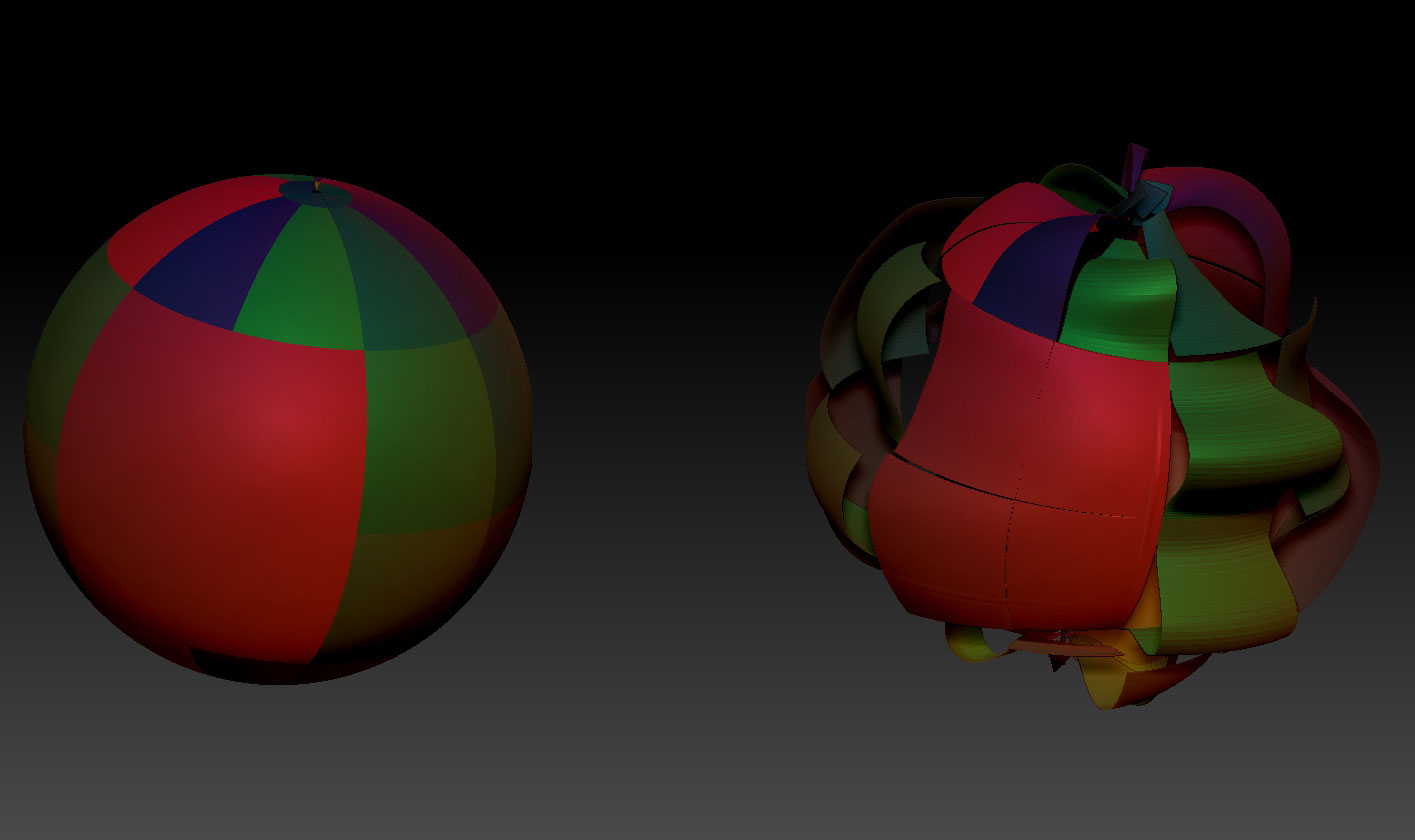
Attachments





 )
)