
It was good? Glenn Patterson
It was good? Glenn Patterson
In this Tutorial you’ll learn how to create a Low Poly model with Zmodeler. You’ll also learn Advanced Surface Noise Techniques to Achieve Highly Detailed Panels on your Model with minimal effort. By the End of Part 1 you’ll have a model Ready to Render in Zbrush or Keyshot.
Follow along to Part 2 and 3 to learn how to set up UV’s, optimize HiRes Mesh to take your models into Substance Painter to create your Textures and Finally Export to Sketchfab to have a 3D Model to show off to Your Friends.
Download Texture Below to Follow Along in the Tutorial:
https://dl.dropboxusercontent.com/u/27015792/GreebleSurface.zip
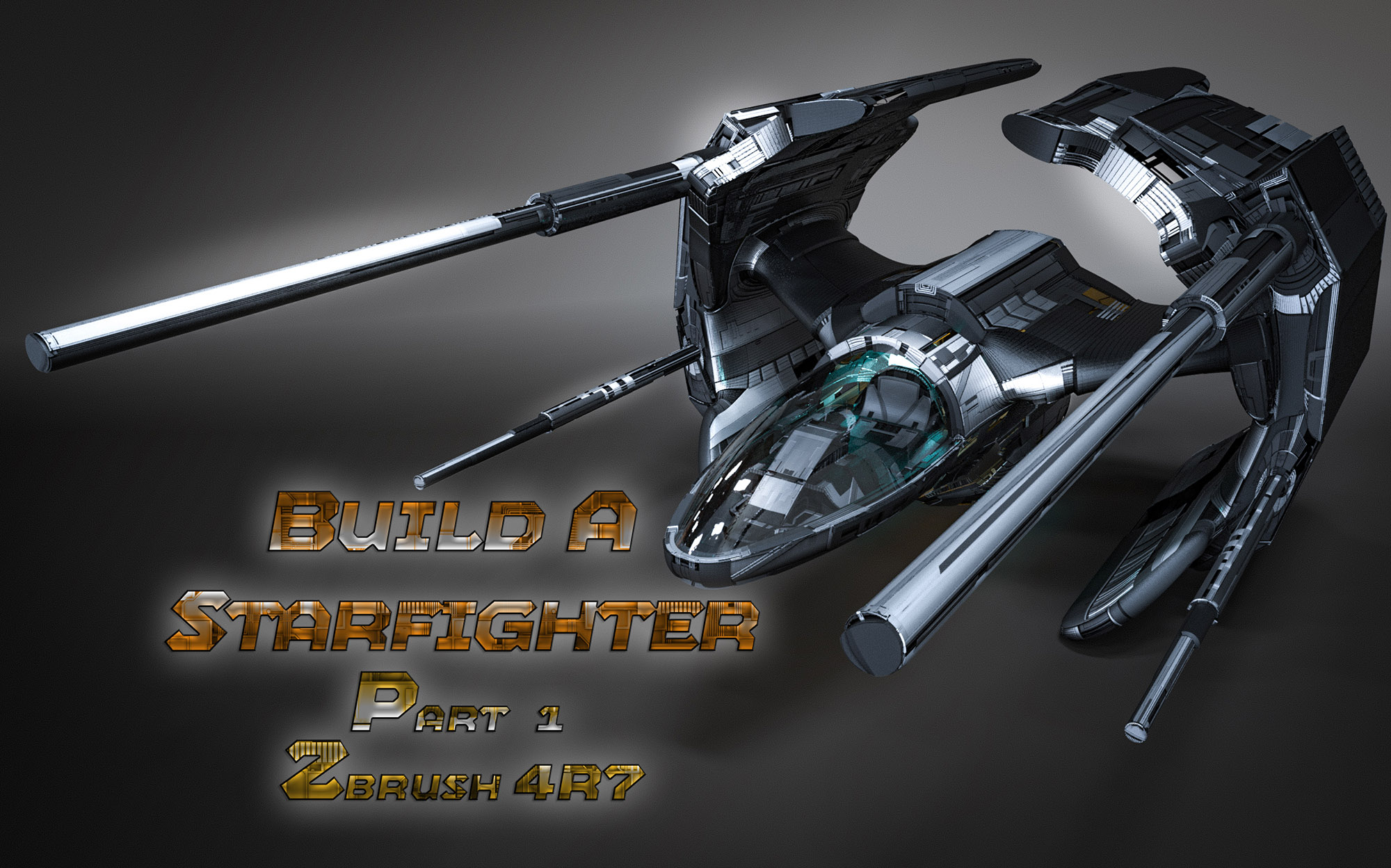
Star Fighter 2 by gmp1993 on Sketchfab
Glenn,
Great modeling!
Thanks for another excellent tutorial. :) small_orange_diamondsmall_orange_diamond
megacal Glenn,
Great modeling!
Thanks for another excellent tutorial. :)
small_orange_diamond
Your Welcome! Buckle Up, got 2 More Incoming in the next Day
In this Tutorial we will take our Models from the Previous Video and Create a LowPoly Model with UV’s and Optimize our HighRes Model to get them ready for Export to Substance Painter.
<iframe width="960" height="720" src="https://www.youtube.com/embed/fcHqjTHKiEk" frameborder="0" allowfullscreen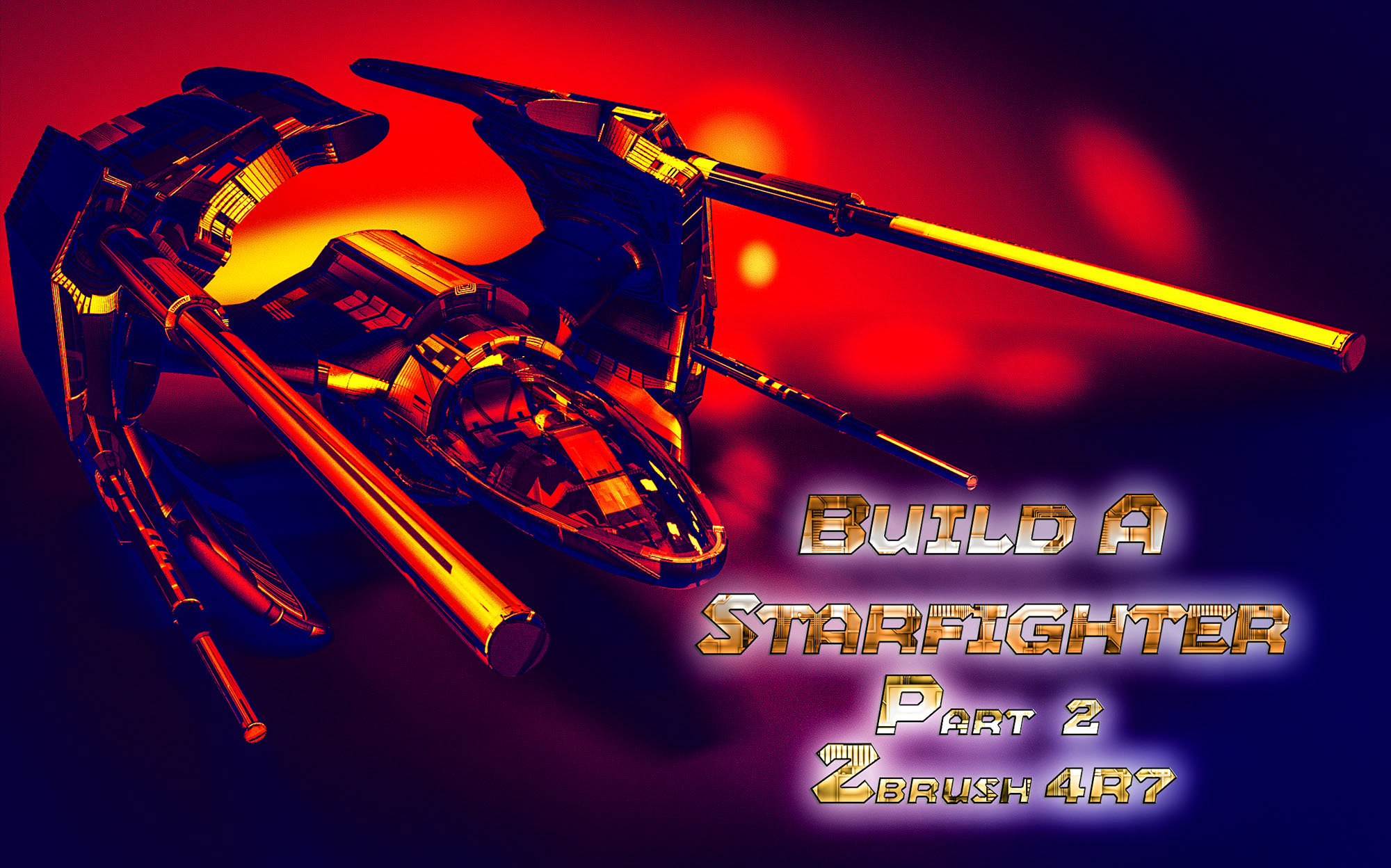
Final Part of this Series. This Tutorial we’ll take all our assets from Zbrush to Substance Painter to Bake our Maps and Texture up or StarFighter. Finally send it to Sketchfab via SP Export.
<iframe width="960" height="720" src="https://www.youtube.com/embed/-A1GiE2ApiY" frameborder="0" allowfullscreen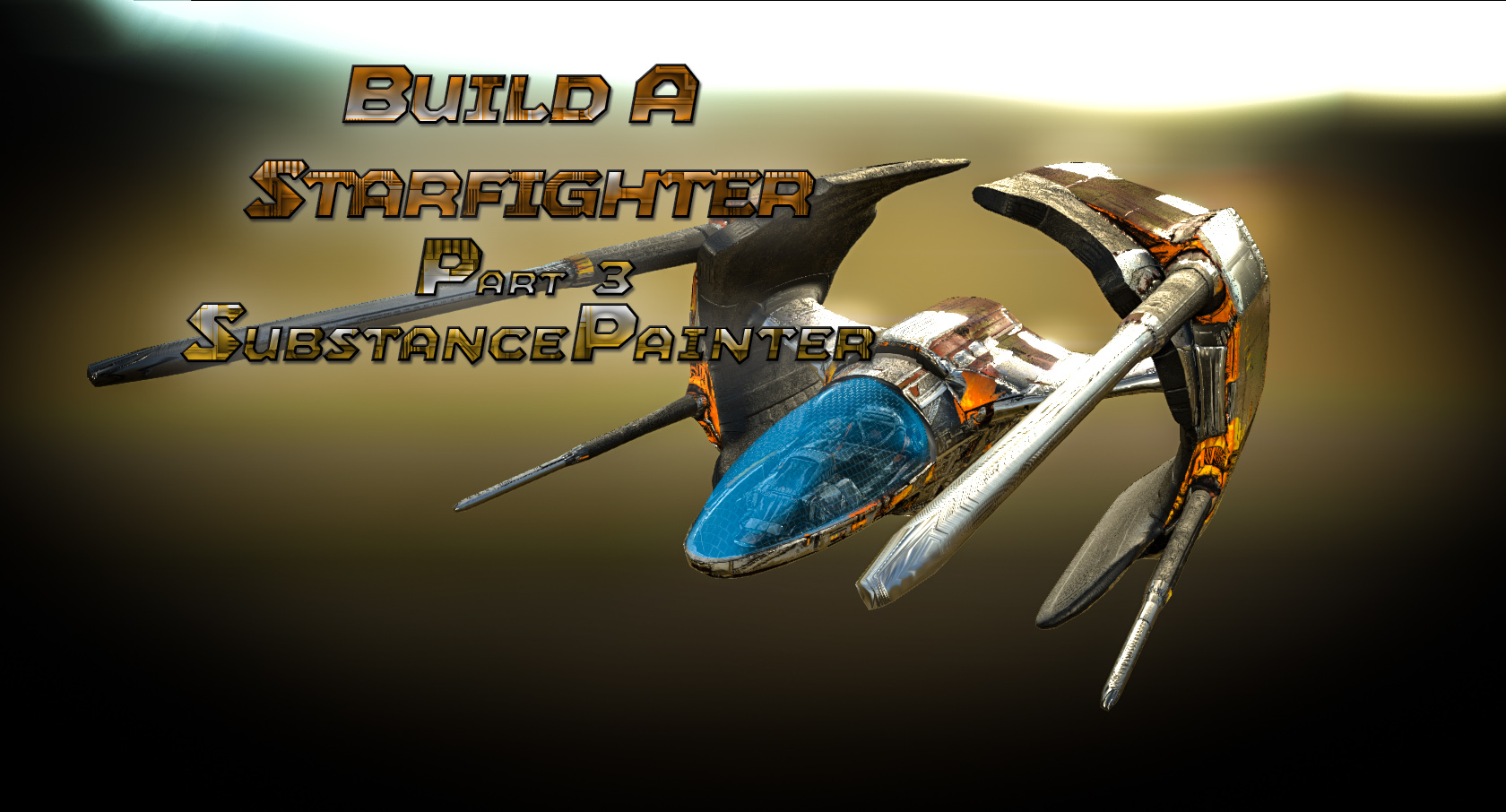
Star Fighter 2 by gmp1993 on Sketchfab
Downloaded all 3 and working on #1 right now using your GUI…super cool! :)small_orange_diamondsmall_orange_diamond
Great teaching! 
megacal Downloaded all 3 and working on #1 right now using your GUI…super cool! :)
Great teaching!
Hope You Have Fun with it. I’ll Keep in Mind about sharing my UI with everyone. Been trying not to use and going into the Menus to show them where stuff is at. Of course I’ve forgotten where half of it is Lol
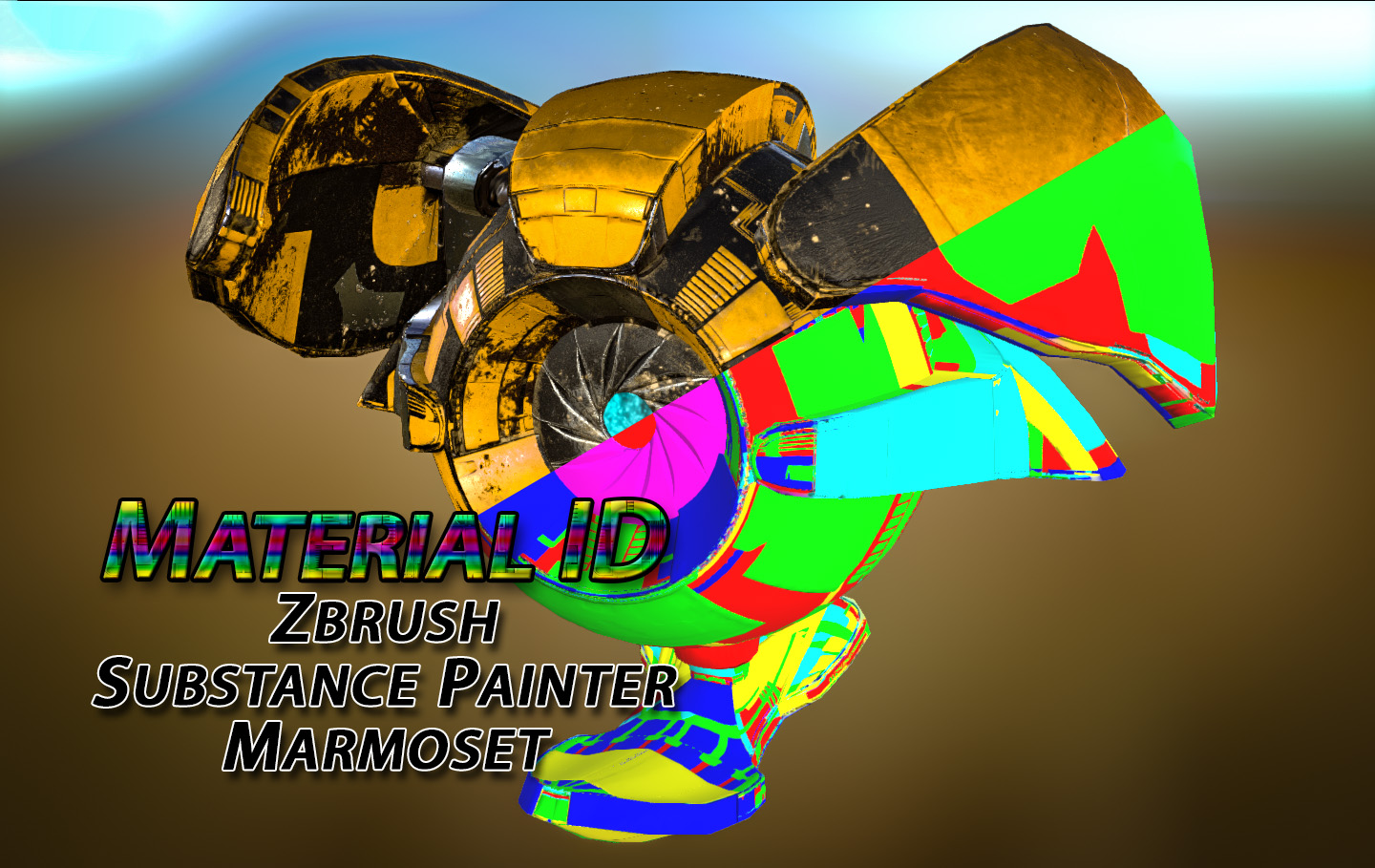
Playing around and found a new way to do material id in Substance Painter and it makes them perfectly, wish I Knew about this awhile ago lol. Here are the Results.
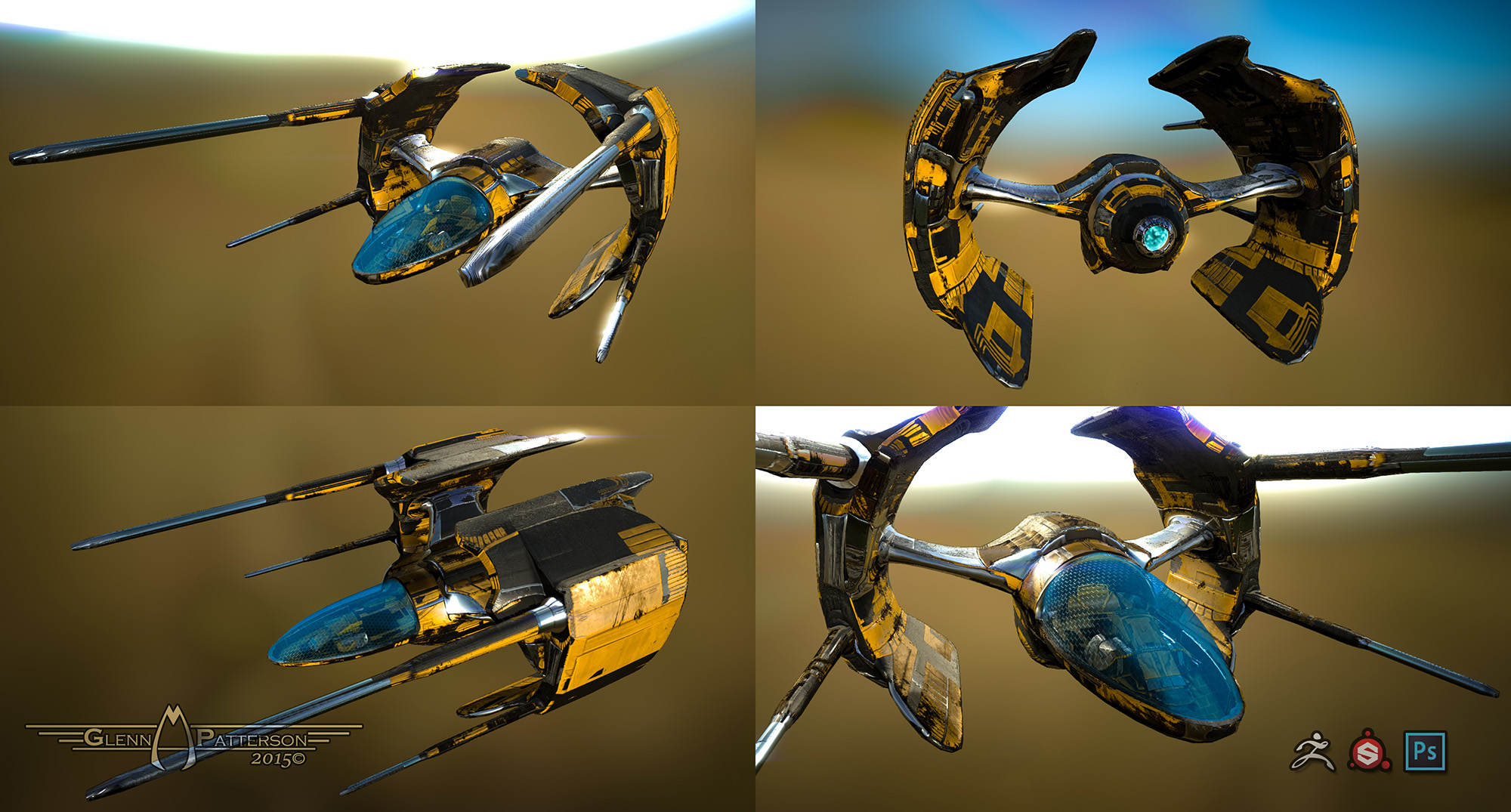
Starfighter 2.1 by gmp1993 on Sketchfab
Very nice I’ll certainly be taking a look at those tutorials.
Hey Glenn,
I’m working through your tuts again (I need a refresher in ZModeler) before I do the latest.
Also looking at SubstancePainter again for use with Blender Cycles nodes (thanks for the link to Jason’s Blog…he
makes it easy to follow & understand).
Though maybeSubstance Designer may be the better choice for me as I want to create materials, not just apply them.
I’m still not clear on the difference between the two, but will try them both to see. 
megacal Hey Glenn,
I’m working through your tuts again (I need a refresher in ZModeler) before I do the latest.
Also looking at SubstancePainter again for use with Blender Cycles nodes (thanks for the link to Jason’s Blog…he
makes it easy to follow & understand).
Though maybeSubstance Designer may be the better choice for me as I want to create materials, not just apply them.
I’m still not clear on the difference between the two, but will try them both to see.
Substance Designer is the way to go if want the absolute control of Material Generation. SD is a node based editor for Material Generation where as SP is setup more like Photoshop using Generators that were built in SD. There are Pros/Cons to each
This Tutorial we’ll cover Material ID creation using Exported Geometry out of Zbrush in Substance Painter. We’ll use the Low and High meshes to create the ID and Texture up our Model. Finally we will export the new Textures to Marmoset Toolbag and setup a scene, finally I’ll show how to Export out a Marmoset Viewer of the Model.
DOWNLOAD THE MODEL BELOW TO FOLLOW ALONG
https://dl.dropboxusercontent.com/u/27015792/AlienProbe-DEMO.zip
(THIS MODEL MAY NOT BE USED IN ANY COMMERCIAL PUBLICATION.)
Alien Probe by gmp1993 on Sketchfab
You just sold me on this software. What do you think is more useful to purchase for getting into Real Time Rendering: Quixel Suit or Substance Painter?
I’ve not used Quixel myself, but Ive heard it’s not as stable as Painter, and it started out as a PS plugin, though i think there’s a standalone version, and I think they might have improved the stability, but Painter definitely seems more robust.
Takai You just sold me on this software. What do you think is more useful to purchase for getting into Real Time Rendering: Quixel Suit or Substance Painter?
I tried both in Beta and when I tried SP for the first time I was sold. They both have Great Results, but I was far more comfortable in SP then Quixel coming from a Zbrush/Photoshop Background. I think Algorethmic has got the Best Package with Substance Designer/Painter and Bitmap to Material for only $20 a month for 16-Months or $300 out right.
Timelapse Construction of a Alien Probe. Modeled in Zbrush, Textured in Substance Painter, and Rendered out Space Scene in Element3D.
<iframe width="1280" height="720" src="https://www.youtube.com/embed/hwnGgxySVdE" frameborder="0" allowfullscreen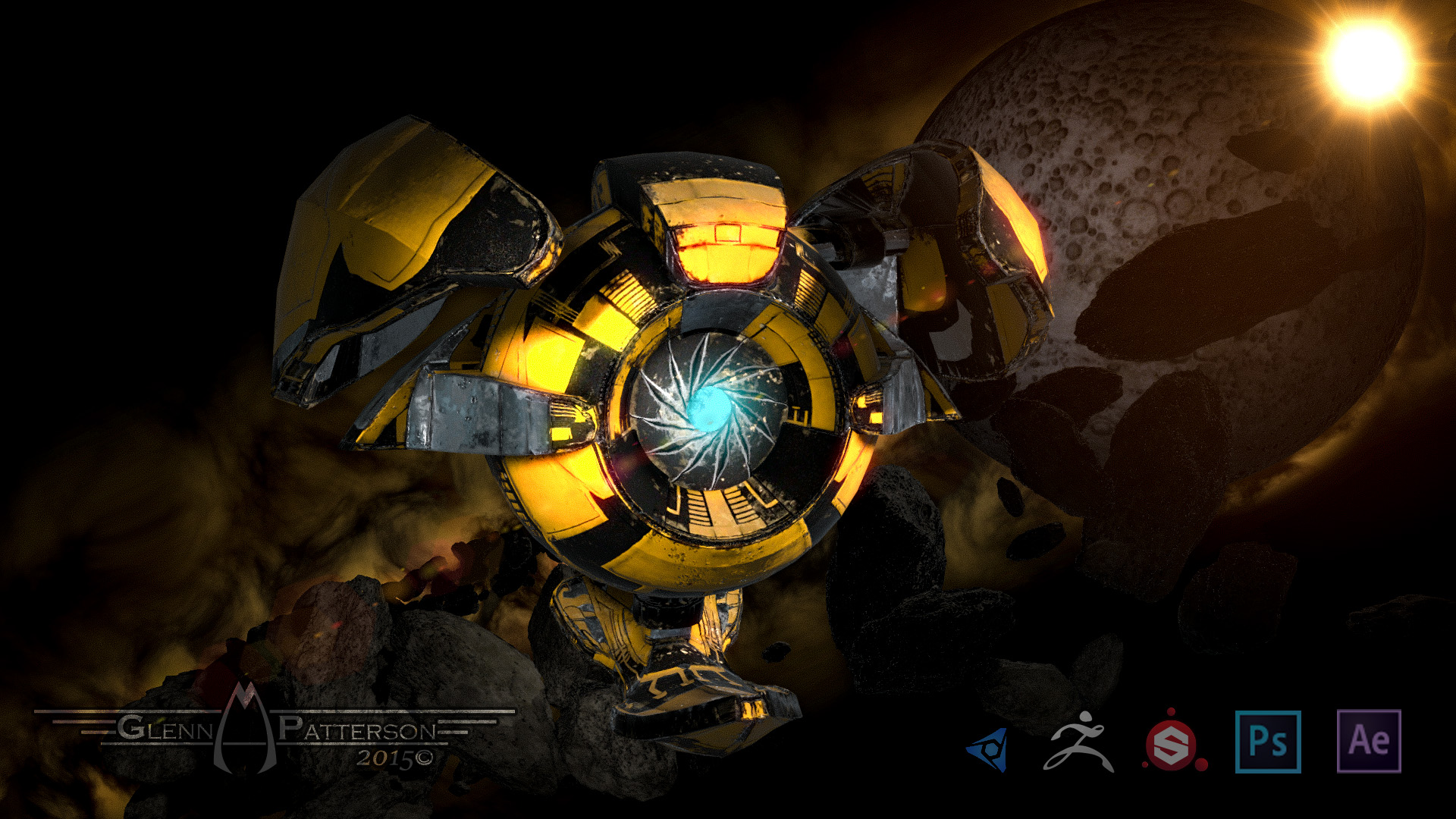
Wow your tutorials are amazing man! Thank you so much for giving the community such great free tutorials and even
better showing your workflow. Its always interesing how other artist start and end a project and you sir really tear it up.
From modelling to compositing. Really nice work!
KC-Production Wow your tutorials are amazing man! Thank you so much for giving the community such great free tutorials and even
better showing your workflow. Its always interesing how other artist start and end a project and you sir really tear it up.
From modelling to compositing. Really nice work!
Thanks! Appreciate That. Hope you get something out of the Tutorials, I Enjoy making them.
Looking great as usual