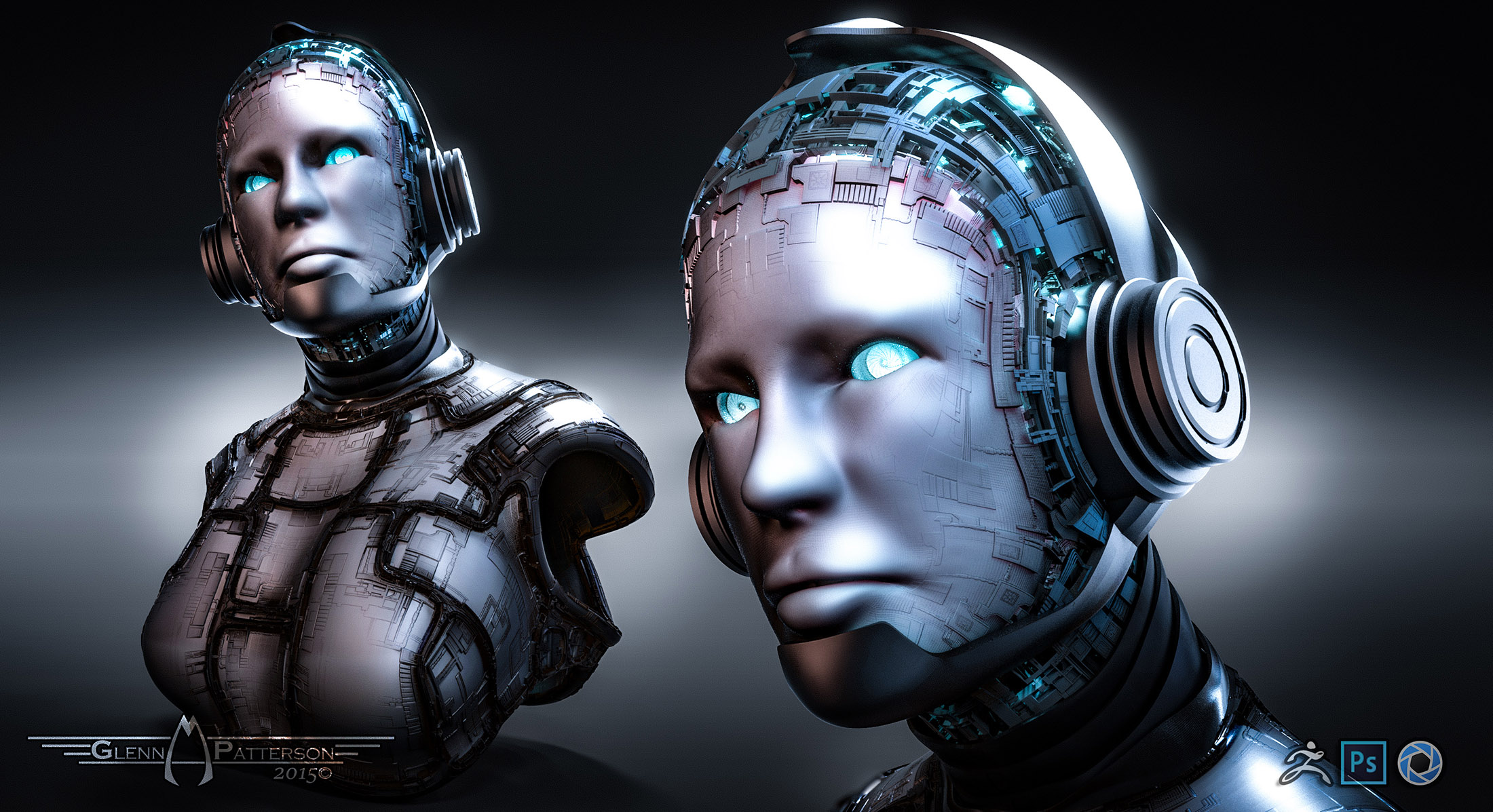
Refined my Cyborg Design. This one is Much Better then the Last One. Check out the Video Below to see it put together. Enjoy 
Attachments
Refined my Cyborg Design. This one is Much Better then the Last One. Check out the Video Below to see it put together. Enjoy
Playing Around in Zbrush/Keyshot yesterday and came up with this Bio/Mechanical look after experimenting with Materials in Keyshot. I liked the Results and thought I’d show it off. Enjoy
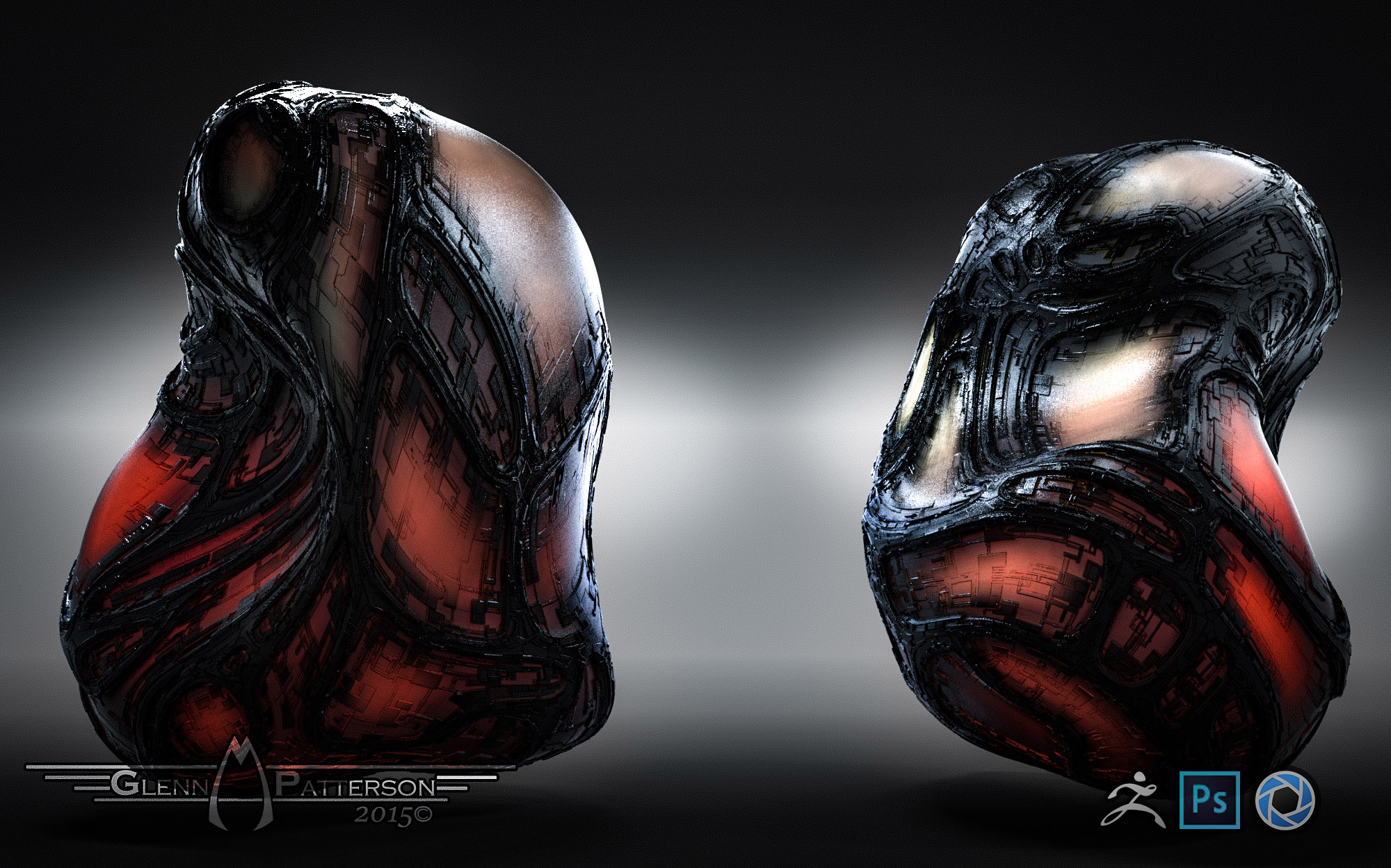
Looks like an incubator…what’s inside!!! =O
Very cool!
Can i ask you a question ?
what mat did you use to blend the black into the other material?
can you give me a little info on the method. iv never seen mats blend like that
in keyshot. Is it a trans map blending ? cheers
megacal Looks like an incubator…what’s inside!!! =O
I’m sure Something the Engineers Cooked Up are in them lol.
Anthony jones Can i ask you a question ?
what mat did you use to blend the black into the other material?
can you give me a little info on the method. iv never seen mats blend like that
in keyshot. Is it a trans map blending ?
No Real Trick to it, the Material is just a Translucent Material with Color Texture sent over from Zbrush. Seems like light cant penetrate through the Darker Black colors of the Texture. I may put a quick Tutorial together to show how I made it. The Results are Pretty Cool and is giving me Tons of Ideas.
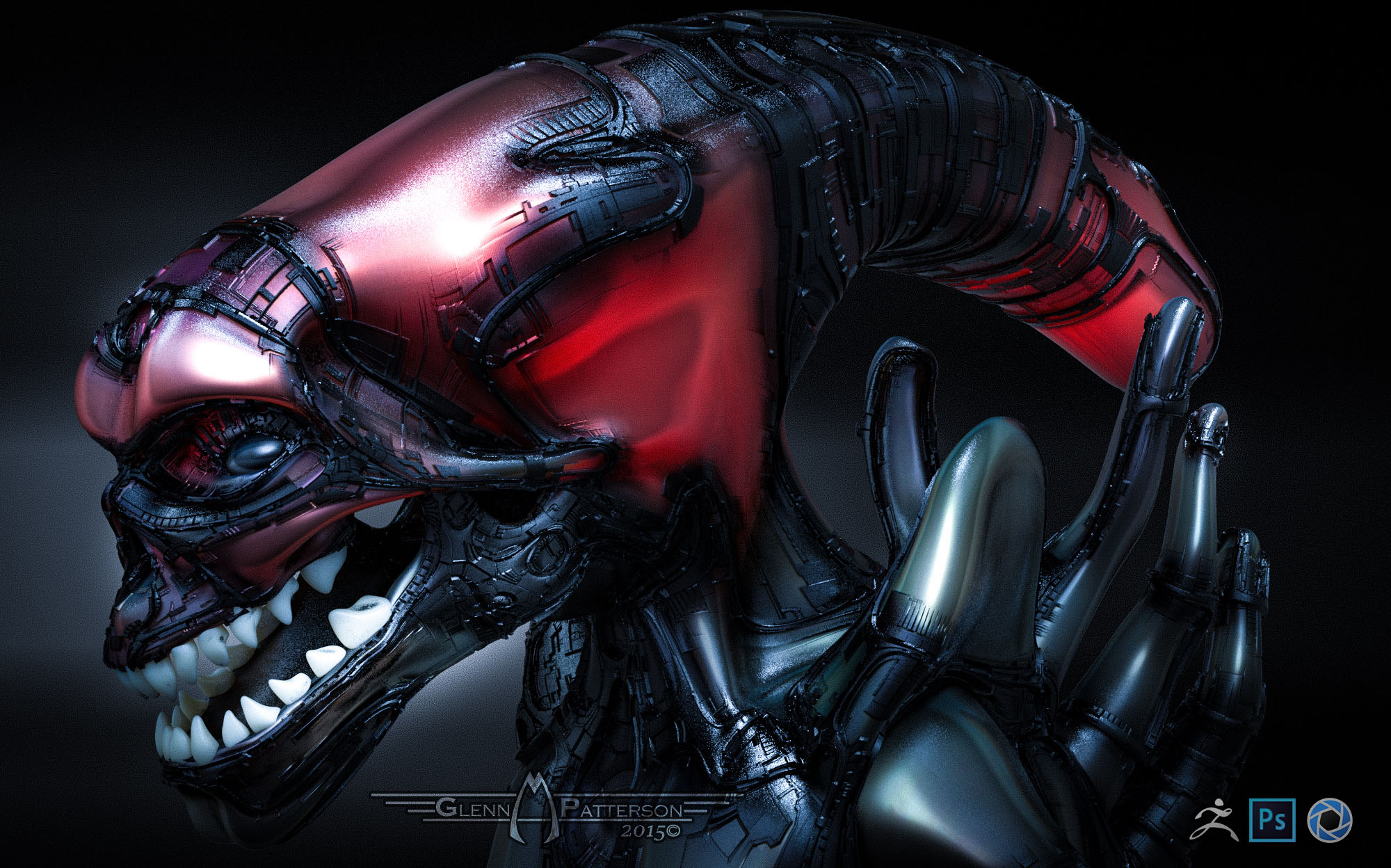
This Tutorial I’ll show you how to take your Character and give it a Bio-Mechanical look like in Matrix and Aliens. We’ll spend most of the Time in Zbrush, in the End I’ll show you the Material Set-up in Keyshot and Finally show you how to Blend your passes out of Keyshot in Photoshop.
DOWNLOAD FILES BELOW TO GET STARTED
GreebleElements_V1_1.zip (294 KB)
BioTech.zip (181 KB)
 BioTech.zip (181 KB)GreebleElements_V1_1.zip (294 KB)
WOW! Thanks for the tutorial & files, Glenn!
I’m still working on a Krell, and you’re giving me great ideas. 
Also, just watched Alien vs Predator last night, and like your alien better! :) small_orange_diamondsmall_orange_diamond
megacal WOW! Thanks for the tutorial & files, Glenn!
I’m still working on a Krell, and you’re giving me great ideas.
Also, just watched Alien vs Predator last night, and like your alien better! :)
small_orange_diamond
Glad you Like Him. Glad I was able to Inspire you to do More. This one was Fun to Work on, the Results Blew my Mind.
again, thank you for this great tutorial and files.
Patpotlood again, thank you for this great tutorial and files.
No Really I need to Thank You along with megacal, Anthony jones, Sam3D6, Tungerz, and Michael Honsinger that still Participate on this Thread.
Check out below I have 3D Viewer of my Alien, not as Cool as the Keyshot Version, but I’m Jazzed about the SSS of the Model, turned out better then I thought it Would.
<iframe width=“640px” height=“480px” src=“https://www.artstation.com/embed/1050349” frameborder=“0” allowfullscreen mozallowfullscreen=“true” webkitallowfullscreen=“true” onmousewheel="" scrolling=“no”> </iframe>
Cool alien! I noticed the SSS, too. :)
And way cool viewer! Where’d you get it? I want one! :)small_orange_diamondsmall_orange_diamond
And way cool viewer! Where’d you get it? I want one!
Its Marmosets new Web 3d Viewer. It comes with Marmoset Tool Bag 2.07+, current version is 2.08. They had it 30% off a couple months ago so I picked it up just for the 3D Viewer. Personally still like the Look on Substance Painters viewport myself.
Too bad they don’t have ToolBag Lite for e.g. $50…or better, a free version of the viewer.
Pretty cool in any case. 
Just sank my allowance into Pro-Lighting Skies(Lite $97) for Blender…makes IBL a piece of cake.
I’ll check out SubStance Painter again, too.
Looking at it on my ipad,
but still it looks good in the viewer
how is the fog in 2.08?
Patpotlood Looking at it on my ipad,
but still it looks good in the viewer
how is the fog in 2.08?
Thanks! The Fog its not Bad, though I wish it would cast shadows through the Fog of your Model, that would be Bad Ass.
Great tutorial Glenn! :)small_orange_diamondsmall_orange_diamond
Learning lots about ZBrush in the process, and having fun.
Never thought I’d ever get this far with it. Still just scratching
the surface.
Thanks!
megacal Great tutorial Glenn! :)
Learning lots about ZBrush in the process, and having fun.
Never thought I’d ever get this far with it. Still just scratching
the surface.
Thanks!
Your Welcome! Glad your having Fun while Learning it.
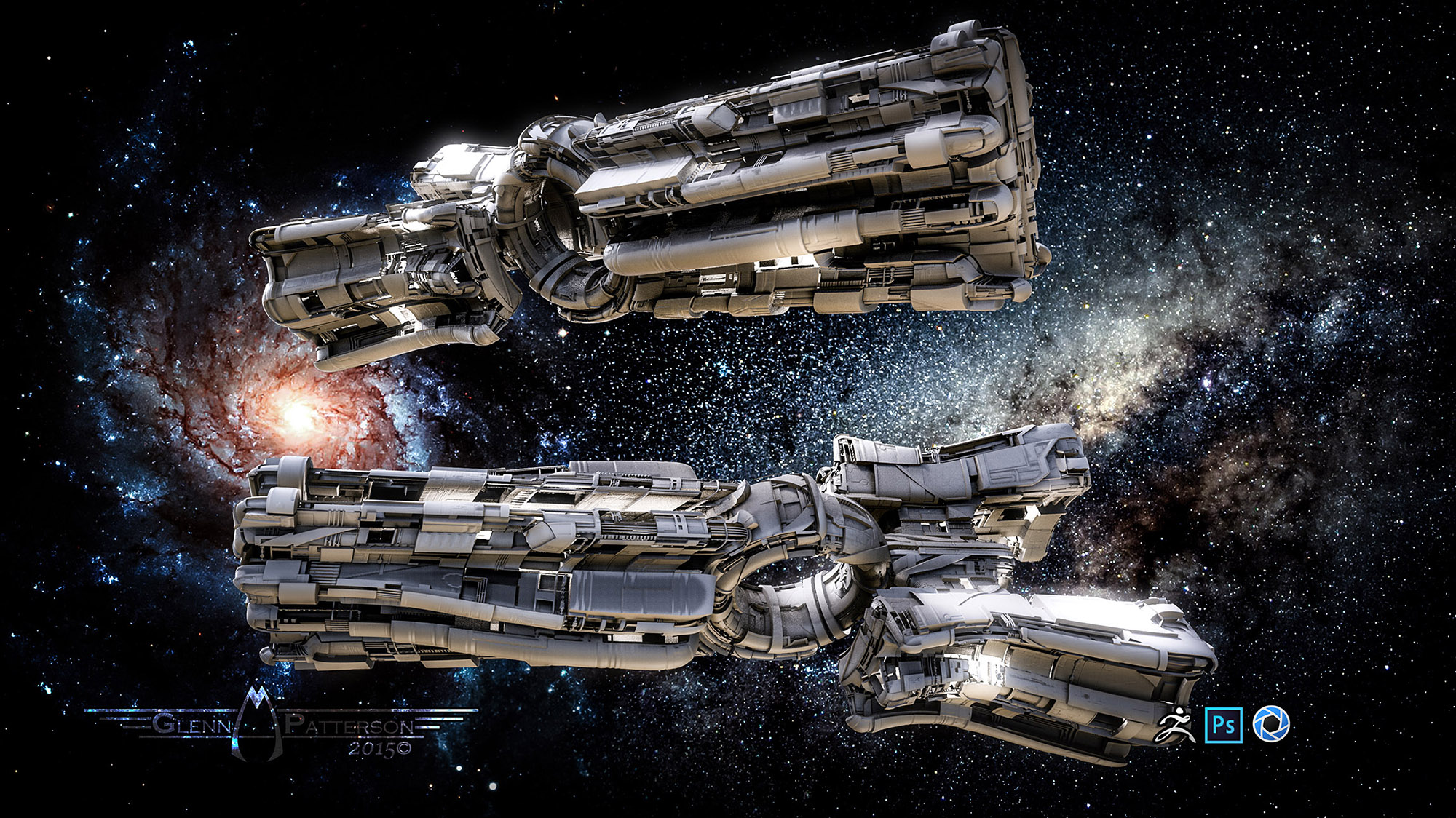
Finally found a way to get my Greeble Element created objects out to Substance Painter and Marmoset without to much Hassle. Here’s the Cruiser Ship from my Build a Ship Tutorial. Didnt Turn out to Bad. Enjoy
Great job Glenn! ;)small_orange_diamondsmall_orange_diamond
I’m not clear on what each app offers besides great still image: KeyShot, SubstancePainter, & Marmoset.
They do very impressive materials & renders.
But can’t export to another app to animate, right?
megacal Great job Glenn! ;)
I’m not clear on what each app offers besides great still image: KeyShot, SubstancePainter, & Marmoset.
They do very impressive materials & renders.
But can’t export to another app to animate, right?
Thanks!
KeyShot:
PRO
One of the Best at Still Images
High Poly Rendering
Drag/Drop Material
Animation (with Pro/Animation Upgrade which I believe is $1000)
CONS
Currently no Roughness/Metal type ability for Materials ( I believe Keyshot 6 will fix that with Material Graph Feature)
No Particle System
Animation isnt really practicable with hours per frame Render Time, especially for Hobbyists like us it would take to long without a Render Farm
All Assets must be imported in, no Geometry Generation asides from some Primitives
Substance Painter:
PROS
Multi Channel Texture Generation
Geometry Map Baking i.e. AO Normal, Curves, and so on
Next Gen Viewport, so you can see what it’s going to be like in a Engine like UE
CONS
No Turntable Output as yet
No Screenshot Output as Yet
No Animation
All Assets must be imported in, no Geometry Generation asides from some Primitives
Marmoset
PROS
Great Showcase Software
Material Controls
Turntable Output
3D Viewer Export
CONS
Minimum Geometry Transformation Controls (just Scale/Translate)
Turntables only when it comes to Animation
All Assets must be imported in, no Geometry Generation asides from some Primitives
SUMMARY
Really I think for you the Combination of Zbrush/Substance Painter/Blender. Zbrush for your Low Poly Generation and High Poly Detailing. Painter for the Map/Texture/Material Generation. Blender for the Animation