ZBrushCentral

Greeble Pack for Zbrush 4R7

Crazy cool video and model, Glenn!

The difference now is, at least I have some slight idea of what you’re doing! And I do mean ‘slight’.

Noticed you using Spotlight quite a bit there, and I’ve played with that a bit. Seems an awesome texturing tool!

Btw, hope you don’t mind us beating your thread to death! It is, after all, YOUR thread! I hope to start my own thread as soon as I have something reasonably decent of my own to show.

Keep bringin’ it on! Love to see your stuff, and your techniques!

Many thanks!

Oh, and if you ever feel the need for some soundtracks, sound effects, music, etc., don’t hesistate to give me a shout! I have a ‘small’ music studio, and have been playing for over 45 years. Film Score is my favorite thing to compose, and I love sound design. I am at your disposal! :wink:

Cool modeling Glenn! =O

I’ll try to follow it…any way to slow it down to impulse power???

Morbius,
thanks for the offer! I’ll take you up on it soon as the video is done. ;):+1:

Morbius Carzy cool video and model, Glenn!

The difference now is, at least I have some slight idea of what you’re doing! And I do mean ‘slight’.

Thanks. I’ll try to do something up for you that isnt going Warp Speed. Used some the Mask Techniques like in SP, but the down side its Destructive.

Btw, hope you don’t mind us beating your thread to death!

No Big Deal. Glad you guys are Inspired by the Greeble.

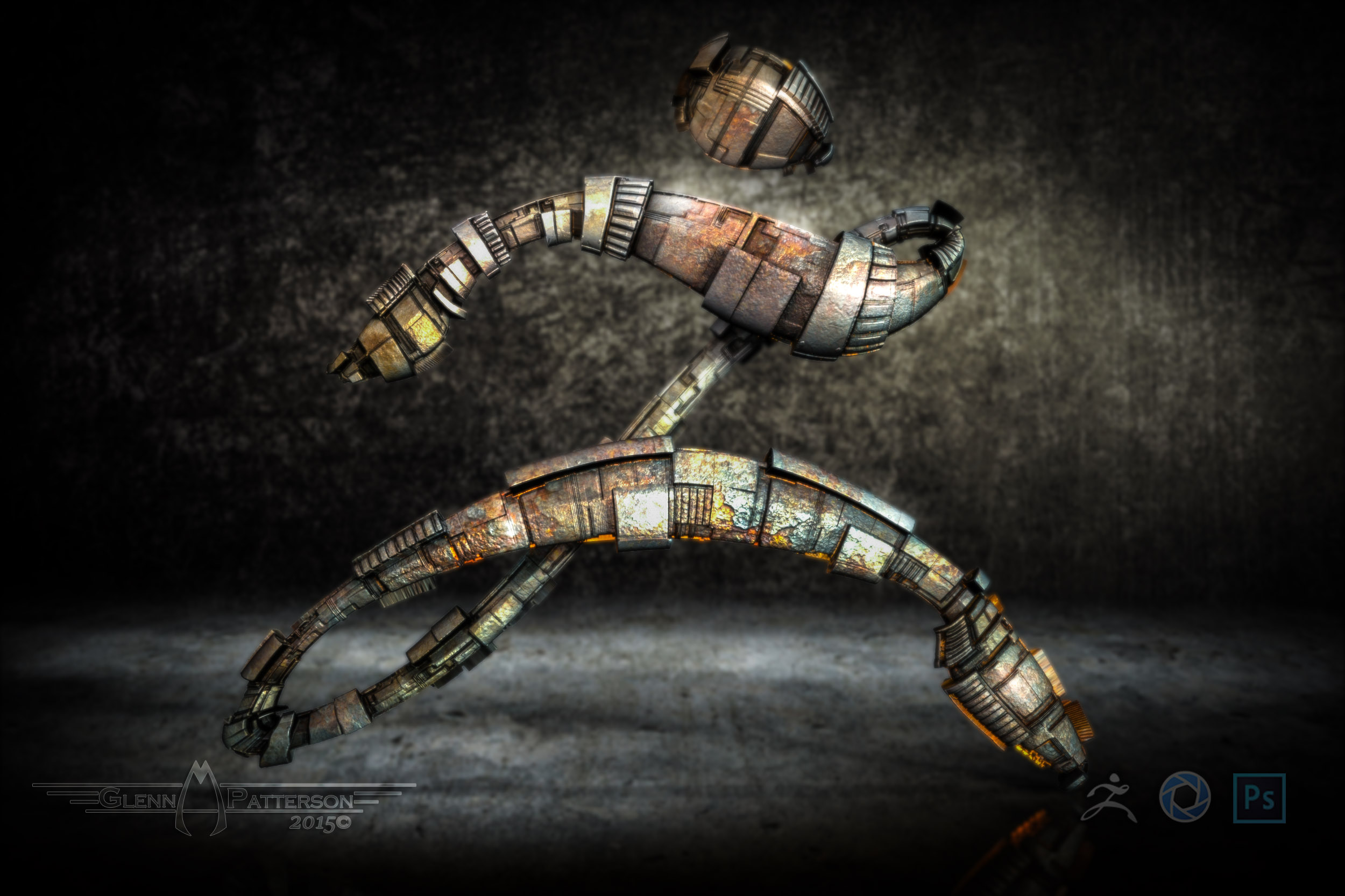
Here’s a Keyshot Version for Ya. Enjoy :wink:

POWERofZ2.jpg

Attachments

POWERofZ2.jpg

That’s cool.

Nikosis That’s cool.

Thanks! Glad You Like

Great stuff,
I think it’s time to learn using spotlight too.
never used it that much.

Hey, gang!

Have you guys got any suggestions for good hard surface tutorials?

I’ve seen Pixoloator’s stuff over the years - a fancy motorcycle, the Dragon Flyer, etc.,etc., but they’re just all promo stuff, and you really can’t learn anything from them, other than how to say “Ooooo…….ahhhhhhh…”

Pretty much the same thing on YouTube. There’s ‘some’ good stuff there. Spaceships and such. But they’re mostly timelapse with a v/o, and not very useful.

Just wondering if you guys had any suggestions. I’d like to build a spaceship start to finish, or a Mech, or something along those lines - but most of the 3rd party stuff is awfully expensive, and you don’t really know what you’ve got until you’ve got it downloaded. Being on a pension, I can’t afford to risk money on junk tutorials.

Appreciate any suggestions you might have!

And btw, am I the ONLY person to find the Transpose tool a source of unending torture and torment!? It doesn’t matter how many times I watched the ZClassroom tutorials, that buggering tool is a nightmare!

Have you guys got any suggestions for good hard surface tutorials?

Here’s a Couple Below that are Really Good. They dont use some of the New Tools, but you can deffinitly learn from them. My opinion would be to play with Zmodeler, I’m thinking that is going to be a Good Tool to Start with.

Free

Purchase
http://eat3d.com/zbrush_hardsurface
http://eat3d.com/zbrush_hardsurface2

Thanks, Glenn!

I may be interested in that first hard surface one!

And I’ve watched a lot of Pavlovich here, and on Youtube. They’re free, so you can’t complain - but there again another case of v/o’s where he doesn’t really show you HOW to do things, just talks over it.
The guy is an immense talent, though! Egad!

It’s just not getting any easier for me to learn new things. Just not as sharp as I use to be I guess. Sometimes it’s just pure frustration, and I sometimes feel like chucking the whole thing, Modo, ZB, and all.

I have to say, I really am liking those new ZModeler tools - and they almost make me want to stop poly modeling in Modo, and just learn ZModeler! I just don’t know where to begin!

Thanks for the advice!

Hey Morbius,

here are my picks for Hard Surface modeling…I own the Eat3D set #1, and haven’t gone through them yet. But am ready now, having learned so much from mealea’s thread and here with Glenn. :slight_smile:

http://www.digitaltutors.com/tutorial/1054-Hard-Surface-Techniques-in-ZBrush-4R5 ($29/mo)

http://eat3d.com/zbrush_hardsurface (best…7.5hr, $60 download)

https://www.youtube.com/watch?v=5z69cVQCOdM (free)

https://www.youtube.com/watch?v=Pp36k1Mgcs0 (free)

I’d like to build a spaceship start to finish, or a Mech
Me, too! Let’s do it! :slight_smile:

Glenn,
I have ~2gb of free tuts just on HS modeling in ZB, and it really makes me appreciate
your tutorials…so clear & well done. Thanks Big Time! ;):+1:small_orange_diamond:+1:small_orange_diamond:+1:

I have ~2gb of free tuts just on HS modeling in ZB, and it really makes me appreciate
your tutorials…so clear & well done. Thanks Big Time! ;):+1:small_orange_diamond:+1:small_orange_diamond:+1:

Thanks! Glad your Getting Something out of Them.

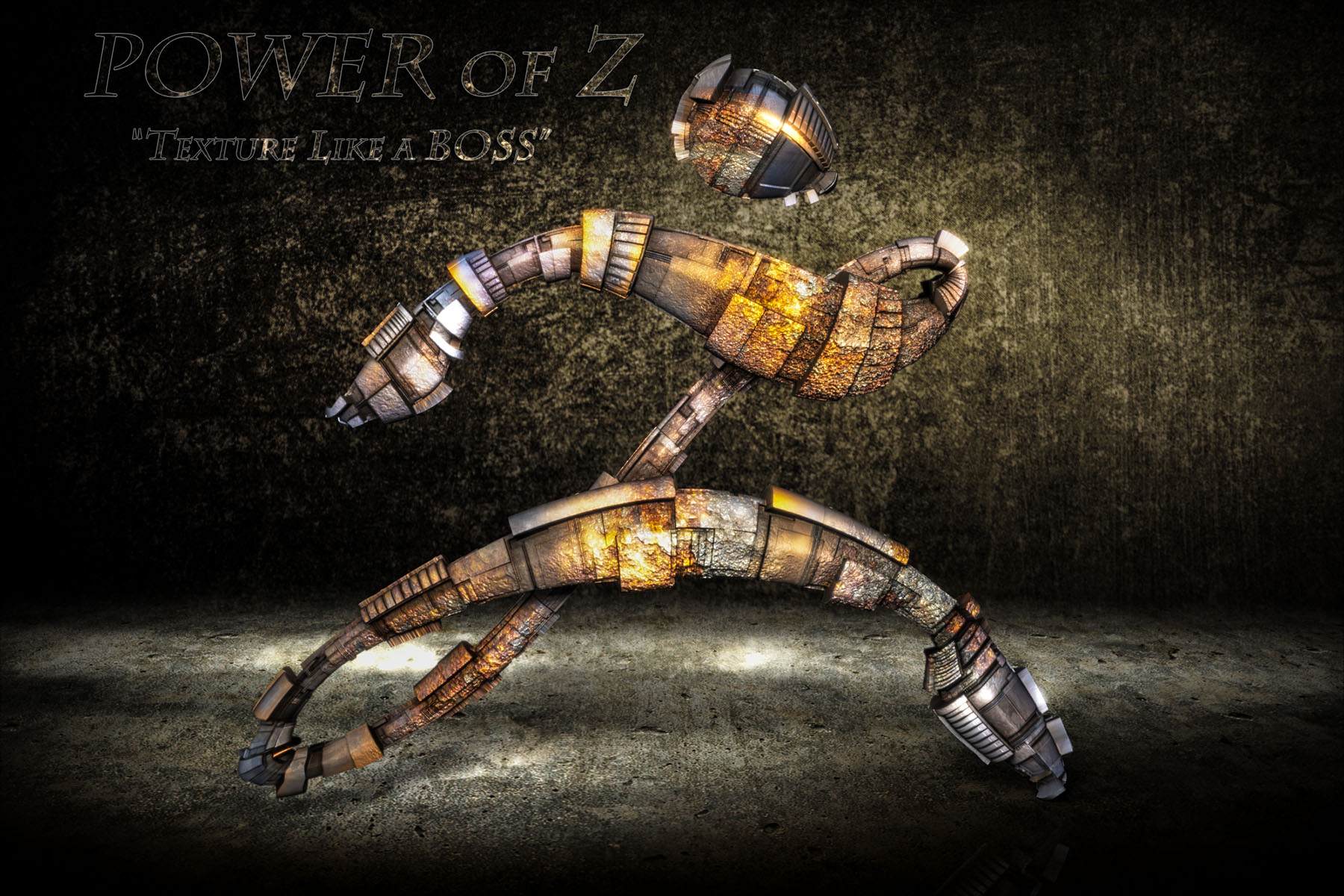
Here’s a Better Breakdown of my Texturing Process staying Inside Zbrush for all the Texturing. So go and Texture your Greebles now.

<iframe width="960" height="720" src="https://www.youtube.com/embed/AddoFinDzSI" frameborder="0" allowfullscreen

TextureLikeaBOSS.jpg

Attachments

TextureLikeaBOSS.jpg

Fantastic,
thnx

Hey Morbius,

here are my picks for Hard Surface modeling…

Thanks, megacal!

I’m thinking of buying that one Eat3D tutorial. Bookmarked the rest.

Found an interesting (and simple?) one on YouTube Hope to play with today.

Thanks, Glenn! Downloading now!

You’re a powerhouse, man! :wink:

TEXTURE Like A BOSS Inside Zbrush

Thanks, Boss!!! :):+1:

Patpotlood Fantastic,
thnx

Morbius Thanks, Glenn! Downloading now!

You’re a powerhouse, man! :wink:

megacal TEXTURE Like A BOSS Inside Zbrush

Thanks, Boss!!! :):+1:

Your Welcome Guys! Hope its useful for Ya.

Hey Glenn,

I am following your thread from the beginning and just want to stop by to say:
Thank you!!!

Thank you for the tutorial!!!
Some I knew, some I didn’t know.
Most importantly, always exiting to watch other artists, a little different approaching.
And lot of fun in the end. “Zbrush is upside down” :lol: