michalis,
On the Tool properties panel, the last one down, “export”. Grp is checked by default. Uncheck to export as a whole object.
Alternatively, you may assign polygroups as needed and split them by export, or split them in subtools pallet in zbrush.
IMO, splitting an objects as you model the basics is your best option. Before UV unwrapping, before displacing.
You may like to export one object at a time. You may like to merge all in subtool pallet and export as one object, or, you may ask for auto polygroups after merging and export obj (Grp ON)
Glenn,
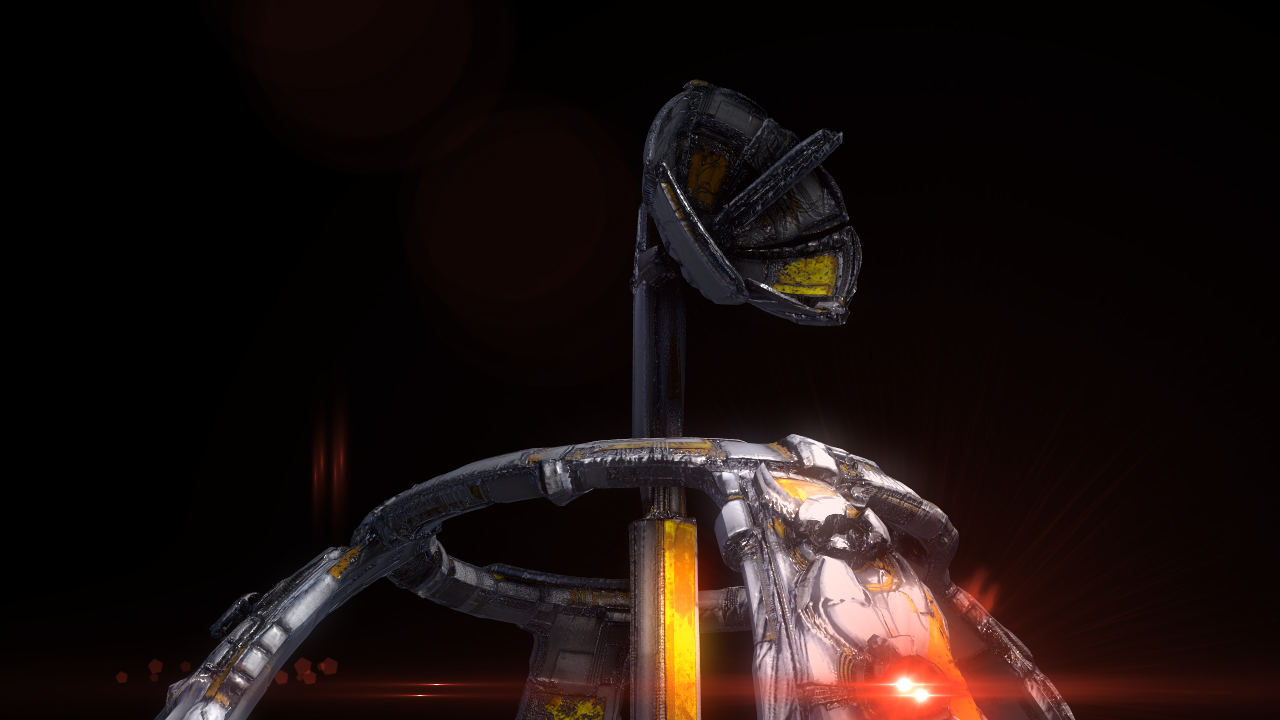
To seperate your Alien artifact, like having the Dish a seperate piece. Open up your base mesh you exported back into Zbrush, hide everything but your dish and do Split Hidden in your Subtool Pallet. Export each Subtool individually, Your UV’s will still remained intacted so you can still use the maps already created in SP.
mealea,
If I turn OFF Grp in the Export Pallet at the bottom of Tools BEFORE EXPORT then it will be one, rather annoying, object.
If I leave it on, all the polygroups, which is what each subtool now are, will be individual objects (the first option).
Thanks everyone! That’s very helpful, and 'splains it. ;) small_orange_diamondsmall_orange_diamond
If I turn on Physics in with all of my exported objects selected in Blender and hit Play they will plummet
.
You gotta love it, i.e. Blender even if the icons are teensy.