I’m no expert at Zmodeler and definitely not with low poly modeling, but after one of my projects to learn Zmodeler here are some things that worked for me.
These are just the tools I used - not trying to say this is the way to do it.
1 I picked a project and tried to only use zmodeler to build it. I picked Hellboy’s gun because I found some good reference on the web.
-
I built each part with what I could figure out intuitivley. In other words some pieces started off as just a cylander or a box. Until the whole gun was built.
-
then I rebuilt each piece sometimes ten to fifteen times. It didn’t take long. Each reiteration became better.
4 I watched some videos about particular parts of zmodelere that I was having trouble with. Then rebuilt again.
This took about a week. The main problem I had with aligning points had to do with I was trying to build stuff like in blender. In blender I can just type in numbers and points line up. You can lock off an axis very easily.
You can align in zmodeler but it is very dependent upon what you are trying to do. I had to try move infinite radius or slide or align edges - I got a feel for which one as I built them. Again it is not easy to explain but by the time I built the final version of the final piece - the chamber of the gun - it only took a couple of minutes and I intuitively used the transpose lines to move things into place.
Things I had to remind myself to do -
Use masking. Zbrush can mask individual polygons now. Then use the transpose tool. Use the shift key to lock off the view. Every situation will be different - but after doing this it just sort of clicked how to use the transpose tool to align things quickly and perfectly straight. The transpose tool lines up so nicely with points now. It’s amazing.
Turn off perspective.
Again this is hardly perfect and my explanation isn’t that clear - but I found that by seeing it as a process rather than as a set of operations (click here, move here, add this point) it is much more flexible. In other words it is more of a feeling for which tool to use than hard and fast rules.
One thing however - I found that the move brush in concert with zmodeler is great for getting COMPLEX models right. Sometimes the move points option of zmodeler does not work the way I want because it is hard to get the right viewing angles - using the move brush instead can have more accurate alignment. Doing it by eye while moving points can be frustrating.
In the final model here I did zremesh a few things (the chamber was two pieces - I dynameshed, zremeshed and spent about a minute to finish the piece).
I have not found a good way to weld two sections together - although I did weld some polys and delete some here and there I found it was better to try to build the model so as to avoid welding large portions together. In the relatively simple center block of the gun I had to do this under the arch. I could not find another way.
If you want to see the final keyshot renders they are in my gallery here.
Attachments
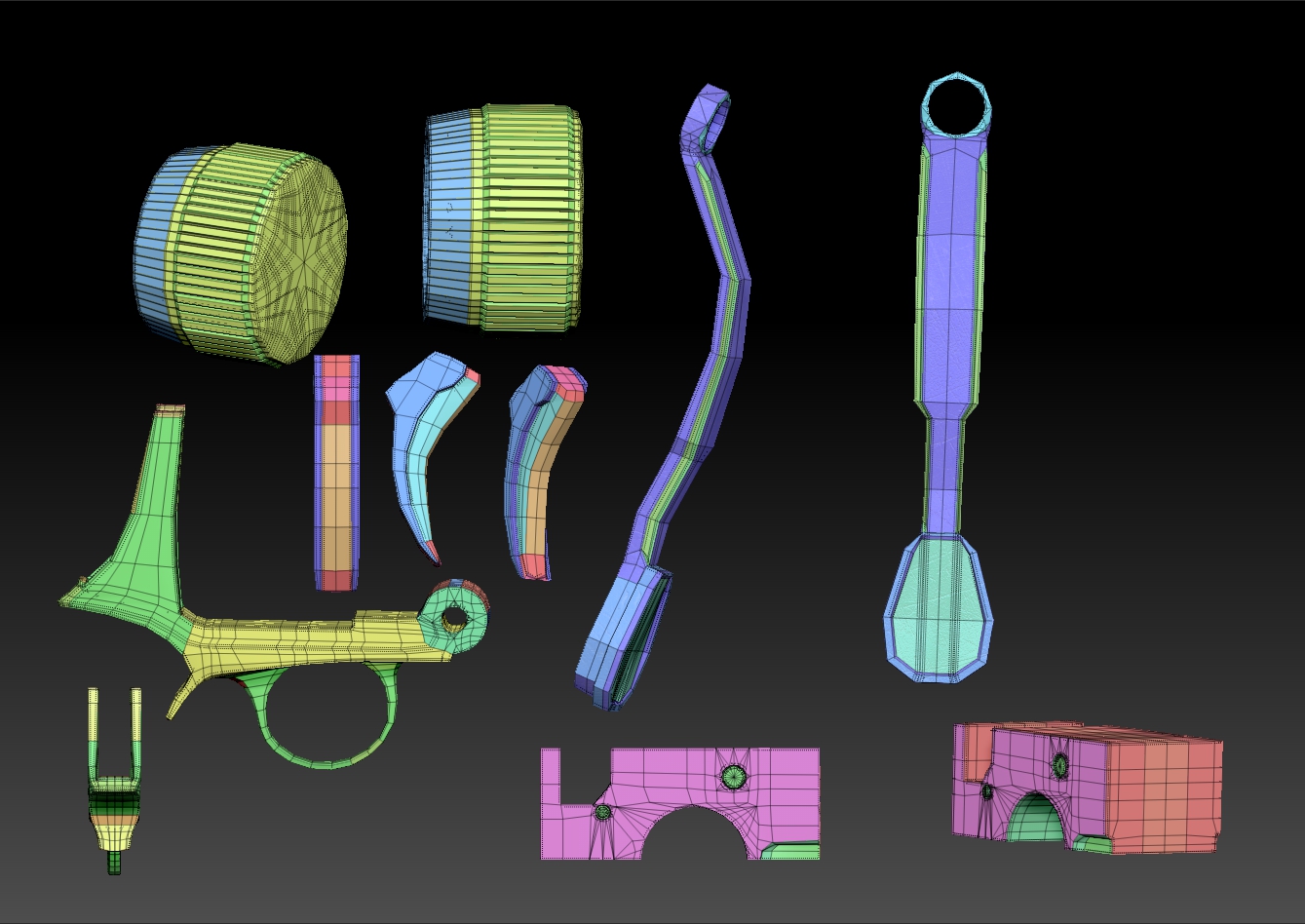
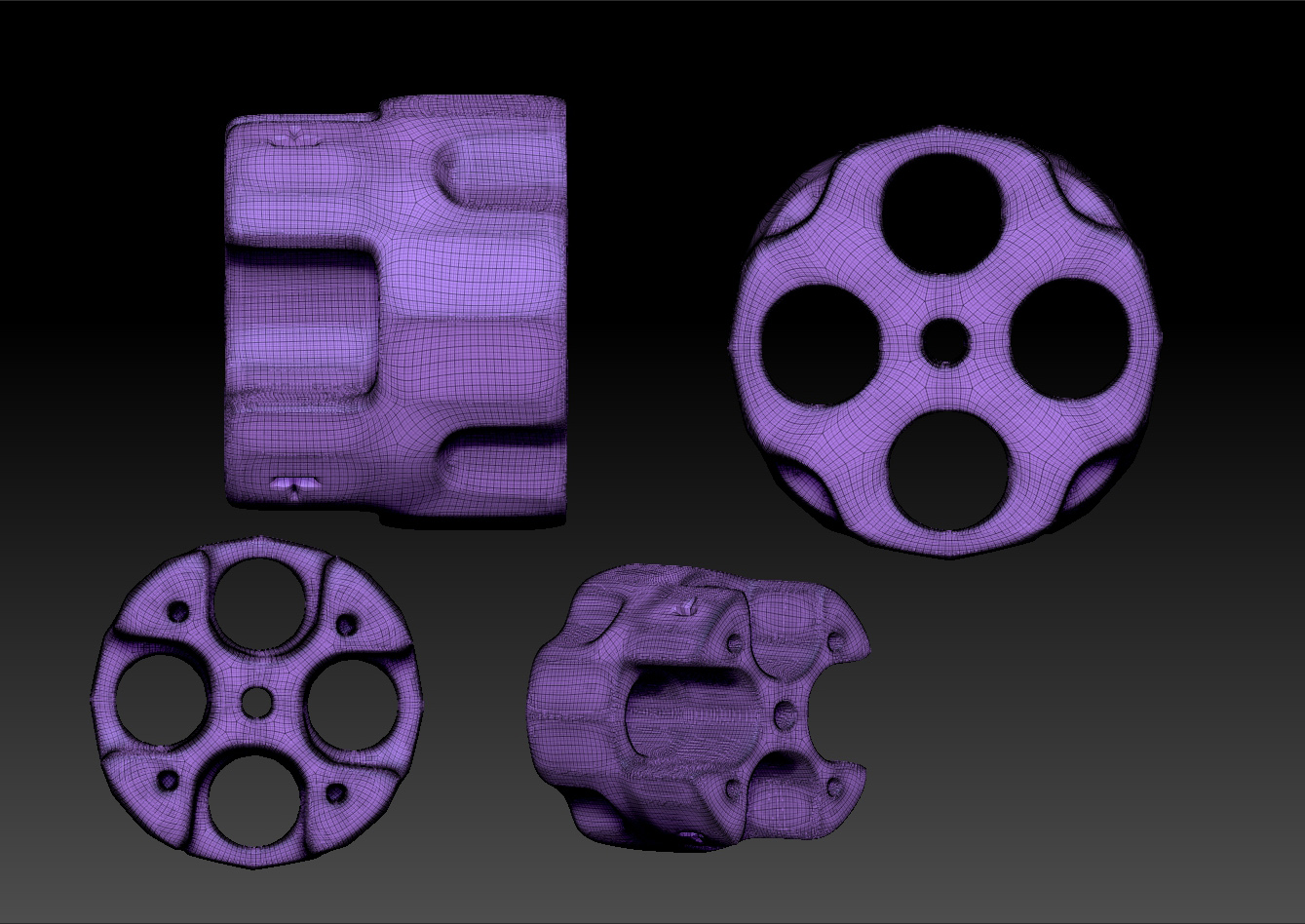


 Not an ideal situation though.
 (not that the ones I posted are pretty). It’s also not always convenient to intersect meshes in models.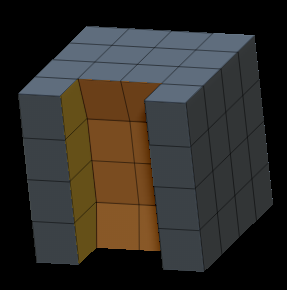
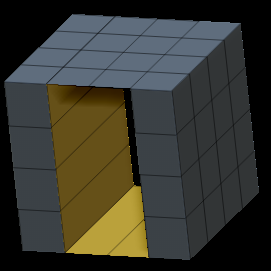

![QTv70Yw[1].jpg](http://www.zbrushcentral.com/uploads/default/original/4X/7/4/d/74d9b14ff3eb66f8ab745046c8b2d84ef46d309f.jpeg)
![SPZ00Ib[1].png](http://www.zbrushcentral.com/uploads/default/original/4X/e/8/1/e817b6011638fd1091b1d851bb8dd114589723f9.png)


 I want to go back and forth, dammit!