LongTom74 .… thank you for the instructions.
Your effort and contribution is [color=yellow]invaluable to novice Zbrushers.


Thanks a lot for this, I was in the middle of creating a new base Zsphere mesh when I stumbled upon this. It helps tremendously compared to the old way I was doing hands.
OK, your tutorial was exactly what I was looking for. I’m not fully implementing it right but it is working to a certain degree so I’m sure I’ll eventually get it right
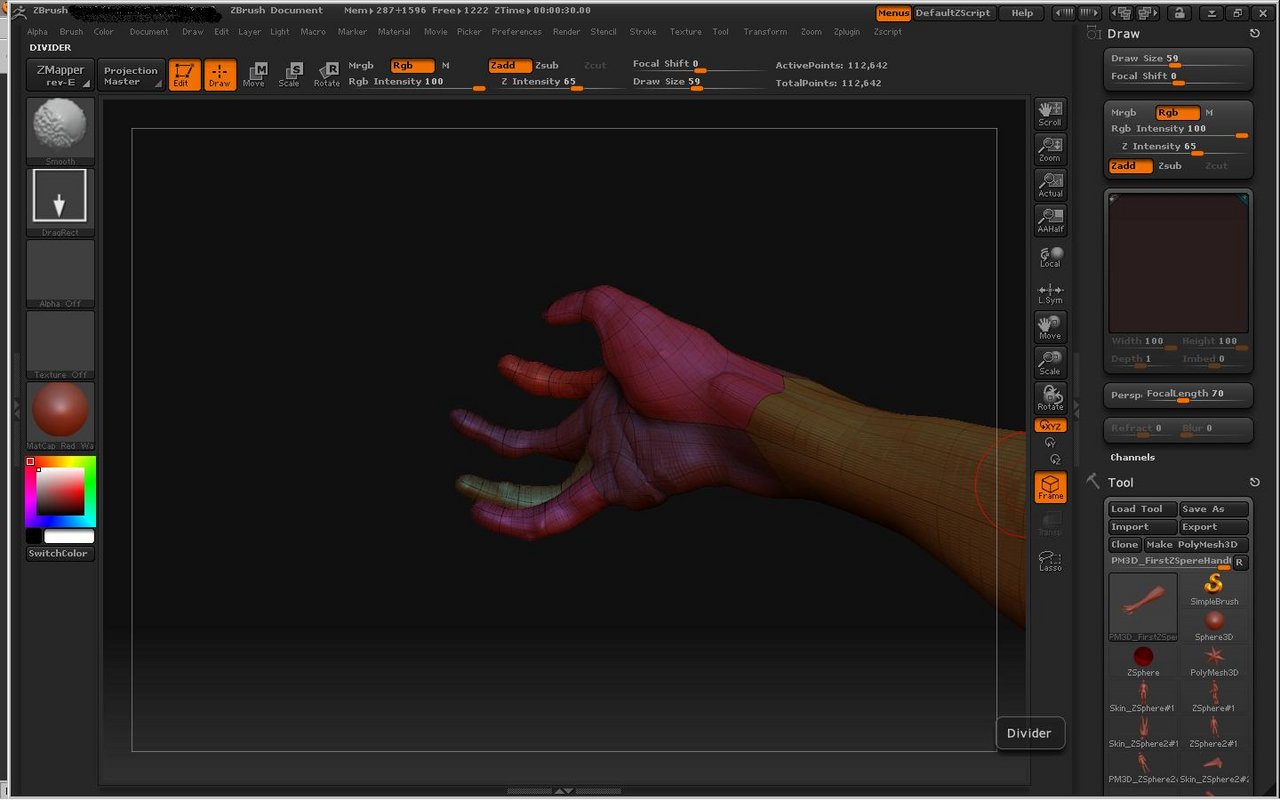
This is my first attempt at a ZBrush3 hand using a cross bar approach. It’s unsatisfactory because of the creases that form on the outside edge of the palm of the hand;
[attach=108274]BadHandTopography.jpg[/attach]
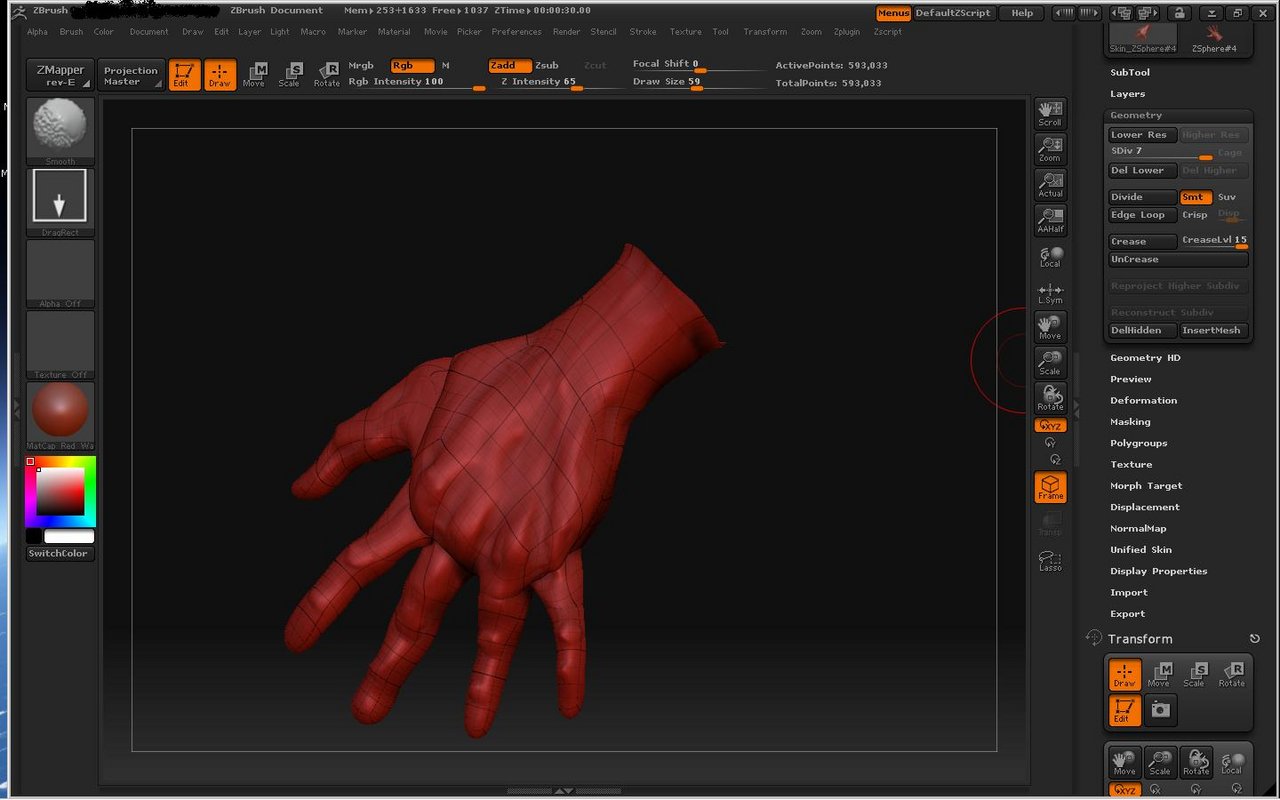
This is my second attempt at a hand, this time with your technique. Just a rough quick sketch of my own hand but still it’s an improvement thanks to your technique. There’s still some seam problems where the metacarpals meet the fingers, but the problems around the thumb and the outside edge of the palm are remedied.
Thanks.
And just one last note; after eating I thought; "Zbrush is so dorky…surely if I make a mesh in Maya with polygonal extrusions, turn it to subDs then turn it back to polygons and export it as an .obj to ZBrush that will be better than this ZSphere business…
And what I found was that it sort of came out OK but the ZSphere technique, as tricky as it may seem is also more dynamic and exciting to work with.
[attach=108275]EZSphereHand.jpg[/attach]
Attachments
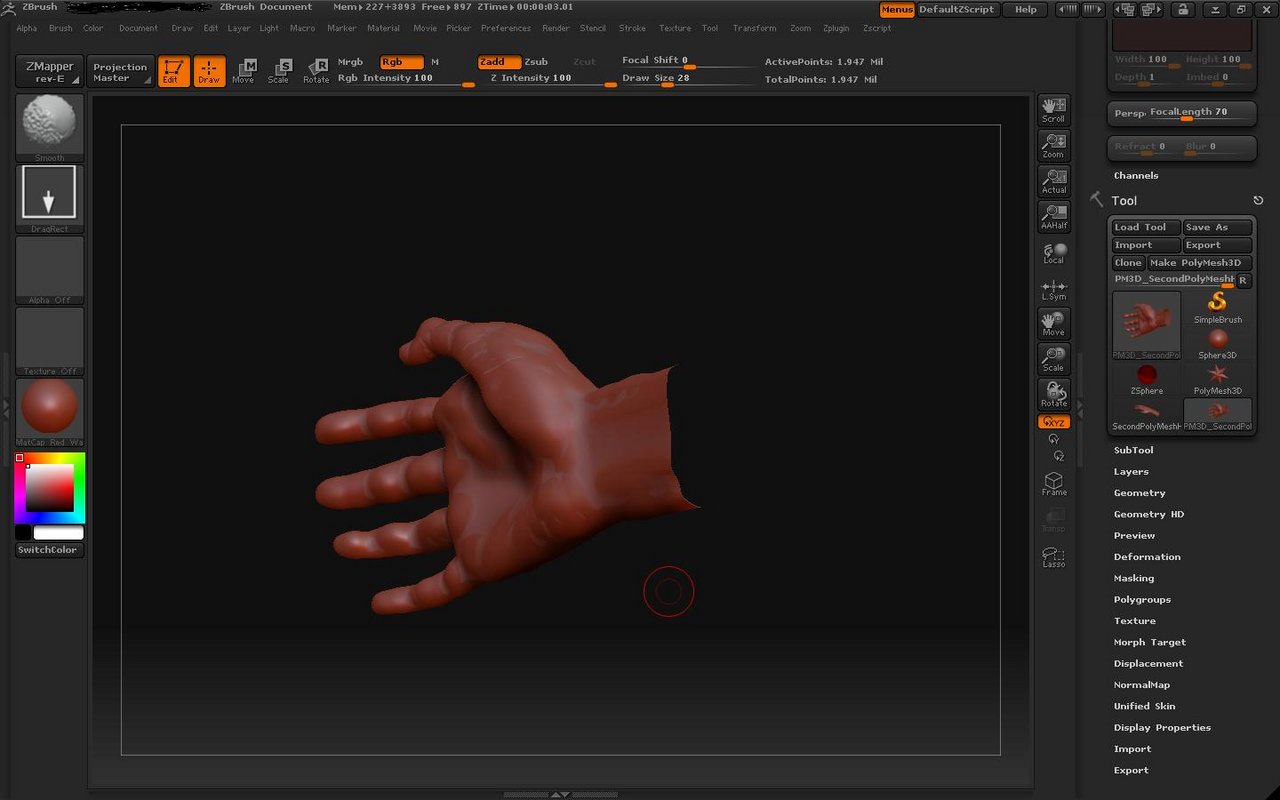
So here’s the polygon/SubD/polygon hand ported from Maya into ZBrush…
Maybe if I stick a ZBrush skeleton in it, it’ll be as mucy fun as the ZSphere technique.
Still lots of work to do, especially on the fingers. And I think I’ll go back to the original mesh of the hand and wrist and just extrude the polygon skin all the way up the arm to the shoulder and maybe the head and everything…
[attach=108276]handhand.jpg[/attach]
Attachments
Cadmium77: Your hands are turning out nicely and very detailed.
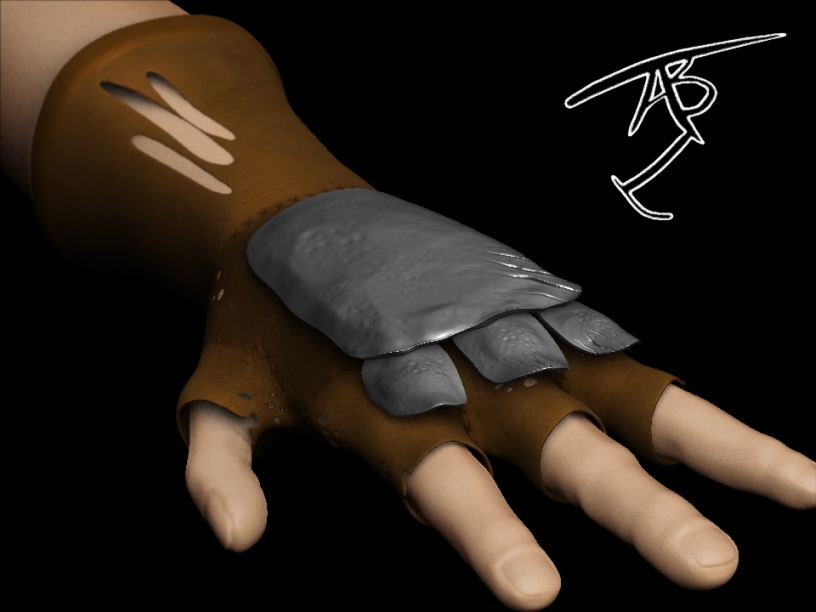
I made this hand a while ago. I couldnt get the 5th finger to look right so I went with 4 fingers, which I like how it turned out. 
Attachments
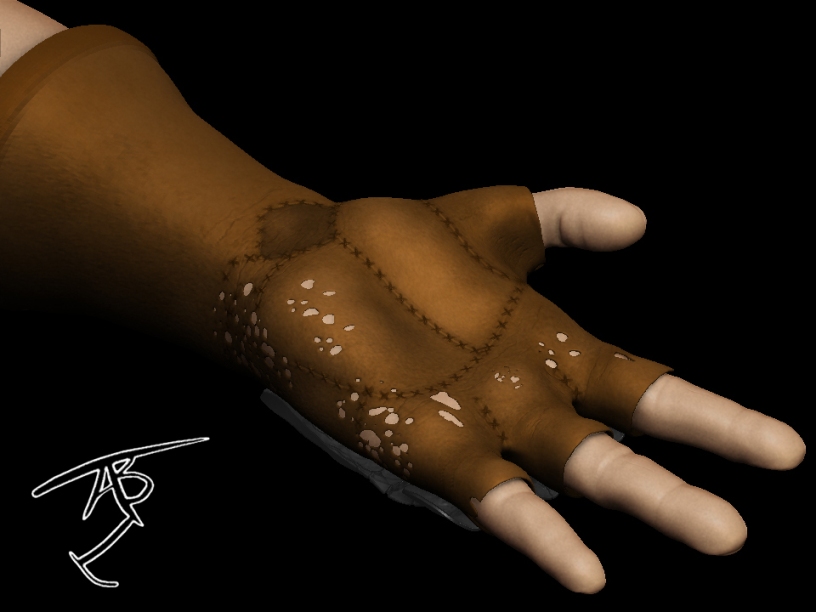
That glove looks ILL. In a good way i mean.
Haha, thank you. I want a real one…only with all 5 finger holes haha.
That’s some fine work and I like the glove. Too bad about the fourth finger;
Jamming four fingers onto one ZSphere is definitely a difficult task…sigh
Haha, sounds a bit complicating but Ill have to have another go at it. Ive tried messing with the zsphere resolution settings a bunch of times but Im always kind of blindly changing the resolution settings.
Well that’s it. I understand the OP’s principle here, but I’ve been playing with the ZSphere resolutions to try and get a handle on it and frankly so far it’s hit and miss with the kind of control he has escaping me. I’m certainly impressed (and envious) of his evident mastery of this trick…
Here’s what I’ve got so far.
Once you learn how it’s done you get used to it. But I can say that I wouldn’t think about approaching hand modelling this way if someone hasn’t told me how it’s done
[attach=86209]hands2.jpg[/attach]
Attachments
I’m impressed. My attempts are wildly disproportionate…I’ll have to go at it again…
I just wanted to say thanks for the tutorial. This has given me the best results for hand topology so far compared to the other methods. Great job!!
I cant quite get used to the process of this technique. I wish there was a video tutorial on this; it might be easier to follow. I have tried a method by Ryan Kingslien, http://www.youtube.com/watch?v=aK81ZsLKXwY&feature=user and it works decently well.
Just download the ZSphere Tweaks plugin here:
http://www.zbrushcentral.com/zbc/showthread.php?t=3405&page=8&pp=15&highlight=zsphere+hands
That should allow you to change the X,Y, and Z resolutions. I hope that helps a bit. 
Ryan Kingslien has a video tutorial on the creation of hands with ZSpheres over at Gnomonology.
This said: thanks for this tutorial also!
The more the merrier.
OK, I know this thread is old, but I have to know, is this model generated with JUST z-spheres or is there scultping on top of what the zSphere give you (going crazy here trying to figure out how you got this hand with just zSpheres).
ZSphere Hand topology is definitely doable entirely in ZSpheres, and once you grasp the principles, its a relatively straightforward procedure. Its worth putting the effort into ZSphere study, its an excellent tool for setting up complex model topology correctly.
(With the added bonus of being able to pose the model while retaining that topology!)
Hello dreidrage.
There’s added sculpting to get the shape of the hand. There’s no reason to get the exact shape of the hand with zspheres. You get the basic shape and then you move things around to get them where you want. This is where polygroups helped a lot.
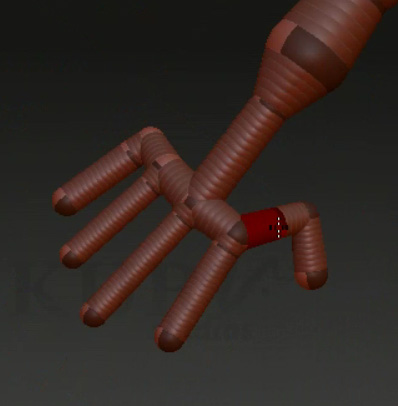
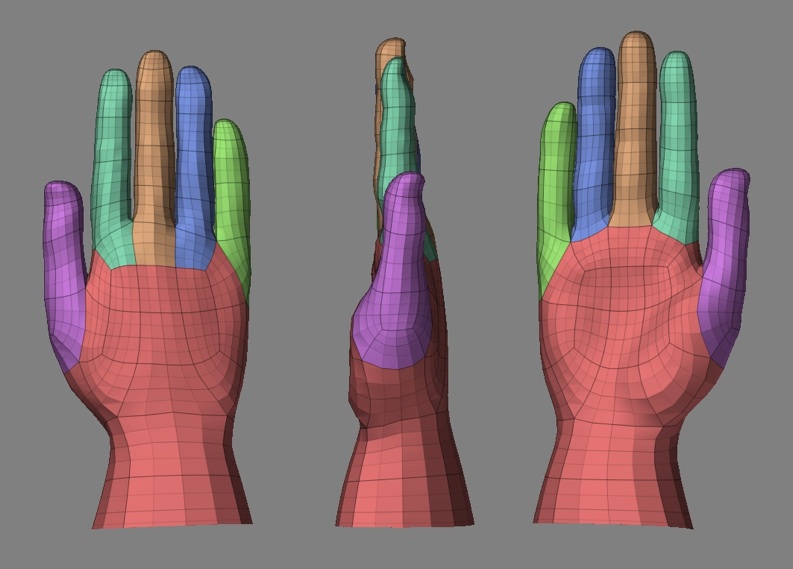
There’s also another way which I prefer. The screenshot is taken from the Kurv studios DVD “Get into Zbrush”
[attach=108273]KurvHand.jpg[/attach]
Attachments