ZBrushCentral

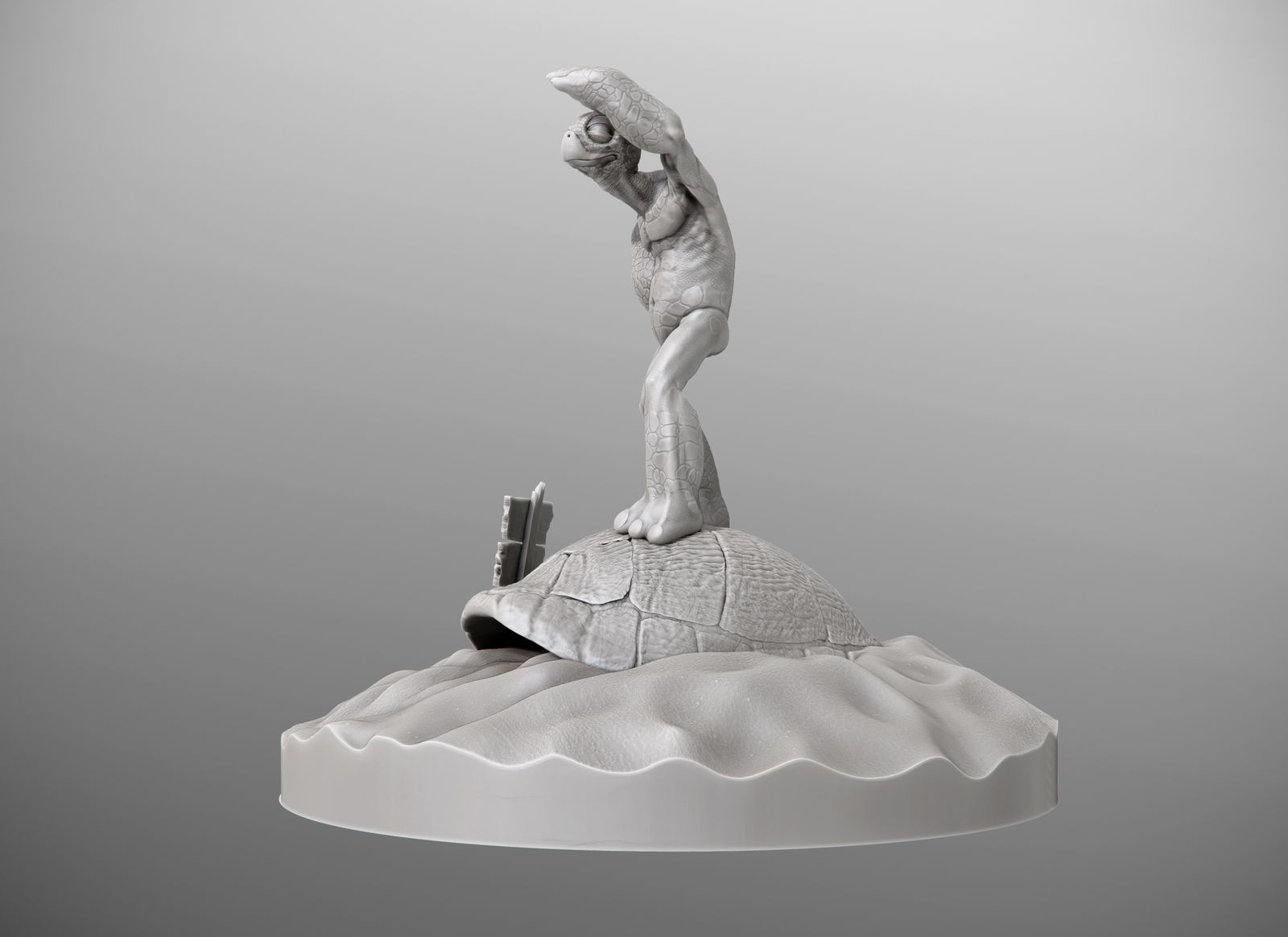
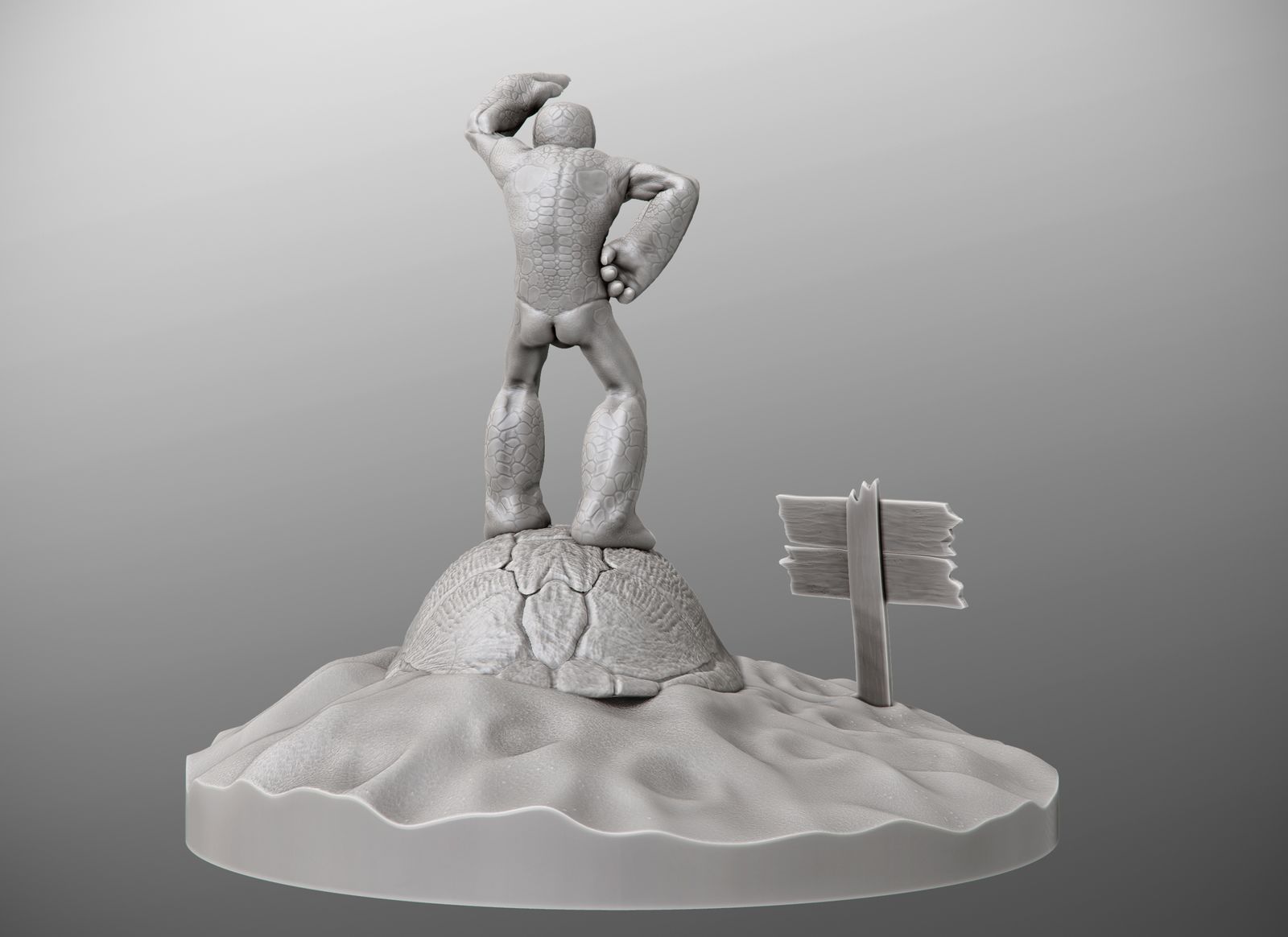
Turtle Freedom For Sale

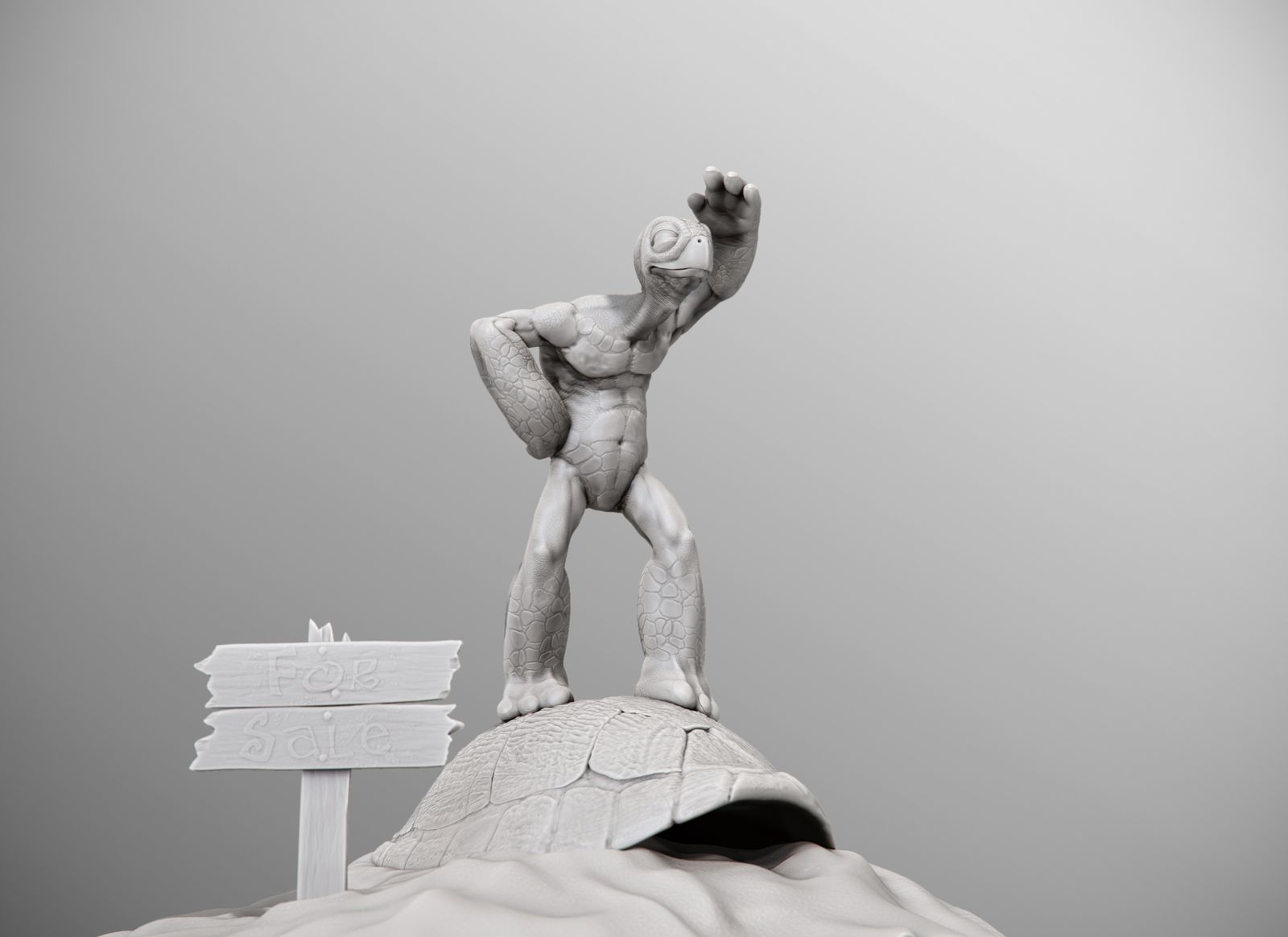
This is my first humouristic piece. It was done for a challenge about freedom.
My first ideas were way too ambitious for the time I currently can spend on my personal projects and much more serious, full of contemporary meaning.
After some thought I decided to go with a more light and funny approach.

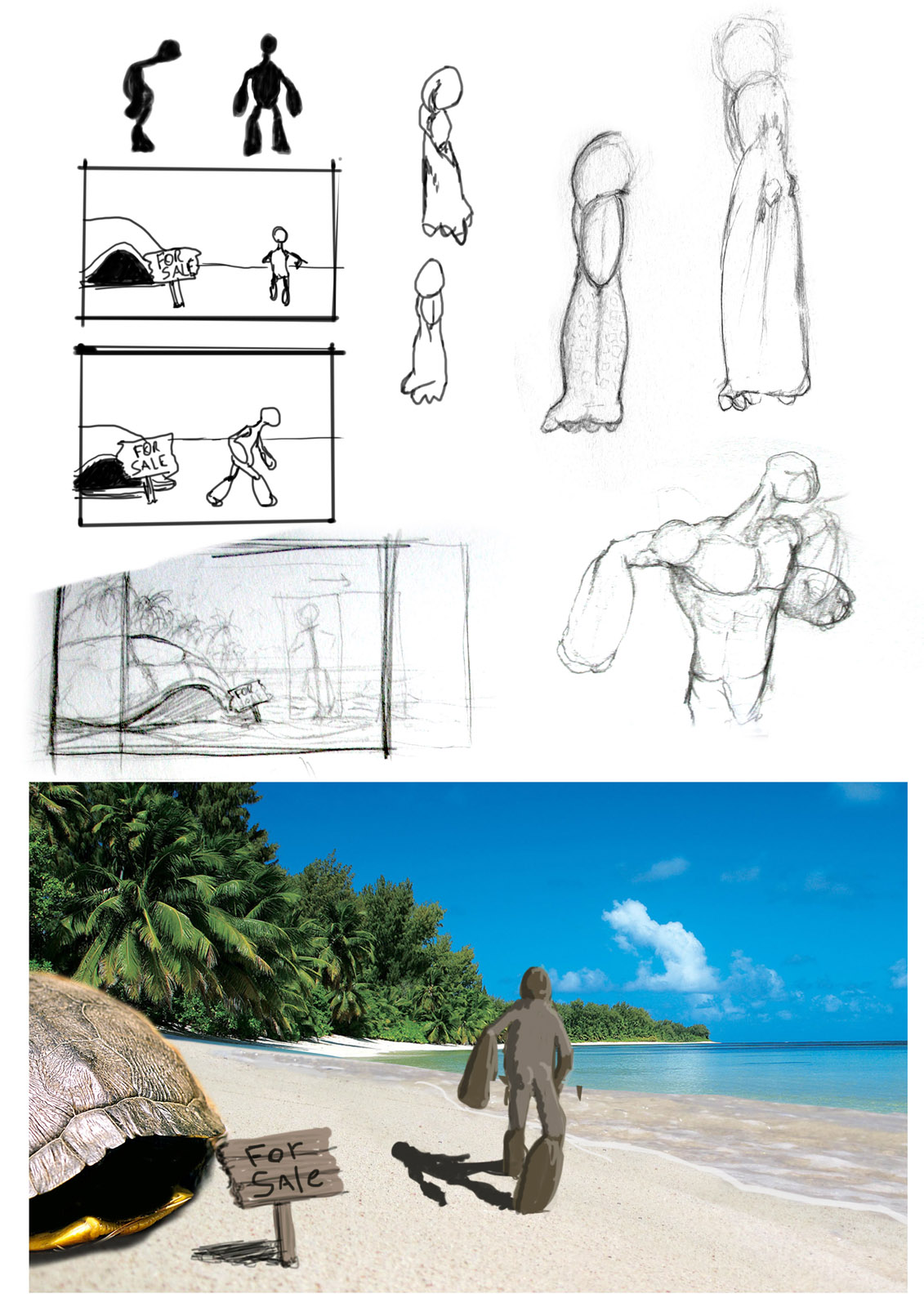
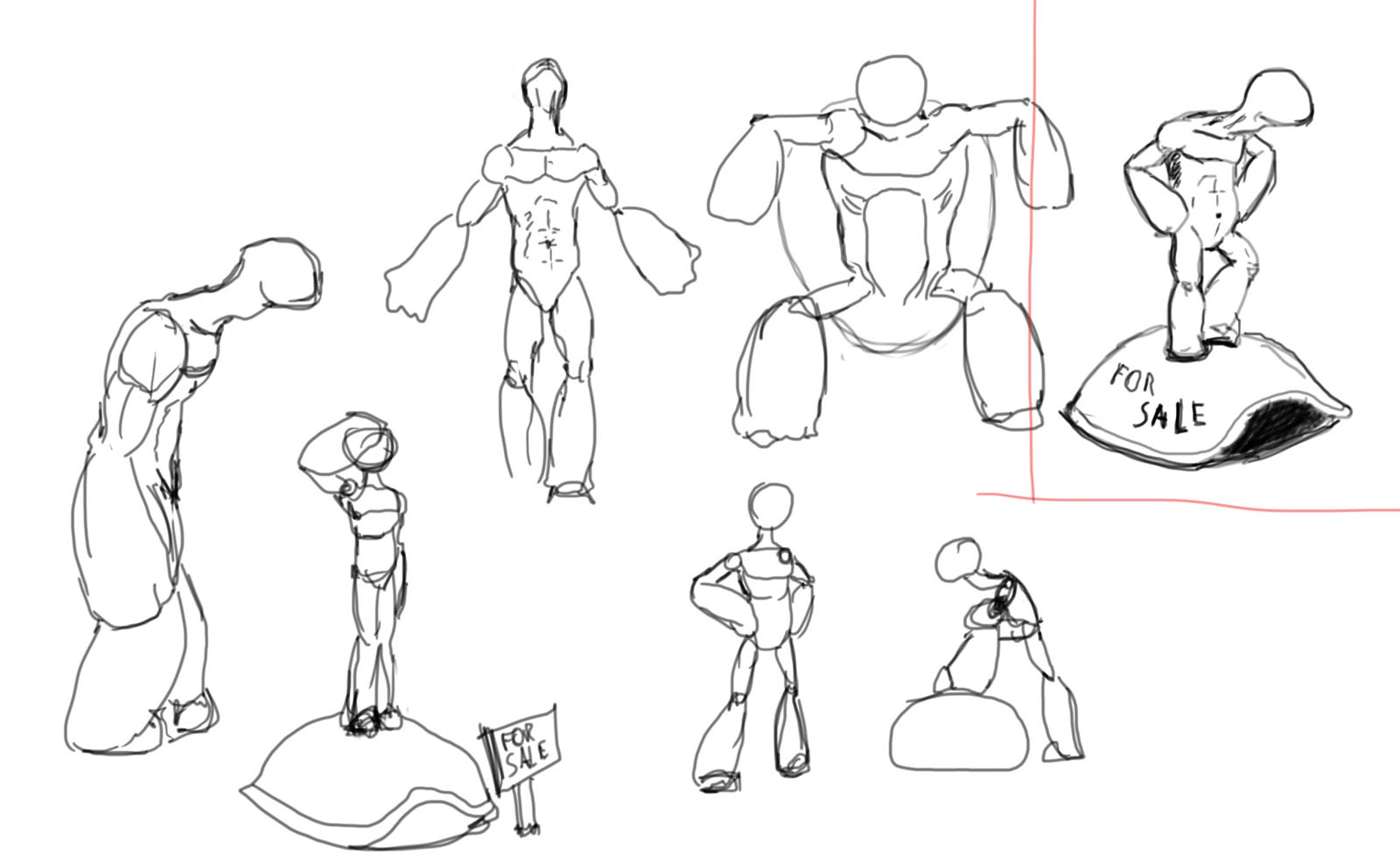
Once I had an idea to work with, I started to sketch it on paper. There were several traits of the character that weren’t easy to combine ( old but in shape, in shape but rusty, determined but not serious).

When I felt I had shaped the idea enough the sculpt of the main character took about 2 hours plus 2 more for detail. Evertything was done inside Zbrush except for the final render which was done in 3d Studio Max with Vray.

For postproduction I followed my usual pipeline with main compositing in fusion, then a little touch in After Effects with Magic Bullet’s Looks.

I have the whole process layed out if anyone is interested just let me know that I’ll post it.

awesome picture, man! so funny! and yes, I am very much interested in your process :slight_smile:

Very funny, very inspiring. Congratulations :smiley:

Haha:lol: I really like the idea and the render.
I’m also interested to see your process :slight_smile:

Thanks everyone!

So here it goes, from concept:

Concept_fase1.jpg

Attachments

Concept_fase2.jpg

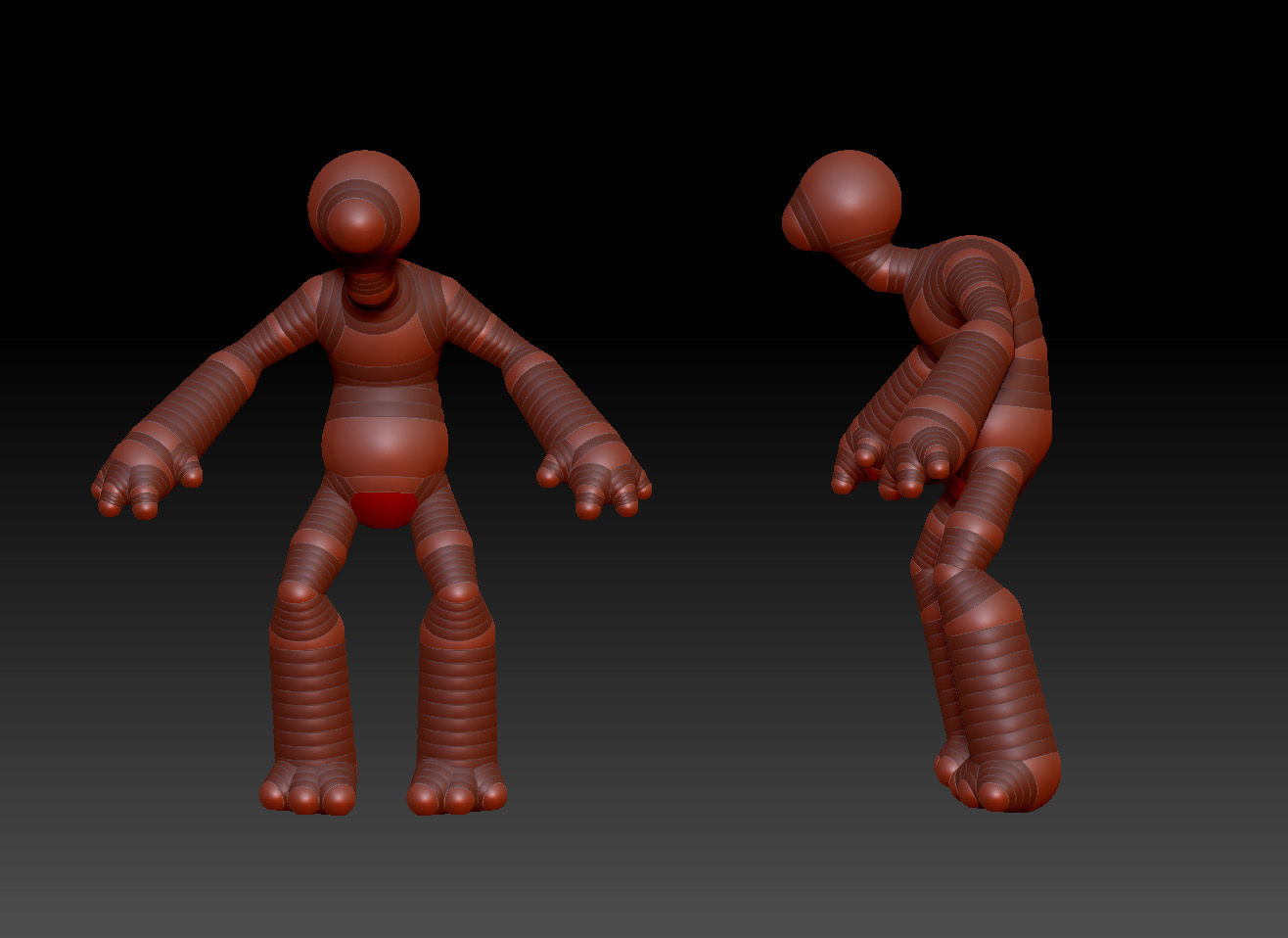
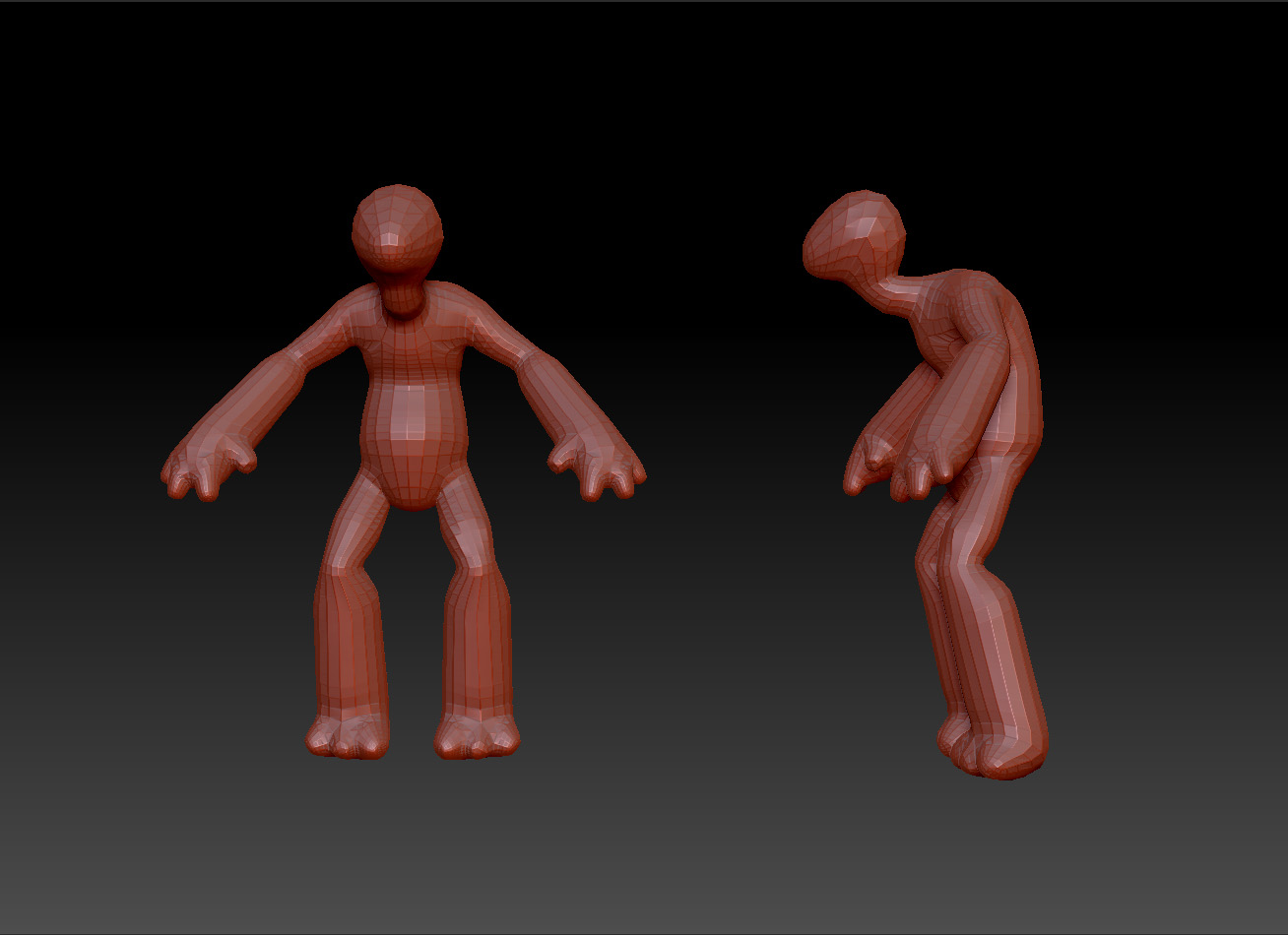
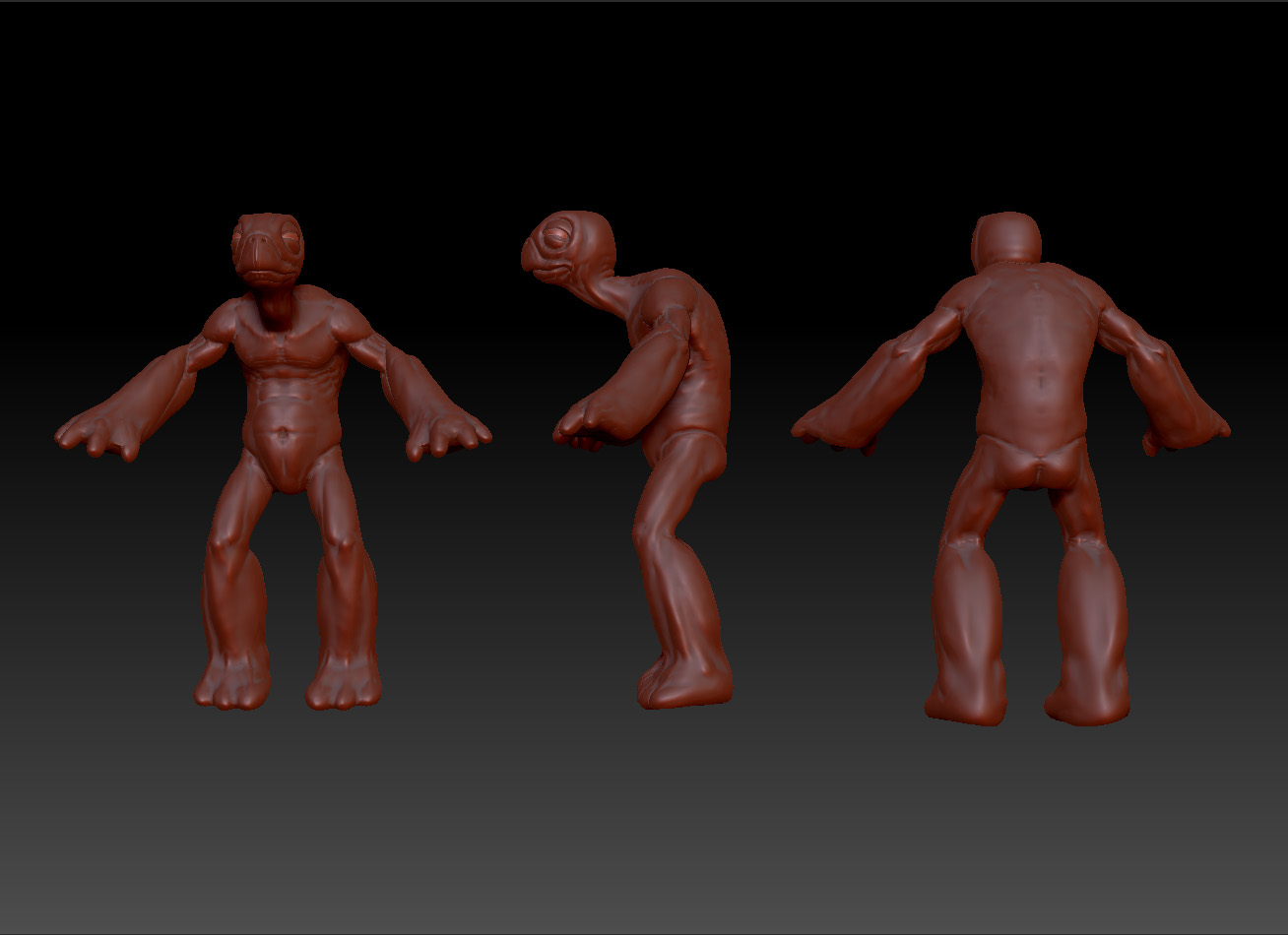
The Turtle character.

01_zspheres01.jpg

Attachments

02_basemesh01.jpg

04_stage2.jpg

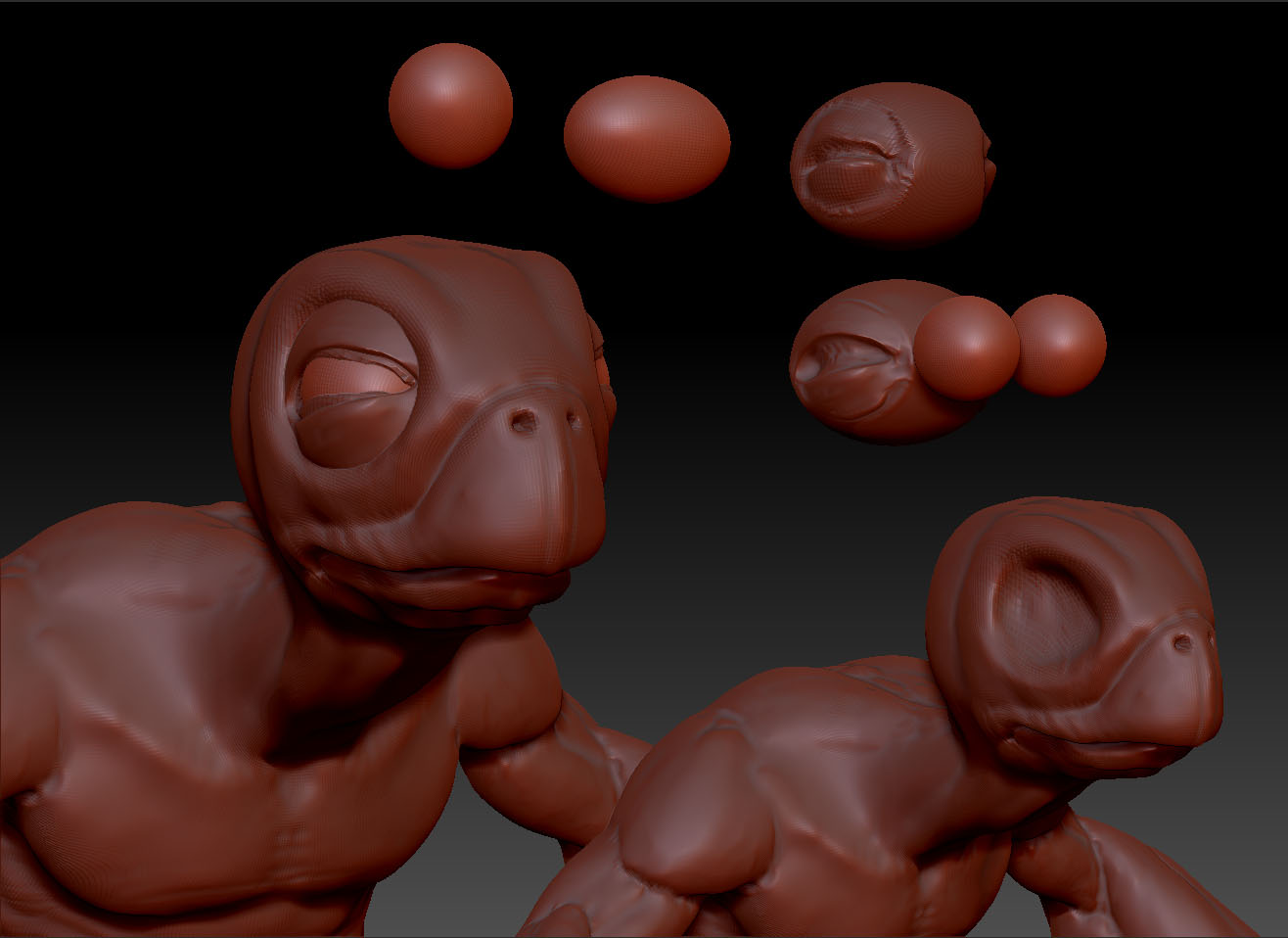
05_eyes.jpg

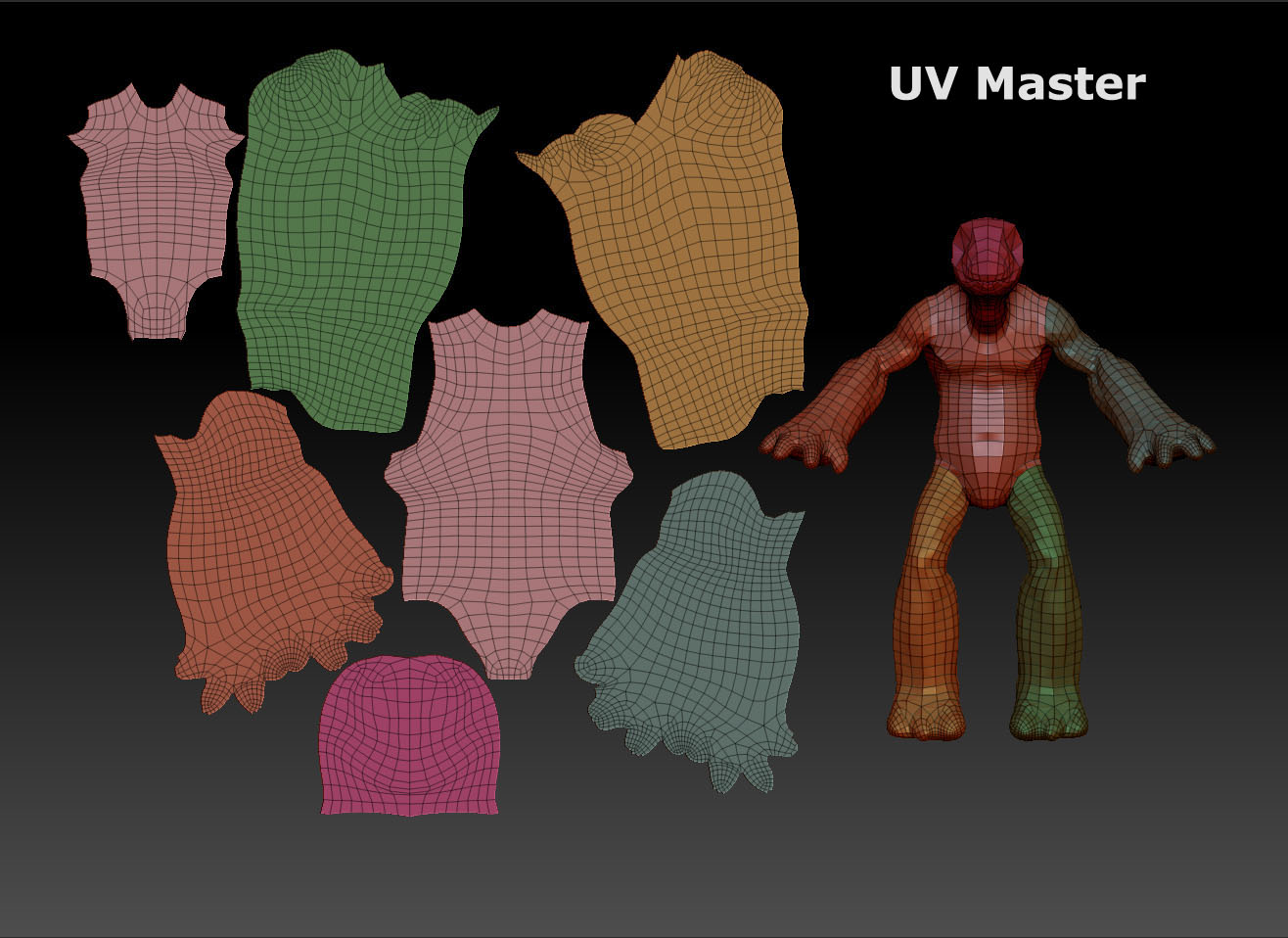
The Turtle character II

06_UV_Master.jpg

Attachments

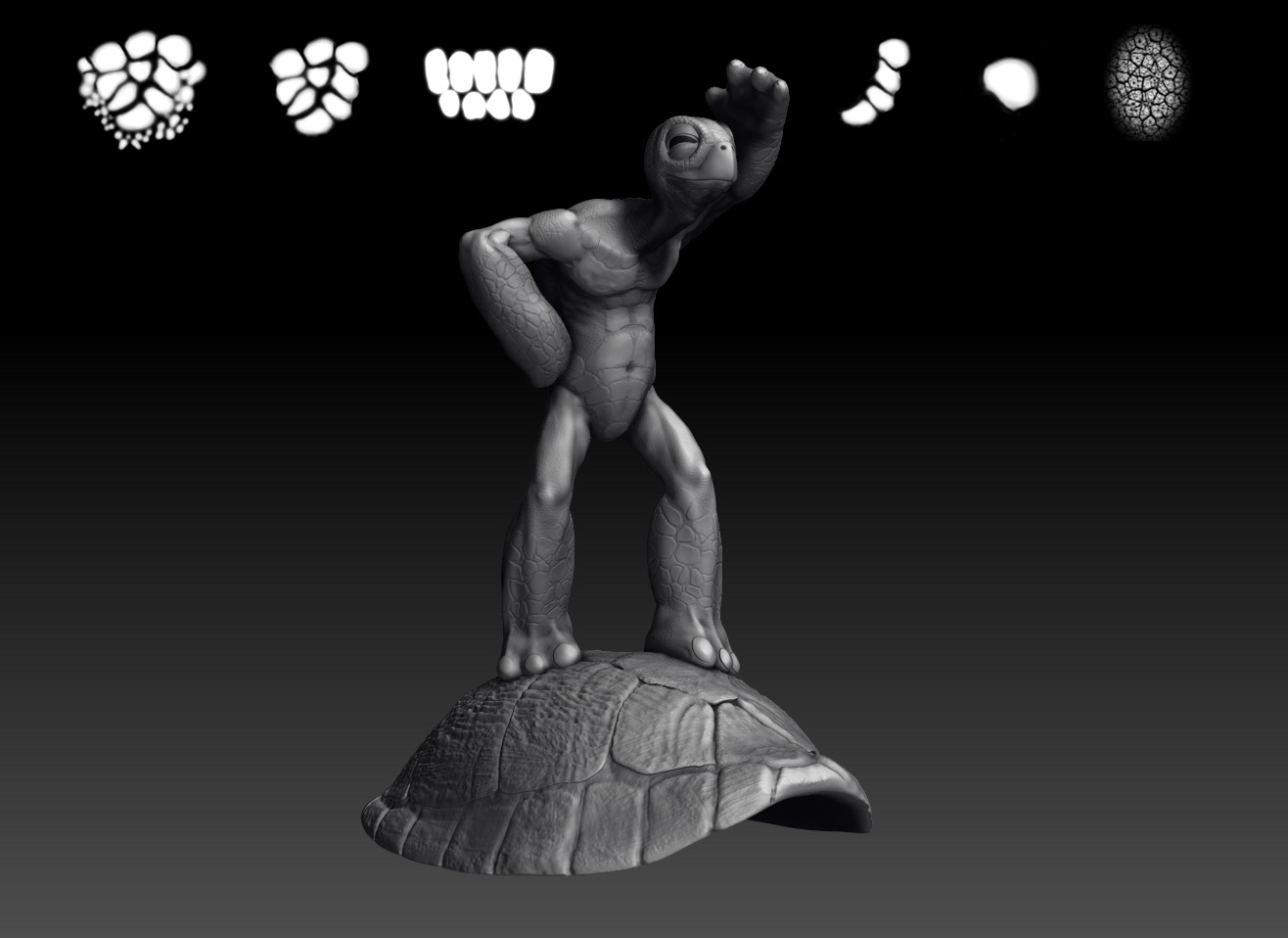
08_Detailing.jpg

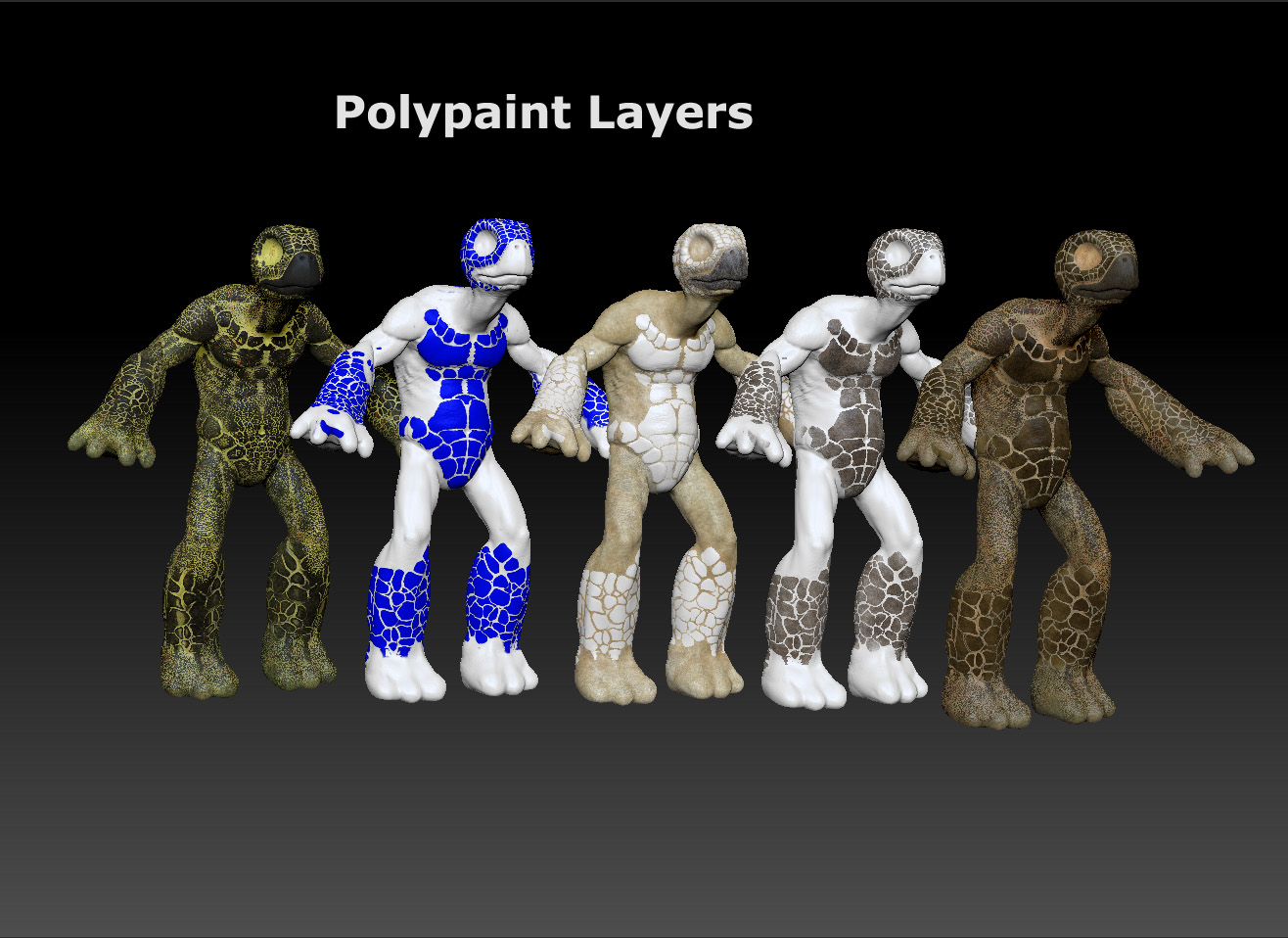
09_Polypainting.jpg

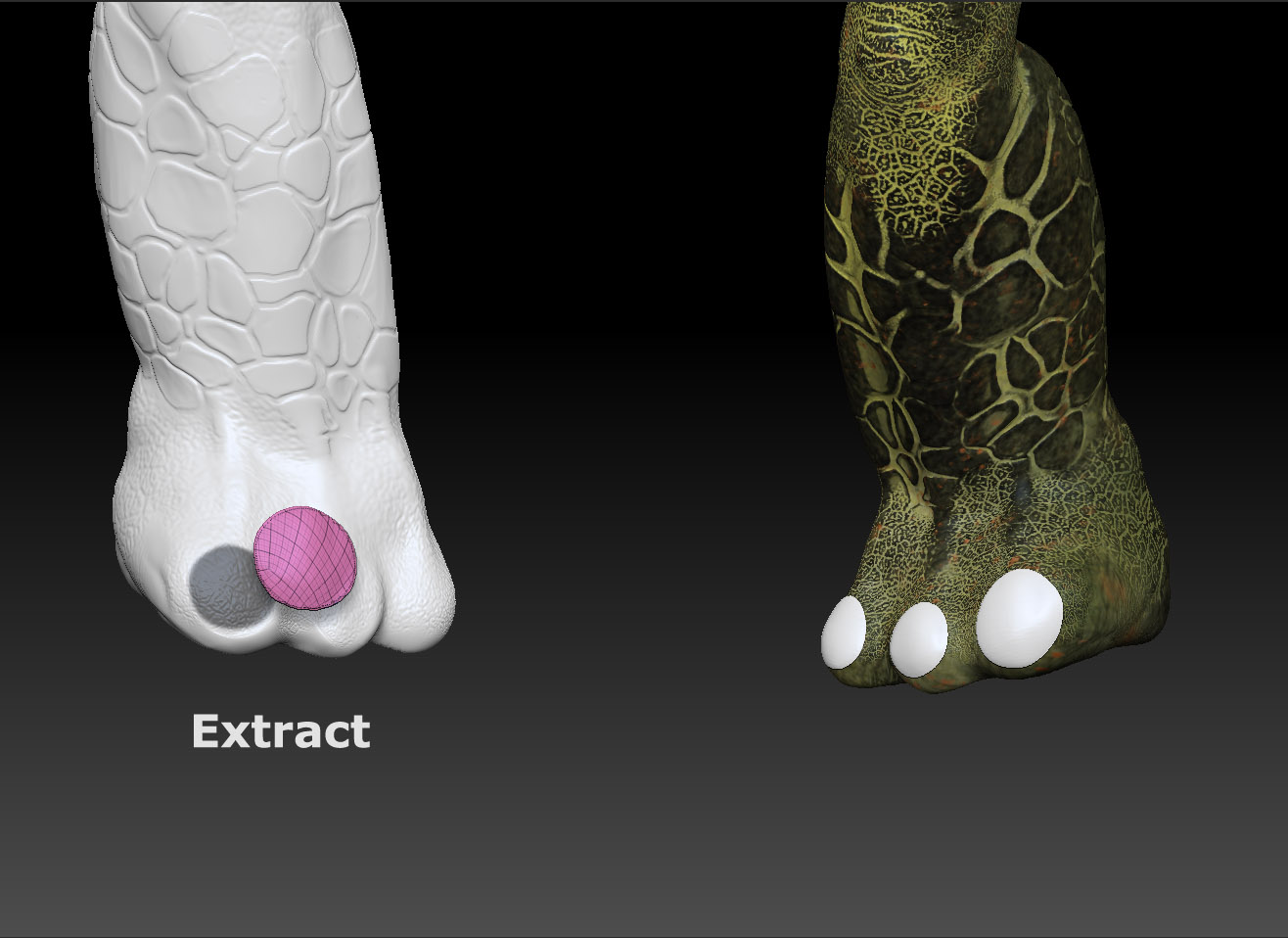
10_nails.jpg

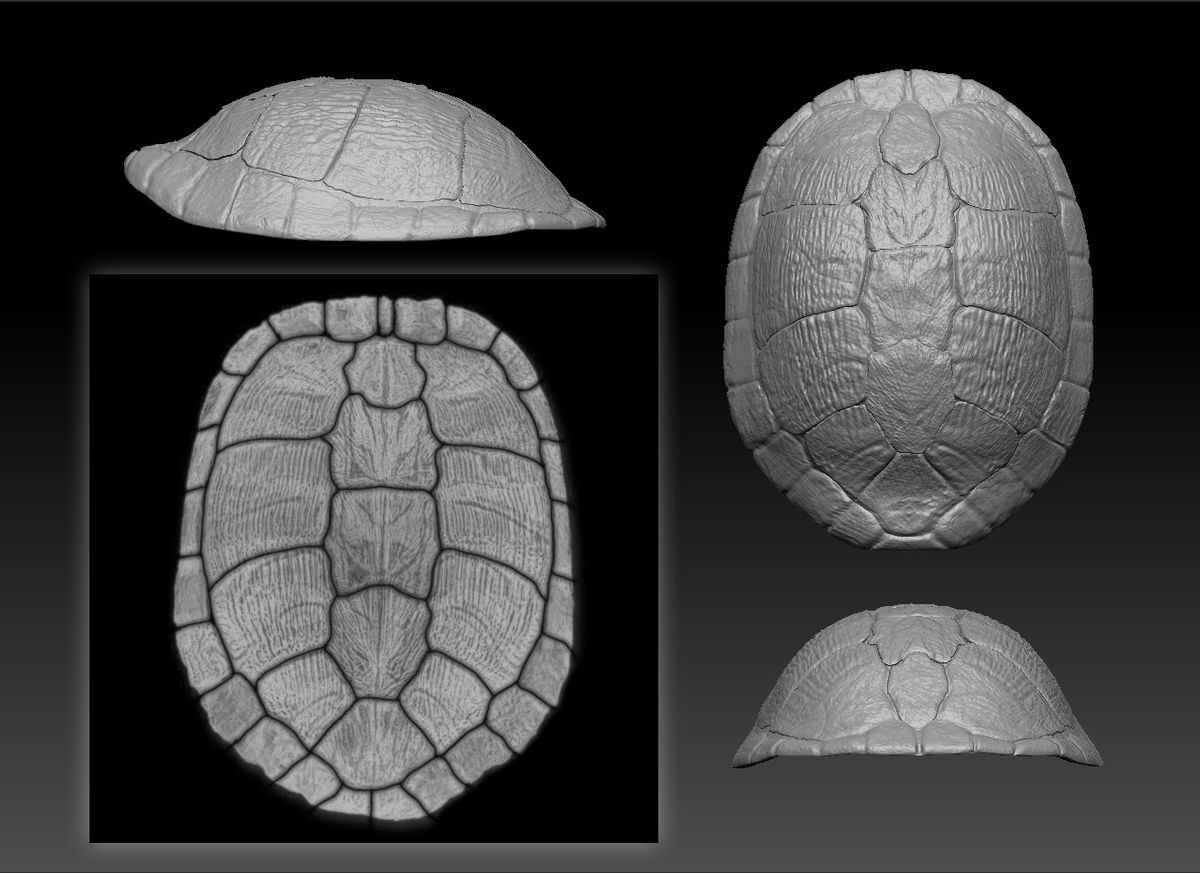
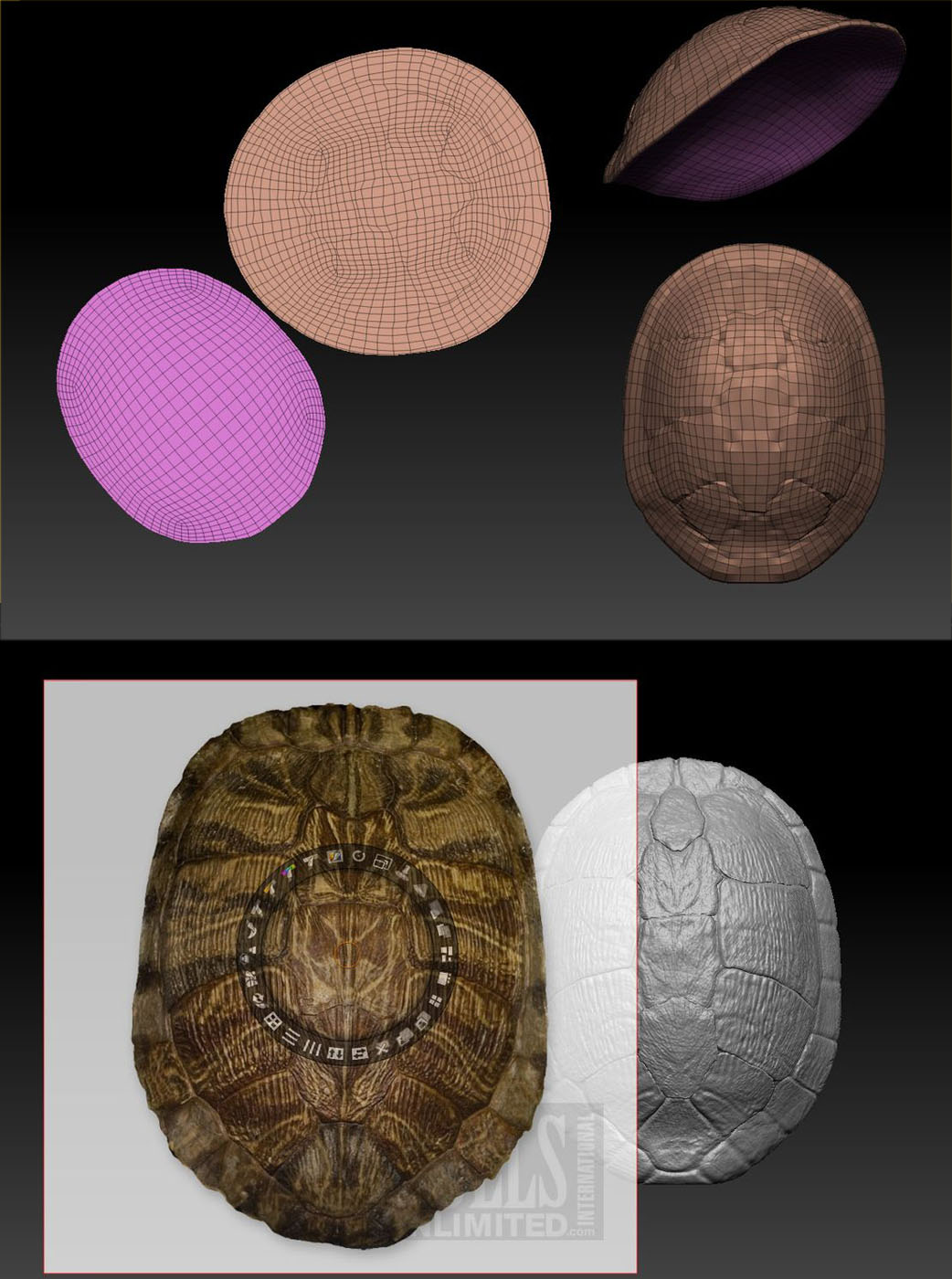
The Shell

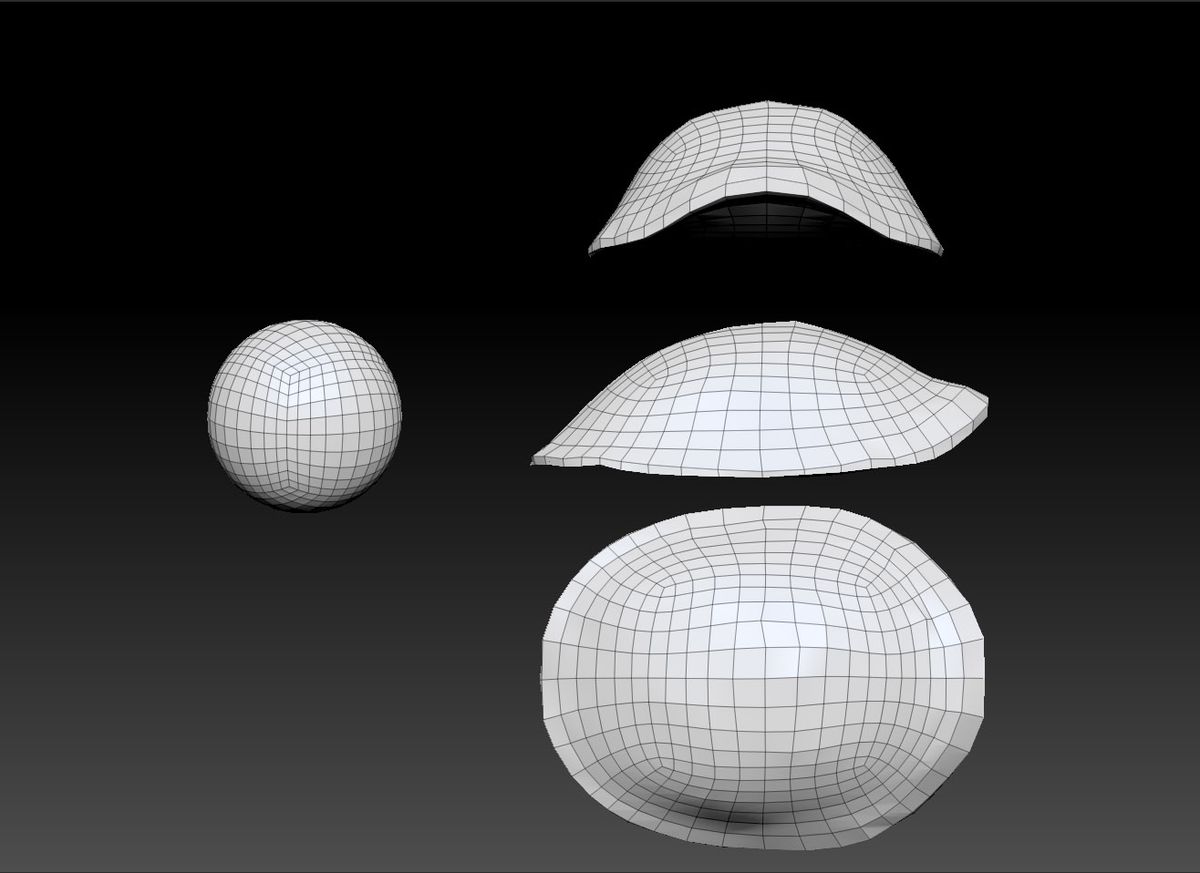
Basemesh
shell01_basemesh.jpg

Attachments

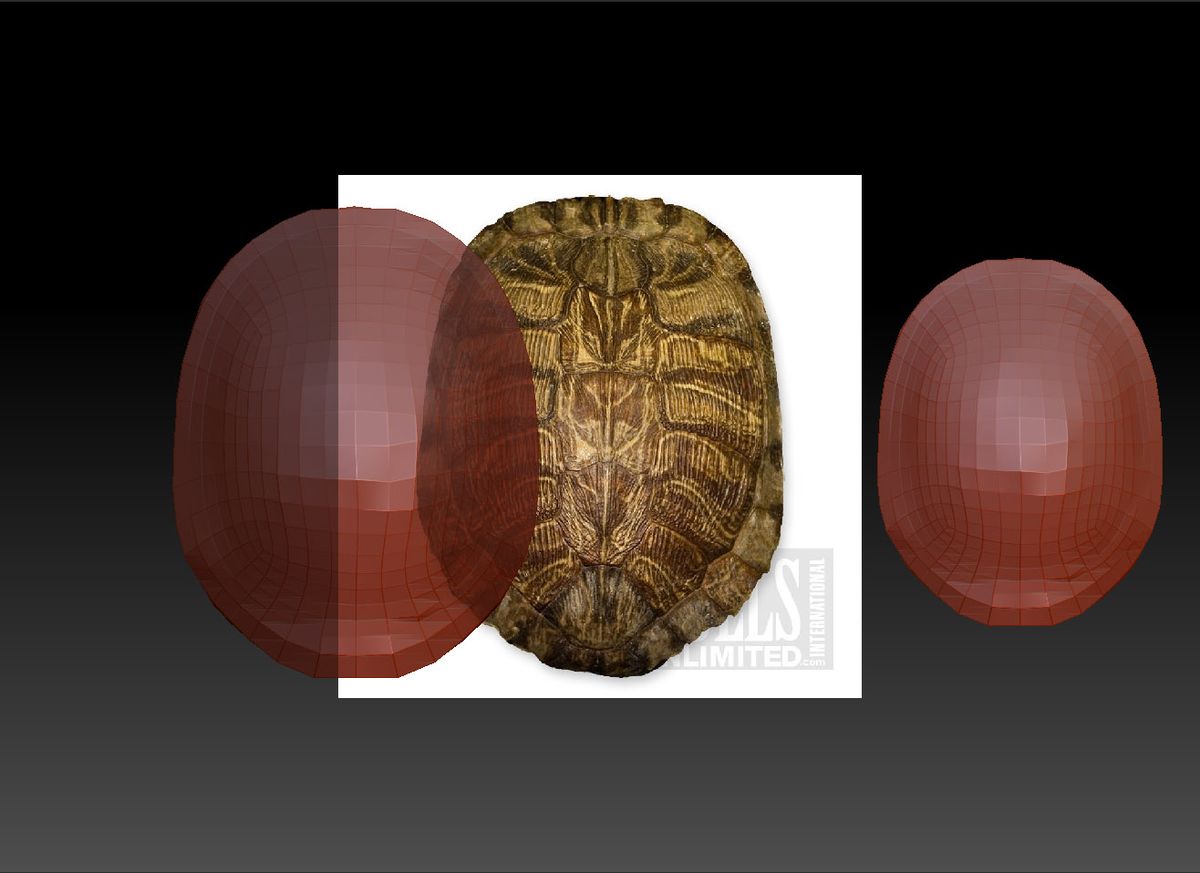
shell02_imageplane.jpg

shell03_detail_projection.jpg

shell06_UVMaster+Spotlight.jpg

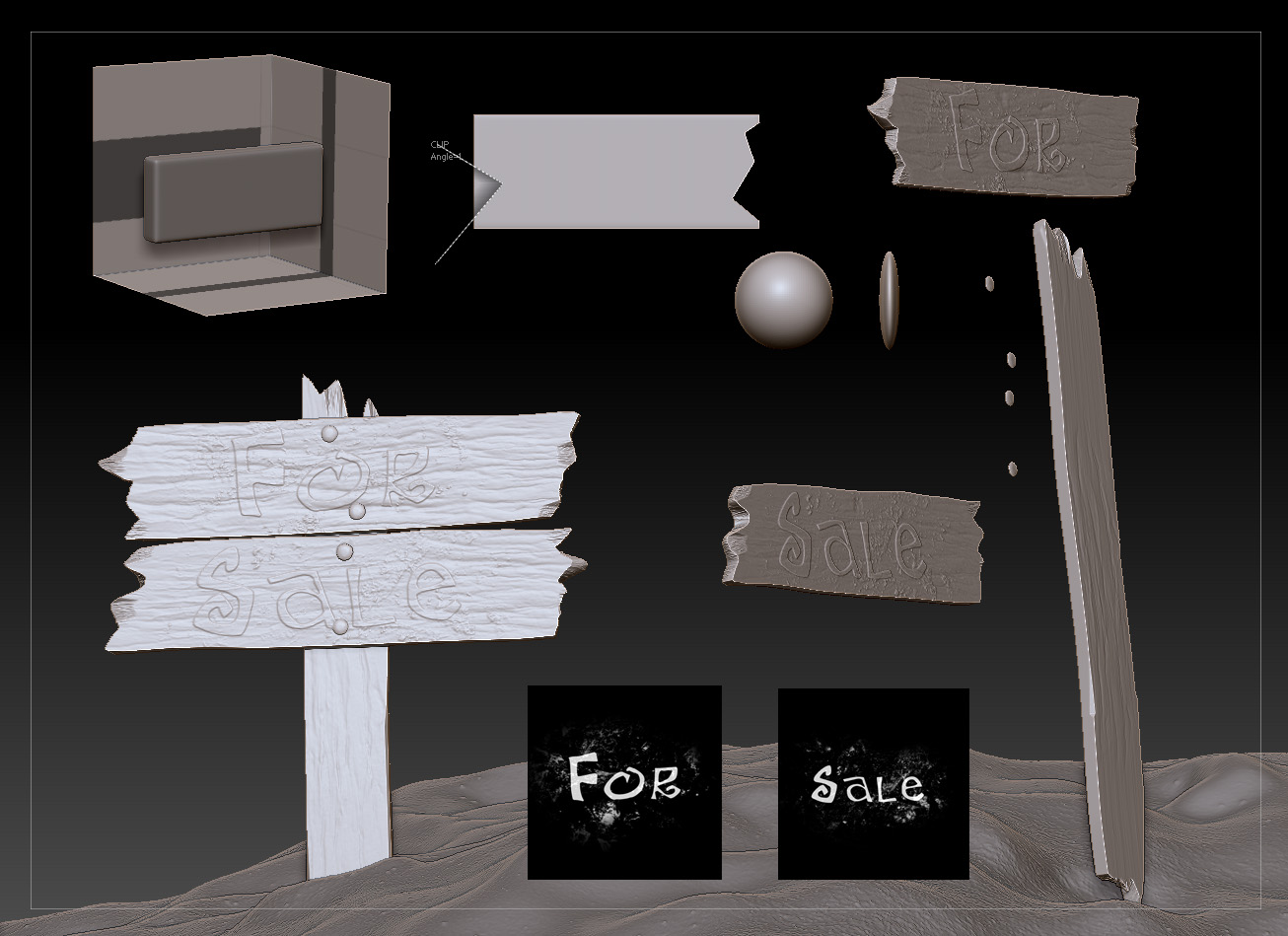
The sign

For the sign I just used some of the amazing tools that Zbrush has for quickly doing some very basic aged hard surface items. In Photoshop I created two Alphas with the words I wanted to project on each of the boards. And its so easy to create different versions of boards.

billboard.jpg

Attachments

BPR2_PP_1.jpg

BPR3_PP_1.jpg

BPRback_PP_1.jpg

Haha I too used that same image of the shell for my ninja turtle :smiley:

And that’s it. Pretty straight forward.

If anyone wants more info on the final vray render and post or BPR post just let me know.

I think the people that you pushed out early from the Recent Threads rows are going to be a little upset with you for having 5 thumbnails in there at one time.:stuck_out_tongue:

Thank you for sharing your process, good job !

amazing work man! cool subject!

Sparky3d: Its a great image for texturing. It could be of a higher res but it was exactly what we needed. :slight_smile:

Zber2: I’m really sorry about that. I didn’t even thought about that. Again I want to apologize to anyone who was pushed by my replies.
Is there a way I can avoid that next time? :confused:

darktimax: You’re welcome and thanks.

Originally posted by TheMonkeyKing:

I’m really sorry about that. I didn’t even thought about that. Again I want to apologize to anyone who was pushed by my replies. Is there a way I can avoid that next time?
You could just Edit your first post and just add the extra images. Also, see the following quote:

Originally posted bt aurick:

Here’s a bonus tip: If you don’t want a specific image to create a thumbnail in the bottom row, change the ATT and /ATT to ATN and /ATN. ZBC will skip over any images with that tag, looking for the first image in a post that has the ATT tag instead. You can control which image will create a thumbnail simply by changing any images before your desired one. You can ignore the images that come after, since ZBC will only create a thumbnail for the first image with an ATT tag.


You can still fix it I think. Just edit your first post from today to include all of your pictures instead of making a new post for each one.

Yes indeed after many hours searching for a decent image of a shell, that one came out top

Thanks Huber!

Thanks Zber2 and Tyrone70, I’ll try to fix it.

That ATN tip is really great. I wont forget it next time.

Would love to hear a little more about both of those :D. Great piece! The tan lines are hilarious.