Anyone having any issues on re-topo of Shadowbox parts?
I’m not sure if its the same issue you are having but when I go to use topology to create new stuff over a base model the base model becomes transparent and I can see all the new topology I am creating through both sides. It makes it very difficult to select the correct points.
Maybe this is related to the masking issues that others have reported, I dunno.
Hi am am having the very same problem as bclement two sides of of the retopo are showing as opposed to the old retopo where it would only show the near side and I am wrestling to get it done…
and while I am here I found your tutorials to be priceless a year ago Cannedmushrooms and just found your zbrush4 tuts which are also great… you do an amazing job bro thanks very much!!
Set the preferences/draw/front opacity to 1 and you’ll have the old style retopo back, with no see through bleed.
mine was a little different.
Not invisible just not there at all.
I remade everything and it worked,not sure what it was about, thanks for the draw opacity tip
thanks very much!!
so I have been trying it on those settings and it certainly helps because it removes the visual distraction… but the points still are active from the opposite surface and still get in the way of retopo…
it certainly is not the same and I see gthe veiw count on this thread is high so I assume others are finding this an issue… any help from support please…
thanks
Screen or more detailed description of your error would help troubleshoot it.
I think this might be what he is referring to. It makes retopping the mesh rather difficult when you have to look at all the geometry on the other side.
![[ATT=]Retop-Problem.jpg[/ATT]](http://javascript%3Cb%3E%3C/b%3E:zb_insimg%28%27%27,%27Retop-Problem.jpg%27,1,0%29)
Attachments
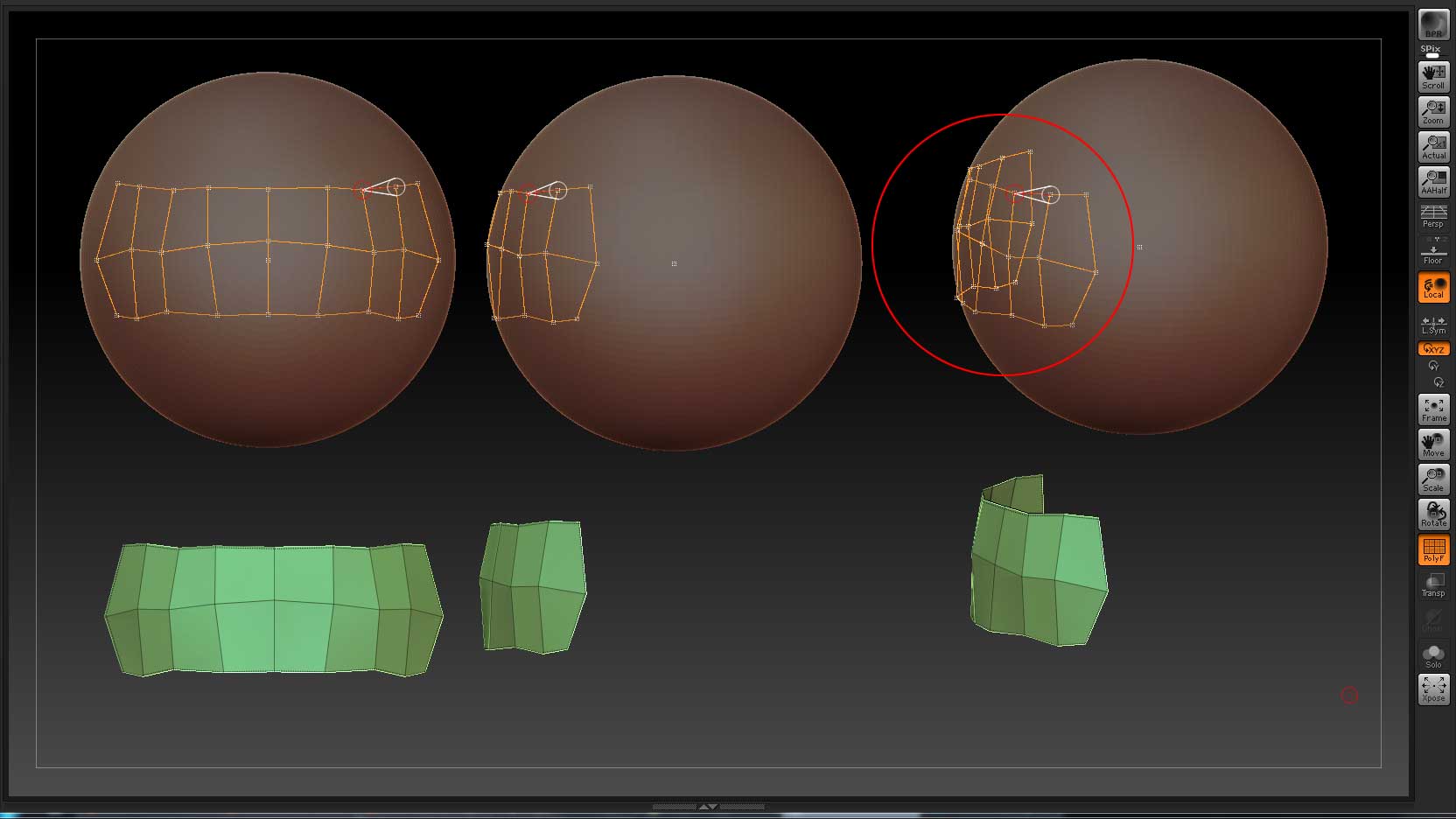
Hi guys…
yes exactly that the retopo settings have changed and when i load a zsphere select the mesh and start retopo… the whole feel of what was in 3.5 has changed and I am wondering if there is any news from the moderators or support about how to set it up like the old retopo which is way way more user friendly…
the pics above are great but also i would add that in 3.5 the side which you could not see was not sensitive, and now even with that side not visible by following what Extra-Dimensional suggested the points are very sensitive and get in the way…
cheers hope that is a little clearer… 
That’s the issue that’s solved by changing Preferences/Draw setting Front Opacity to 1, switching that will cause the old style occlusion to come back.
I too find it annoying when the cursor keeps snapping to points on the back side of the mesh. I hope there is a cure for this. It makes it very difficult to retopologize.
Try lowering the Preferences/ZSphere/Topology ZSphere Radius setting.
I’ve got mine set to 8, and it’s working ok for me. Also please post back if it works as this may be the fix, but it may not. Since it’s not broken for me I can’t tell if it works or not.
The ZSphere Topology Radius was at 8 but I even tried it at 2 and it’s still the same thing. Cursor keeps snapping to points on the backside of the mesh. Now, if Transperancy and Ghost buttons are off you can only create geometry on front side of mesh regardless if it snaps to the backside points or not, but, with Transperancy and Ghost buttons on, you can create geometry from frontside to backside when cursor snaps to a backside point. That part, however is not really a problem. I just keep Transperancy and Ghost buttons off. The annoying part is that the cursor keeps wanting to snap to backside points.

Ghost Transparency is what controls if you can draw on the mesh surface or not. If Ghost is on then it’s as if the mesh is not there at all. So for topology, generally you will want to keep Ghost off.
I don’t have a suggestion for avoiding the snapping to points on the back side of the mesh. I will raise your concerns with the developers.
I have the same problem.
I solved the “visual” thing trough the suggestion of Extra Dimensional, but I still have the problem with snapping on hidden-vertices.
Currently I’m turning back on ZB3.5 for the retopology thing and returning on ZB4.0 for all the other thing… but this is not a practical solution.
Thanks Marcus for forwarding the question to the developper, I stay tuned for news on that 
i dont think this is answered yet…
No this isn’t answered yet. Turning off the frontside transparency just hides the backface, it doesn’t prevent snapping to points on the rear and not having at least a little transparency makes it difficult to see the mesh thats being rebuilt. If I want to get anything done in a reasonable amount of time I have to drop back to 3.5 and do it there.
In what way? ‘Answered’ means that there has been a response, not that it is necessarily the one you hoped for. If there was a way to set things up in 4 as they were in 3.5 I would have given it. As I said, I will pass on these concerns to developers. In the meantime, you will have to use 3.5 if you need the way that handled topology.
ah whoops apologies for that… I always felt it meant it was solved… my bad and thanks for your help