ZBrushCentral

The Creature named "Orgahn" (WIP)

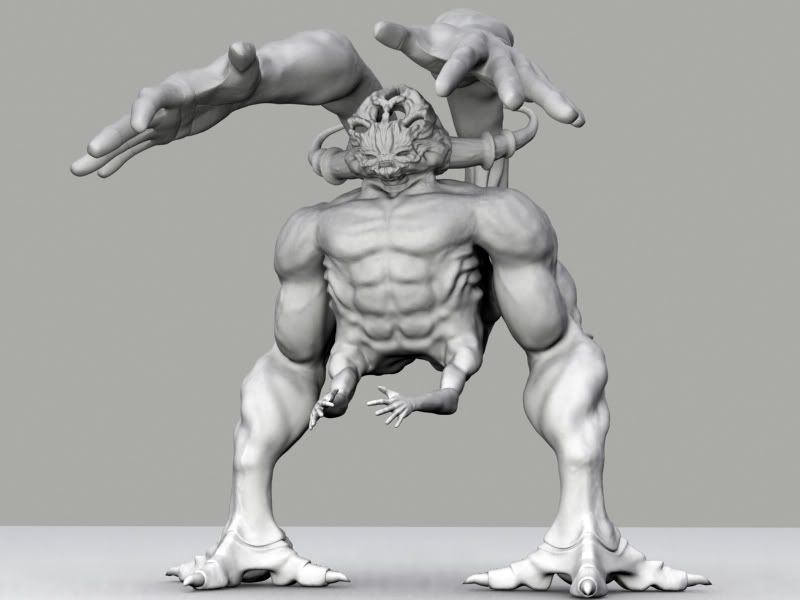
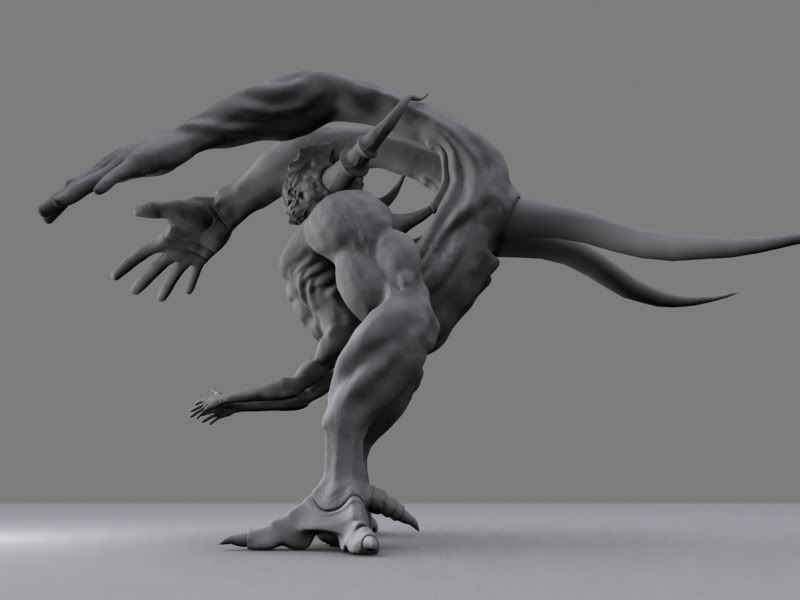
Heres a creature i started a while back! It’s my first zbrush creation!! It’s orginally modeled in Max and was exported to zbrush for some body work! I just figured out how to export displacements to max and apply them to my model! It’s confusing because all the tutorials on this are different and every one is working with different machines and different amounts of geometry! I’m glad i’ve figured out one way thanks to scratchy!!! Can’t wait until the zbrush to max pipeline comes out!

Hopefully i can create a texture in zbrush and export it into max and apply it back onto my model!!! to make my life easier because i dont really want to unwrap it! If anyone can help me on making textures or give me advice on how to texture it please let me know ;] i installed the zmapper but it looks really confusing!!! hahaaa i heard it was very quick and powerfull though!
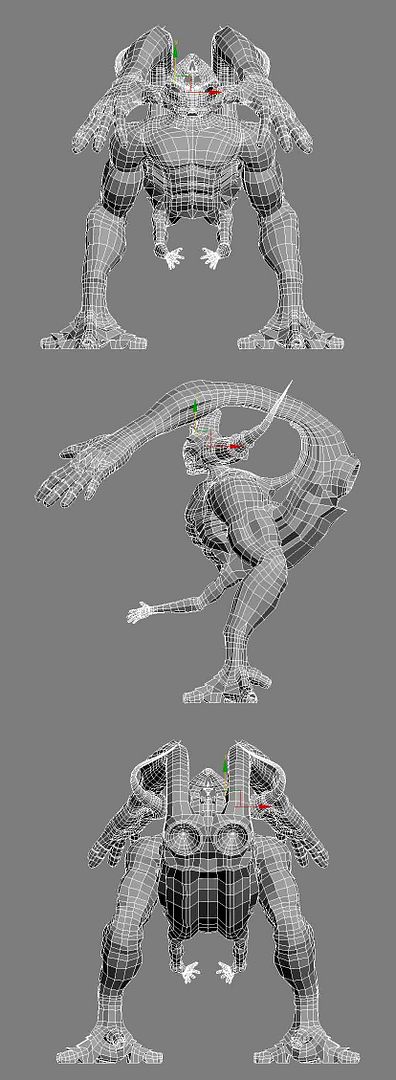
Here’s the original wireframe i sculpted in 3d Max! its 13,075 polys It is one of my first models ever so the topology is not that good.

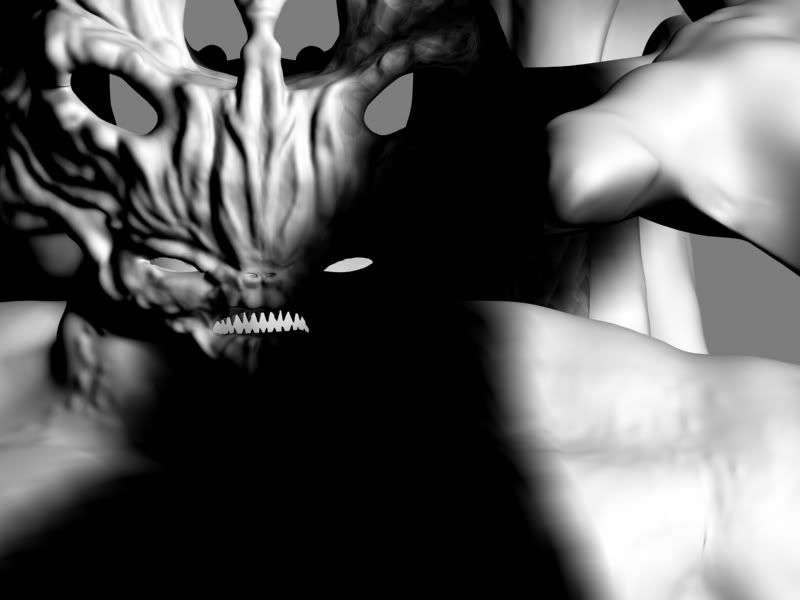
The mean face! He’ll have eyes soon ;]

interesting character ya got there!

for texturing check out the Projection Master tutorials that come with zbrush either via help menu or start pm and click the ?.

also ZAppLink is another plugin to grab too if you feel more comfortable in Photoshop or the like…you can use PM and photoshop that way.

keep going…looking forward to seeing how he looks.

Looking good Stalsby!

I got a lot out of Meats Meirs Gnomon Zbrush Production Pipeline DVD. Although it’s based on ZB and Maya you can substitute in Max for most of the techniques. It also expains several ways to map & texture in ZB and using your 3d app.

IMO money well spent!

It might be worth checking out.

Looking forward to seeing more.

Ben

aminuts, thanks for the advice!!!

and ben thanks too! I actually purchased the meats meiers introduction to zbrush so im trying to learn a lot from that in the meantime!!

Top notch! Love this model. If you need help animating him let me know. =)

Thanks!!! I would need a lot of help animating it ahaha! i’m not very good at animating or rigging!!! I need to skin it so i can pose it for my demo reel!!

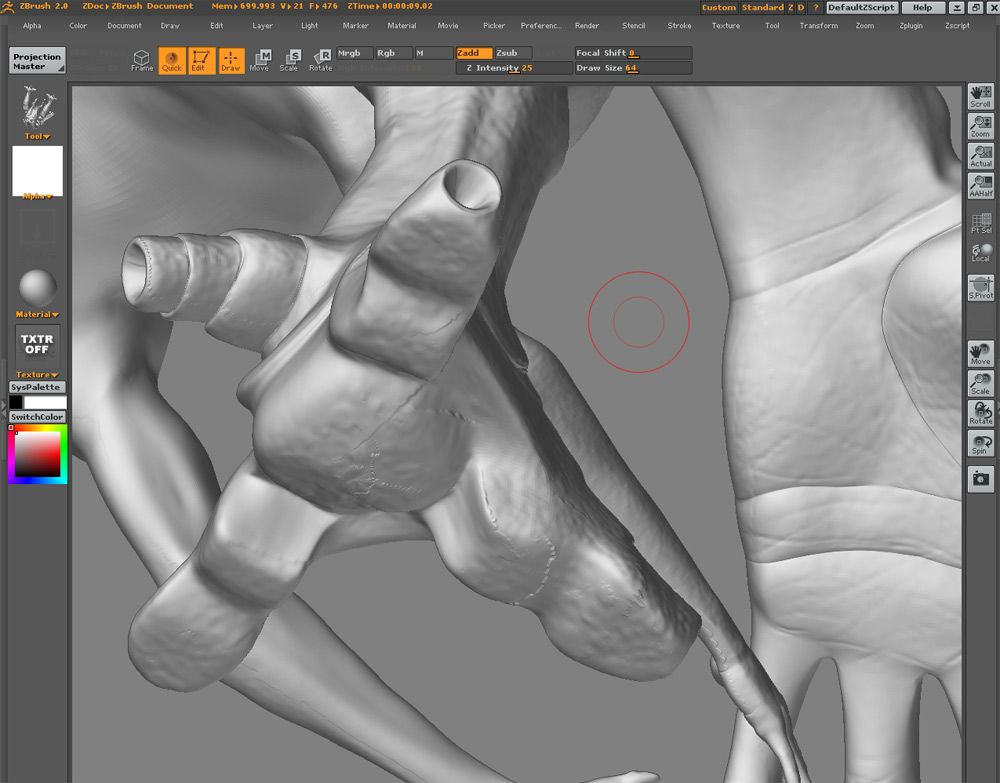
how can i prevent this stepping when using projection master? is it because im checking deformation and normalize? and im going off the edge of the model when using the alphas and simple brush?

Attachments

banding-abad.jpg

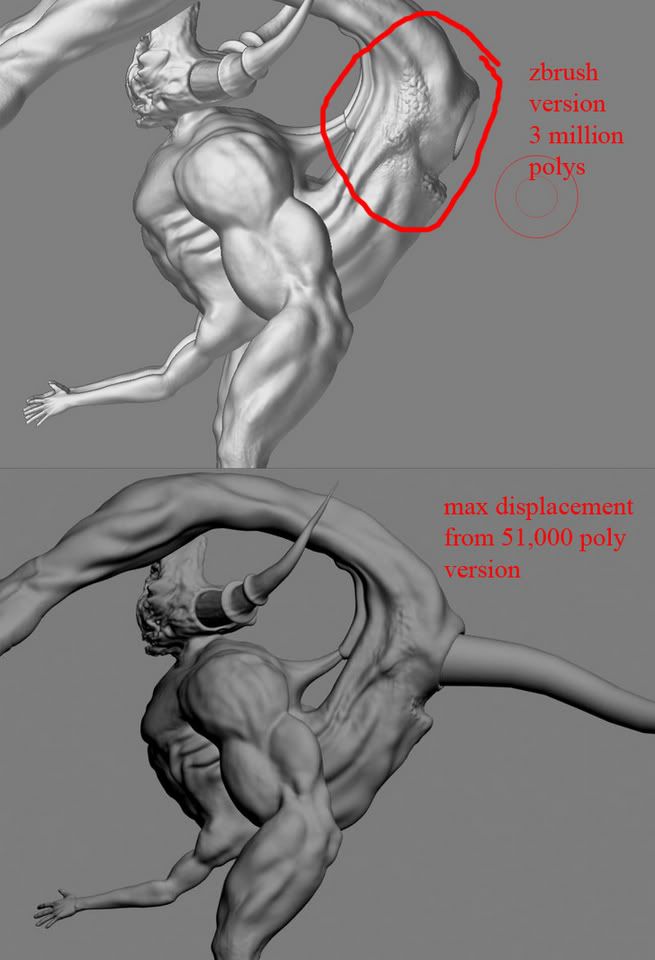
im not getting the detail i want in my displacement map! im exporting it out as 4096 the biggest you can and ive messed with the strength and decay in max a lot and i dont understand why im not getting the detail that i have in zbrush! maybe my wireframe is too low poly to support such high displacements? my low version is like 51,000 and the highest one is like 3 million! is that too large of a ratio to get the detail i want? if anyone has knowledge on this please help. My strength on the displacement in max is set to 6.0 and the decay is 0.3 this seemed to give the best results for me.

i think if you use ZMapper, it hould be mutch better, i dident used it yet, but for the tutorial i have seen, it’s mutch bether.

Try using Mental Ray or Vray Displacement these will give you the detail your after. With Max’s Displace mod, you very nearly need to have the same amount of subdivision to get the same detail in ZB. Most use bump maps (with Max’s Diplace mod) to give the extra detail like scales. Or you can go for Normal maps as someone else mentioned?

Ben

Is there a way to export a bump map out of zbrush? or would i have to paint it myself?

Good work on the character, he looks complex and unique. Good job.

Im not an expert but feel I may help or have useful info. I think your problem may be from going off the model with brushes. The distortions in your model look like when you use projection master with displace geometry, and paint off the edge and then it tears across the side faces of your model. This happens with colors too, as well as displaced geometry.

I think Masking anything you dont want changed is a good place to start, as it seems to me even when I am not projecting off geometry those tears happen sometimes (?), and that seems to decrease when I mask off the geometry…ODDley enough, it seems to me that those tears may even be created when Geometry is hidden and you are working on the showing piece, and when you reveal hidden…does it sometimes have that tearing?? Anyway, I have converted to use the masking function when the models get more complex.

Anyway, masking, plus working on the model and not painting (projecting) off the edges may help. If you are near the edges use the Fade option. If you are within the middle of the projection, its up to you and you can even choose to leave fade off. There is certainly nothing wrong with using displacement or normalize as you asked, …as long as your not going off the model and telling Zbrush to do its work on small bits of faces that run along those sides of your model that you cant see.

Hope it helps. -8

thanks for the advice!!! and yes sometimes when i hide and unhide geometry i get that tearing as well!! it sucks, i wonder how to prevent it! I’ll try using masks like u said!! thanks again

cheers

very nice character design

thanks E! one of my teachers said it was pretty twisted ahahha! thats what i was going for! ;]

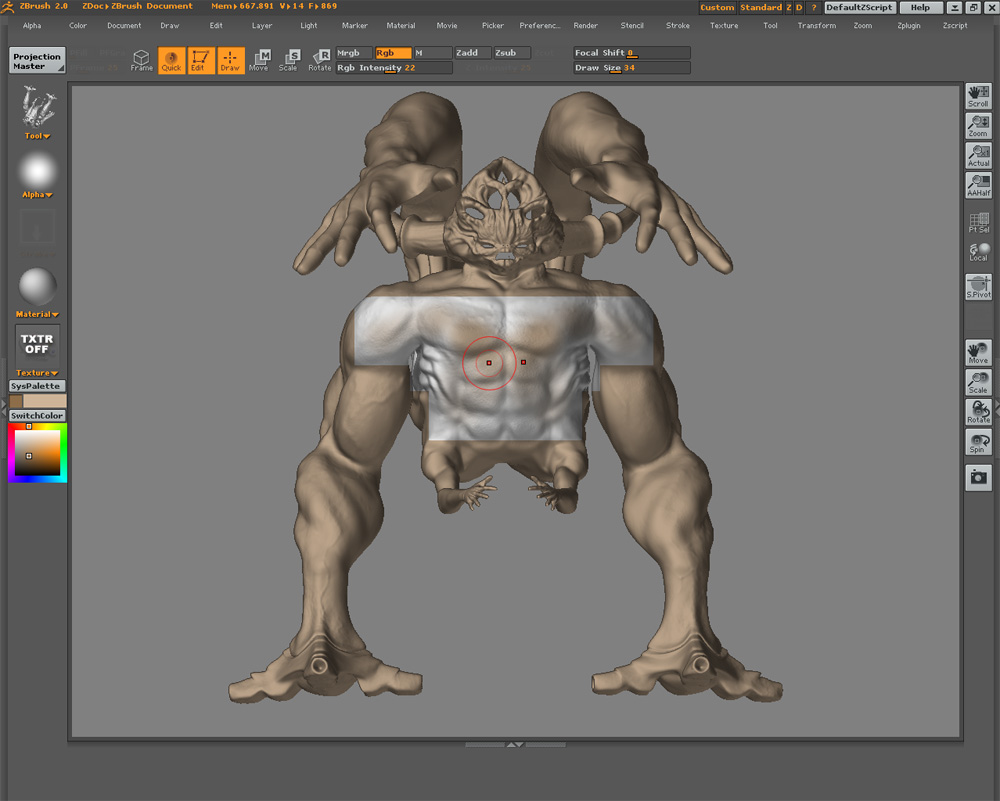
When in 3d edit mode and painting my base texture i keep getting these squares that pop up while i paint! is that because of the material? is it best to paint your color map through projection master? please help!!!

Attachments

text zbrush.jpg

Yeah deff use PM for that

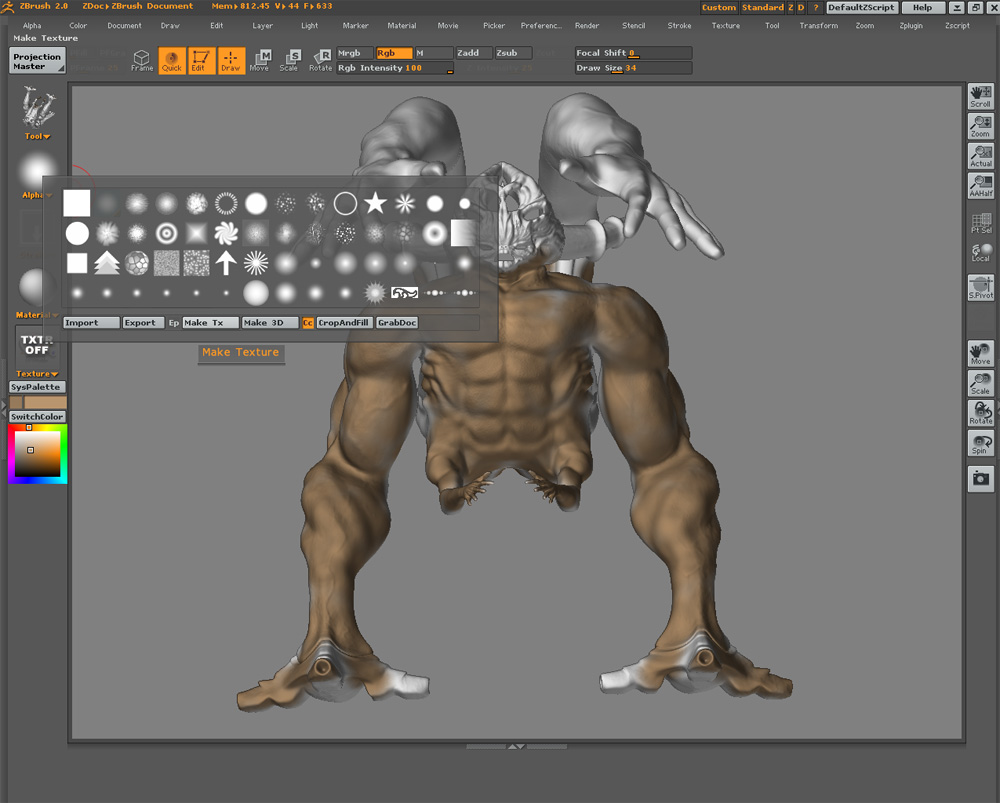
im a little confused on why zbrush does certain things. I clicked make texture under the alpha palette and now my model went back to its original white clored material and now i can just paint rgb information onto it. How come sometimes when you just pick a color the whole model will just change to that color? what setting allows that?

Attachments

make te.jpg

If you don’t have a texture assigned to your object and you change colors, your model will change to that color.