ZBrushCentral

Swimmer Portrait - Part 1

Hi all,

it has being a while since my last post, but I´ve finally managed to go back to work on what I like the most, which is sculpting in Zbrush and trying to producing believable characters :slight_smile:

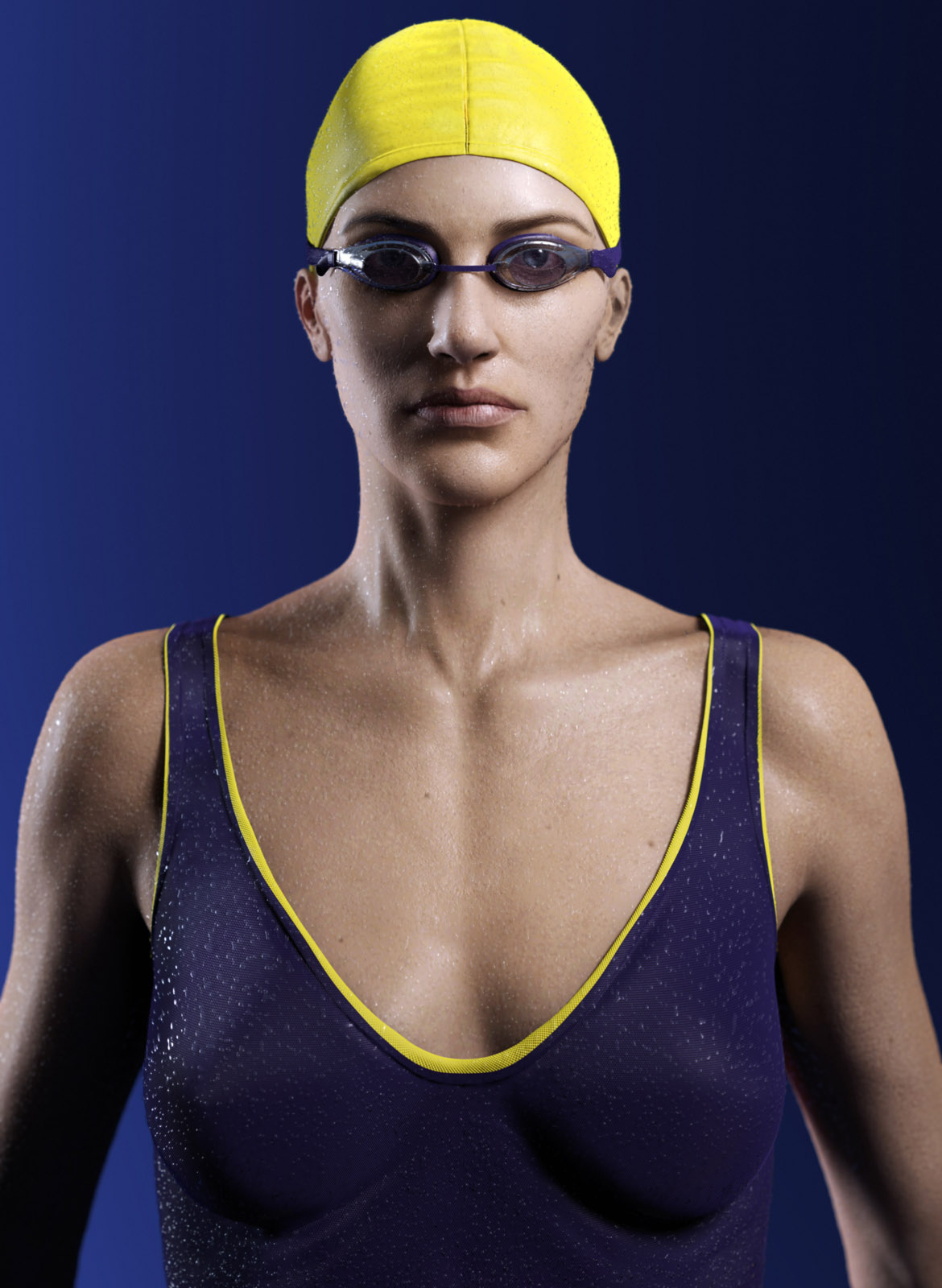
This is the part 1 of my work, a portrait of a swimmer. The second part is going to be an action shot, I´m still struggling with the water and particles, but should be posting something in the next weeks :wink:

Here is the portrait:

[]swimmer_portrait.jpg

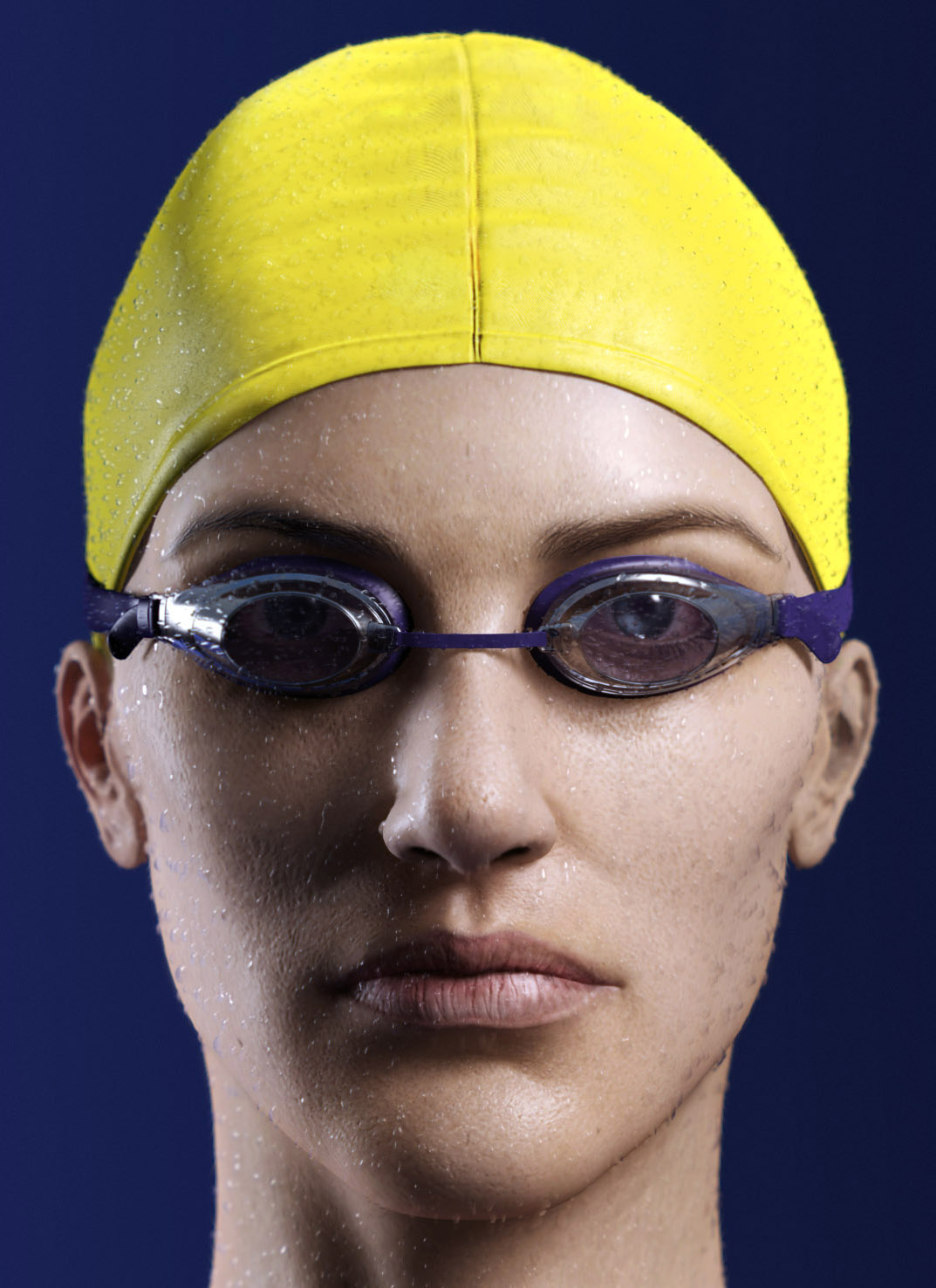
Close Up 1

[]

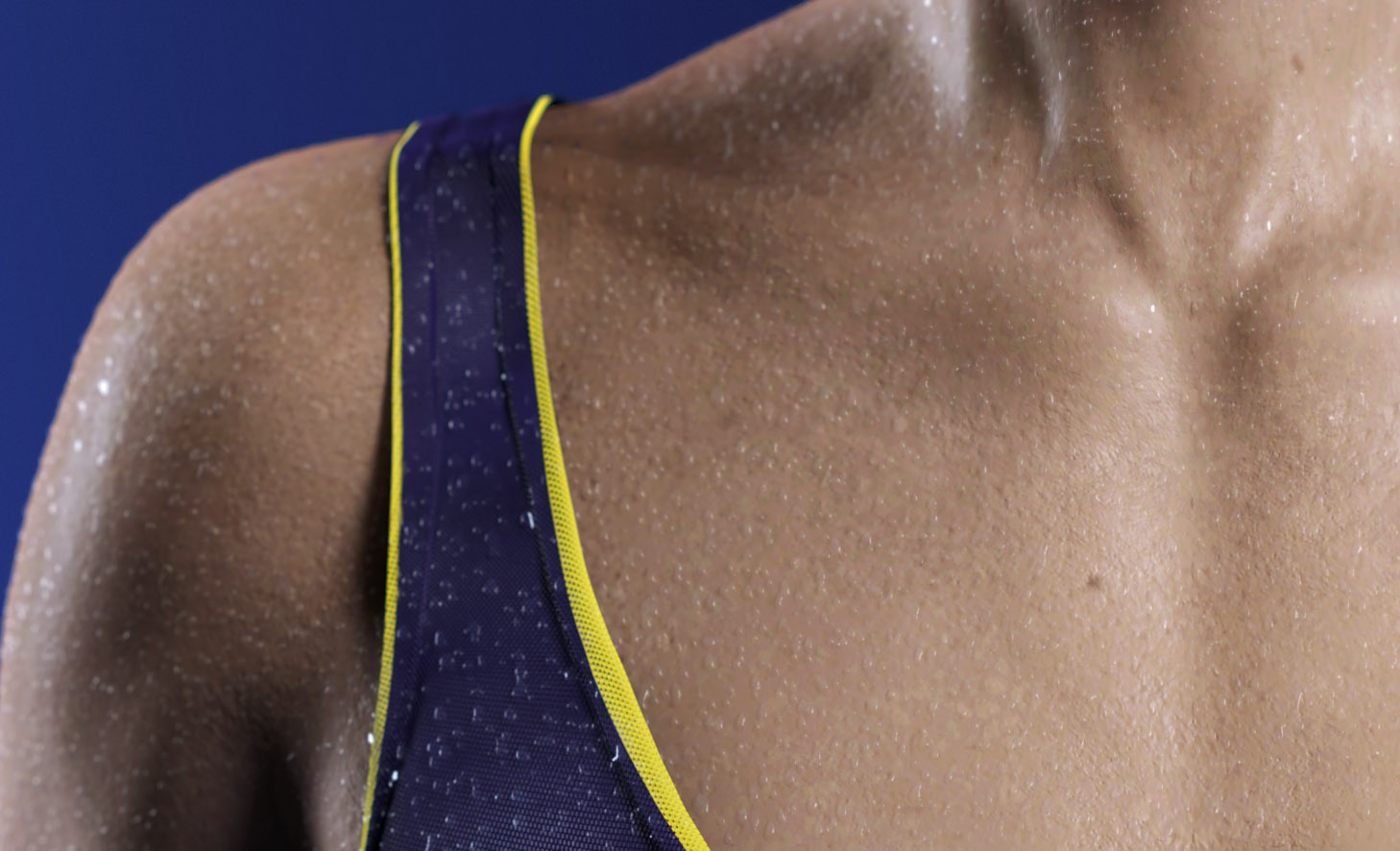
Close Up 2

[]swimmer_portrait_close_up_body.jpg

Thanks,
Ricardoswimmer_portrait.jpgswimmer_portrait_close_up.jpgswimmer_portrait_close_up_body.jpg

1 Like

This work is truly inspiring. Really nice! My two crits would be the drops needs a bit more work. I dont know what is wrong with them, it might be the shader or just light setup. And the yellow hat looks like it is crashing right on the side of the head. again it might the angle or light/shadow playing a part.

Anyway, top row stuff for sure! Are you animating her? If so, looking forward to that!!

  • Klaus :+1:

That is fantastic. The line between photo and sculpt here is really blurred. The only issue I have is the ears BUT - that may be exactly how they are in real life on the person - so I can’t be so sure that my issue is really an issue at all.

Top Row for sure.

Jaw dropping! Very inspiring. Great job cant wait to see more. This will be Top Row for sure. :+1:

great work:+1:

Beautiful and amazing work… like the realistic details u putted on her face… absolutely great stuff…:slight_smile:

hey ricardocr!

very very nice work. modeling, shading and texturing all looks smashing.
i think the water drops should vary a bit more in size. they all look quite uniform atm.
maybe some of the should run down, makeing trails as they go.

looking forward to see it on the frontpage.

-r

amazing work, but besides the water drops, her ears, imo, are smaller than normal… -oh, and her lips appear somewhat dry… Looking forward to seeing more…

looking good- any chance to see a three quarter view? A few small crits- The bottom of the breast area has a strange look- the ribcage showing makes her body look older then the face. The face also has a strange noise pattern (visibile on her right cheek in the shadow). You could probably reduce the pore detail bump just a smidge in the face. For the most part- very interesting. Are the water droplets refractive surfaces, or is the detail painted?

Craig

Looks perfect, great sculpt :+1:

Awesome job dude! What render did you use ?

Thanks fellows for the comments and critiques :slight_smile:

And answering some questions:

“Are the water droplets refractive surfaces, or is the detail painted?”

They are a displaced surface, with transparency and a Arch Design (mi) Material

Are you animating her? If so, looking forward to that!!

Nope, but I´m working on a “non-portrait” composition, should be posting the work in a few weeks :slight_smile:

What render did you use ?

Mental Ray.

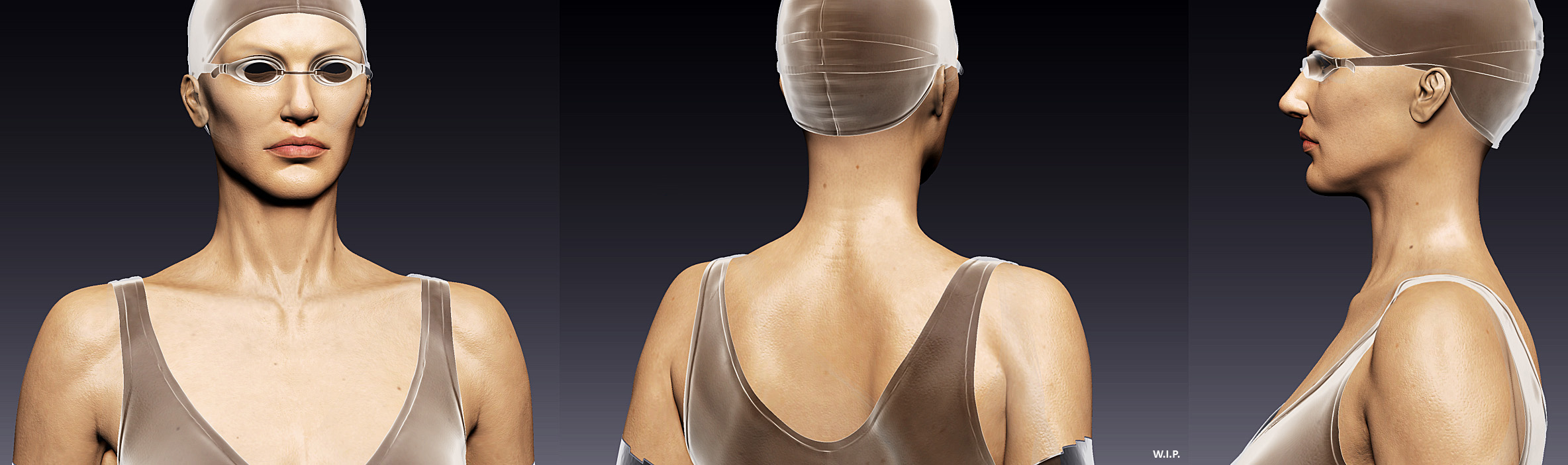
And here goes another screenshot, from Zbrush:

[]woman_z_01.jpg

Thanks again for the feedback,
Ricardowoman_z_01.jpg

Stunning work so far!
I think the problem with the droplets is that there are too many of them,also some need to slide over the skin leaving a trail of shiny water.
Droplets on the suit should be bigger in size,but also they should be absorbed by the fabric.
I think the skin is not shiny enough to look as if she’s just gotten out of the pool,same goes for the lips.
Hope this helps :slight_smile:

Very nice!
Maybe just by reducing the number of drops could improve the “realistic” feeling a bit.
Just my 5 cent though :wink:

Awesome work!

Great work. The only thing missing for the droplets is that caustic effect you get from the light exiting the water volume. Even so it still looks nearly real.

The ears look a little funny IMHO but overall just brilliant!

I hope this gets the exposure it deserves here and on CGTalk. Sadly CGTalk is ruled with an iron fist these days and it seems only one ‘mod’ plugs the work there to her tastes.

I can’t wait to see the action shot! :sunglasses:

Thanks fellows for the comments :slight_smile:

About the water caustics, I’ve tryied calculating it, but it seems that Mental Ray doesn’t like when you use displacement+cutout map+water shader when trying to calculate caustics, damm it! But for the second part of the work, I’m gonna try to figure it out some how, maybe producing caustics in a different render pass and then composing it in PS.

And about the ears… I’ve always found that my characters had too big ears!!! It maybe something about the fact that I HAVE SMALL EARS, so what?! Hehehe… just joking, but I’ve tried to play a little with her ears while sculpting and adjusting her main anatomic proportions, but this is the part of the work I’m less pleased too :wink: Next work, better ears!

Amazing work! The subtle details on the face really bring her to life, I cant wait to see the non-portrait composition. :slight_smile:

Beautiful work !!!
Waiting for the final image you are going for.

Damn this is simply awesome! Ive been trying to figure out how to do droplets for my Ogre sculpt (http://www.zbrushcentral.com/attachment.php?attachmentid=176302) for ages!! Please can u tell us the workflow and maybe post the maps u used for them?? This would be of immense help to me!! :smiley:
Great work overall mate, keep it up! :+1:small_orange_diamond:+1:

You can do it two ways: one is creating a drop mask for your specular and bump/displace maps on your SSS shader and adjust it’s intensity to get the drop effect. Or, you can duplicate your character’s mesh, apply a material on it with the drop texture on the opacity and displace maps. Also, you have to adjust your shading settings (specularity, glossiness, IOR). And about the “water drop” map, I’ve done it by hand in Photoshop. First, I’ve picked some water drop fotographs from an image databank as references, then I painted just a few drops (white on black), duplicated then, randomized a little and made it tileable, then played with some gaussian blur, really simple. And if you do a quick search on “water drop” on google, I’m sure you’ll find lots of good drop map textures and references :slight_smile: But I think the trick is using the water drop map/texture as a mask both on opacity and bump/displace slots of your material, independent on your choice of applying it in a duplicated mesh or under the SSS shader.

I hope this helps!