ZBrushCentral

Round projection

Hello, probably a stupid question, but still, I can’t figure it out.

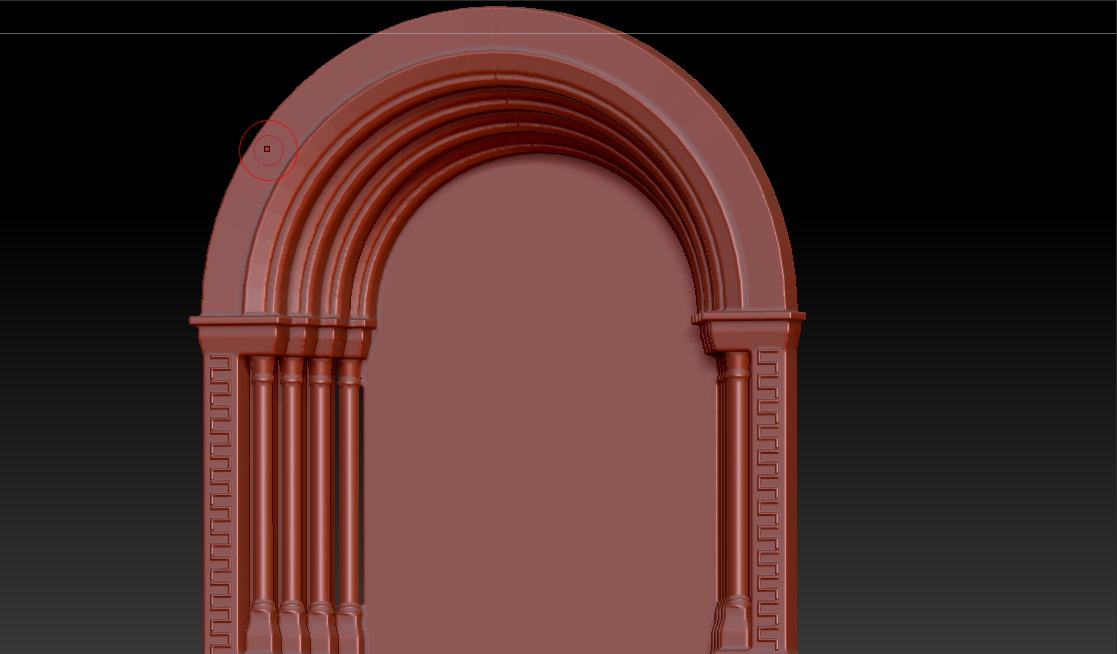
So, with a projection master you can project lines and stuff, but how to project the, let’s say, ornament, on the round surface, like arch. I try to project a line and then rescale or rotate it but the ornament gets spoiled that way. Is there any other way to do a round projection or it is done only by hand?

Thanks in advance

Attachments
round.jpg

Depending on what you are drawing it on, there are a couple options.

If the surface itself is rounded, use the MatchMaker brush.

If the surface is flat but you need what you’re drawing to be in a curved line, use a Curve brush. Even better, try an Insert Multi-Mesh Brush. There are a bunch already made for you, or it’s easy to make your own.

As for Projection Master, have you tried turning on the Normalized option?

Yes, i’ve tried the normalized option and it doesn’t seem to make the ornament fit.

Although, neither of the suggested options worked in fully, because there’s usually the problem of rotating alpha (or mesh) so that the next one in the chain would fit.

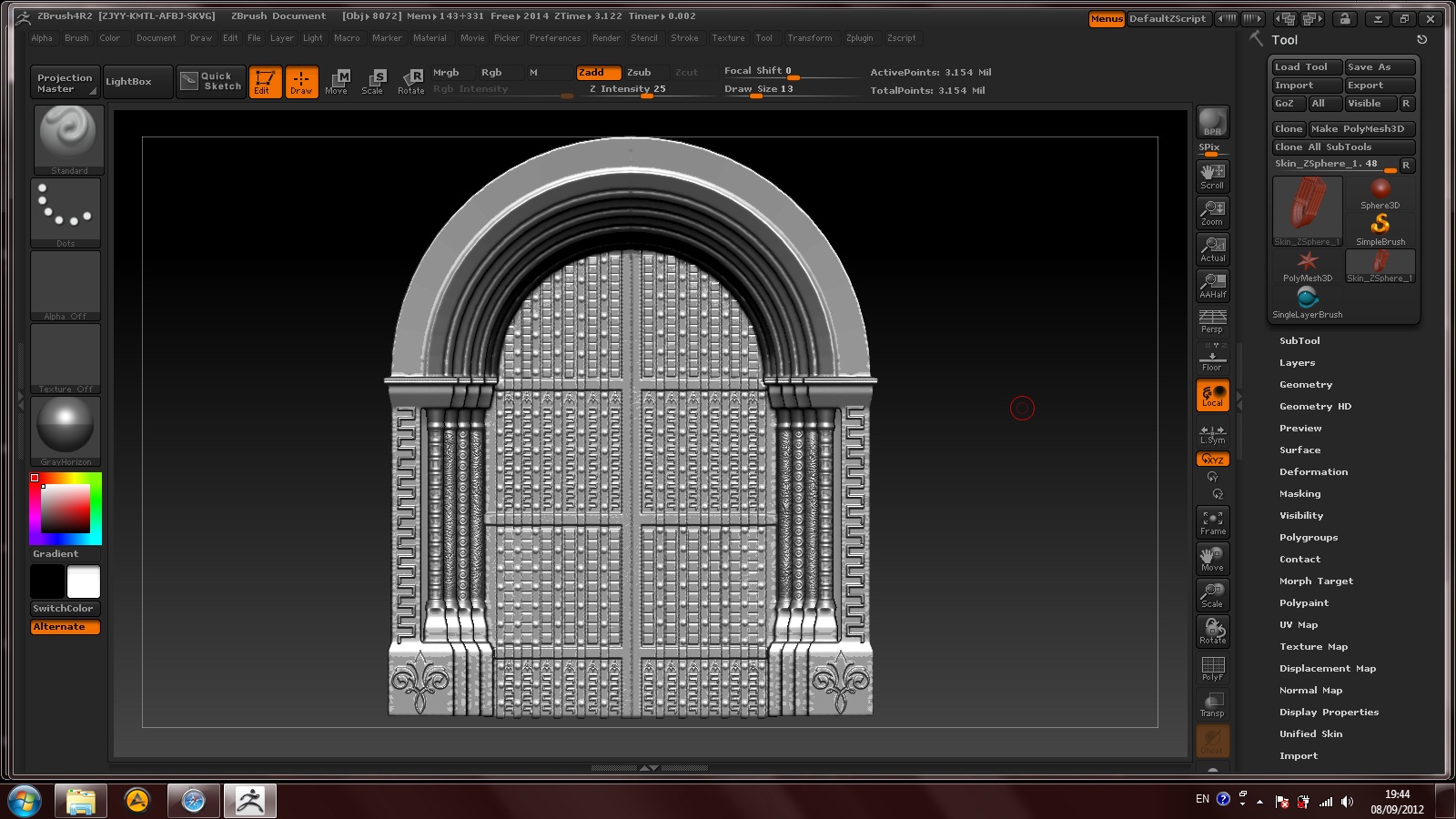
Look at that door, I have a sort of “S” ornament on the sides and I want it to look connected on the top of the arch.

I guess, the option with multiple insert meshes brush is good, I’ll try that.