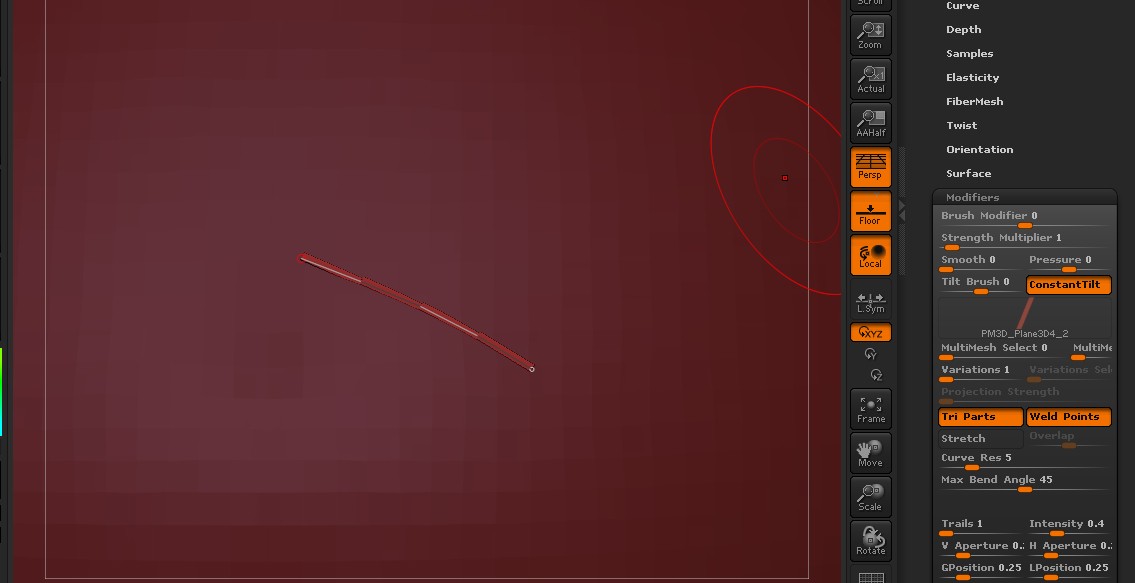
Is there any way to restrict the effects of these settings to the center links so that the end caps are not distorted and/or warped which is what would be desirable when making cables with prongs for example. Personally, I was using IMM curves for multiple types of clothing straps ideas. Fantasy type stuff with leather straps, buckles, rivets and such. Problems I have been having revolve around getting the ends manipulated into place…getting the lengths just right, and having items like buckles which should be rigid warping or twisting at the ends. Being able to pin/lock the ends helps, but I wish that pinning stopped the pivoting motion on the pinned end.
I also think for similar uses, a better way to position the ends (i.e. some sort of chain end transform tool would be very useful. As I often found myself reverting to careful application of the move brush to try and nudge things to get them just right. Another thought was some way to trim IMM curves right where you want them only without actually cutting off the ends… essentially just removing “excess” links from the middle to achieve the desired length.
If I’m not finding existing features please point me in the right direction… also interested in workarounds or different workflow approaches that might be useful.
Other wishful thinking ideas include slice like brushes that add geometry/polygroups without breaking the mesh.and a way to use pen pressure to control curve fall off. Oh, and of course who wouldn’t want a handy cloth/hair simulator and control curves to help in styling fibermesh?
Apologies for going a tad off topic.