ZBrushCentral

Poly count over 60800000, help please?

Okay so here’s my problem, I’ve been working on my very first 3D sculpt EVER and it’s looking great for a first timer with no formal training, here’s the thing, I have set up my own personal pipeline that will let me animate him once finished, I am almost done with the unrigged product in ZBrush, but when I rotate him, select another subtool on him, basicly do anything with him, he lags allover the place, right now the total poly count on him is roughly 60800000, not sure if that is an unusual amount but it is what it is, I want to get rid of unneeded polys so he will stop lagging, and so I can animate him, (in DAZ, not my personal choice but it was free and I’m a 17 year old who’s low on funds at the moment, haha) this being my first time trying anything like this, it’s a learning experience for me, so I’m constantly stopping to think about my next move so I wont get finished with him and hate the end product, it’s worked so far but now I have no idea where to go. I will get an external hard drive some time so that might fix the problem, but I would really like to get some of y’all’s opinions on this issue, thanks for helping me out folks.
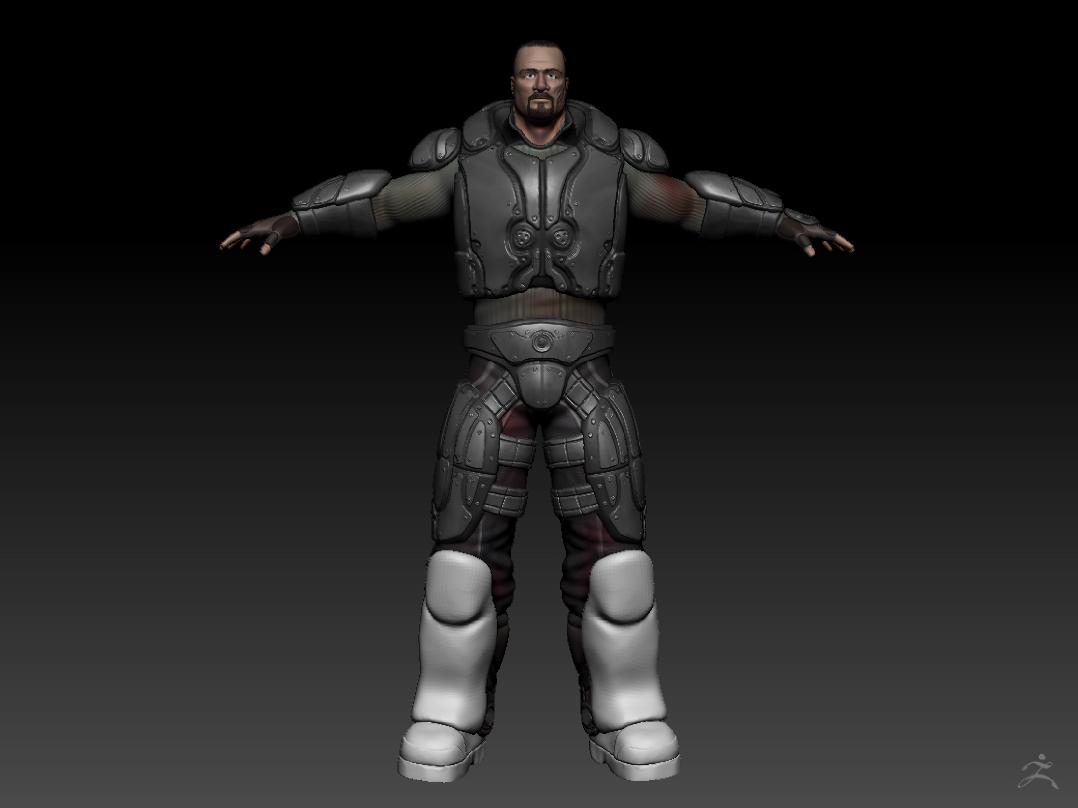
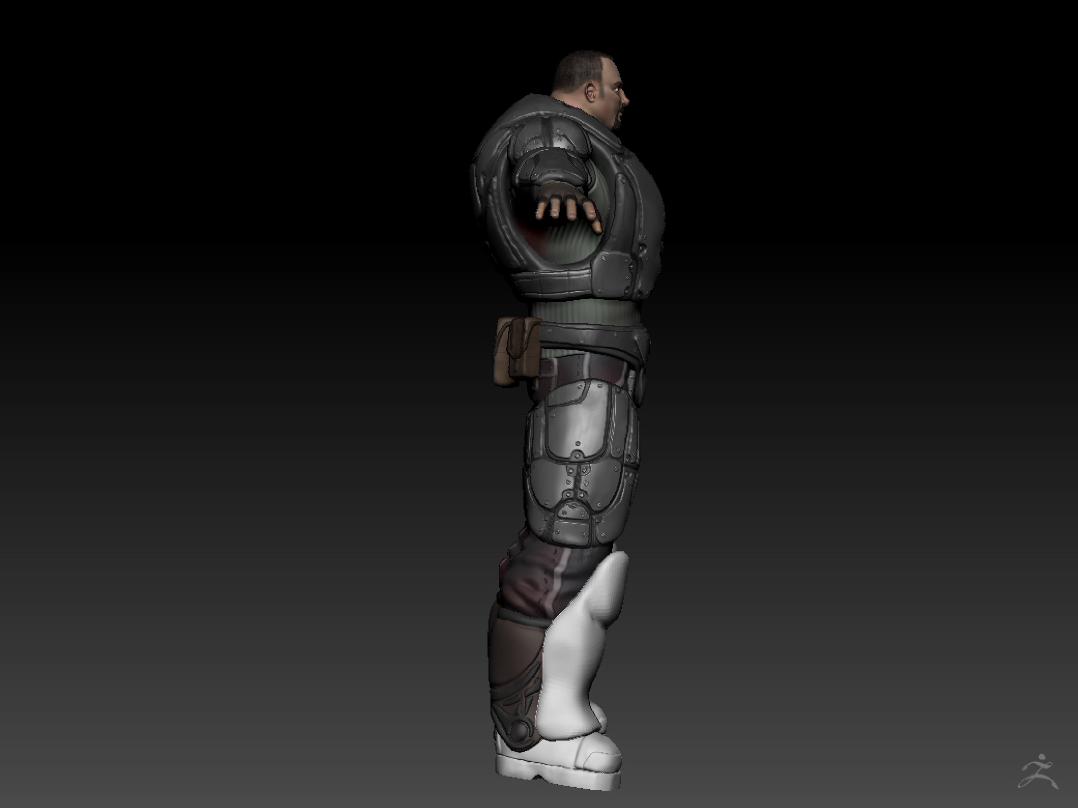
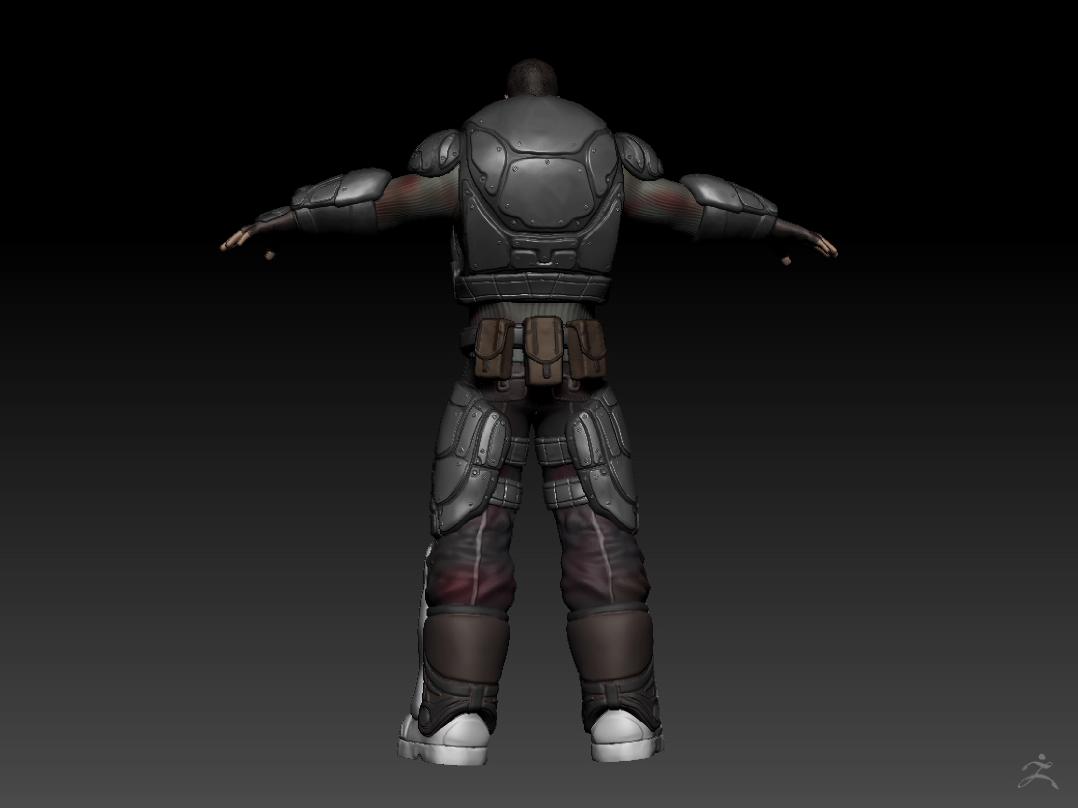
I will post a few pictures of him below, it’s still a WIP mind you.

Here he is, I feel like a jackass for saying this but I am paranoid, he and the story I have spent 7 years creating around him is my property, it is my creation, know this before using this 3D concept in any of your projects, if I find that you have stolen my work and made money from it, I will take whatever legal action is available and use it against you, that said. I am sorry for being a dick, but like I said, I have put 7 years of my life into this, once again I thank anyone and everyone who helps me out here. :smiley:

Attachments

LC armor2.jpg

LC armor3.jpg

LC armor4.jpg

I hope that’s at the highest subdivision level possible. Lower the resolution if you’re not rendering it. Is it made of subtools? Sounds like DecimationMaster could help.

The highest subdivision I can go to is 7, he’s at 7 in the pictures.
To lower the resolution, do I do something in the geonetry tab?
What do you mean by ‘rendering’ it? What is that?
Yes It has 35 subtools.
I’ve never used Decimation master before, what is it and how can it help?
PS. I’m wondering, I posted ths in the ZBrush tutorials deal, have I posted this in the wrong place?

I’d keep each bit of armor as it’s own subtool. This will let each piece be able to reach the highest number of points your system can handle (ig: having 7 subtools at 6million polygons each instead of just one), and will let you focus on different parts individually (one piece might not need to be subdivided as many times, and when it comes to decimation master you can target the hard surface areas more easily than if you had to try and mask them out). Because of the design, you can also get away with splitting the main body up as well (the head could be its own subtool, the arms, the legs as well).

As for Decimation Master, it’s a plugin included with zbrush that will crunch down your geometry in a way that will get rid of as many polygons as possible while preserving the same surface detail. You can read about it at http://www.zbrushcentral.com/showthread.php?71265-Pixologic-Release-Decimation-Master-MOVIE-added-P-12-amp-Plugin-Update-on-P-15

Due to the nature of the resulting topology, it would be recommended to use this on the final mesh once the area no longer needs to be further sculpted (another benefit to splitting the armor up, as you can still work on other parts of the model). I wouldn’t use it on the non-hard surface pieces (the actual body) unless you have a lower resolution mesh that you plan on baking normal maps to.

You said you were going to animate but didn’t mention what other software you’ll be using if any. As to lag, with all the points you have, it’s expected. Normally you pose low res models with maps to get more realism with faster rendering. By rendering I mean as an image or movie, not what you need to display on screen to work on the parts.

The basic subtools are: The man AKA Logan Church
The shirt and pants (two different subtools)
Gloves and boots (four different subtools)
The leather calf guards (two different subtools)
And all the plates of metal armor, about 20 or so.
The idea of splitting his body up into multiple subtools could help, but in the long haul would be pain in my neck when I start animating him in DAZ.
So basically you would recommend that I finish the sculpting process as I’m doing now and once done, use the Decimation Master plugin on the armor pieces and clothing but not on Logan himself in order to get rid of unneeded polys, then continue on my pipeline into DAZ and rig and animate him?

I said that I was going to export the final product into DAZ studio 4, there I will rig and animate him. I’m not a huge fan of the posing/‘animating’ system in ZBrush, DAZ is free and easier to pose in.
What subdivision level would you recommend I sculpt on?

You only subdivide when you need to for more detail.

Ahh, I figured it was something like that, I will remove a few sub division levels on whatever I can.