ZBrushCentral

Please help me.

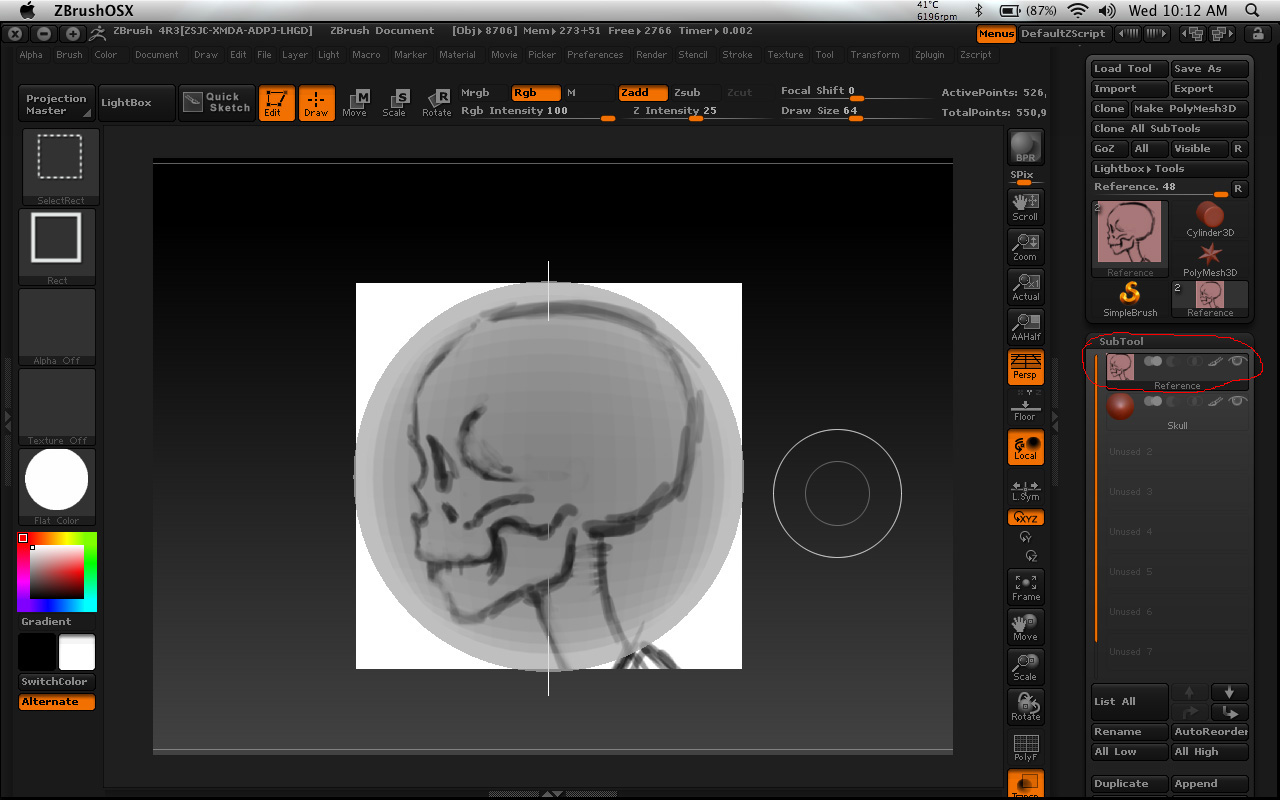
Excuse me, i’m very new to zbrush. After i load the ImagePlaneX, load in the images and 3D sphere, set up everything, then clicked on Trans button. However, when i selected the 3D object in subtool my object doesn’t turn transparency and my Imageplane turn darkish gray, but when i selected the Imageplane then i can see it, but i can’t sculpt with imagelane highlighting.

This is the images.

Attachments
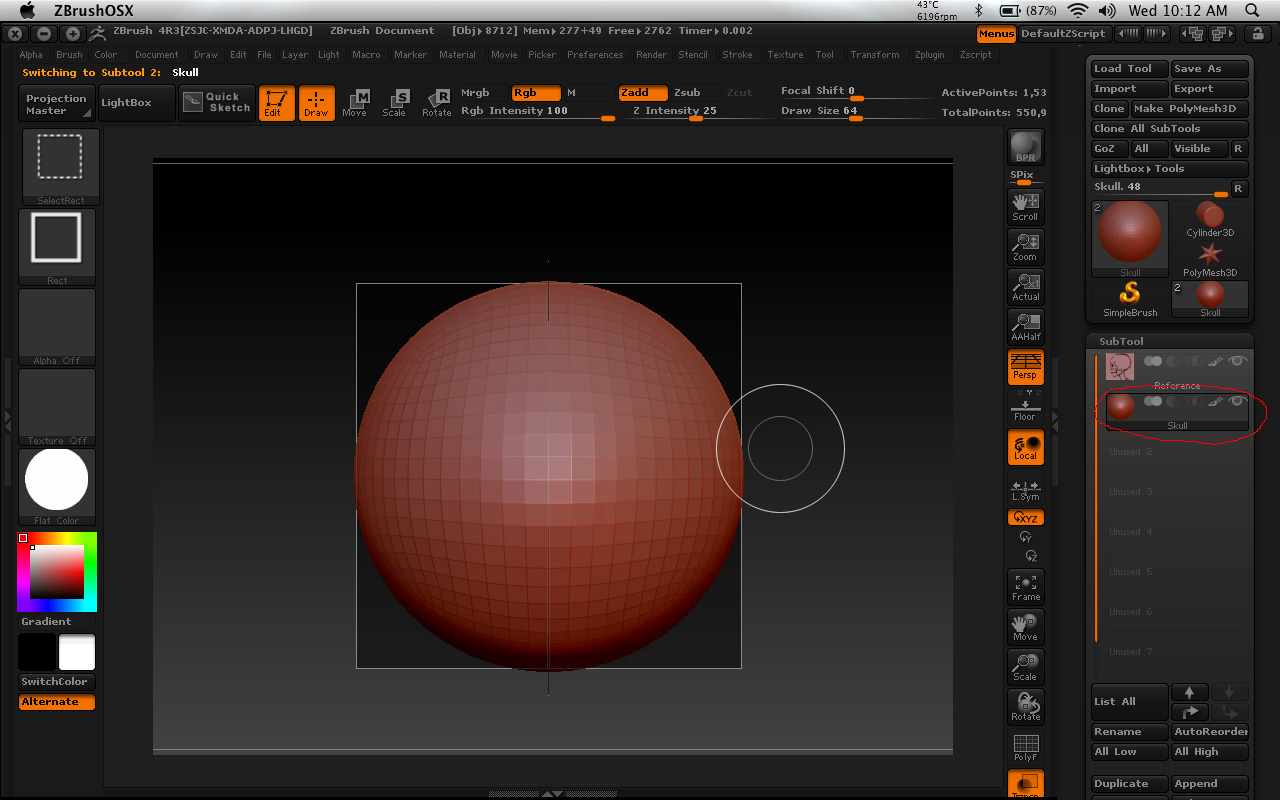
Image2.jpg

Image1.jpg

Turn ‘Transp’ on and ‘Ghost’ off. It’s the two buttons above ‘Solo’. Go to Preferences > Draw and increase ‘Back Opacity’ to make it more transparent.

Thank you very much. I appreciate it.

No problem! Glad I could help. :slight_smile:

Excuse me. But how come every time i reopen the file, i have to go through all of the set up again? It doesn’t save to the file.ztl?

Save it as a project. It should be completely set up every time you load it.

UI button presses or Preferences adjustments are not saved with the ZTool or Project file, that’s just the way it is, but seriously, it only takes about 5 seconds to make those adjustments. :wink:

hehehe. Thank you all. lol

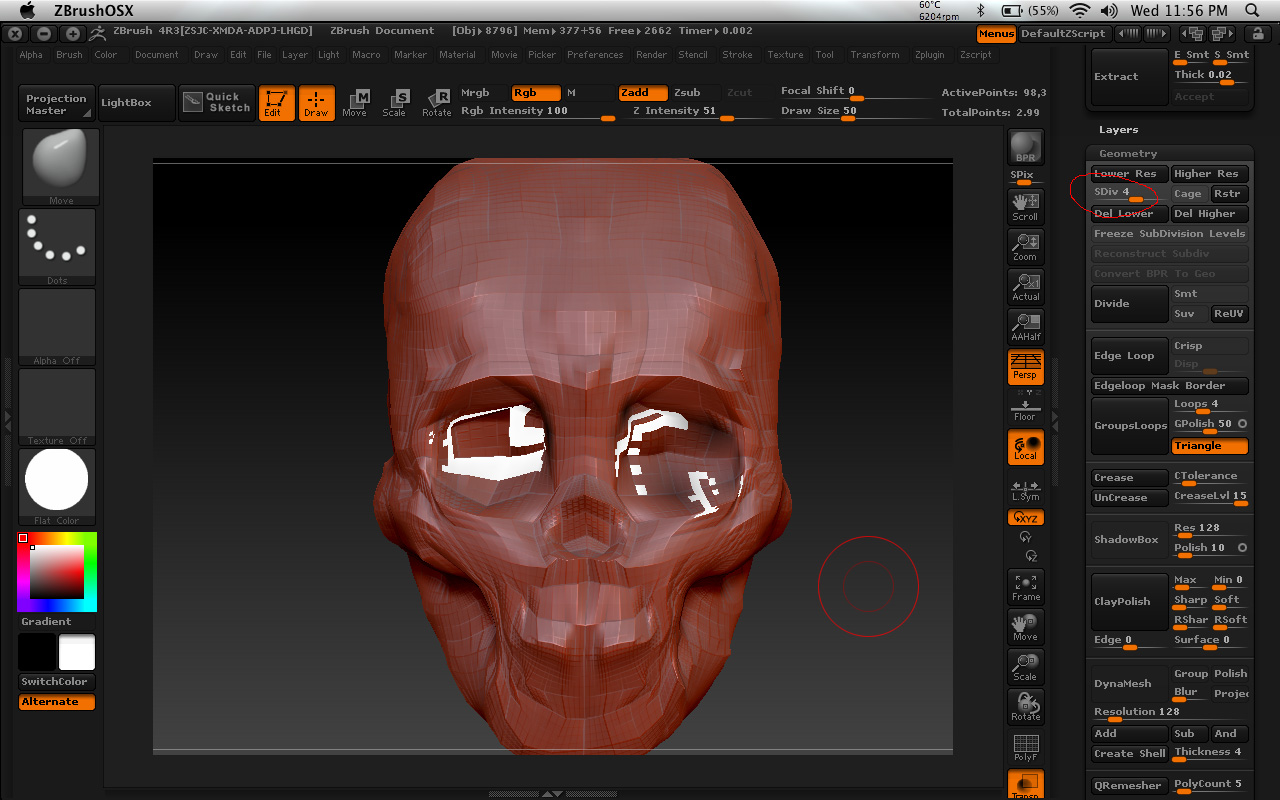
Excuse me, i have another question sorry. Why is there a bunch of white holes on my object when i move the Sdiv back up to 3, 4 and up? But nothing happen at 1,2. How do i fix that? Thanks.

Attachments

Skull.jpg

Well, you obviously did something you shouldn’t have. :slight_smile:

How many subtools do you have? You might have duplicated it.

I have an ImageplaneX and the 3d object in subtool.

If i keep both of the imageplaneX and the object with matcap red wax then the holes won’t appear, but if i change to flat color then the holes appear.

OK, it looks like you might have painted or filled with another material. Do the following to reset the material.

  1. Select the Skull subtool in the Subtool palette then go to Tool > Masking and click ‘Clear’ to make sure you don’t have a mask active.
  2. Select the Flat Color material from the Standard Materials palette.
  3. At the top, turn on ‘Mrgb’ button.
  4. Go to ‘Color’ menu and click ‘FillObject’.
  5. Select the RedWax material again.

I’m sorry, but where is the clear button in “tool”? I don’t see it.

Tool > Masking > Clear

Are they all the same in zbrush version? I have 4R3

Ahh i see it the clear button, thanks :slight_smile:

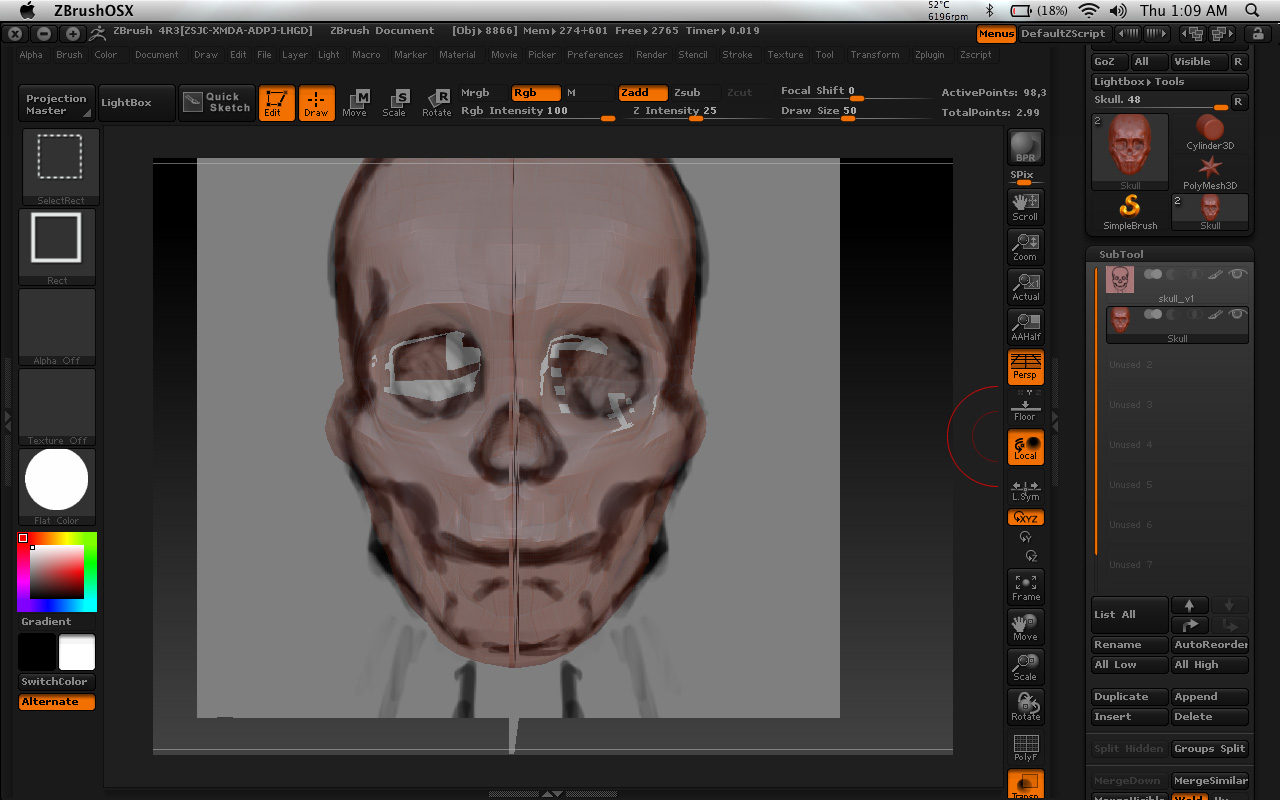
Still happen to me. Nothing change.

Attachments

skull.jpg

I see you have the ‘Rgb’ button on at the top. Did you follow the instructions exactly and turn on ‘Mrgb’ button?

I actually have Mrgb, but when i press command + shift + 3 to take screen shot, that’s why you see rgb, because of shift button.