Hi guys!
Hi guys!
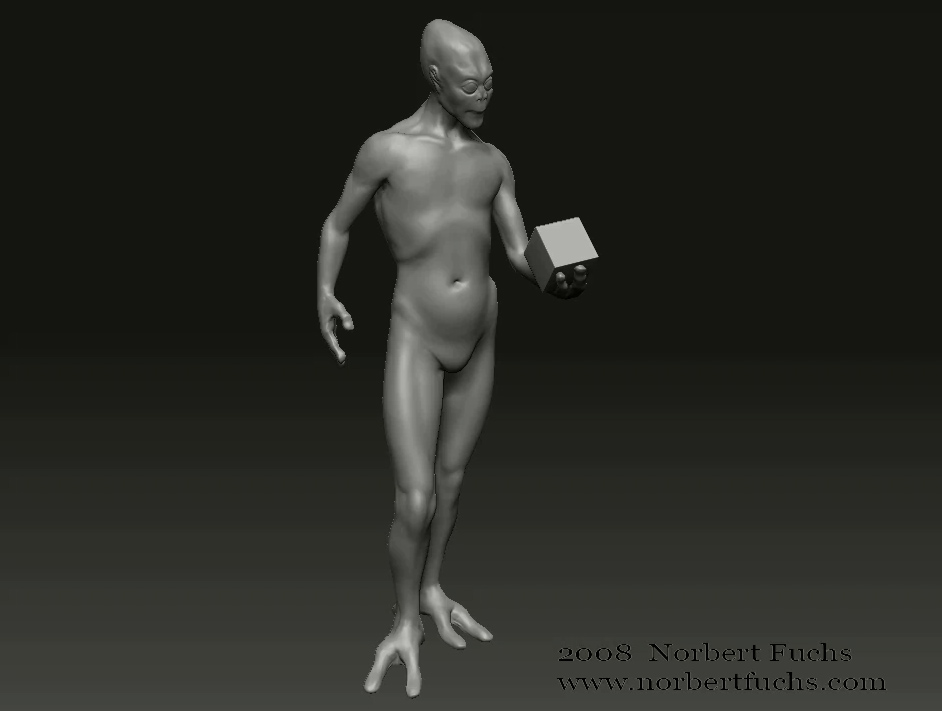
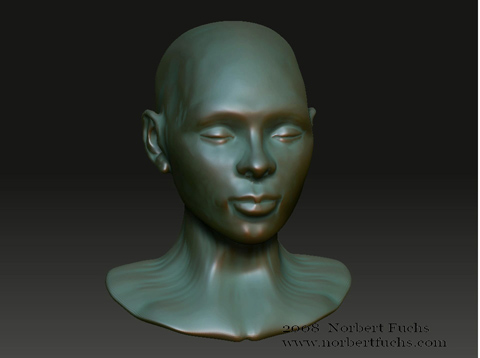
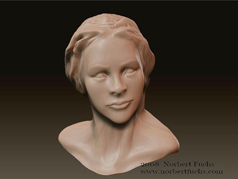
And 3 quick sketches (30-60 minutes). Sculpted from a polysphere. (Bronze material from the Matcap repository thread)
Click on the images to watch the turntable movies!
Working on this guy for a scene… about 6 days of sculpting so far. Design is based on this concept:
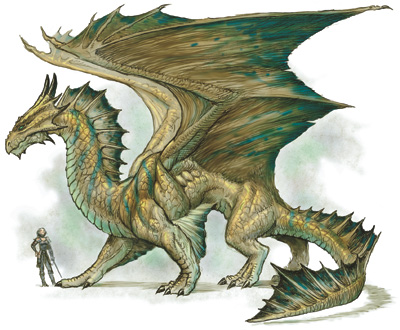
http://www.draconika.com/types/images/bronze-dragon.jpg
Have to finish his rear legs and the wings plus some detailing here and there.
)
If you mean that it shows “empty areas” in your 3d app…maybe it is the vga card that does that…or maybe it needs different flip of the map before you export it from Zbrush…can you post a pic to show us the problem? 
Awesome dragon and alien by the way…
Dimitris: Nope. I meant that the model “blowes up” in Zbrush. Doesn’t matter…creating the UV’s in UV layout and importing back into Zbrush works again. Thanks!
The dragon is looking impressive so far, I want to see it finished. There’s always a question that comes to my mind when I see a work like this one, how do you create those regular scales on the neck? Is there any way to do it easier in zbrush or is it all about placing them one by one?
Looks great, how did you make scales on the neck?
Thanks!
I’ve created one alpha of a single scale and then placed them one by one. Was trying to find a faster method but decided that his is the one that is the most precise and looks good.
Major craftsmanship with the scales, it does look great. Also like the polyspheres models and the alien. Very cool work. 
Thank you!
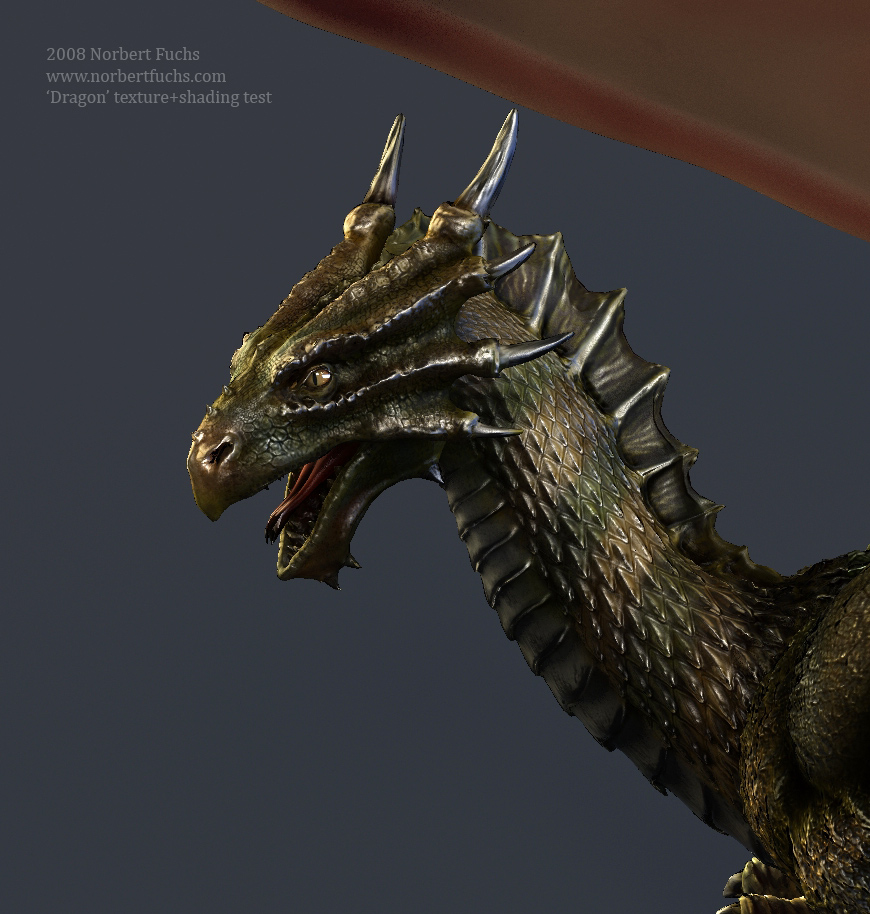
Well, sculpting became a bit boring so I began to paint some textures and create shaders. Here’s a very wip test. Only autocontrast was added in Photoshop. Not too bad for a start.
[ ]
]
Painting the textures, playing with shader.
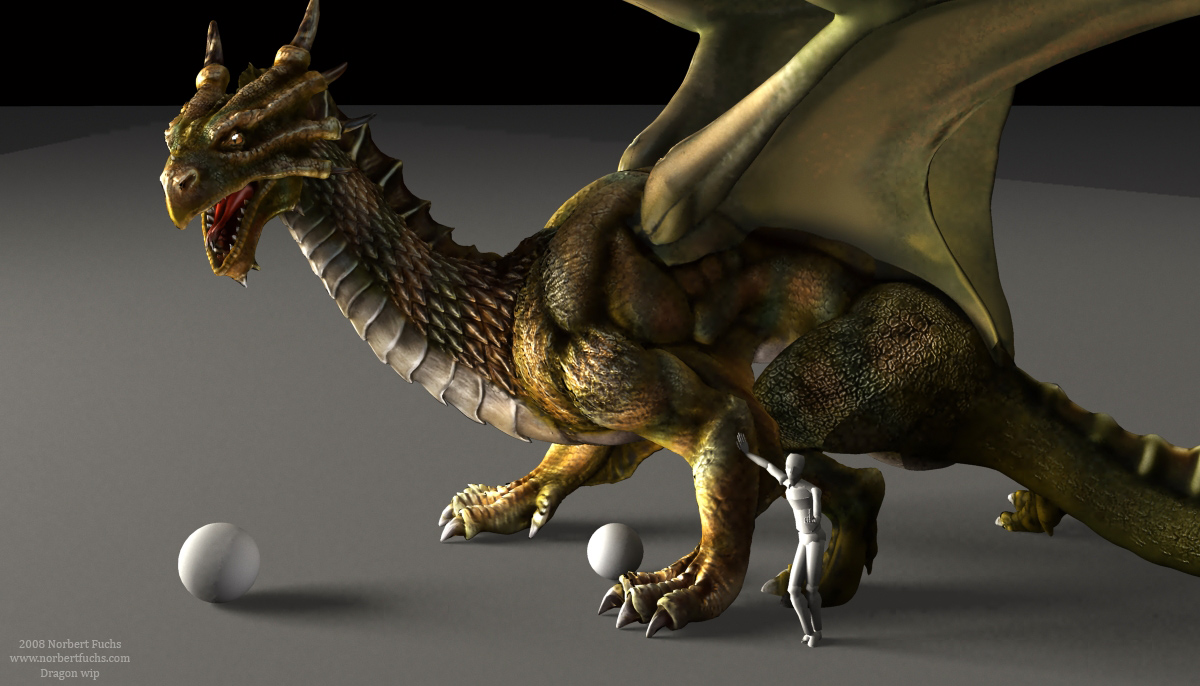
Raw render.
[ ]
]
excellent work
I was busy finding solutions for some environment problems so the Dragon was a bit left alone. Now it’s update time. Some sculpting and loads of texturing and shader building.
Impressive rendering! It gives a lot of life to the model.
Can you say how you make those pattrens on the neck please?

dragon renders looks so great! how do u make it look so good?? i just gotta give u 5* cos i love that dragon render
is that human scale figure flipping us off? lol
Love the dragon, dont personally love the pose of the person, if the guy has that pose then it would be more fitting for the dragon to have a sarcastic pose looking at the guy like who the hell are you!? As for the sculpting, i think the legs and the tail need more love, as well as the feet, theyre a bit gumby, i dont feel joints in the way the feet are bending, joints need to be sharper. Thats all i can think of, coming all gr8.
it looks a lot better than previous render. Whitch renderer did You use?
Is that a mesh from zbrush or You used displacement map?
Thanks for the comments guys!
The lighting on the previous renders is awful…so compared to those, this one looks really a lot better.
I tried finalRender but I decided to switch back to Vray instead (fR has some issues with displacement and bump mapping).
I used the 4th level of the model with bump maps. I plan to use displacement though.
Oh and the guy thinks since he has a big strong friend he is safe. :lol: