ZBrushCentral

jackdarton's hard edge sculpting.

Hey guys!

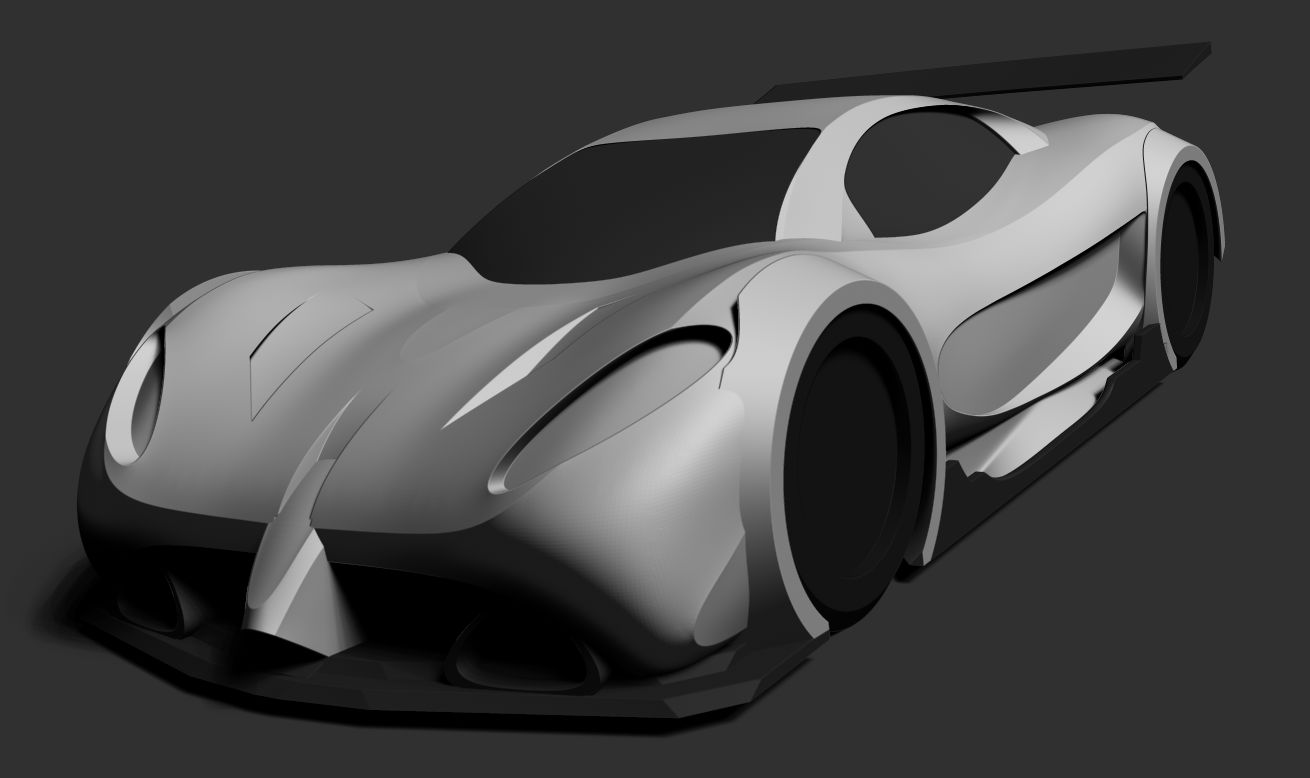
First post here. I’m relatively new to ZBrush, being a 2D artist for quite a few years now I’m really enjoying the learning curve. I’ve been learning the different tools, and watching lots of videos for the past few weeks, so I’m really new to this. I figured I’d invest in ZBrush as the future will hold improvements for hard edge modeling, whilst other programs more than likely won’t hold a future for organic sculpting. Here’s something I’ve been working on for a couple of nights just to flex my weak 3D muscles at the minute, but I’m happy with the progress. The final composition was rendered in ZBrush with post done in CS6. Total polycount stands at 1.6mil, I’m looking at methods and “cheats” to massively reduce this

I look forward to learning a lot more and getting to know you guys. You seem like a friendly helpful bunch :slight_smile:

Attachments

Accidentally hotlinked with the opening post. Attached the files this time.

Something else I started tonight. About 3 hours work, shall continue work when I wake up :smiley:

some nice hard surface stuff in your thread - like to see were this car goes ! i do cars - bikes with zb also check my gallery ! wish more people used zb this way !
welcome to ZBC !

Thanks! Some more progress.

This must be so hard I’ve given a shot to cars modeling (a Porsche) and abandoned it. Good luck!

Love what your doing here. Will keep an eye on ya.:wink:

Thanks guys, much appreciated. Some more progress.

Very nice- any tips on how to create controlled bonelines and creases? Also are you using primitives and then sculpting?

Thanks Parel

I’m using primitives indeed, the vast majority of them either a cube or sphere. You don’t need a huge amount of polys to have a super clean edge, you just need to utilize polygroups and polishing by features/groups. For instance, I’ll append a cube in, get it to about 300k polys (Which is what the car body is at now) using dynamesh along the way to keep the surface even. When I’ve got a nice shape that needs that extra edge of refinement, I’ll draw out polygroups, every hard crease you see is a polygroup edge which has been polished by features. Because polygroups slice the mesh do accurately, you can carve large polygons in half and retain that butter smooth edge.

I try to figure out little ways to cheat the system if you like. The arches (fenders for you 'murcans) have a ridiculously low poly count, created by using the initialize tool with a 3d object. When I needed to slice bits off, I don’t cut them off, I’ll slice them into a new polygroup, delete that polygroup (hide it and hit delete hidden), then close holes over the surface. This also keeps your edges super sharp.

Been a while since I updated, sorry for anybody bored enough to be browsing my stuff :smiley:

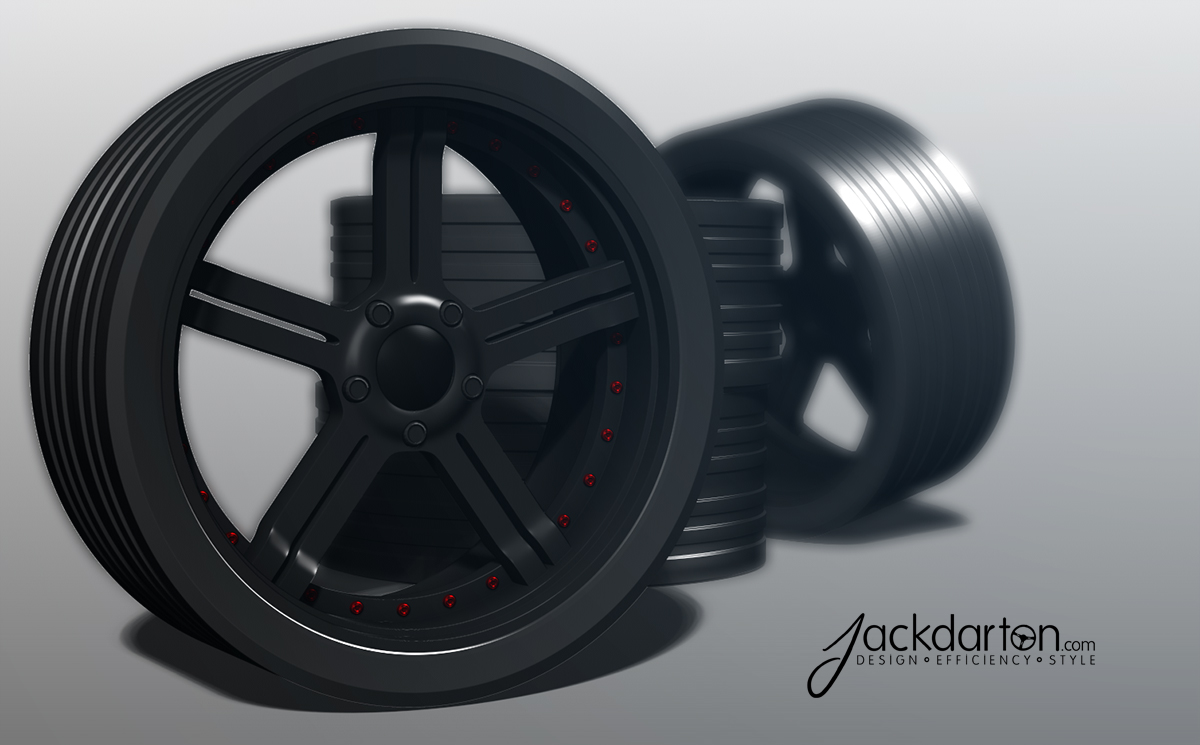
Worked on Some wheels for the car, they’re more of a placeholder and need to be refined, especially the tyres.

Wheel test.jpg

car is looking cool too !!:+1:small_orange_diamond:+1:

im really interested in the evolution of this car have a good work :+1:

Thanks guys :slight_smile: I’m a big fan of your work LVX!

A quick sculpt/render for a friend who’s looking for a t-shirt design.

Test.jpg

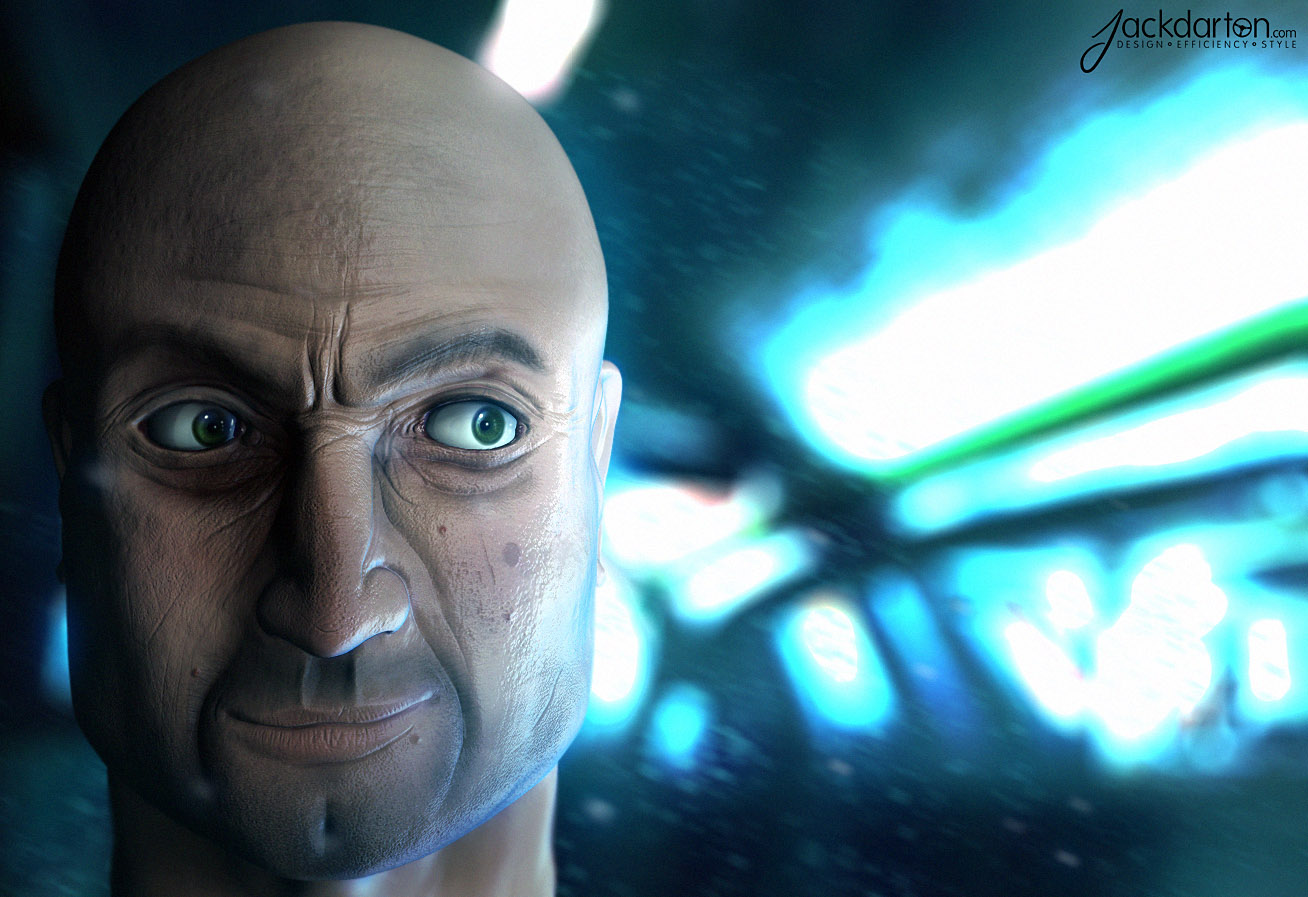
Not exactly hard edge, but a 2 hour speed sculpt. Modeled and rendered in 4r5, post done in PS CS6.

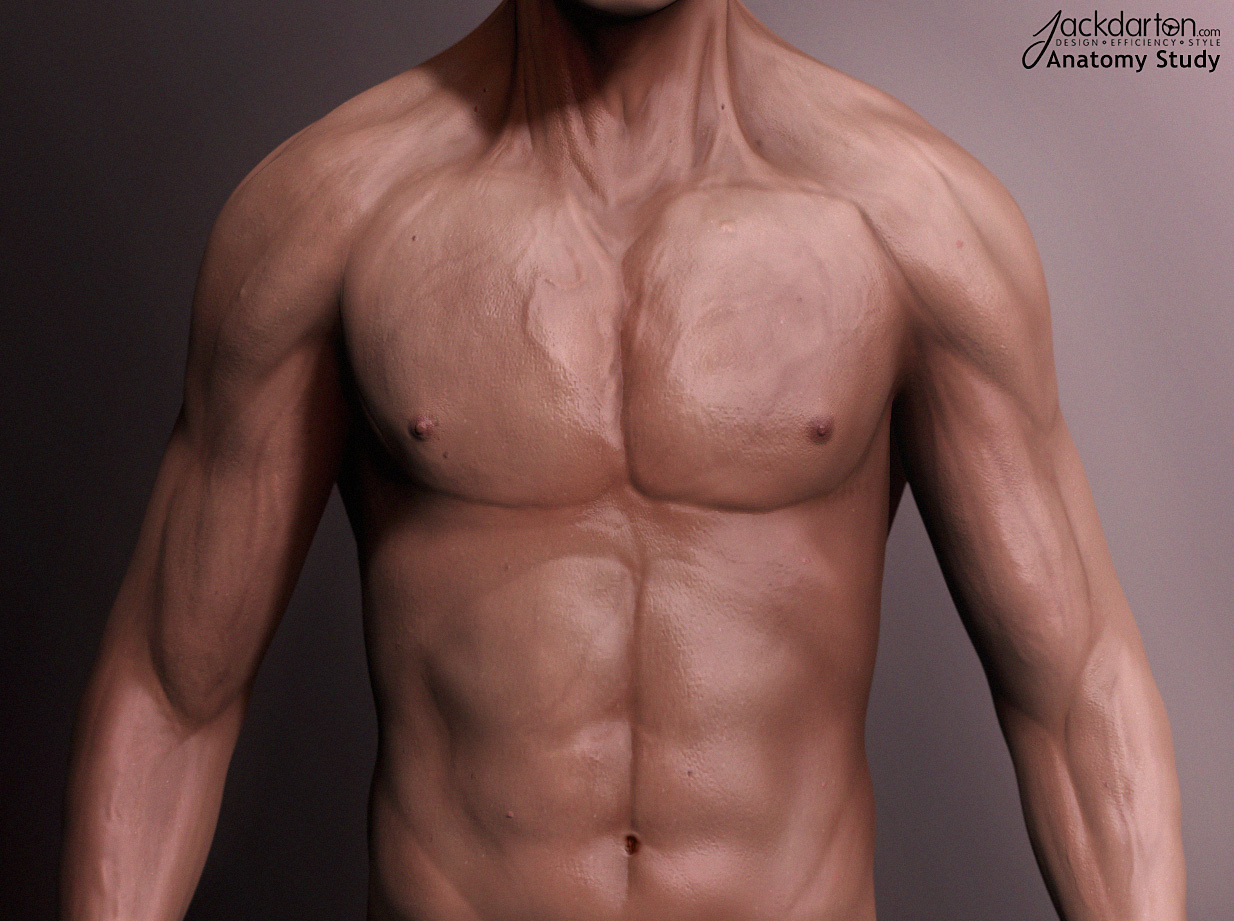
Anatomy study. Some mistakes, but it was a 2 hour sketch. Rendered in zBrush, post done in PS CS6.

Some more hard surface work. Making up the design as I’m going along, currently at 250k so it’s not too bad!

gun wip.jpg

Some more practice. Modeled/rendered in 4R5, post done in PS CS6.

Made this based on my love of art and music.

Modeled and rendered in 4R5, post done in PS CS6.

Render.jpg