Crazy.
Glad I am home now and can zbrush again.
I was hospitalized for the last 7 weeks,
but followed here with my ipad.
I wanna try this technique now. lol
Crazy.
Glad I am home now and can zbrush again.
I was hospitalized for the last 7 weeks,
but followed here with my ipad.
I wanna try this technique now. lol
Very cool Glenn!
Just catching up with your latest posts.
Just downloaded your Greeble Elements pack and am excited to try it out!
I have a feeling that I’m going to like it even than more than the Greeble Pack!
Thanks once again Glenn.
Patpotlood Crazy.
Glad I am home now and can zbrush again.
I was hospitalized for the last 7 weeks,
but followed here with my ipad.
I wanna try this technique now. lol
Glad your Feeling Better, that had to have Sucked being cooped up for 7 Weeks. Now your Home and can Start Playing with Z again.
Michael Honsinger Just catching up with your latest posts.
Just downloaded your Greeble Elements pack and am excited to try it out!
I have a feeling that I’m going to like it even than more than the Greeble Pack!
Thanks once again Glenn.
Your Welcome! I think youll like this method more, Much more Versatile and gives a More Complex Look with Minimal Effort. Feel Free to Post your Results Here and by all Means have Fun Being Creative in Z.
I Already have a question. tsss
How you make the nice lineart renders?
is this in keyshot or zbrush?
these are just fantastic
(i already saw your latest movie on youtube)
do not mind my bad english
Patpotlood I Already have a question. tsss
How you make the nice lineart renders?
is this in keyshot or zbrush?
these are just fantastic
(i already saw your latest movie on youtube)
do not mind my bad english
Did the Line Art in Keyshot. Look under Toon Folder in the Materials Tab. The Toon Material Renders out Super Quick. Also your English is just fine.
Another Ship Design using Greeble Elements. Enjoy 
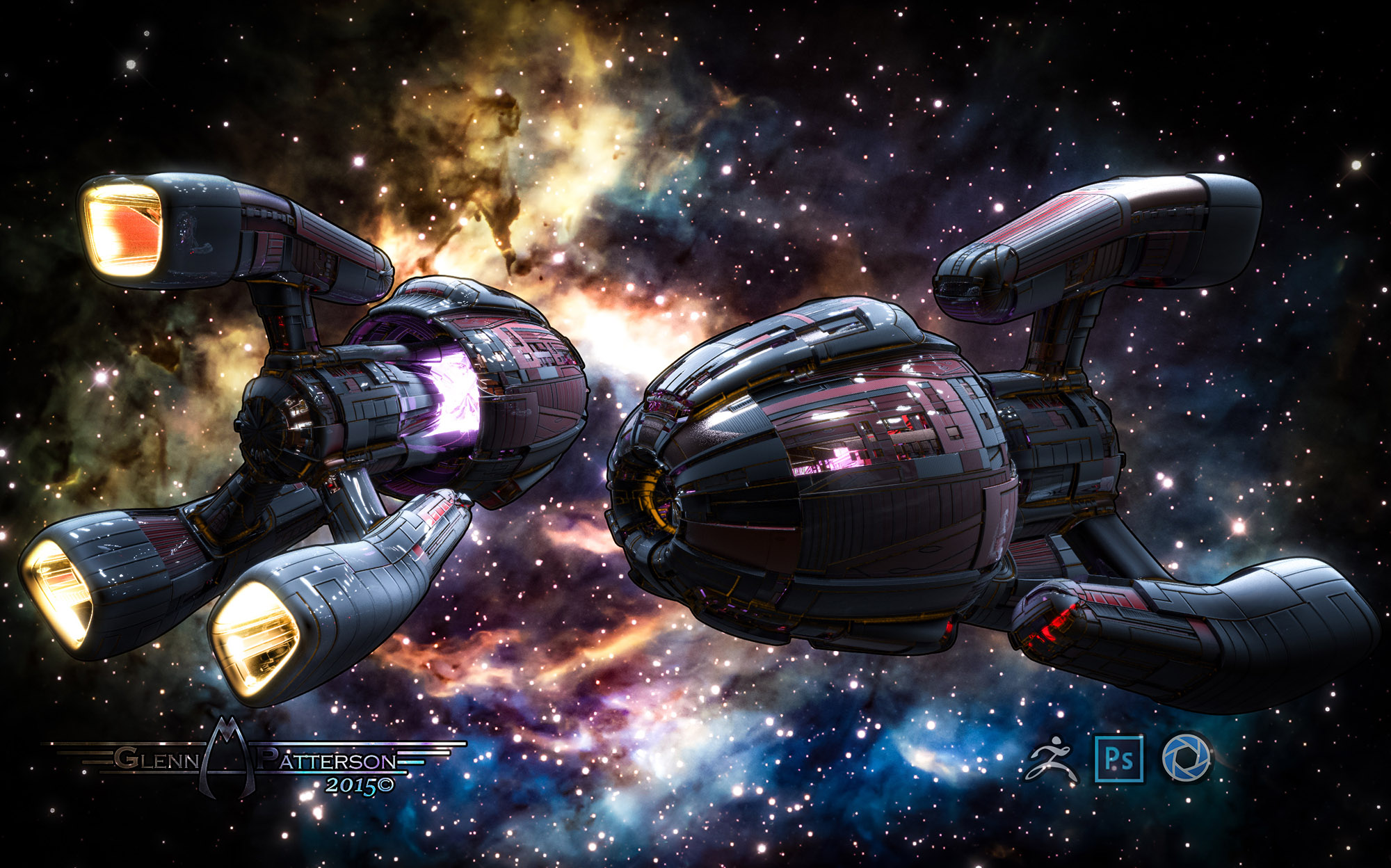
Want to do a Ship Build for another Tutorial for you Guys, just not Sure which one you’d be interested in. Give you Guys a Choice Below. Choose A, B, C, or a Combination of 2 or 3. Let me know. Thanks
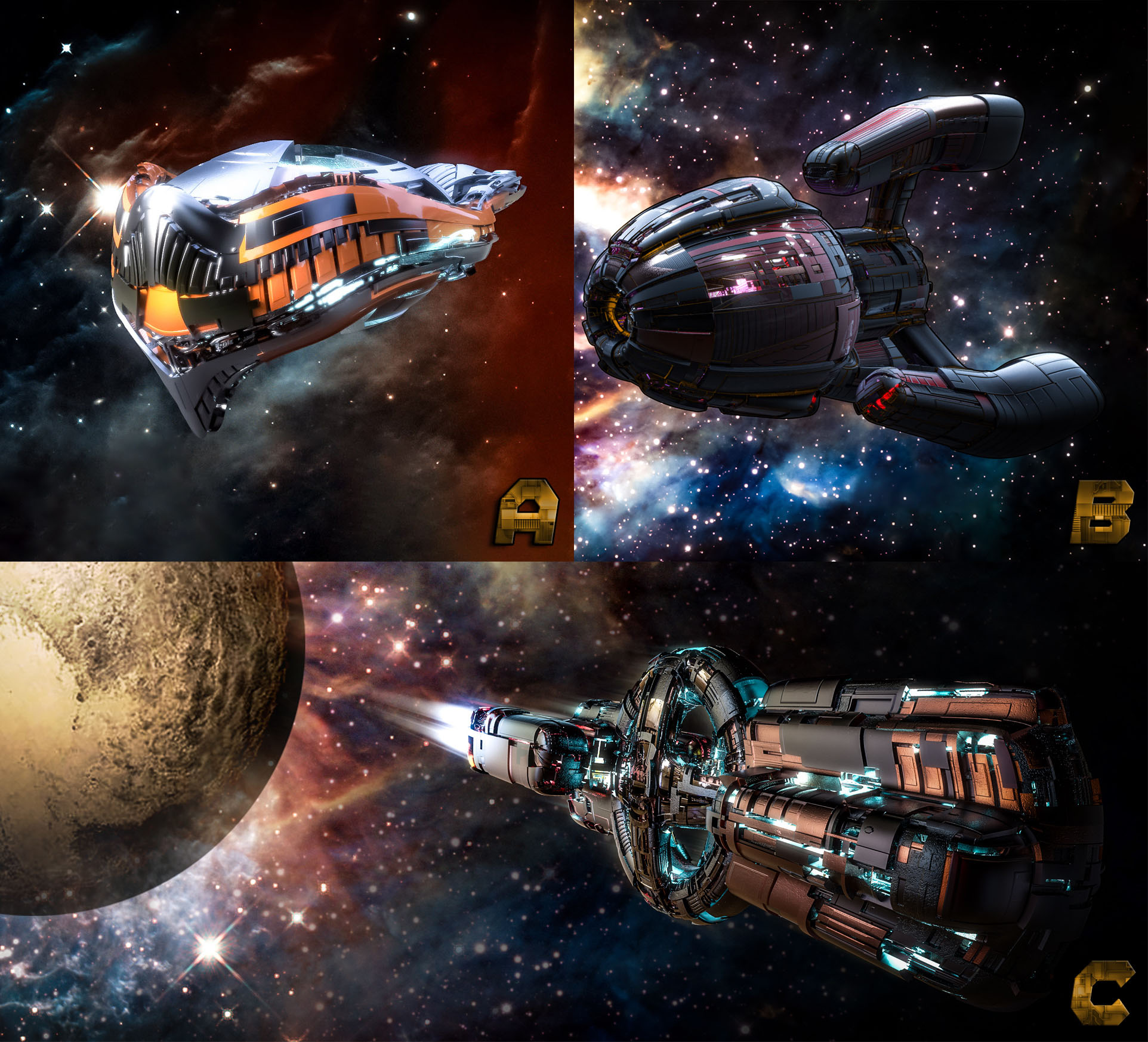
They’re all very cool, but for a tutorial, like them in this order: B, C, A. Thanks! 
Very clean modeling…KeyShot does a very nice job with
materials & rendering.
I’m digging c,b,a…
But would jump thru burning hoops for something on the slow motion turning process that your recording like in post #467
(ô¿ô)
Cheers,
~Tung
thnx for the info.
I like them all, a, b and c.
I guess I’ll Blend B and C together for a Tutorial, seems to be the Popular of the 3.
Tungerz I’m digging c,b,a…
But would jump thru burning hoops for something on the slow motion turning process that your recording like in post #467
(ô¿ô)
Cheers,
~Tung
I assume your referring to the Movie Settings for the Timelapse of all the Zmodeling. My settings are in the Image Below. Then you just hit Fhistory and itll begin recording.

Hey Glenn,
going through your Greeble Elements tutorial here on P.30 (excellent!).
Chuck & I are working (independently) on a project about Forbidden Planet, and I want to incorporate your cool techniques,
AND awesome Greeble Pack/Elements to create some Krell and their amazing structures on Altair 4. 
Also going through the 73 (!) free ZModeler tuts at Z Classroom (downloadable onYouTube.)
AND all the pages here in your thread to get back up to speed…it’s all gold!
ALSO, when I upgraded to R7, I forgot to use your .cfg, but have it now, AND elements as my Startup.
Should help me with your tutorials.
Here’sthe link from p4, #47, if anyone wants to use it.
megacal Hey Glenn,
going through your Greeble Elements tutorial here on P.30 (excellent!).
Chuck & I are working (independently) on a project about Forbidden Planet, and I want to incorporate your cool techniques,
AND awesome Greeble Pack/Elements to create some Krell and their amazing structures on Altair 4.
Sounds Cool. You got a Link or Something on the Project, be Cool to see it.
Nothing yet I’d be proud of, but will post when it’s ready.
I’m using ZBrush for modeling the Krell, and Carrara & VUE for
scenes & animation.
Another Greeblefied Skull for You. Enjoy
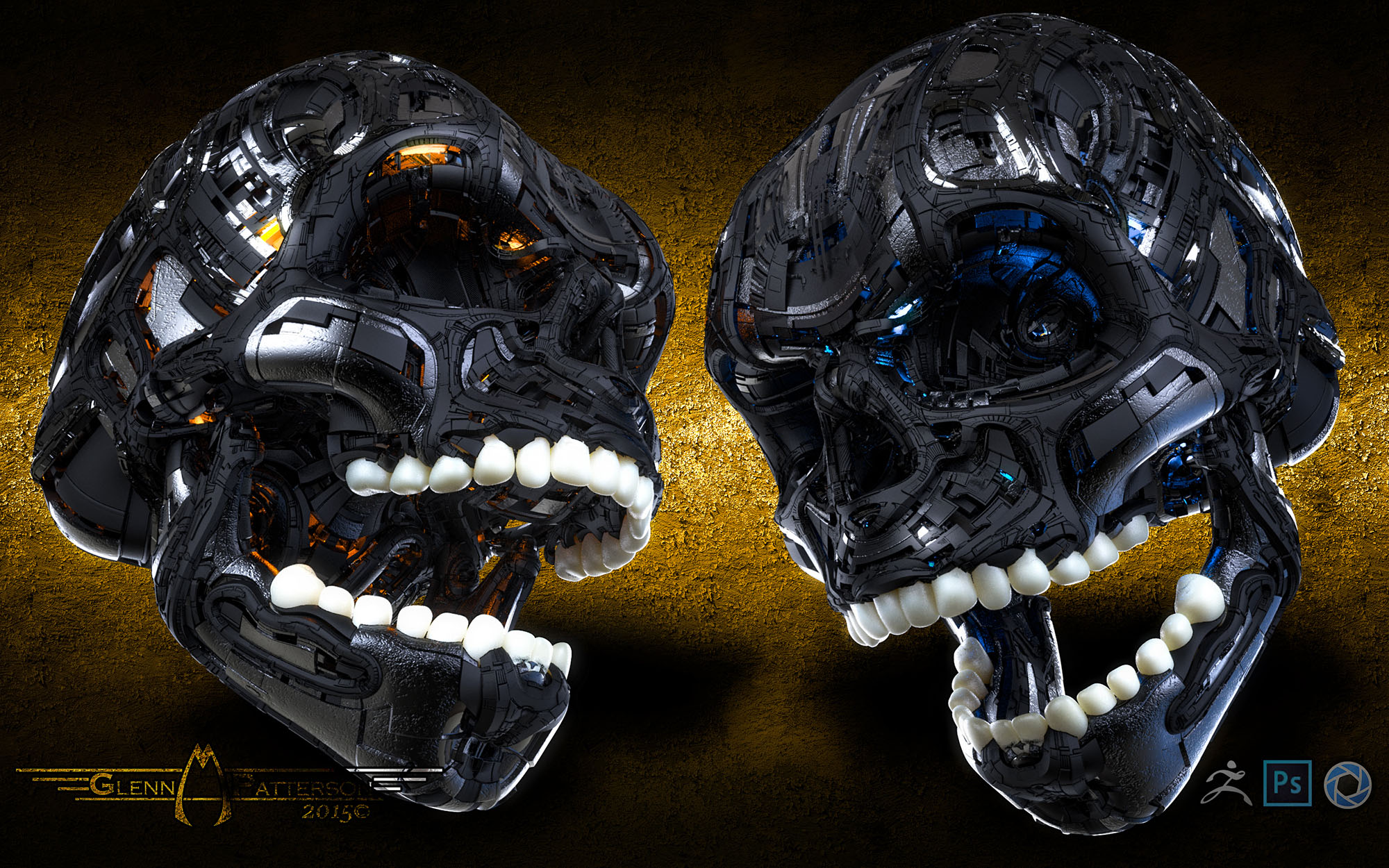
Verrry cool, Glenn!
Just a suggestion…how about gold/chrome and/or greebled teeth?
Hey Glenn,
just watched your Greeble Elements tutorial …all 40m 27s…WOW!
Easy to follow, laid back, easy to understand, excellent audio & video.
As good as it gets.
I need to watch it (at least) one more time before I jump in and do it in ZBrush,
but it’s a priority for me.
Lots of miscellaneous areas of ZBrush used in the process besides Elements, so it’s a great way to get more familiar
overall with ZBrush.
Thanks for taking time to put together the Greeble packs, Elements, and all
the excellent tutorials, and generously sharing your knowledge with us.
You make learning & creating with ZBrush so much fun!
And when you combine it with mealea’s loops stuff, mind-boggling-ly cool!
Great “Happy accidents” :) small_orange_diamondsmall_orange_diamond
megacal Hey Glenn,
just watched your Greeble Elements tutorial …all 40m 27s…WOW!
Easy to follow, laid back, easy to understand, excellent audio & video.
As good as it gets.
I need to watch it (at least) one more time before I jump in and do it in ZBrush,
but it’s a priority for me.
Glad You Enjoyed it. I think its a improvement over the Greeble Pack Method, but you can use them together to make some awesome displacement maps and Models. You Better Catch Up, I’ll be Doing the Ship Build Tutorial in a Few Days.
You Better Catch Up, I’ll be Doing the Ship Build Tutorial in a Few Days.
On it, Boss!