thnx for again a great tutorial.
Thanks Glenn!
I’ll download it asap. :)
Could you do 1 or 2 with circles or curved shapes? Or do they not work
well in displacement maps?
Patpotlood thnx for again a great tutorial.
Your Welcome! I have Fun Doing Them for you Guys
megacal Thanks Glenn!
I’ll download it asap. :)
Could you do 1 or 2 with circles or curved shapes? Or do they not work
well in displacement maps?
Sure I can do some Curved Ones if you want, do you have a particular look your looking for.
Thanks for the tutorial; amazing!
Flipper Thanks for the tutorial; amazing!
Your Welcome. Hope you got something out of it.
Sure I can do some Curved Ones if you want, do you have a particular look your looking for.
I just thought curved shapes may follow the contours better on an “organic” mesh. (?)
Thanks! 
Another interesting tutorial @Glenn
Some tips for you
- About the ‘mode’ on the displacement panel. It seems it pre subdivides a couple of levels more. So keep it in mind.
- Before applying real displacement, uncheck “mode” button. It saves you some clicks (quick edit 3d stays On)
- Decimation master is a great tool. However, for exporting to other applications (blender, modo, maya, 3dmax, LW etc etc) you don’t really have to. I just export the base mesh and the maps.
Most 3d apps (and their render engines) will be happy subdividing and applying displacements. In fact these apps are able to subdivide and displace on the render engine directly.
Cycles render engine (blender) can handle 100 millions of faces (if you have 8 Gb or more RAM installed)
Another interesting tutorial @Glenn
Some tips for you
Thank You Sir, Always Appreciate your Tips and Suggestions.
Some great stuff in here, there is lots to learn.
Good work people.
Freewaldo Some great stuff in here, there is lots to learn.
Good work people.
Thanks for Stopping by. Hope you Learn Something from this Thread.
I just started learning about greebles (at least that they’re called greebles), and I think this will be one of those threads that will be very helpful. Thanks for the information!
JonArcher3D I just started learning about greebles (at least that they’re called greebles), and I think this will be one of those threads that will be very helpful. Thanks for the information!
Welcome to the Greeble Nation! Let us now how they work out for you.
Hey Glenn. I just downloaded the newest Pack so haven’t done anything with it yet but I love the new shapes you put in there as well as the changes to the Bolt Pack (I never got the bolts to work right for me so left them off)
Thanks again!
Here are a couple of the things I did with your Greeble Pack and Tutorials:
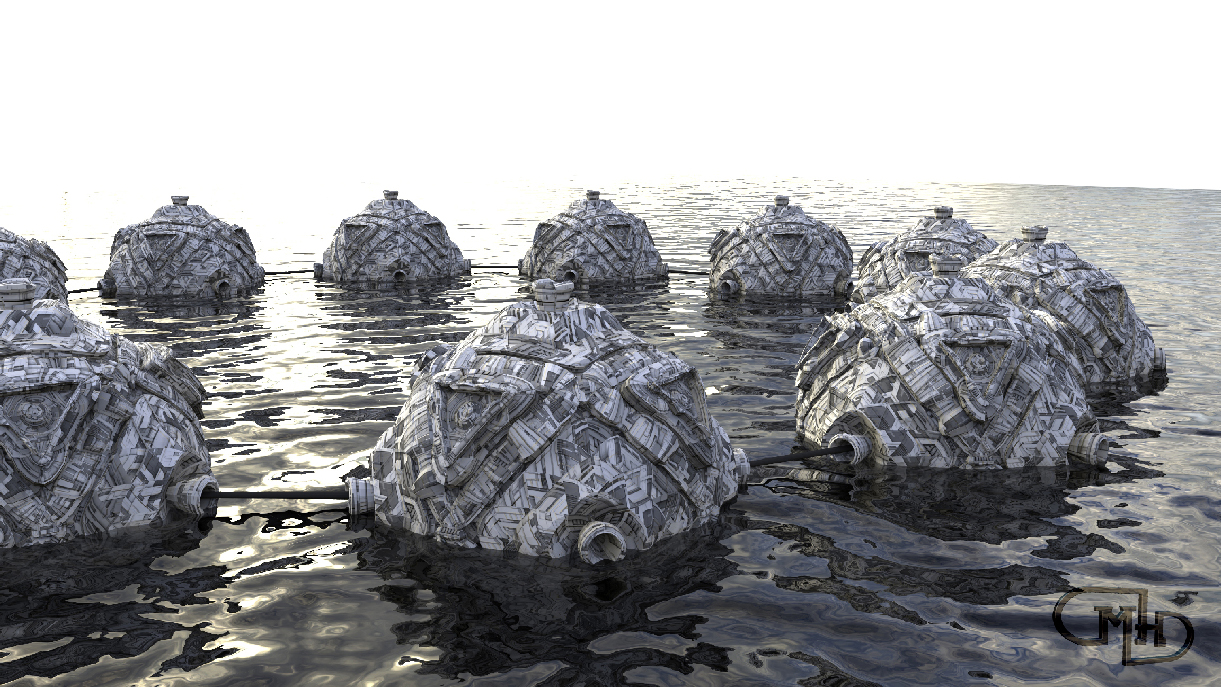
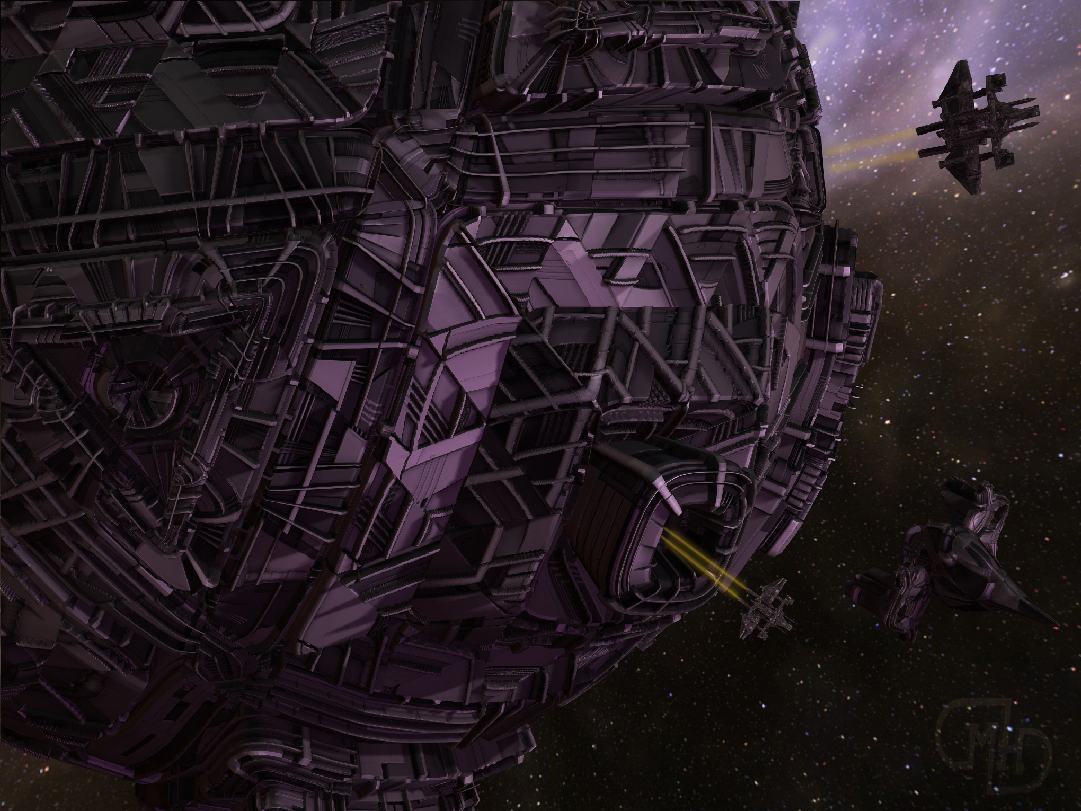
Attachments
Michael,
Great greeble modeling! 
What did you use to render them, especially the water?
Thanks Megacal!
I used Keyshot.
Dropped in a plane.
Turned its’ Material to Liquid.
& adjusted its’ texture to Noise (Fractal).
Very easy!
Glenn,
hope you’re OK in OK??? Baseball hail, tornados, etc. =O
Great Renders Michael Honsinger! Keep it Up.
megacal Glenn,
hope you’re OK in OK??? Baseball hail, tornados, etc. =O
I’m Good. Sorry I’ve been quite for awhile. Busy with my other Ventures of Fun. Spring in Oklahoma USA is always Fun for Me. You can always check out those Ventures on my Facebook Page https://www.facebook.com/GlennMPattersonDesign
Did manage to squeeze out another Zbrush Tutorial, didnt have anything to do with Greebles, so I didnt post it here. You can go Check it out Below if you Like
<iframe width=“960” height=“720” src=“https://www.youtube.com/embed/l8hnnO2HYfw” frameborder=“0” allowfullscreen
Your tutorials are fantastic and of great help
thnx for all the work you must be putting in this.
paleo 3d wrote
…"Also, here’s one that has been bugging for a while…
When I try to import an image file ( In ZB) from the Texture Palette, a Window opens letting me choose an image.
The problem is, with all of the PSD files all’s I see are theirs names and a ( Blue ) PSD Icon.
So if I have , for example, 12 Rust images , and I want a specific one, I find it difficult to choose one of them
since I only see Icons and not the image itself. Am I the only one with this problem?
Is there a way around this? i.e. I’d like to see images and not Icons (PSD)…’
In instances like that I just load them all at once and then choose which ones I want inside of ZBrush.
I don’t know what your set-up is or if that could work for you.
Usually the images aren’t so massive that it takes very long to load.