Hey gmp1993,
I’ve been playing around with Keyshot for zbrush aswell. I was a little disappointed when I realised that I couldn’t do seperate passes for post processing,
so I asked on the Keyshot forum for a work around to create a depth pass and here is what a helpful guy by the name of andy.engelkemier came up with…
"Never fear. You can make a Fake depth pass. It’s just a bit more work.
Duplicate your entire scene. Maybe just save a copy, depending on it’s size.
Create a flat material, turn off all lights, and turn environment to black.
On the flat material create a texture that is just a gradient from white to black. Map that planar and try and match it to the camera. White should be at the camera, black would be away. Just use the placement tool to get it in the right position.
It doesn’t have to be Perfect either. Just get it close, it’ll work fine.
Render that out. It should be extremely fast. And you can use that just like you would the render pass. In fact, it May even produce higher quality results, because the pass isn’t clamped output so it’s sometimes too narrow of a field."
I have yet to try it, but it makes sense and I think it should work fine. Hope it helps.
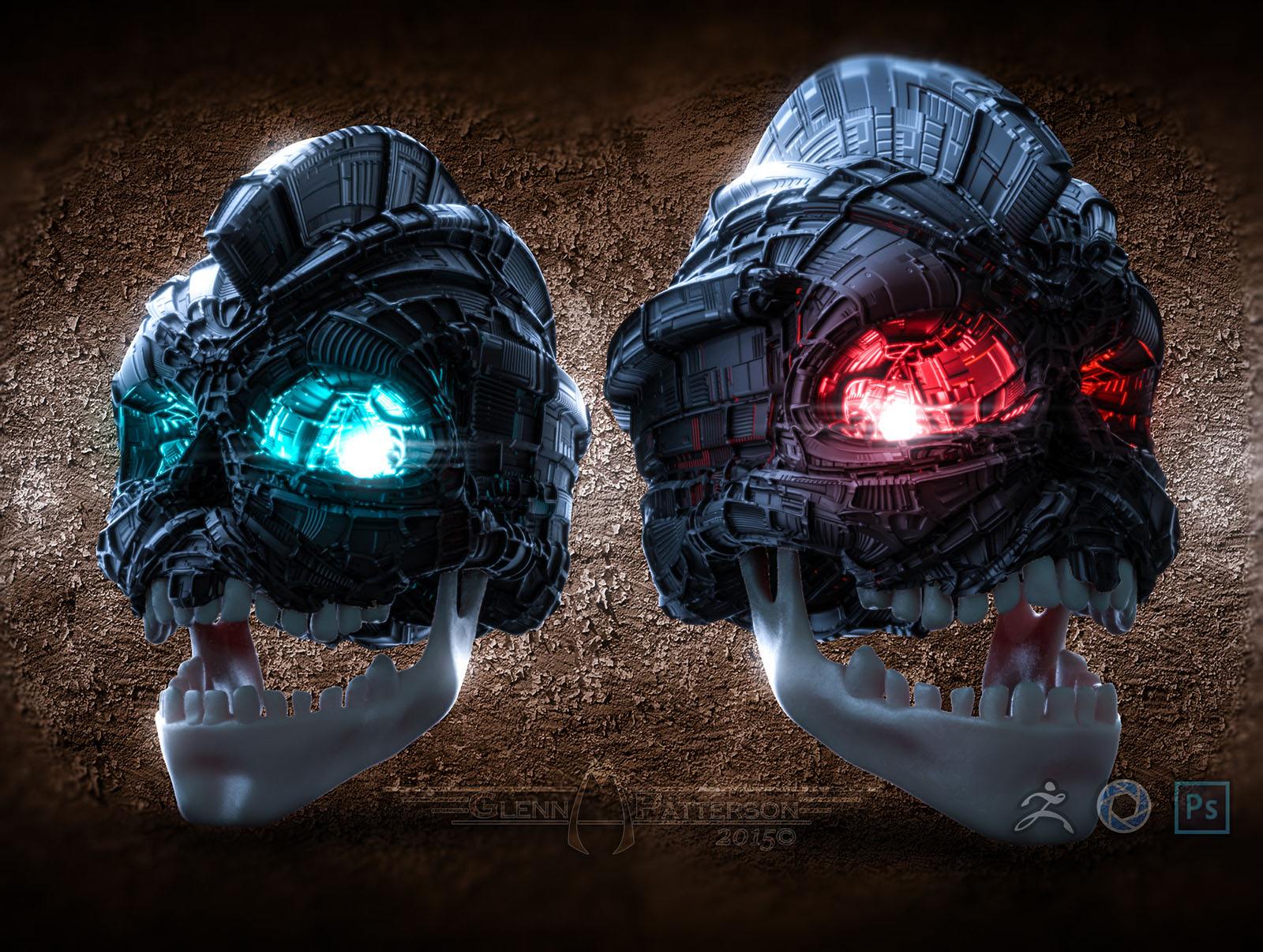
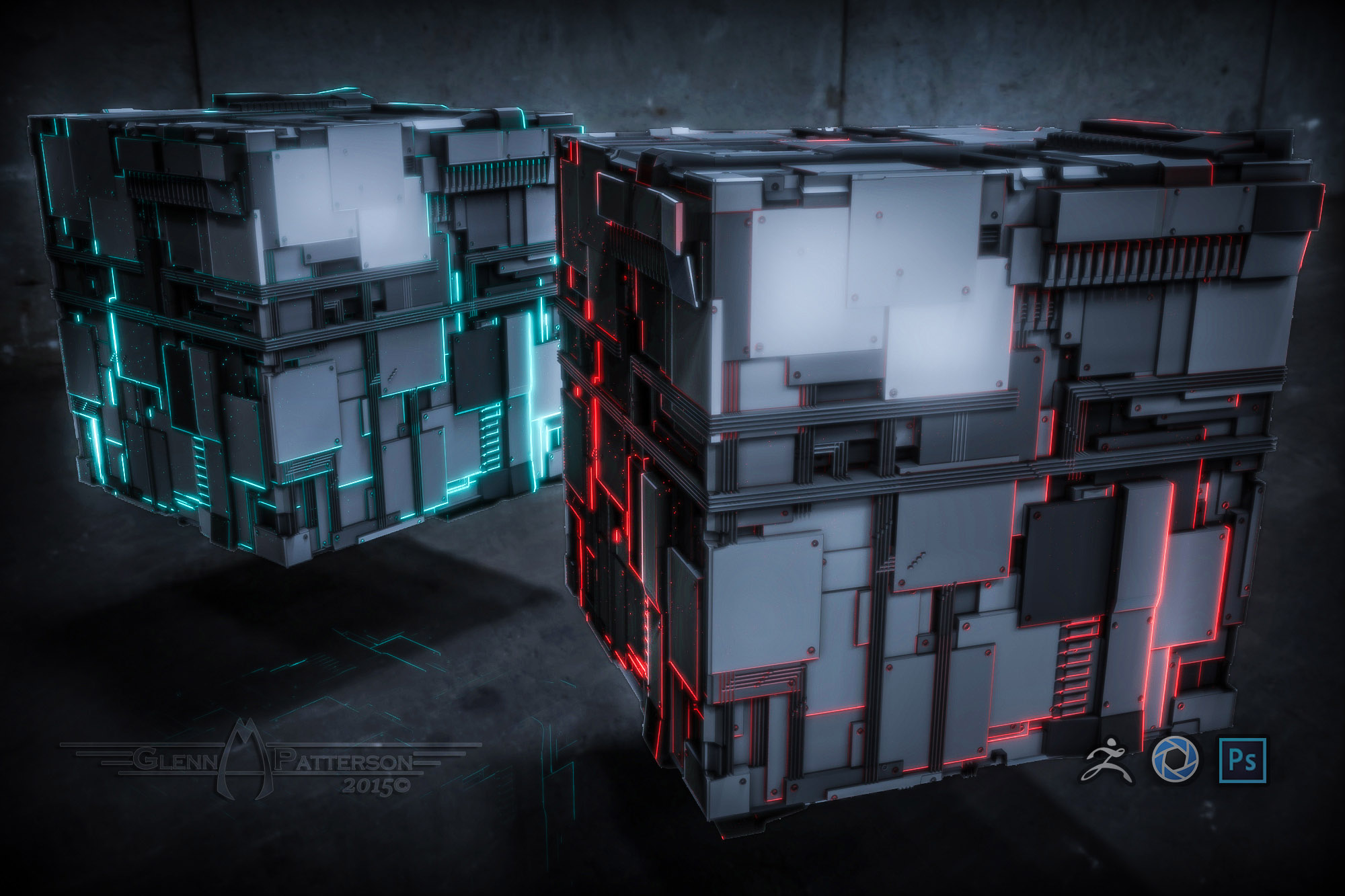
Also I agree that Keyshot for Zbrush is totally worth it, takes a bit of getting used to, some of the options I was looking for were hidden in strange places, but the renders it puts out are really nice. Next level stuff indeed.
Cheers