ZBrushCentral

Anatomy struggle

Hi,

       Working on a project dealing with palaeontology I have to dig into human anatomy. Doing it through Zbrush is real fun !
       I'm posting this thread to find the courage to go on with the muscles ...

[

]

  [](http://www.zbrushcentral.com/zbc/attachment.php?attachmentid=105630&stc=1)

Attachments

Looks like a good start. Keep at it :+1:

Good start.

Have you seen Ryan’s thread on a cool way to do muscle? :wink:

http://zbrushcentral.com/zbc/showthread.php?t=061704

Yes Jason, I’ve seen that thread but so far I’m more efficient (or should I say less clumsy :confused: ) by building base meshes in Maya. Still, I’ll give it a try once more when I get to sculpt the face muscles.
Thanks

Thanks Marcus !
Without your help, I would still be fighting with those damn corrupted objects :slight_smile:

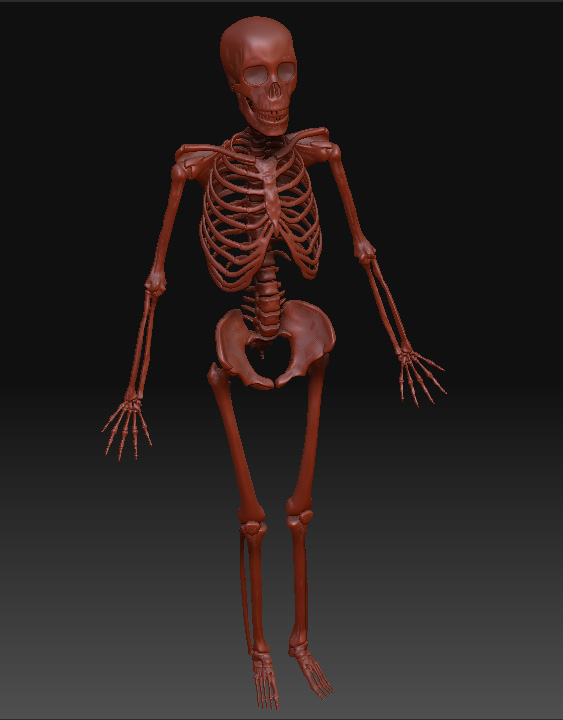
it’s looking good, hands and feet seem a little small though

Very good start. I agree about the hands and feet being too small. Also either the ribs, hips or spine are off postion wise. He is rather hunched over for a skeleton.

Thanks everyone for the feedback.
I’ve just made the hands and feet bigger.

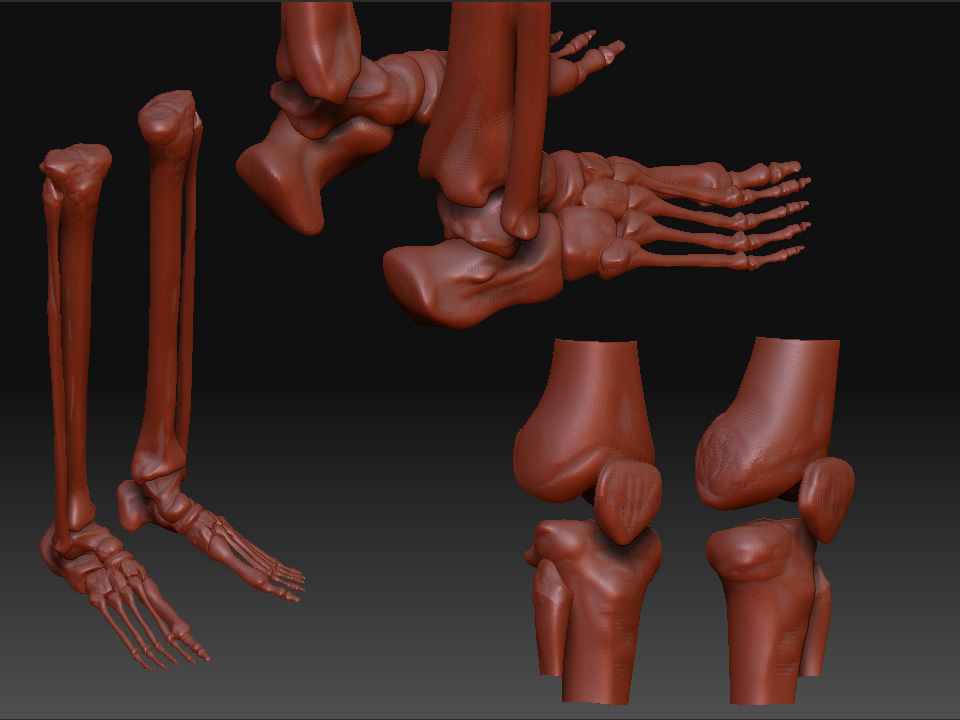
[skeleton_details_D.jpg]

STill not big enough. The foot is at least the size of the skull’s height, and the hand is the length of the area between the chin and forehead.

Well if Ryan’s videos can’t get ya rolling, let me know and I’ll see what I can do to help. Working in Zbrush is far faster if you just let go and use the tools. (I’m biting my tongue about Maya…) :wink:

I agree with Womball, who catches many proportion issues… :wink:

Very, very nice work.

I agree, the feet are still too small, even after your update. A few other nit-picky things that I noticed.

  • The transverse process on C1 shouldn’t be so long, so it doesn’t go as far laterally as you have it now.

  • Your medial malleolus is too bulky and not defined enough.

  • Beef up the greater trochanter, it looks thin/flimsy.

  • Spend some more time adding definition to the knee area; distal femur, patella, and proximal tibia. Remember, it’s like a hinge and there are big “rubber bands” (the ACL and PCL) keeping it all together.

  • I would go through and start adding some of the primary tubercles as well, to give it that extra spit polish.

There is an update. bigger feet, malleolus fixed, more defined knee area.

As for something being off position wise, womball, I’m not sure exactly what I should move but I’ll give it a try.

Thanks

[skeleton_details_F.JPG]

Great, I love skeletons. Things seem to be far more interesting without their skin on.

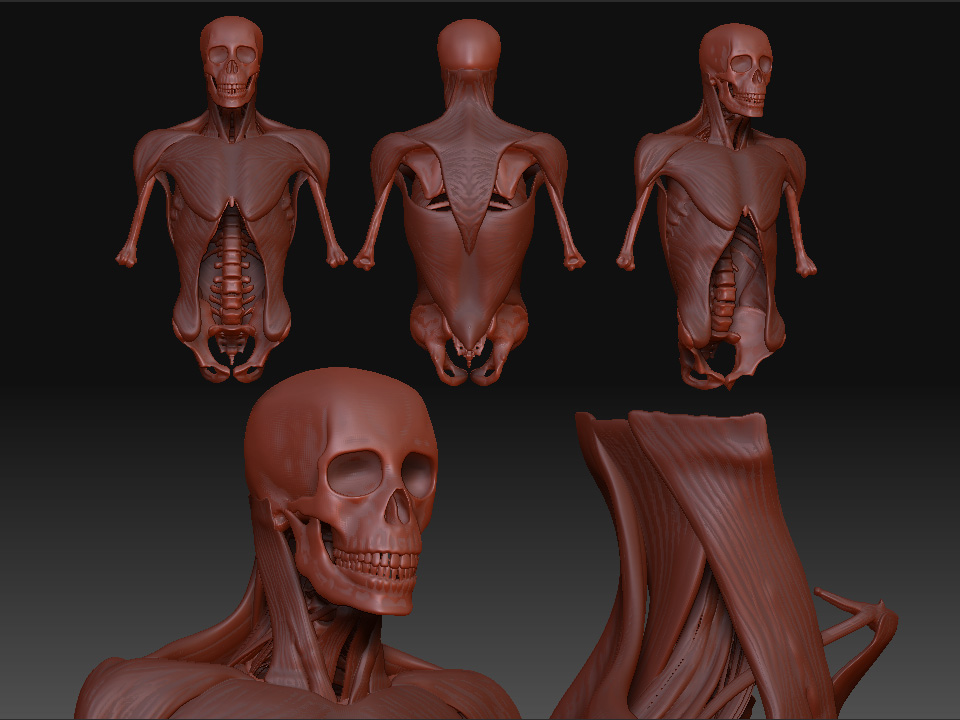
I’ve just started the muscles in the neck area.

[![skeleton_details_G.JPG|960x720](upload://ckSf4JhtnuokH10sGA7qvS5AN8k.jpeg)]

Due to other assignements I don’t have much time to go on but there are a few more muscles …

[muscles_details_001.jpg]

very nice work. Looks like a good start. Keep at it :+1:

Oh that’s just looking so gross! Love it! :wink:

When you look at people or animals this way, it really is wonderful and sorta disheartening all at the same time. :wink:

Very cool break down. Have you tried using a bone like shader on the skeleton? I think that the Red wax material works well for the muscle groups.

Keep up the great work! :slight_smile:

Peace-NickZ.

Nice job. What a major undertaking this is. You’ll be an anatomy master when you’re done!

Many thanks for the kind remarks !
So far, Nick, I haven’t tried any other shader. And since I can’t assign a per-subtool shader ( or is there a trick to do so ? ), I’ll end up with polypainting. But I’m really far from reaching that stage :wink:

muscles_details_002.jpg