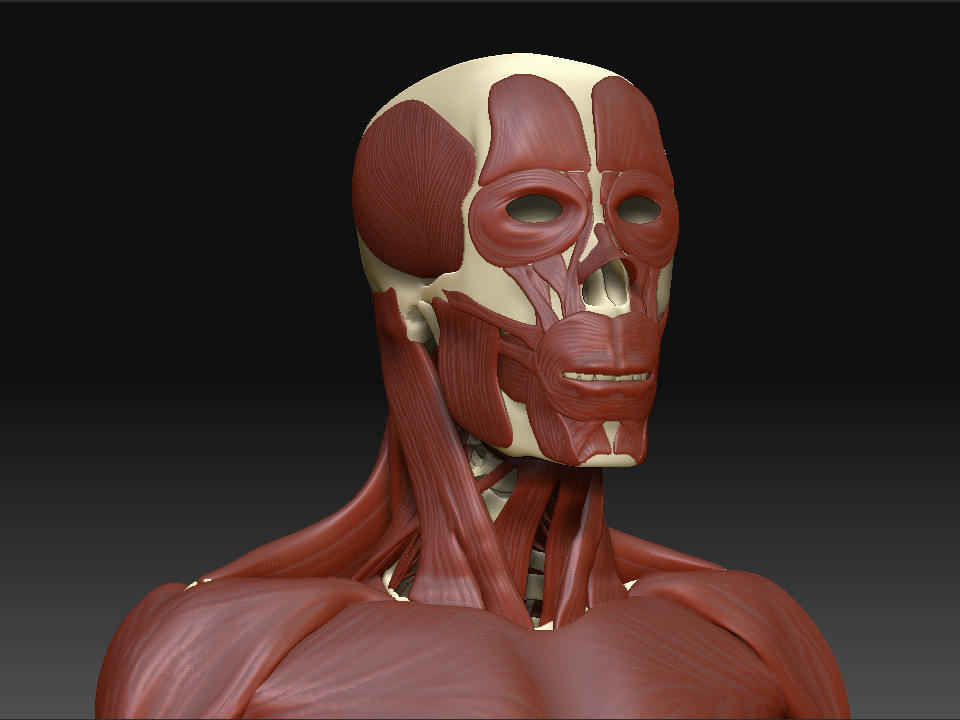
Abmas- To assign a shader to a sub tool, make sure the sub tool is selected/highlighted turn on the M button (next to the MRGB and RGB buttons) then select the shader you want to fill with and then go to the color menue and click the fill color button. This will fill your current selection with the materail. Now you can change your materials and you will see that that the subtool that you filled with will keep it’s material assignment.
Hope that helps! The new update looks great by the way!
Peace-NickZ. 


 ]
]
 ]
] ]
] I can´t wait to see the Final Version

 ]
]
 ]
]