Kayp - Here are a few notes that i find helpful.
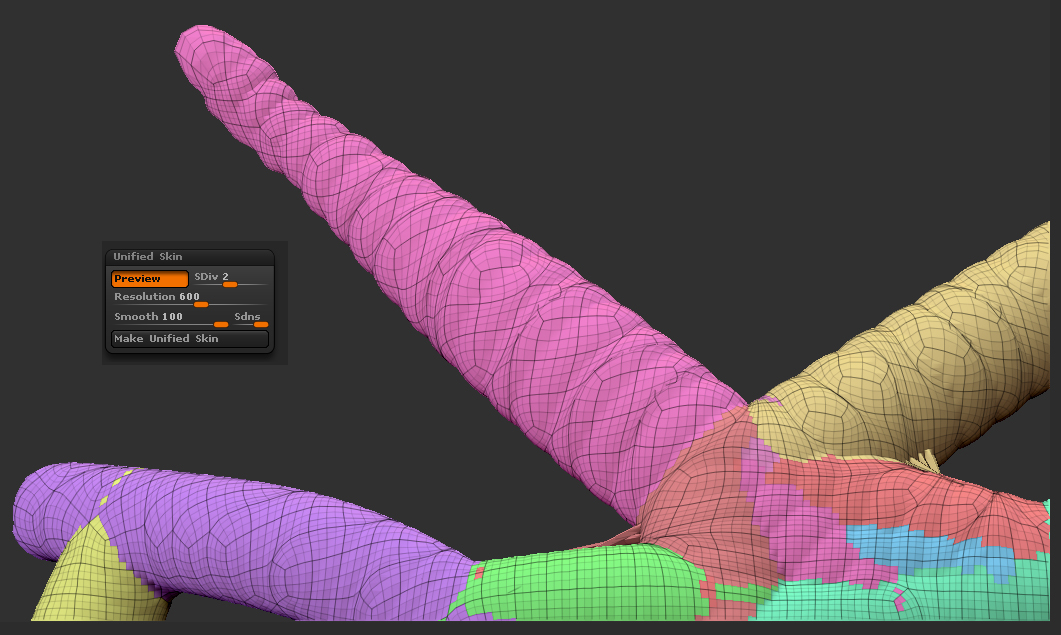
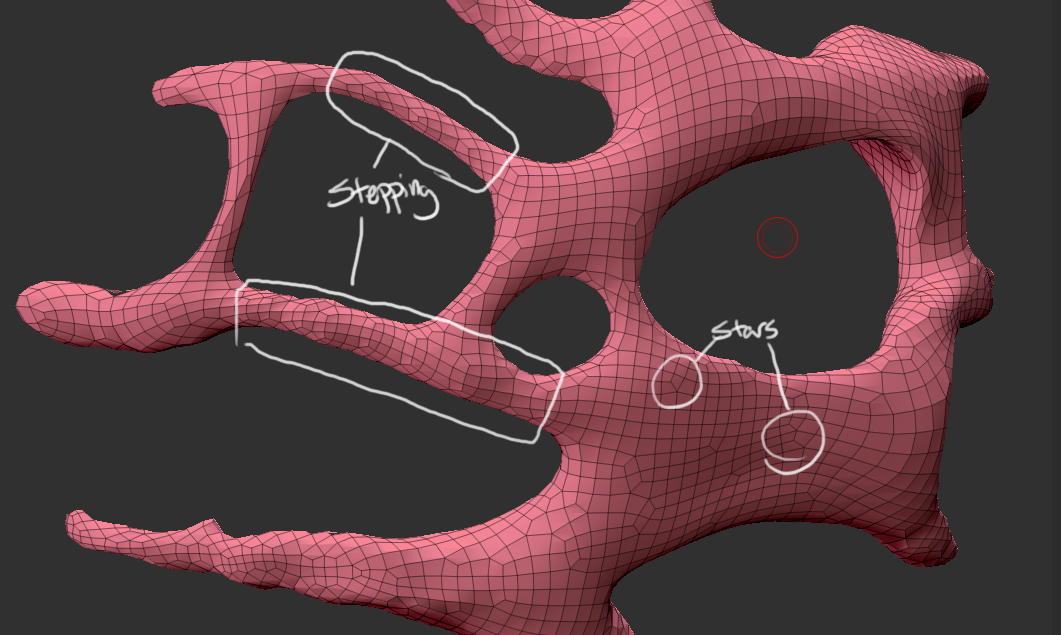
First, the topology you have is a natural result of Unified Skin. Adaptive Skinning will attempt to create production quality topology. Unified Skin, on the other hand, is aimed at creating sculptable topology with the framework of concept sculpting.
Second, I recommend using the Clay brush when sculpting on meshes from Unified Skin. The Clay brush can also act as a smooth brush if you set Depth to 0. The n-gons that you noted can be very easily dealt with this way.
Third, sculpting in #1 Roma (soft clay) is different than sculpting in #4 Roma (hard clay). Sculpting in wax is different than sculpting in clay. Even though it may not seem obvious, the math behind 3D sculpting is so complex and ZBrush has the system down to such an art form that it is really best to think about Unified Skin meshes and Adaptive Skinned meshes as different mediums. They will require a slightly different set of tools.
Think of Unified Skinned meshes as clay. If you have to retopologize then that would be the plaster phases where its easier to carve fine detail.
Fourth, remember Reproject Higher Subdiv (in the Tool: Geometry palette). You can use this to fix any topology overlapping later.
Hope that helps.
r