ZBrushCentral

ZSphere problem is back and still very odd! [Answered]

So I have this weird problem with ZSpheres in 4r4p2, the last time (being an idiot) I did not save
it or anything this time however I will.
With pictures and screenshots and the whole shabang.
I have not changed any settings when this happens, and as near as I can tell the settings are the
same in all other versions of ZBrush from 4.0 up till now.
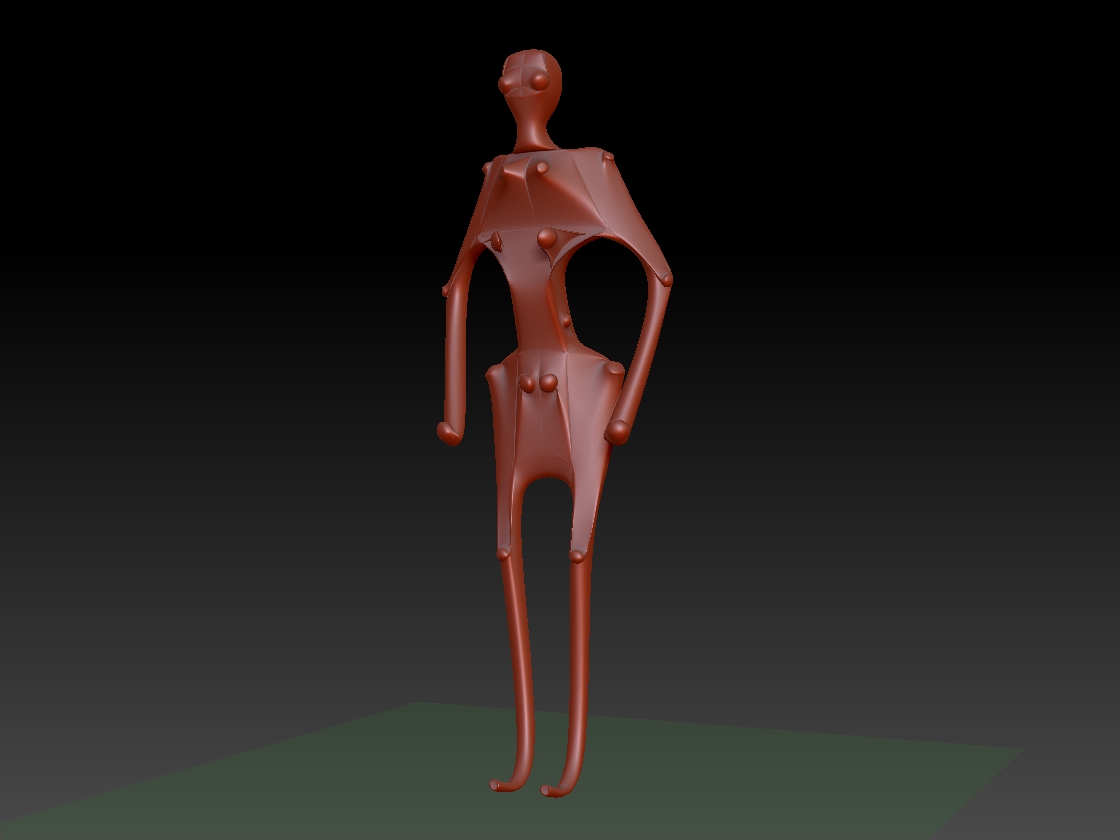
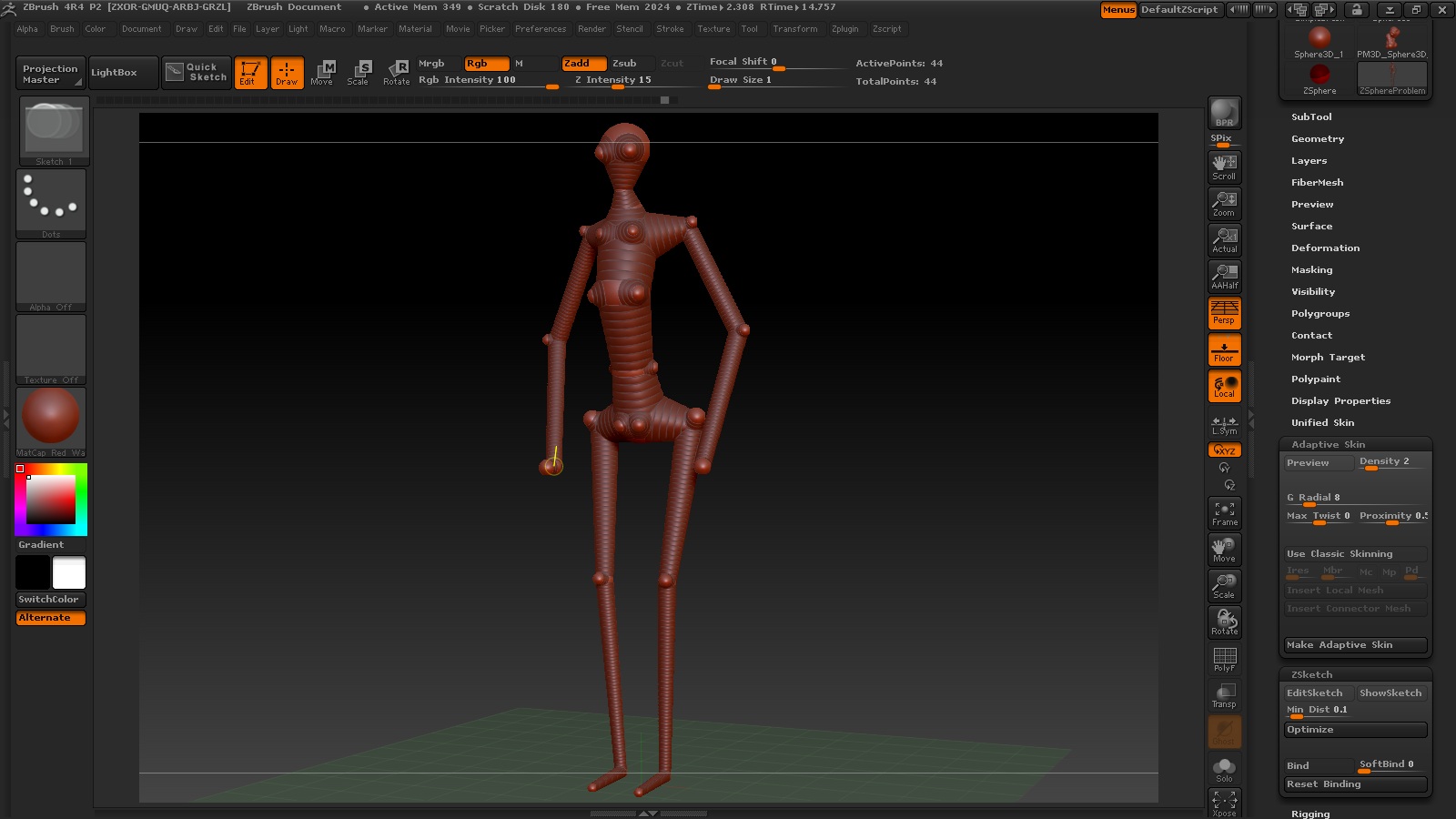
The resulting mesh is not very useful at all, its like a psychotic mobius strip.

Here is the actual .ztl file:

And the all important screenshot:

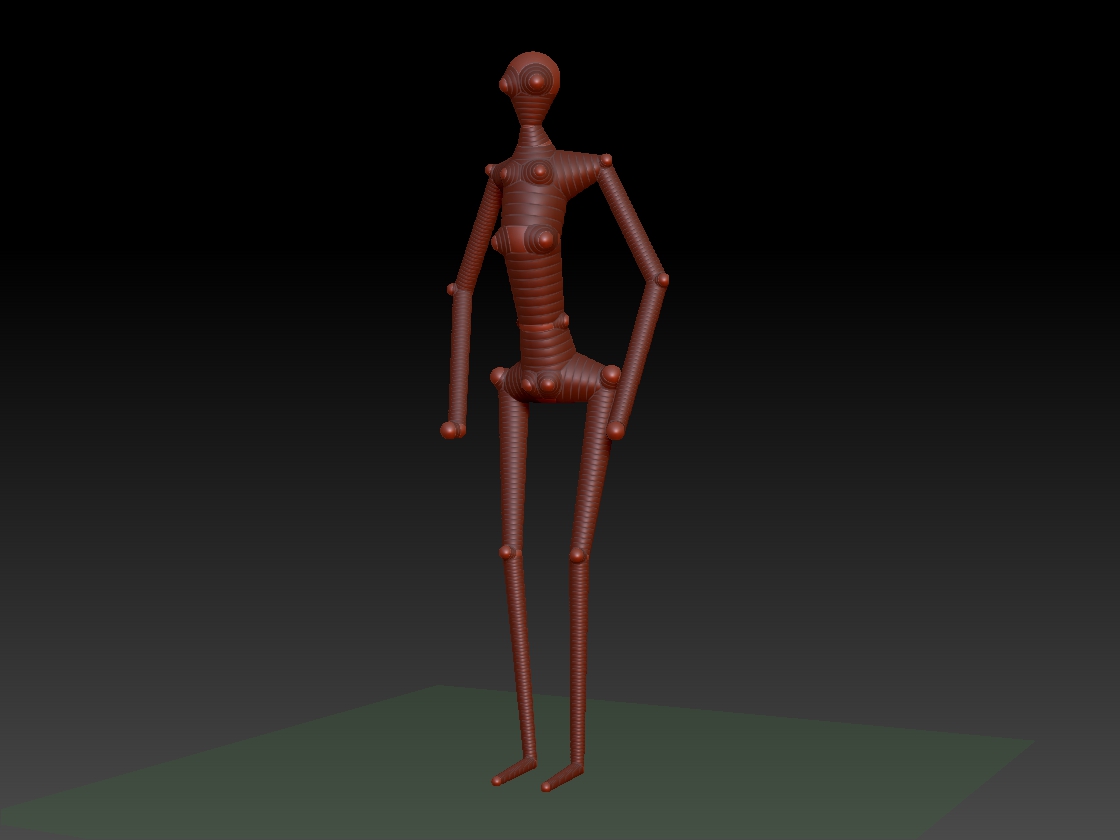
The ZSphere thingy:

Preview with no changes to any settings:

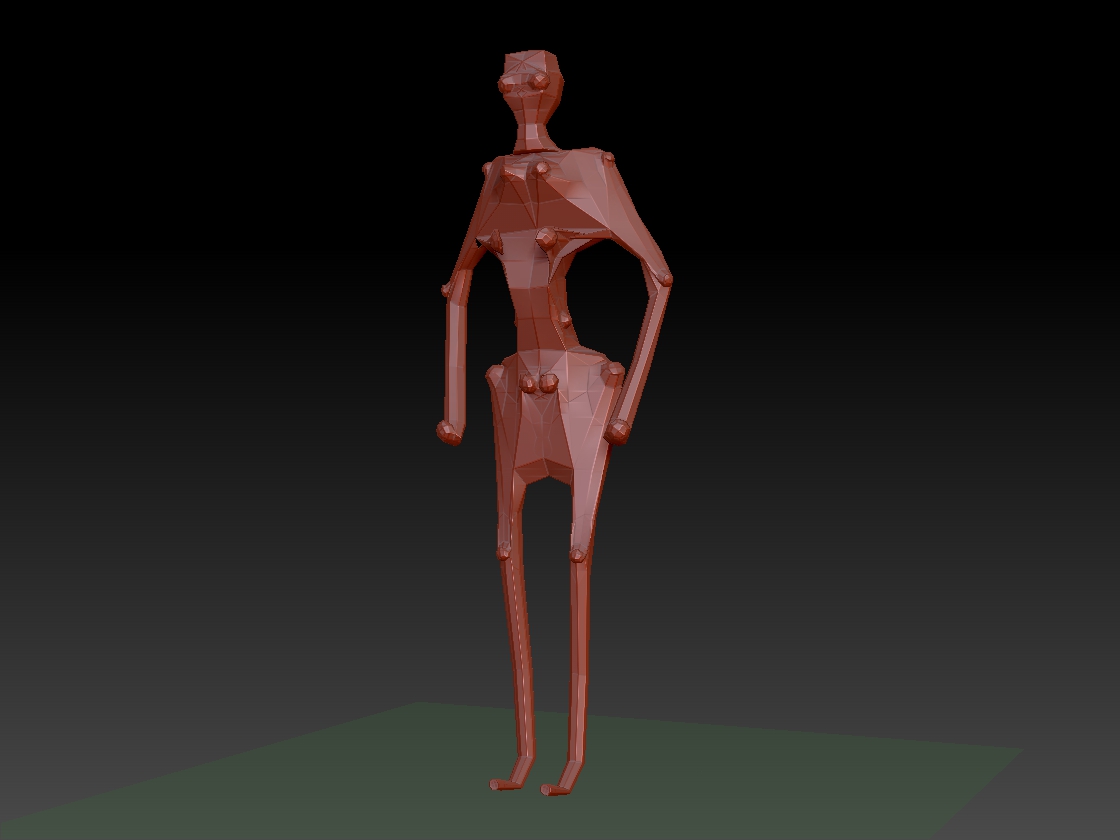
Preview with density cranked up a bit in adaptive skin:

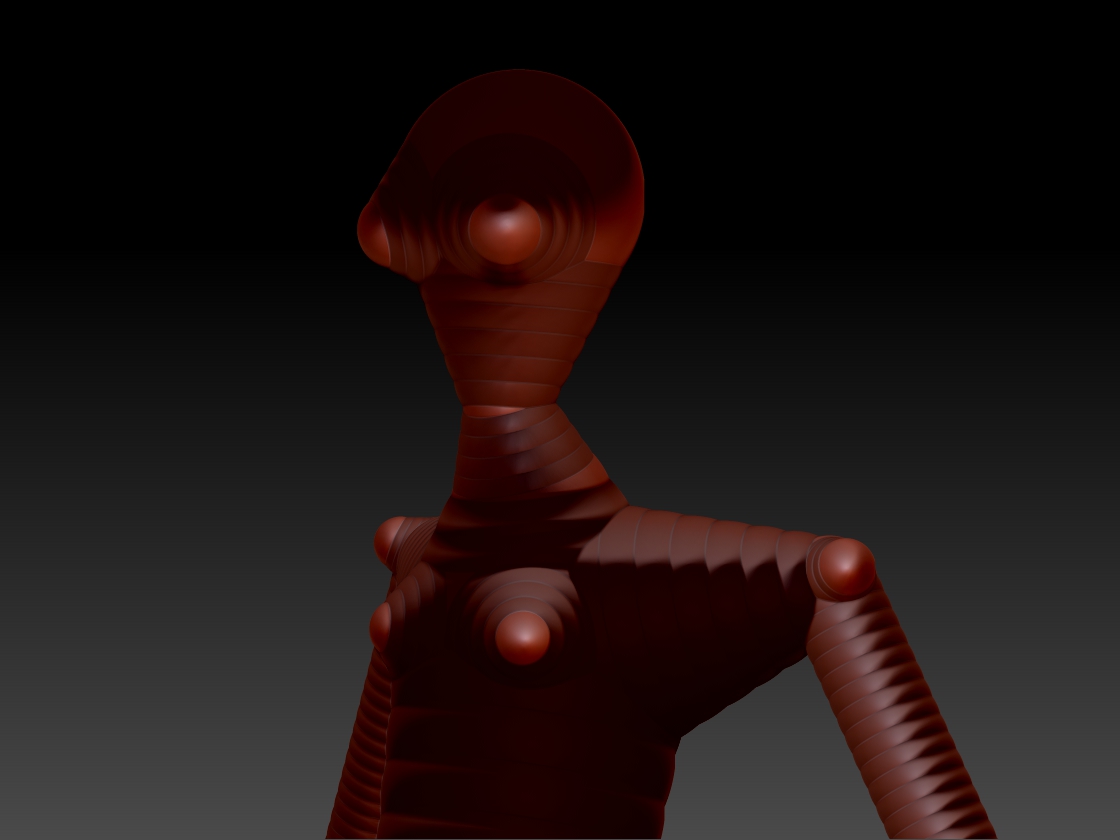
And on top of everything else shadows do weird stuff as well:

This problem reminds me of another thing that I thought was supposed to be happening that I
suspect now is a bug, using MeshInsert as a negative but that is another issue.

Any ideas on how to make this not happen with out restarting ZBrush would be splendid.

Cheers!
Mealea

Also: HYA ZBER!!!

Attachments
ZScreenShot.jpg

DensityCrankedUpForTheHeckOfIt.jpg

Density2.jpg

ThemThereZSpheres.jpg

ShadowsAreWeirdToo.jpg

Perhaps add another zsphere to split the humerus and femur.

Edit: Just got around to playing with the file now. Sorry, I see that it is basically stuck in classic skinning mode so that probably wont work too much.
Perhaps this might shed some light on anything that might be wrong: http://www.pixologic.com/docs/index.php/ZSpheres_II

"In the unlikely event that you create a ZSphere sculpt that cannot be handled by the new ZSpheres II algorithm, ZBrush will default to Classic Skin Mode. "

As Cryrid says (thanks Cryrid :slight_smile: ), ZBrush is defaulting to the Classic Skinning mode, although it is not switching on the button. The zspheres that you have drawn close to the body are being skinned at a higher resolution to best approximate the shape you have created.

|Hmmm… Thanks you guys.
|
That was the thing I tried first to fix it but with no luck… after that I tried things like density and stuff.
I actually added all the little ones to make it all more visible, (for this example) its messed up with out them too.
Also I tried the same sort of structures in 4.0 and 4r3 and they both worked normally.
So does this mean I’m stuck in classic skinning permanently until I restart ZBrush and make a new batch of ZSpheres?
That would be ugly…
Thanks again though, I didn’t know that buttons could get stuck and not seem to, this could explain a lot of other problems I have had like the tool pallet eating my tools.

Cheers,
Mealea

EDIT: Now restarting ZBrush is not fixing it, I seem to be stuck in classic skinning mode.|

Try this:

  1. Load your problem ZSphere model.
  2. Press the Transpose Master>StoreTM Rig button.
  3. Select a new ZSphere.
  4. Press the Transpose Master>PasteTM Rig button.

What this does is copies the ZSphere arrangement and then makes a new model.

When I tested this method I got back both methods of skinning even without editing the problem ZSphere model first but you might want to edit it a bit to give a tidier mesh. (In my view, when modeling with ZSpheres, less is more. :wink: )

HTH,

That worked perfectly!
Thank you Marcus!!!

Its fairly quick too which is good as it seems that I have to do it to everything I
make or have made with ZSpheres.

Thanks again, this makes life a lot easyer.

Cheers!
Mealea