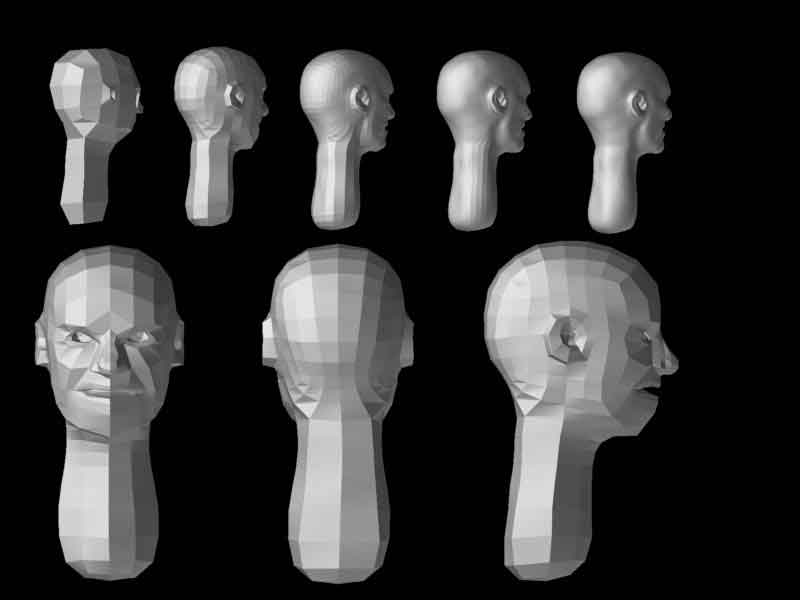
I have been having a problem with ZSphere Mesh Edges.I’m sure that the answer to my question is somewhere out there but i am having a hard time finding it.So if there is anyone who could point me in the right direction i will appreciate it.Below is an example picture of the problem i am having.The head was created with ZSpheres and is now an adaptive skin.

Well, it’s kind of hard to know what’s happening with only being able to see the mesh and not the ZSpheres that were used to create it. At a guess, though, I’d say that either you have more than one ZSphere connecting to the same “face” of the parent ZSphere or a case where ZSpheres are too close together.
The FAQ>ZSpheres section here at ZBC goes into this in more detail.

I will check The FAQ>ZSpheres section out also.
Ok i done some research including The FAQ>ZSpheres section,but i still don’t know how to get around these spots.
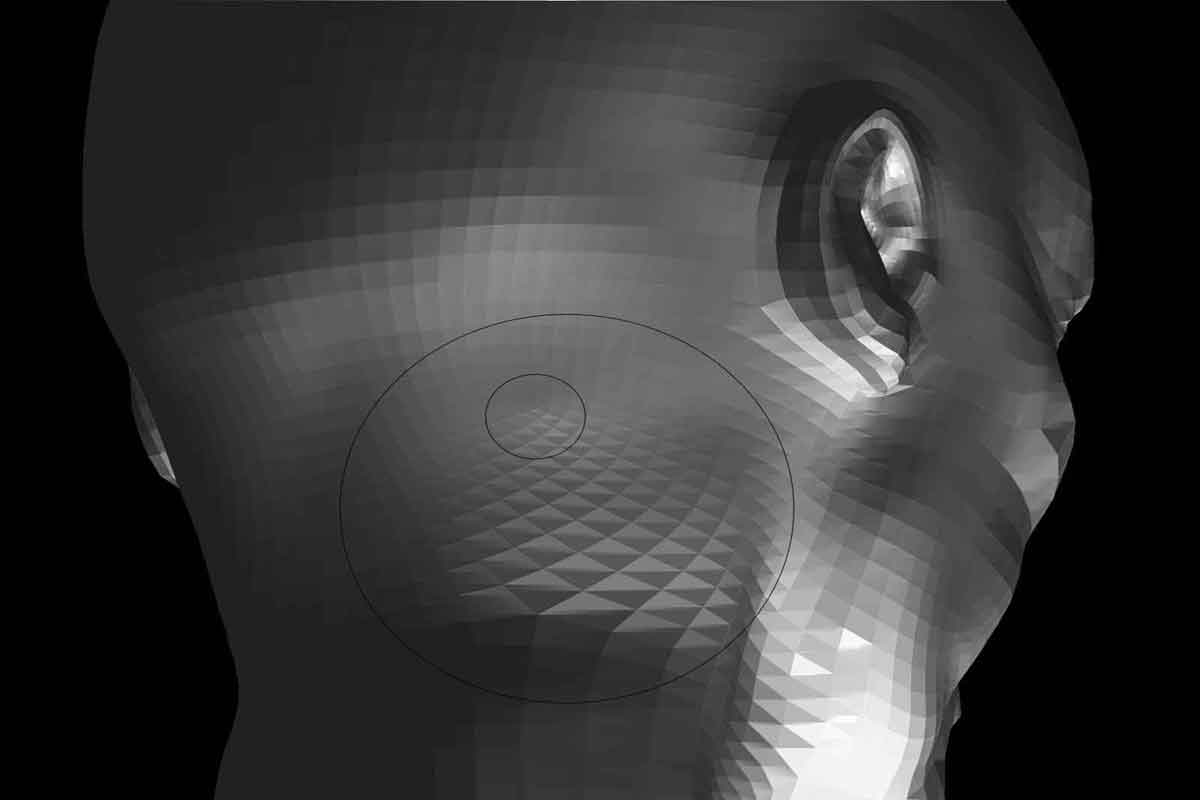
Picture 1 shows the problem area,the outer circle marking the whole area effected by it and the small inner circle marking the spot that is the worst.
Picture 2 is simply showing the different sub-division levels.
To me it looks like i have created triangles somehow but i do not know what i have done to do this.And if it is triangles then is there something i can do to avoid this on my later models.Any help appreciated.
Thanks in advance.
Attachments