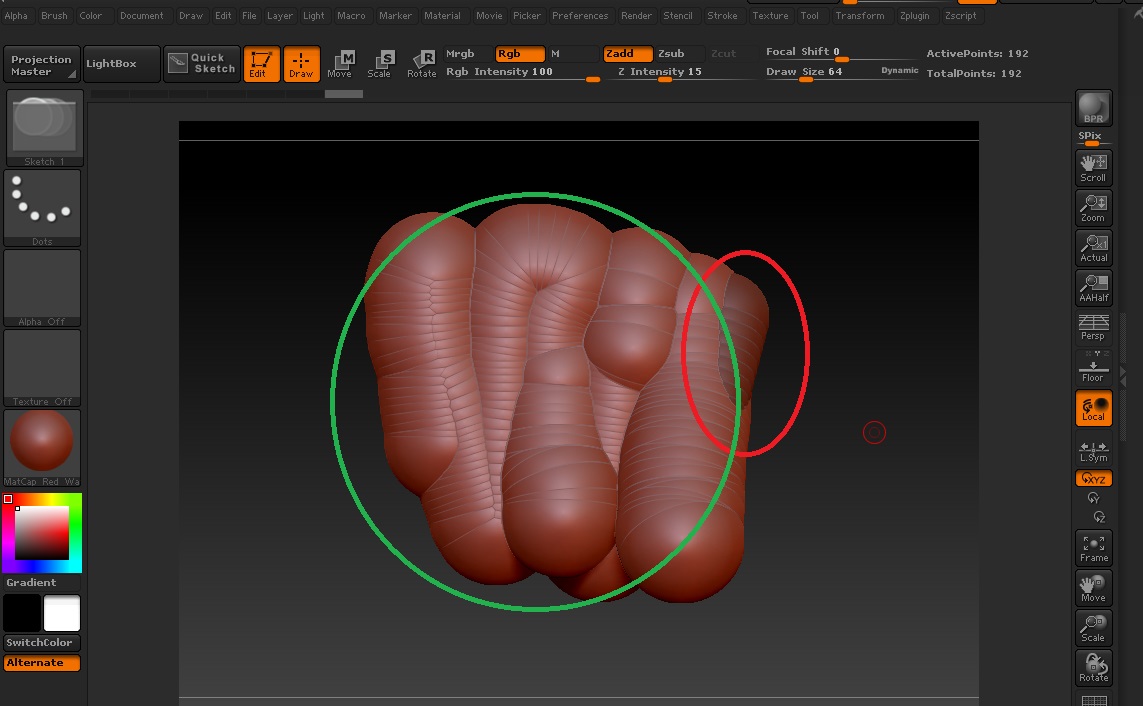
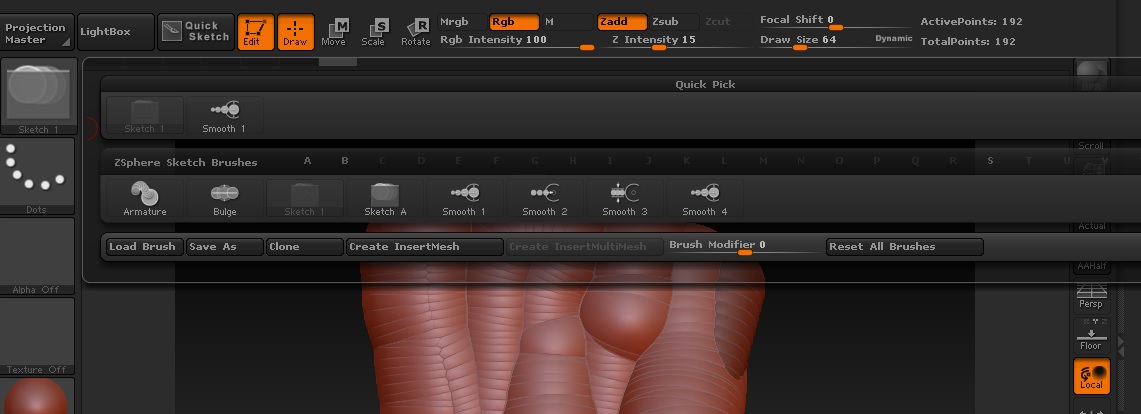
Hi! I’m very new to ZBrush and still learning everything, but I’m stuck in with ZSketch. In my brush pallet, there are no “Sketch 2” or “Sketch 3”, there is just one - “Sketch 1”. After pressing Shift + A, it takes me to let’s say “z edit mode” but when i try to add something on the base mesh, the spheres come there HUGE. When I’m close with the camera to the object, I get smaller stroke, but when I’m far, I get a larger stroke and I can’t change that how much will the spheres be sticking out of my mesh. Here the image of it:
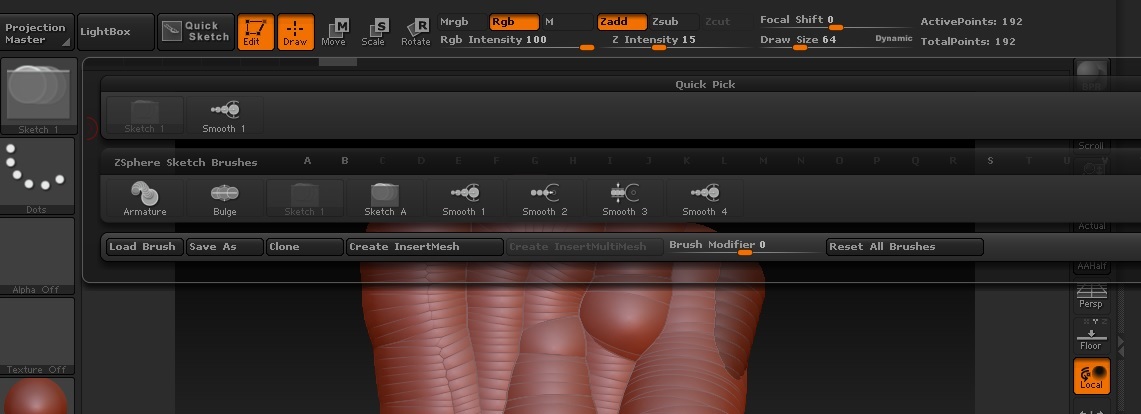
In the red circle, that’s the base mesh and in the green, that’s the ZSketch that i added. I can’t change the brush intensity. Please help me. The brush pallet looks like this, with only one Sketch brush:
Thanks for reading!
Attachments