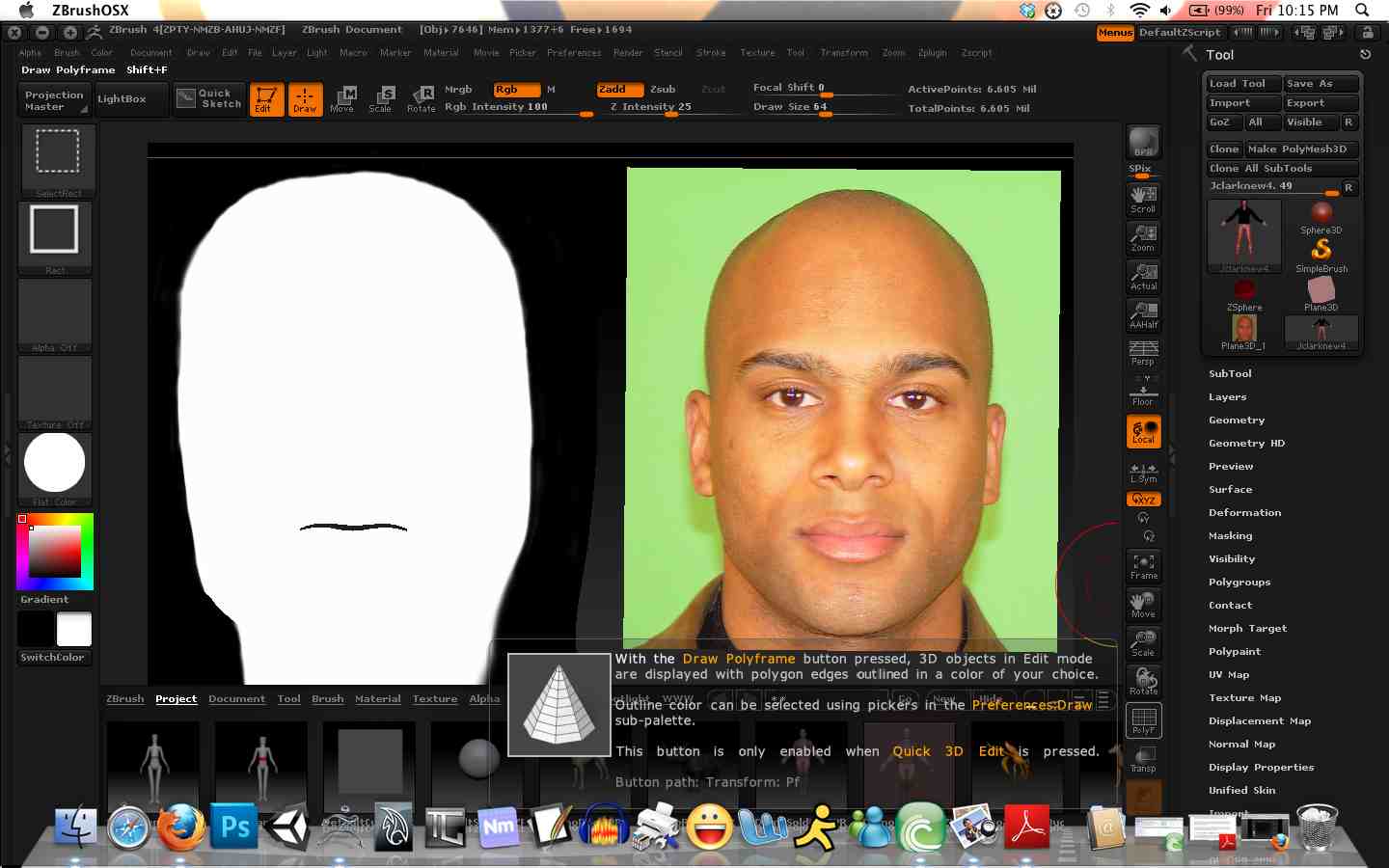
Hey I am following a tutorial that shows how to project a textures detail onto a mesh. The mesh is a human character, the image is a face texture. I bring the image in using Image Plane, line it up, etc. Draw the mesh. Select Zproject brush, hit W and draw from the mesh to the texture, hit Q, and start drawing. The problem is, nothing draws! I don’t have any idea what I am doing wrong. This is the tutorial I am watching for the Zproject tool: http://www.youtube.com/watch?v=Lxu5UF5bN8E. *For some reason when I use the hotkey to take a screenshot, ZADD gets turned on. Just to to note, I do not have Zadd when trying to do this.
Here is a pic of what my screen looks like. Any advice for how to get this to draw?
Attachments