Hello:
Attachments
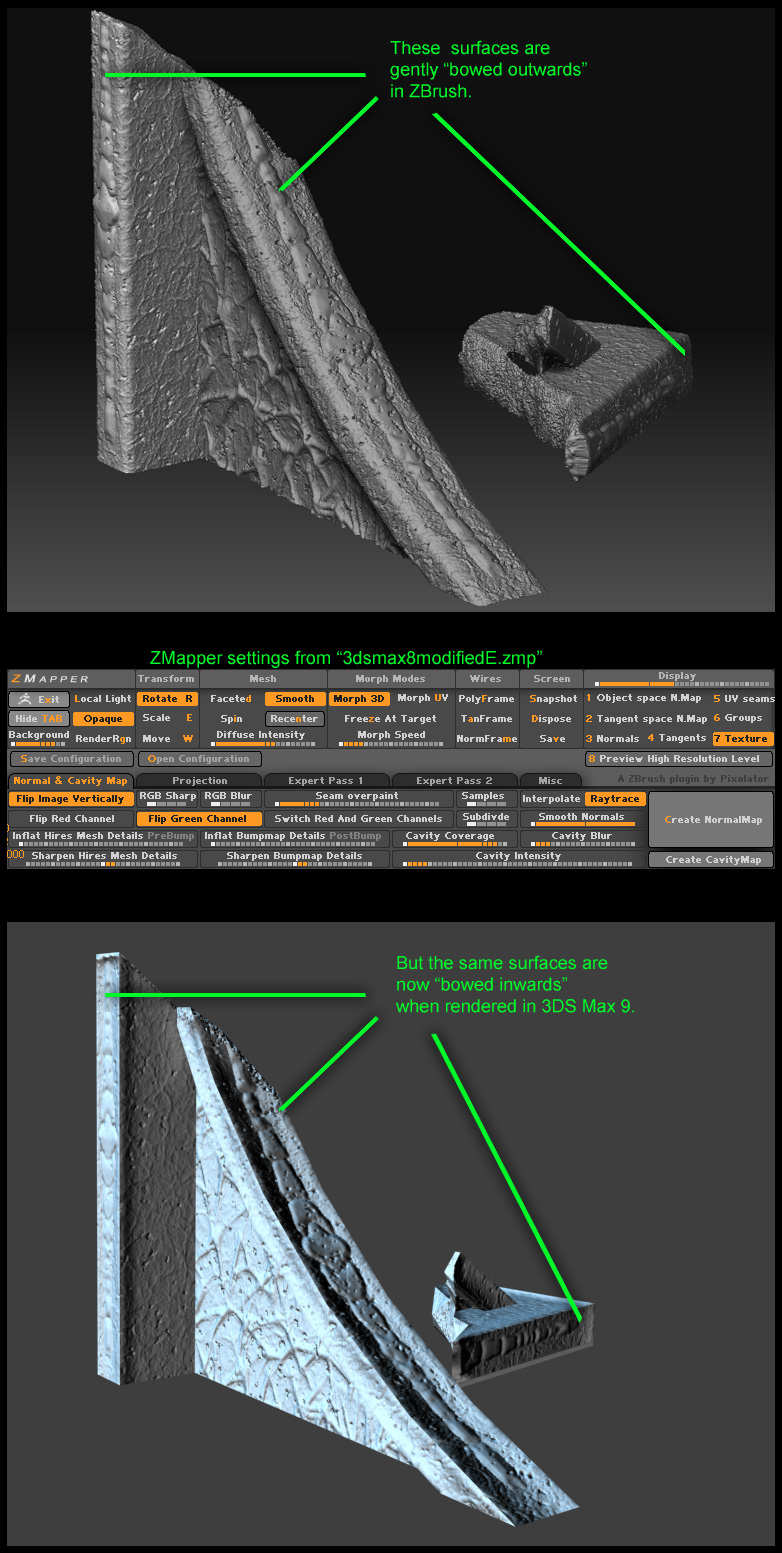
Hello:
I’ve never used that preset, if you need help with it you should probably contact --E–, since he made it.
I always use the 3dsmax7highquality preset for max 2009. As long as I remember to flip the green channel I don’t have issues with it.
Only other thing I can think of is perhaps some of your UV shells are flipped, and it’s inverting the direction of your map normals.
Thank you very much for your reply, dustinbrown.
Where could I get that preset? Could you send it to me?
I have no clue where to look for something like that as most of ZBrush is very new to me.
Thank you!
Well, I downloaded the ZMapper settings you mentioned in your reply ( 3DS Max8_TangentSpace_BestQuality.zmp ) and I am STILL having the same problems with ZMapper. I also tried every other configuration but they were no help, either. - see screenshots.
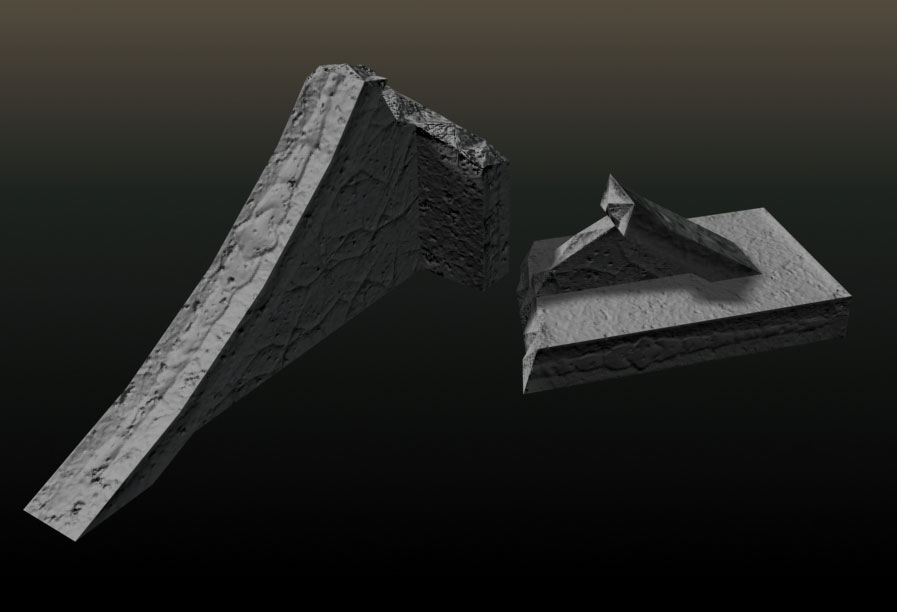
The SIDES of the objects I have done turn out alright but on this object, the flat tops of the stairs are appearing as if they are curving downwards or as if someone scooped away the top surfaces of the stairs.
I have checked many times with the original model in Max and I am certain that all the normals are pointing in the right direction. But no matter what ZMapper setting I try, things STILL come out wrong.
For the love of SpongeBob, what am I doing wrong here? If I can’t find out what I am doing wrong, then ZBrush and all the hours I put into sculpting these models will be totally wasted time.
HELP!
Software used:
3DS Max 9
ZBrush 3.1
Graphics Card: GeForce 7900 GS
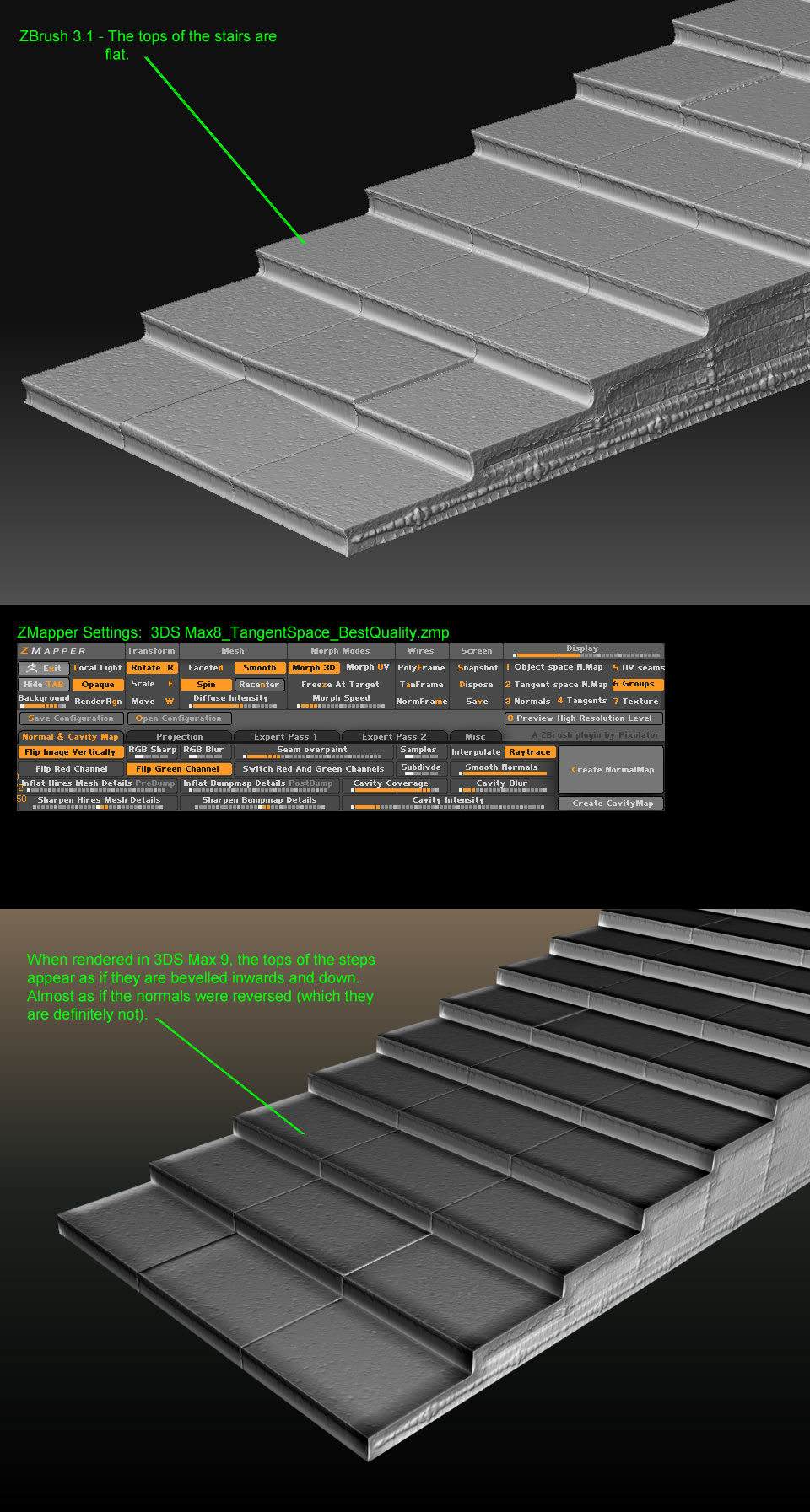
Still no solution to my Normal map issues and I am on the brink of giving up on ZBrush.
Maybe it’s something with my actual ZBrush tool? I have no idea but if someone thinks they can spot what the problem is, here is where they can download the thing:
http://www.megaupload.com/?d=GTDQD24T
Thanks in advance.
I’m taking a look at this right now.
As far as I can tell there isn’t a problem at all with the object. You’re generating your normals in Zmapper, when you do, do they look correct within Zbrush’s viewer? From what I can tell you’re not flipping your green channel inside of Max…but that probably isn’t it.
How are you setting up your normals inside of Max? The error as far as I can tell is from Max or your workflow…probably a little bit of both 
If you hook us up with a little more information we can get you to where you wanna be.
Here are screens to show.
MAX
[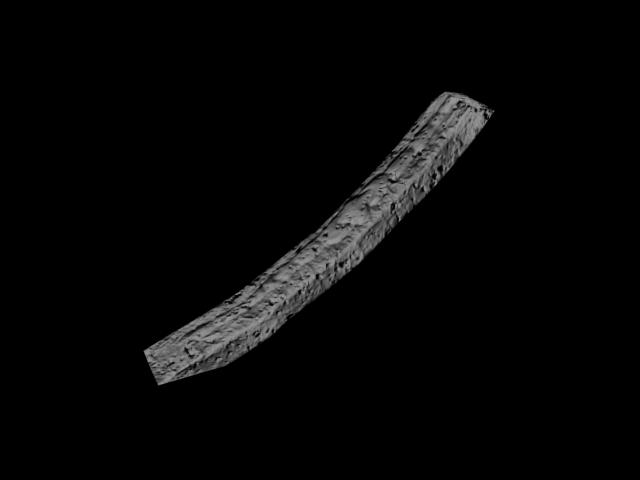 ](javascript:zb_insimg(‘154180’,‘wetpillar_Zbrush.jpg’,1,0))
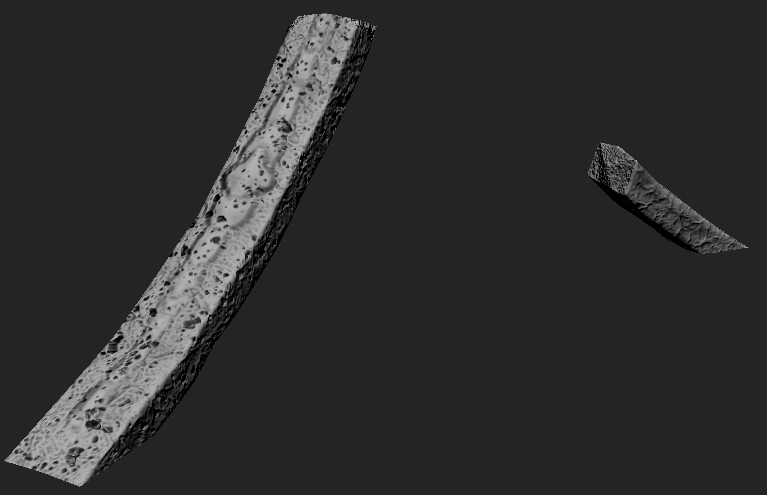
Thanks so much for taking the time to download the object and analyze it, goast666!
Yes, once the normal map has been generated on ZBrush it does look correct - in ZBrush, only.
As for how I am setting up my normals in Max, I am 100% positive they are all unified and oriented correctly. I have checked this several times.
When I render it in Max, that is where the problem seems to crop up so maybe it’s something to do with Max.
I have included a huge screenshot of my Material Editor in case there is something there that I am not seeing that could cause the result and a shot of the rendered model. I hope this is enough info but if you need to see something else, just let me know. I will do backflips for anyone who can help me figure this problem out!
As you can see, only SOME things are turning out as they should - like the pitting on the surfaces but the flat surfaces still seem to be bowing inwards for some reason.
Once again, thank you for your help in this matter.
Tom
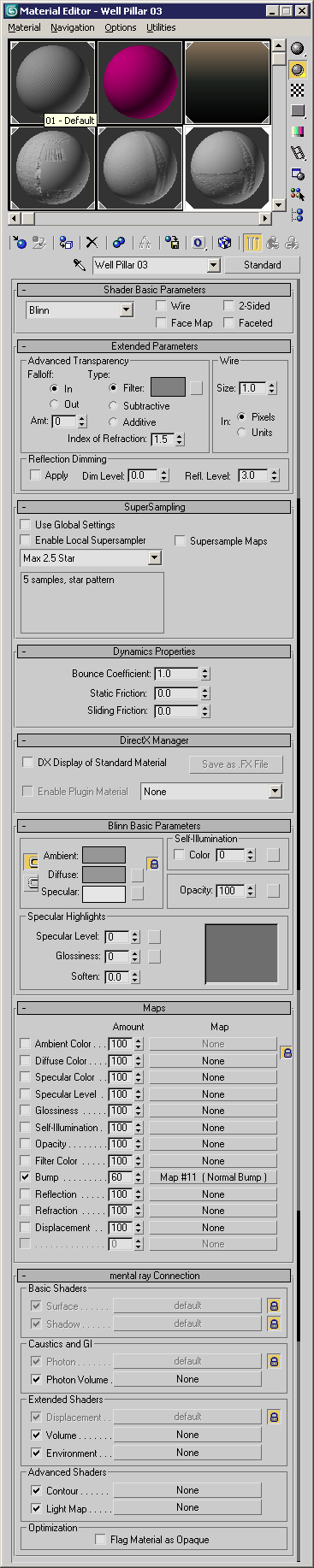
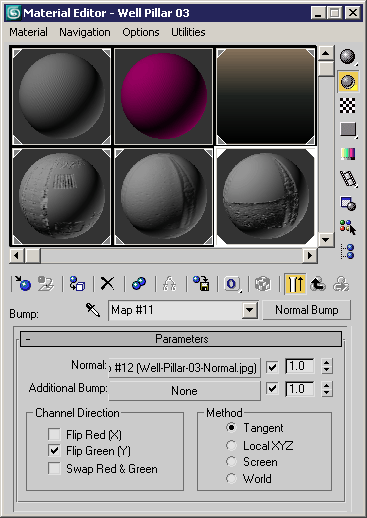
I don’t see a problem with your material set up.
I went through and checked the object with all of the normals generated, not just the one piece that I did before and I receive the same problem with the inverse on the piece that is lying on the ground.
I did generate the normals inside of xNormal as well and I don’t receive that problem.
Have you tried generating the normals anywhere other than in Zmapper?
Thanks, goast666!
I am unsure what you mean by “generate normals” and “xNormal”.
If you would prefer to communicate by PMs on this matter, that would be ok with me.
Once again, thank you for your time and insight.