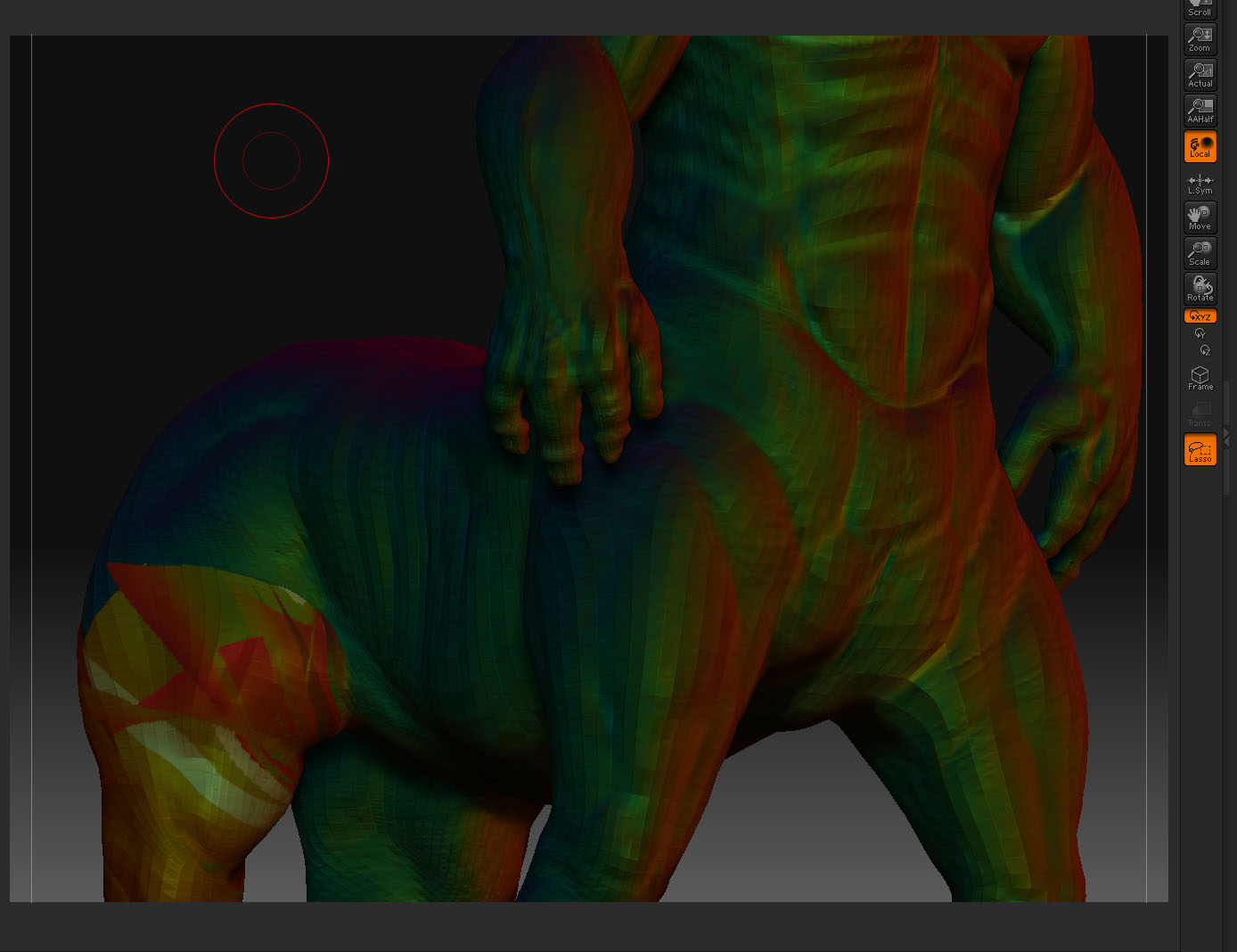
Does any1 know how to solve the this problem in zmapper (shown in image)
I sculpted my mesh and then realised the uv’s were a bit off (muppet)…so I exported and readjusted the uv’s, then used the zmapper technique to re-project the sculpt back onto the newly uv’d model…but it’s coing out with errors.
Is there a way to fix this or a completely different method I can try.
I’ve tried storeMT on the lowest sdiv lvl and then re-importing my mesh and pressing ‘switch’ but the model comes out with all these square looking tiles over it when I go back upto my highest sdiv lvl.
Any help would be appreciated
Sonder!