ZBrushCentral

Zmapper Normal Map/ UV error

[Pockets.jpg](javascript:zb_insimg(‘155568’,‘Nrrml_pocketsgood.jpg’,1,0))

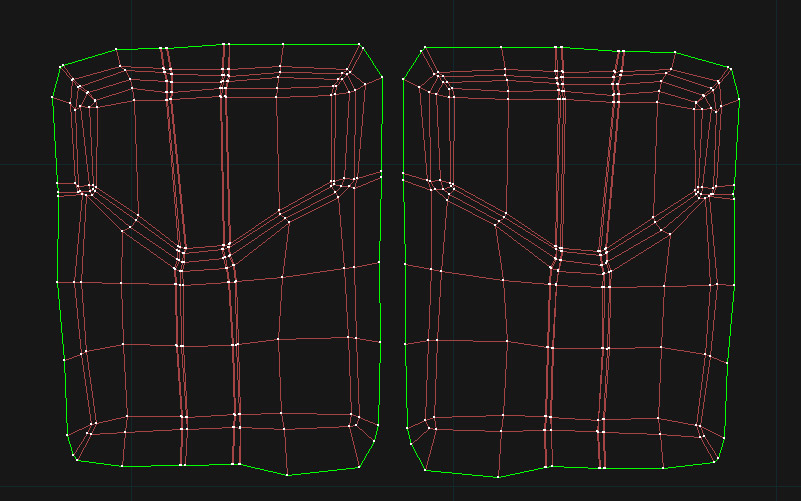
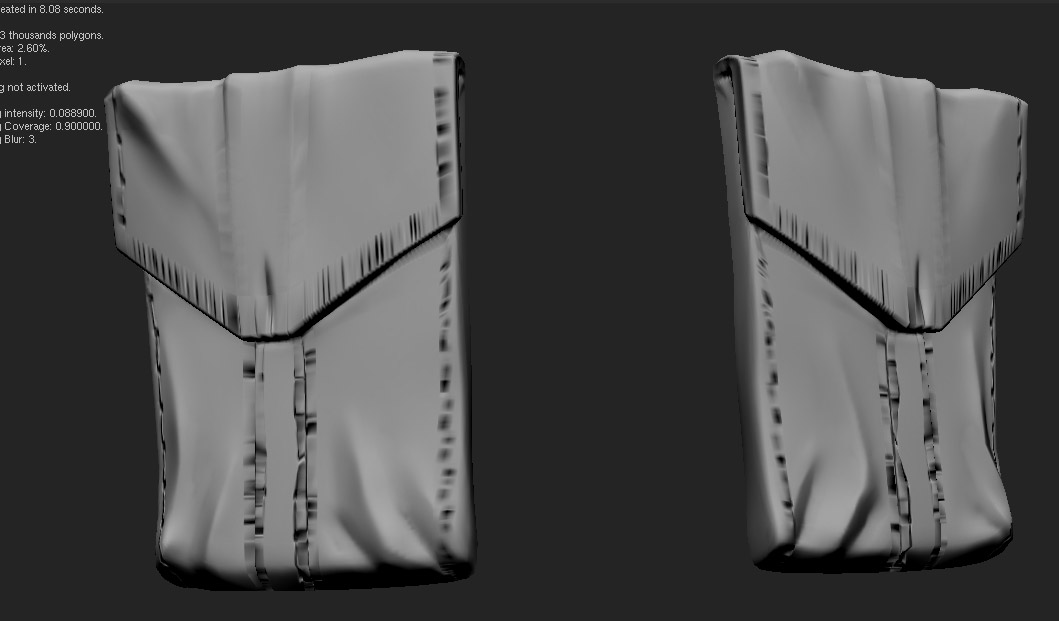
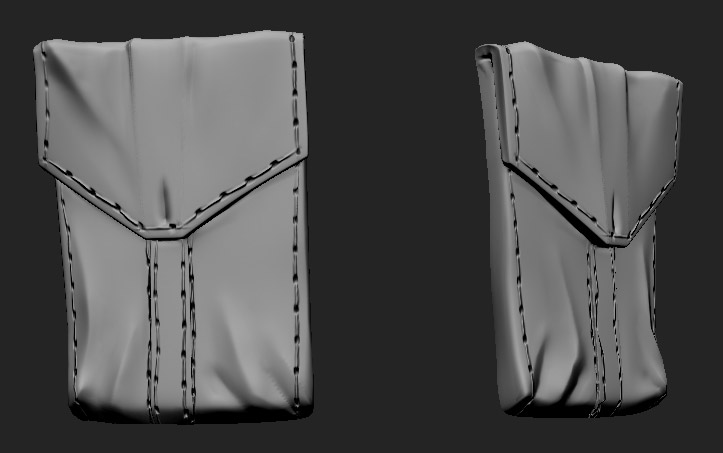
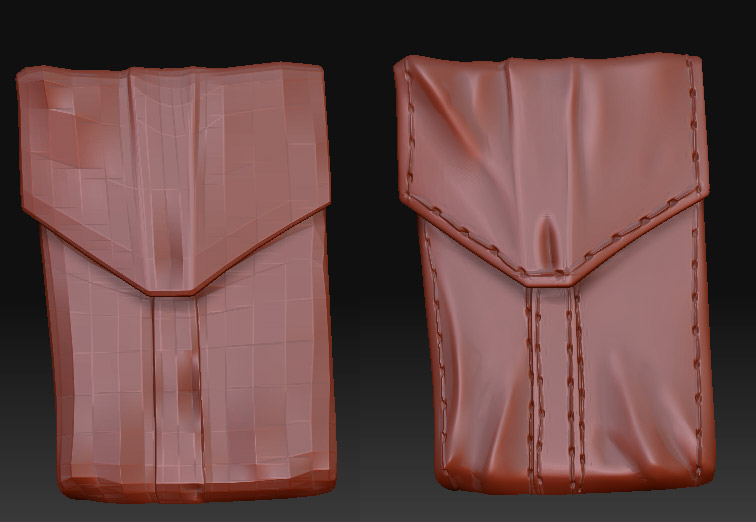
I need to use the UVs I made, and I figured out that this problem only occurs around the areas of the UVs where edges are close to each other as would happen with a chamfered edge on a model.

I really need an answer ASAP, because my deadline is Monday :cry: Pls. help!

Attachments

UVpockets.jpg

Nrrml_pocketsbad.jpg

Nrrml_pocketsgood.jpg

  1. your images don’t work…
  2. “I really need an answer ASAP, because my deadline is Monday”…seriously? That sucks.

Hi goast666, I fixed the photograph issue about 3 days ago, has no one responded to my question because its not on the forums?

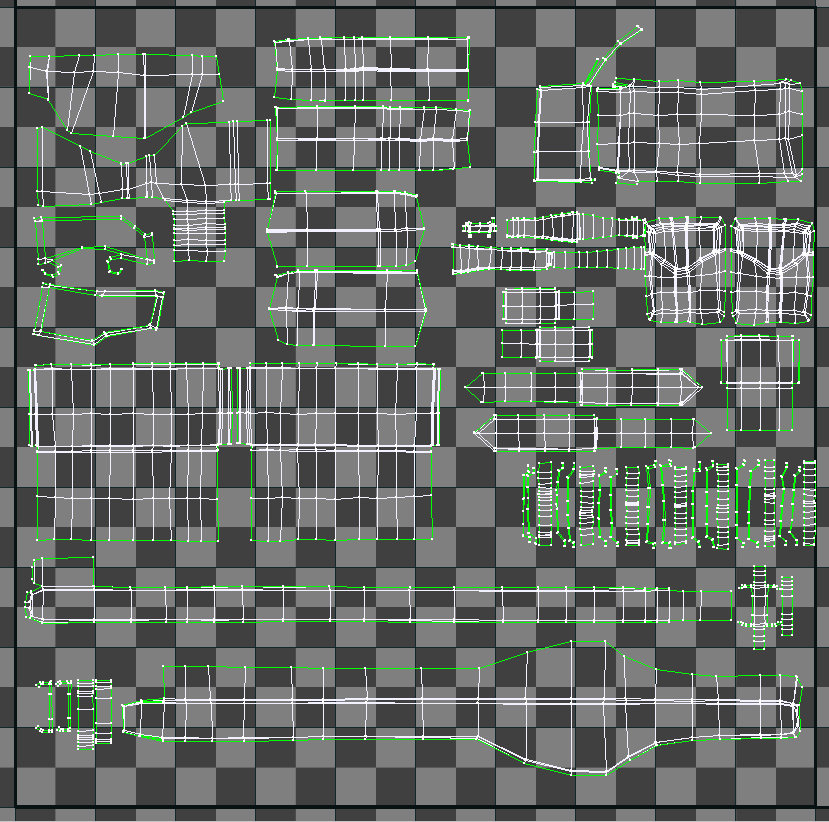
it looks to me like you haven’t given enough space to the object that you want to normal map. I could be wrong though without seeing the full 0-1 range of the UVs

You could be right. I’m trying that now. However I made the size of the normal maps 4098 x 4098. Shouldn’t that give the map enough resolution for what you describe not to occur.

[UV_full.jpg]

No, unfortunately giving the UVs more space didn’t work. Woe is me.

I have seen this before, It looks like the UVs are not being interpolated properly, after uv creation, sub divide you model once in 3D App, to get the UVs to “relax” into the correct position, then export sub-D 1 obj for ZBrush work.

Just tried your method Romm, but still no change. If you could explain in more detail, maybe I missed the specific steps? Thanks.

Hi Kenneth, I apologize for the delay in reply. your issue kind of slipped my mind. So after looking at your uv’s and zbrush model, i think the issue lies in your uv’s, the spacing of it. I have included an image to show that

[reply.jpg](javascript:zb_insimg(‘156541’,‘reply.jpg’,1,0))
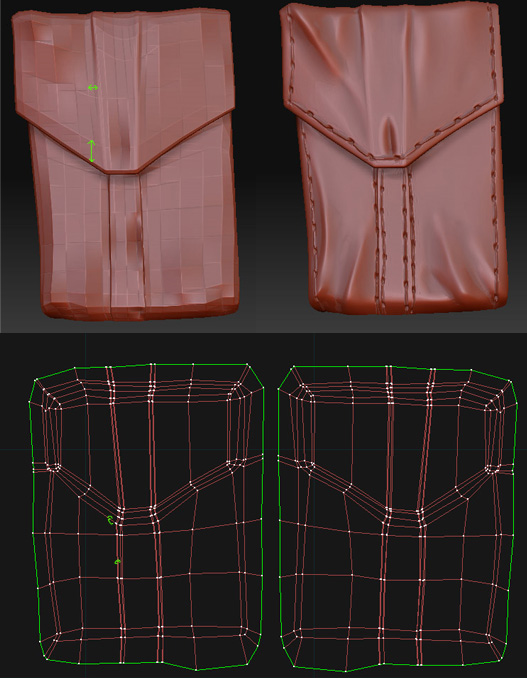
Now, the places I have marked green in the lowres have more space between them whereas in the uv’s they are close to each other. So while generating a map, zbrush is unable to allocate pixels to them.

Ther are two things you can do now.

  1. Download decimation master ( available at pixologic), decimate your high res geometry, export it to maya or max. Export the low res as well. Now in maya, relax your low res, and bake normal maps.

  2. Export the low res, relax it in maya or max, export it back to zbrush and generate maps through zmapper.(this method might give you problems)

Edge padding is a function in max or maya which extends the pixels of an edge beyond the uv border. I don’t see that option in zmapper.

I also suggest you to use the first method, because you will have more control over your bake. I see another uvset overlapping the pockets. You can move them a little to the left, before you bake your maps.

I hope this solves the issue.If the issue still exists, i’ll have to look at the model.
hey Kenneth … i wud suggest you the same ways that vikramvr did. i’ve tried those ways quite a time and got fine results… one thing i can say rather is try using a plugin called ‘unfold UV’ … it relaxes the UVs in a very nice manner,better than maya n max.then the spacing issue will be solved. then may be you can try taking out the normal map in XNormal (another pluging for baking normal maps)… i hope these methods work for you.