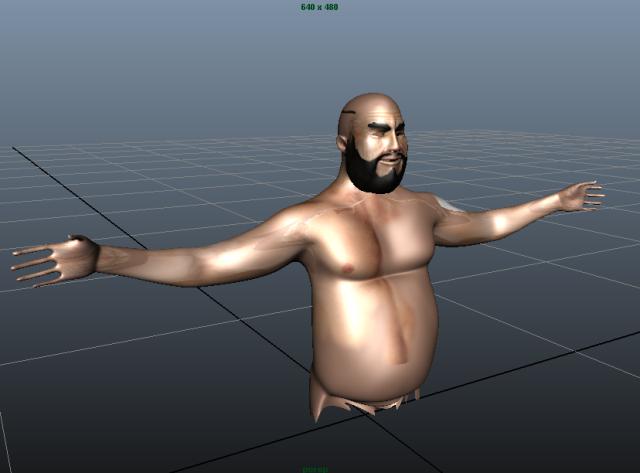
Hello. I am having troubles exporting the polypaint map from Zbrush to be imported into Maya?
The map is perfect when I haven’t touched a thing or any of the settings…
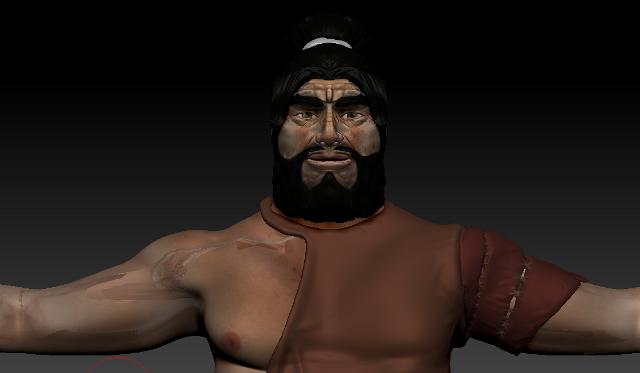
But when I go to Texture Map > New from Polypaint, The UV Map messes up on the arms and on the lips. The polypaint goes out of place.
I have already UV Mapped the model using UV Mapper, and reimporting it into the SubTool palette.
The UV Map works fine, but when I click New from Polypaint, that’s when I have problems.
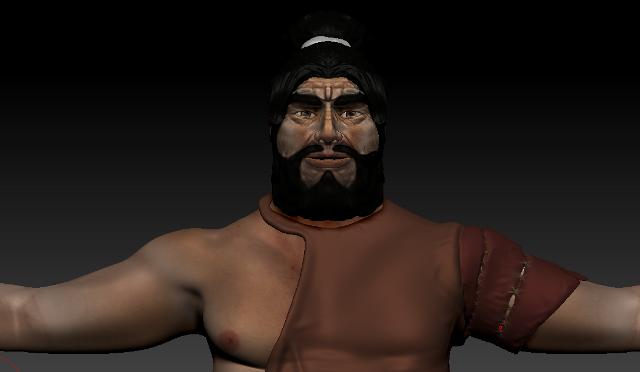
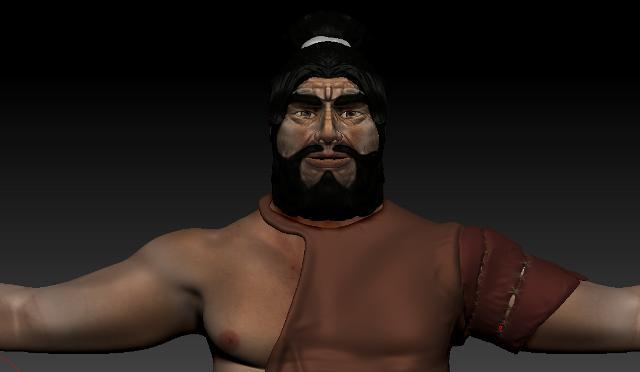
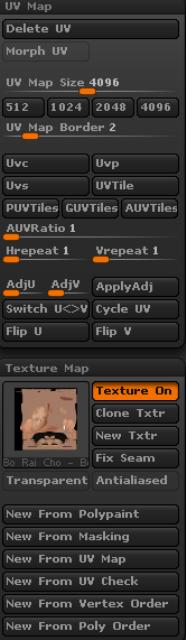
I have a before picture, before I clicked any of the settings, then an after picture showing what happens after I click the New From Polypaint. I also have a picture of my settings.
BEFORE
AFTER (With New From Polypaint)
SETTINGS
HERE IS A PICTURE OF THE BODY MESH IN MAYA, You can see how misplaced the map is.
What do I do? Thank you for your time.
- Justin
Attachments