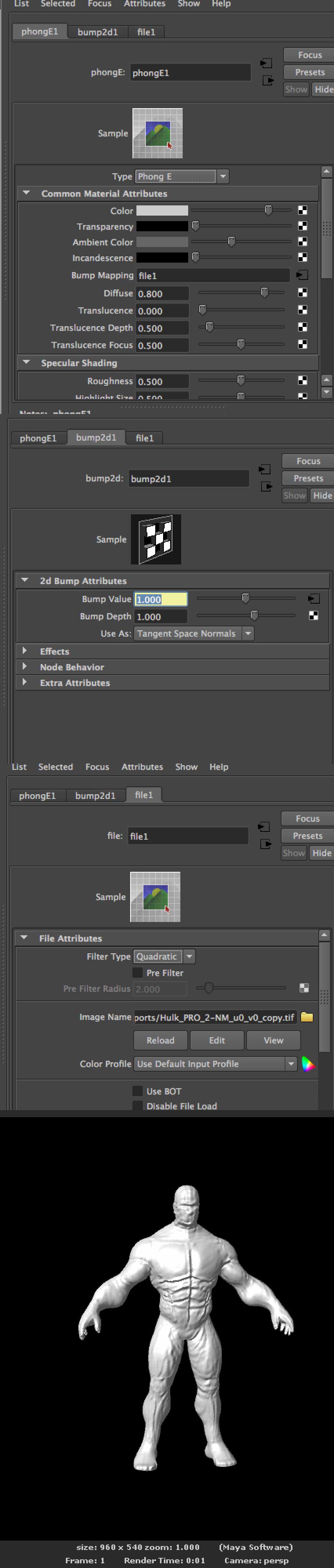
ZBrushCentral

Zbrush to Maya pipeline PROBLEM, please help!!

Greetings. Hope this is the right thread.

I am encountering a UV/Normals problem when using GoZ from Zbrush (4.6) to Maya (2014).
The problem is: unexpected/wrong results. I’ve put up together a summary of steps taken and end result.
Thanks in advance if someone can bring some light.

Attachments
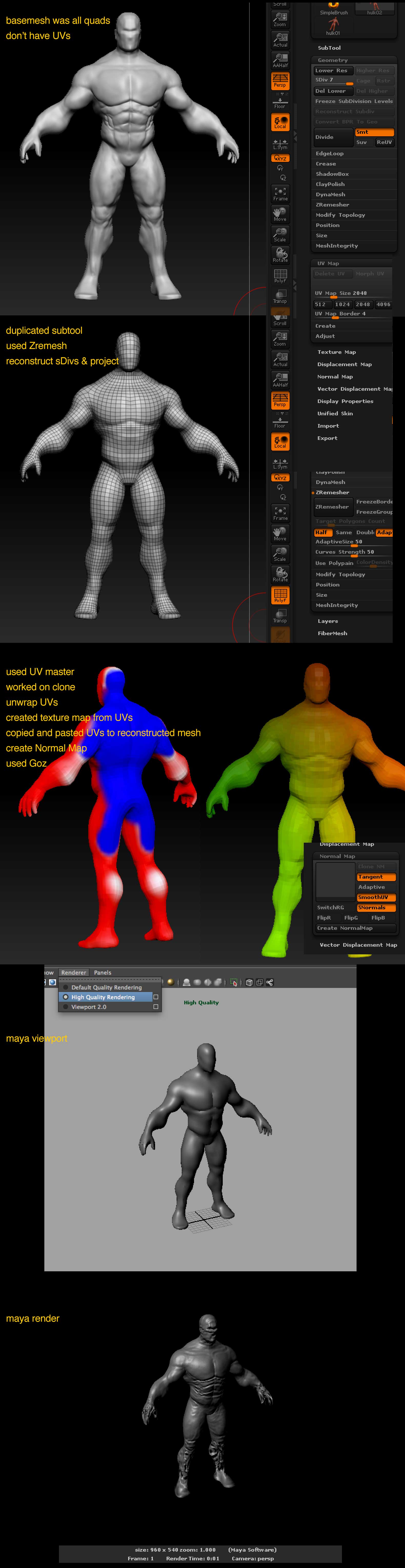
zbrush_problem.jpg

what do your UVs look like?

Thanks for your reply.
Not sure if this is what you are asking…
zbrushproblem2.jpg

what happens if you just export your mesh as a .obj and your normal as a .psd and apply them in maya?

You will get better results rendering with Mental Ray. Turn on Mental Ray and in the render settings, options tab check Maya Derivatives.

@beta_channel, It didn’t seem to work (as long as I applied the normal map properly)
These are the steps I took and the end result.

@Zeesculptor, it worked. Although I get a funny feeling from not knowing why the “default process” (Goz, or just importing the .obj and applying normal map) didn’t work.
Will read about the Maya Derivates, cause I have no clue what that is.

Thanks to both of you for taking time to help me out.

zbrushproblem3.jpg

I recomend this other settings for NormalMaps for Maya.

NormalMap Settings.jpg

Some times with the SmoothUV selected you will have your Normal Map Srinked a bit. So it gets better results for me using like the picture above

Looking in your first image i think that is caused because you are using Object Normal But you generated Tangent Normals in ZBrush
Another thing i allways do in Maya is keep the Filter Type in None

Hope this helps

I’m not familiar with the settings Maya’s renderer might want, but the last image looks like a candidate for flipping/inverting the green channel. You can do this on the map itself instead of rebaking, so it’s a quick test that might make a difference.

Thanks @][-][4Z4R][)) (Fran) and @Cryrid, have plenty of reading to do from here.
Tried playing with inverting green and other Normal map setting, and didn’t work for me.

For the quick render test I was after, the Mental Ray solution provided by @ZeeSculptor by seems to do it.

If I ever find out why the “straight from the box” steps didn’t work for me, will post again here.

Stay out of trouble!