ZBrushCentral

zbrush to maya normal map problems

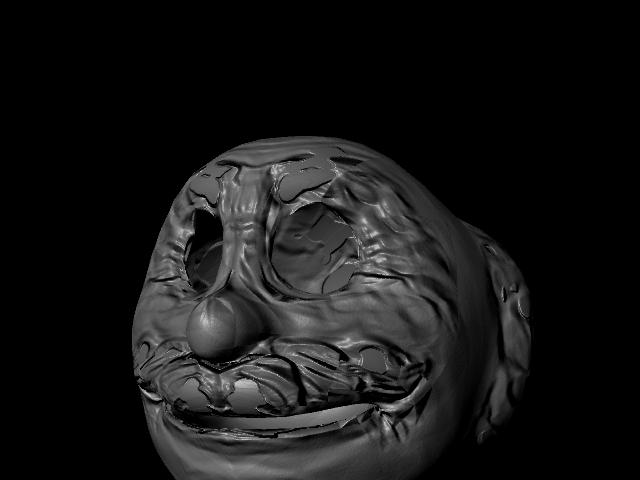
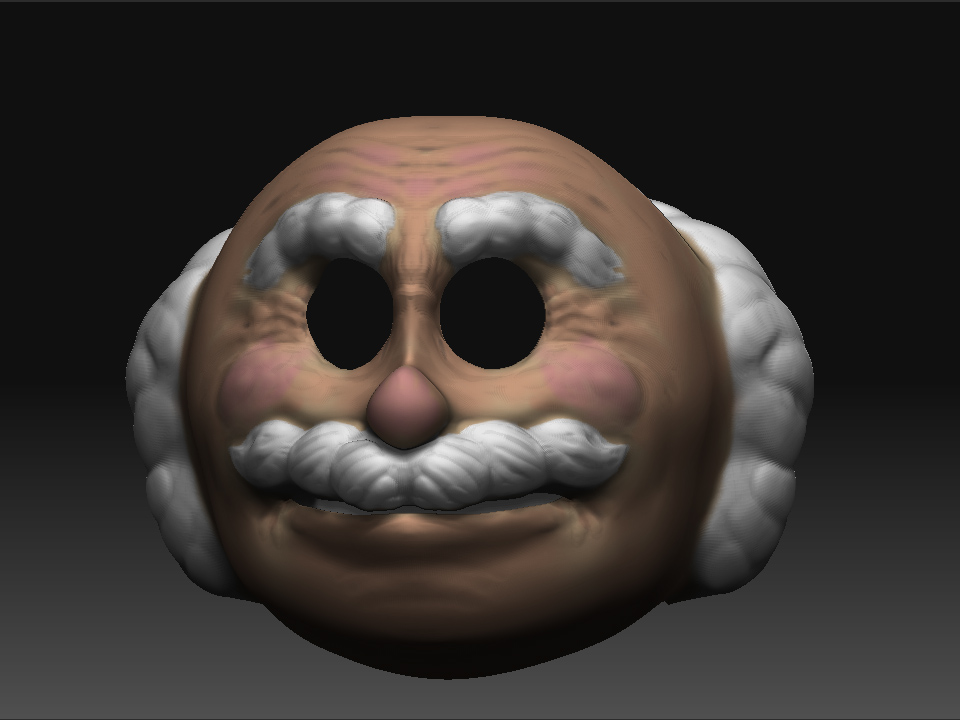
Hi, guys i have been trying to figure this normal mapping out so i can make my models prettier in maya, but my problem is that with i use the e-mapper there are some flat spots that are not really there that the normal map maked on its own. i will post the sculpt and the normal map in maya so you can see what i am talking about, i need help fast i am on a school deadline.zbrushsculpt.jpg
Attachments

bad normals.jpg

Are you remembering to flip the map vertically before using it in Maya?

ya i have the setting on the zmapper to flip it automatic the info you see in the maya render shows up on my normal map that i made in zmapper i am not understanding where those holes are coming from…please help.

post a screenshot of your UV editor

I will post my uv editor when i get off work today, but the problem started with the normal map that was generated in zbrush.

In ZMapper’s Misc tab, increase the slider for Raytracing Max Scan Distance

what does that do exactly? will it increase the area of the model that gets read by zmapper?

Yes, it increases the distance that ZMapper’s raytracing goes to look for data. When you get patches like what you show, that fixes the problem.

nice that did the trick for the normal map now i just have to be able to render in mental ray, but my version only has software and harware or vector rendering. I have 8.5 by the way.