Hello,
I have searched high and low to try and find an answer to a problem that I am sure has a very simple answer.
I saw a thread on here once before that covered the topic but I cant remember what it was titled.
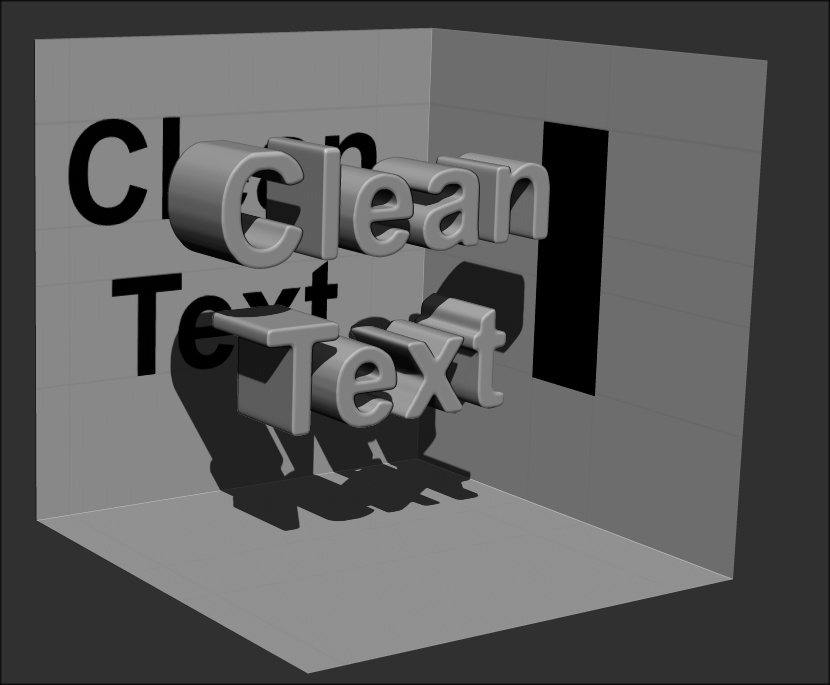
The Situation i am facing is the jagged edges that form when you extract text from a mask. The edges are pixilited and cause obvious striations down the depth side of the text subtool which are an eye sore.
I have read about using projection master to smooth it but that was a slightly different situation, and I dont know what I’m doing… I should make that very clear. I am very new to ZBrush, Though I have actually used it a lot in video game design but only by BLIND LUCK have I been able to be successful.
Can some one help me with this or direct me to a video/reading material that can solve this problem.
I thought I would try something new for studio I am working for and thought Zbrush could make the logo look more interesting. But until I can remove the striations from the side I just dont think its going to work.
Please speak to me the way you would speak to a 5 year old. Drawing in crayola may help me understand and perhaps even having a purple dinosaur explain will increase the learning fun.
I can try to upload a couple of screenshots if needed, but I presume most of the ZB gods here would have already long since passed by this problem I am having.
Any Help would be greatly appreciated.
Thanks a lot guys.