ZBrushCentral

Zbrush not responding/freezing frequently

Hi, I have no idea why this happens all the time. Usually happens after I’ve been working for a while.

I just moved the model around, then hit the Scale button and it froze.

It’s never the same thing twice. The only commonality is that I was working in the program for over several hours.

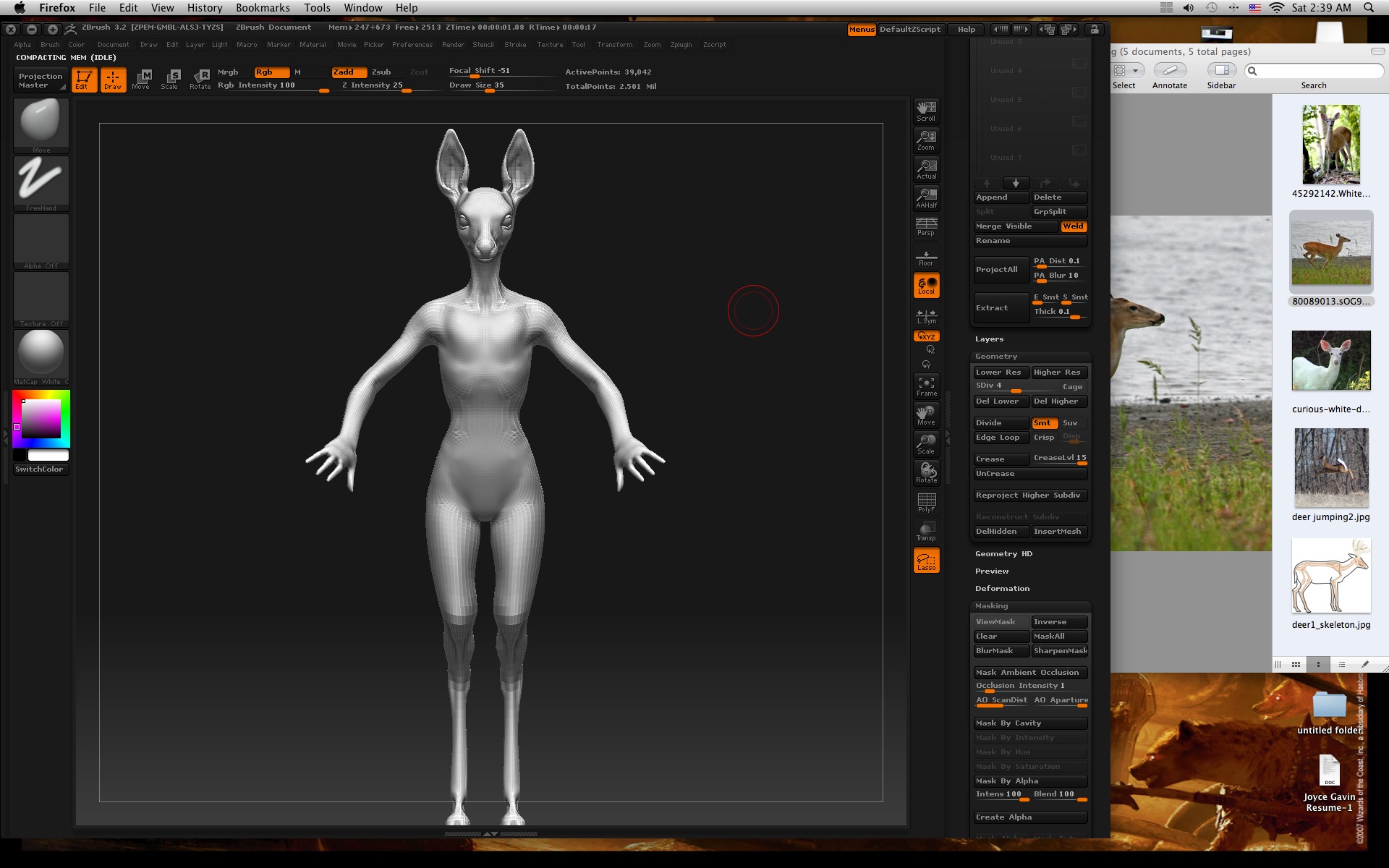
I have a Zbrush 3.2 Mac. Here are some screen prints.
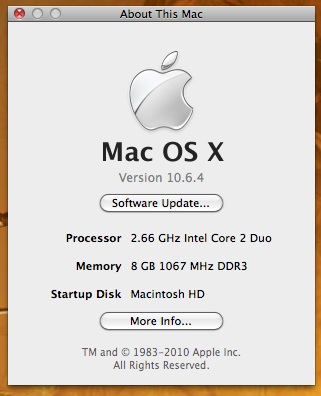
screen shot jpeg mac info.jpg

If someone knows of something to make it crash less often I would appreciate it. But I won’t get butthurt if no ones knows anything. :stuck_out_tongue:

Thanks.

Attachments

screen shot jpeg zbrush screen.jpg

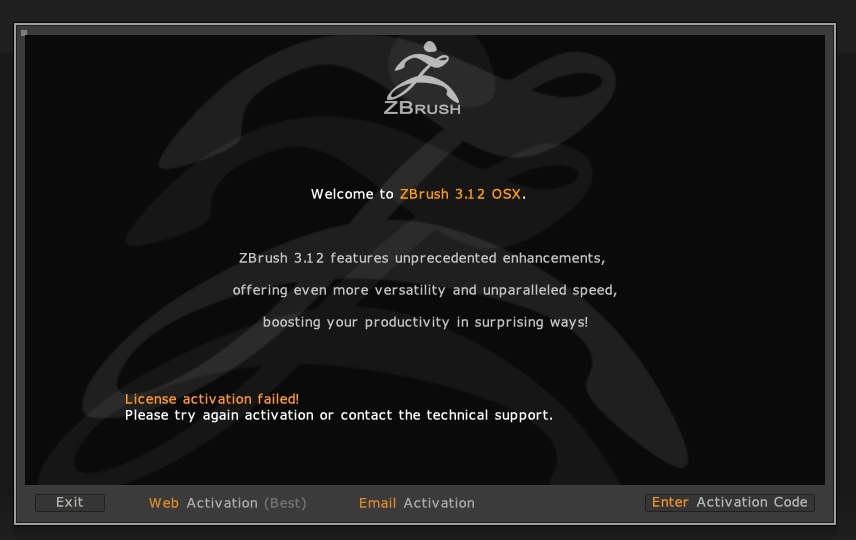
One more thing, I tried launching Zbrush 3.2 and the activation screen popped up…To tired to try digging up my code and re-entering it but why did the program “forget” my activation?

So sleepy/frustrated SIGH :confused:

There isn’t anyone from Pixologic that knows anything? Do I need to give more information?
I’m dying here, I have a very limited time to do a CRAP TON of work and I CANNOT ACCESS THE PROGRAM.

[Screen shot 2010-06-21 jpeg AM.jpg]

I’ve already submitted a ticket last week but I’m dying over here. It’s been 2 days! aaaahhh!

Thanks.

3.12 uses 3.2’s activation. The 3.2 folder must be next to the 3.12 folder in the Applications directory (or wherever you installed 3.12). The 3.2 folder should not be inside the 3.12 folder, and neither should 3.2 be installed over 3.12.

You cannot activate 3.2. You must activate 3.12, which will then allow 3.2 to run automatically. Launch 3.12 and choose Web Activation. This will ask for your email address and serial number, then create a new activation code that you can copy and paste into ZBrush. If you no longer know your serial number you’ll need to submit a support ticket.

As for why ZBrush became deactivated, the most common causes are a major OS update, or changing your system clock.

Thanks, that worked but I didn’t have a major update and I don’t even know how to change the clock. So I have no idea why if did a Chernobyl but it’s fixed for now.

Thanks again.