Hi people
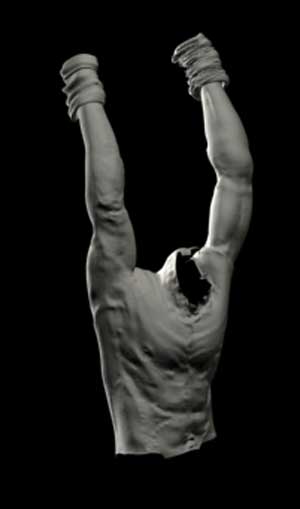
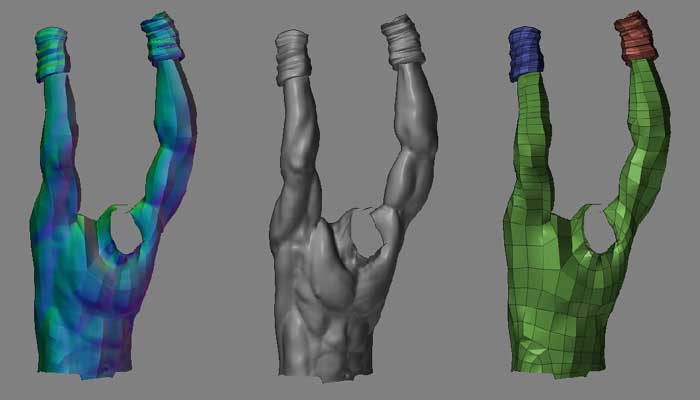
I´m trying to extract a normal map from zbrush and insert it into a mesh in 3dsmax. I have done it before extracting the normal map into 3dsmax, but as the high res mesh is very hi-poly, I think the best methoud is to extract it into zbrush. But for some reason I´m having a strange render. I have attached two images. The one with the black background is what max does with my mesh in render, and the other image is what zbrush shows.
Well, i´m nor really sure what i´m doing bad. I suppose it is something with the exportation of the normal map. I´d like if anyone could point me on the right direction about how to solve that. I´m pretty new to this kind of stuff and my searches in the forum are not very accurate.
My workflow has been this:
I did the main shape in 3dsmax.
Export as obj
Zbrush sculpting
Create a texture of 4096x4096
Check Average both in Dispacement and Normal map (i´m nor really sure about this one)
Create Normal Map
Export lower res from zbrush to 3dsmax
Tile the texture in V to -1
Apply turbosmooth at 2
Displacement. Luminance center 0.5 Use existing mapping.
Render
Cry
Well, this is where i´m now… Thanks for your help!
Attachments