Hi,
Lately I’ve starting working with ZBrush, learning how to import models and extracting them to Maya with displacement maps etc.
I’ve moved on to more complex models and maps, but ZBrush started crashing after long periods of work. When loading a model I’ve been working on, of course the Morph Target will be lost because it’s a temporary parameter, but now when I try to export the different maps they will not work at all as intended.
I created a simple example:
-
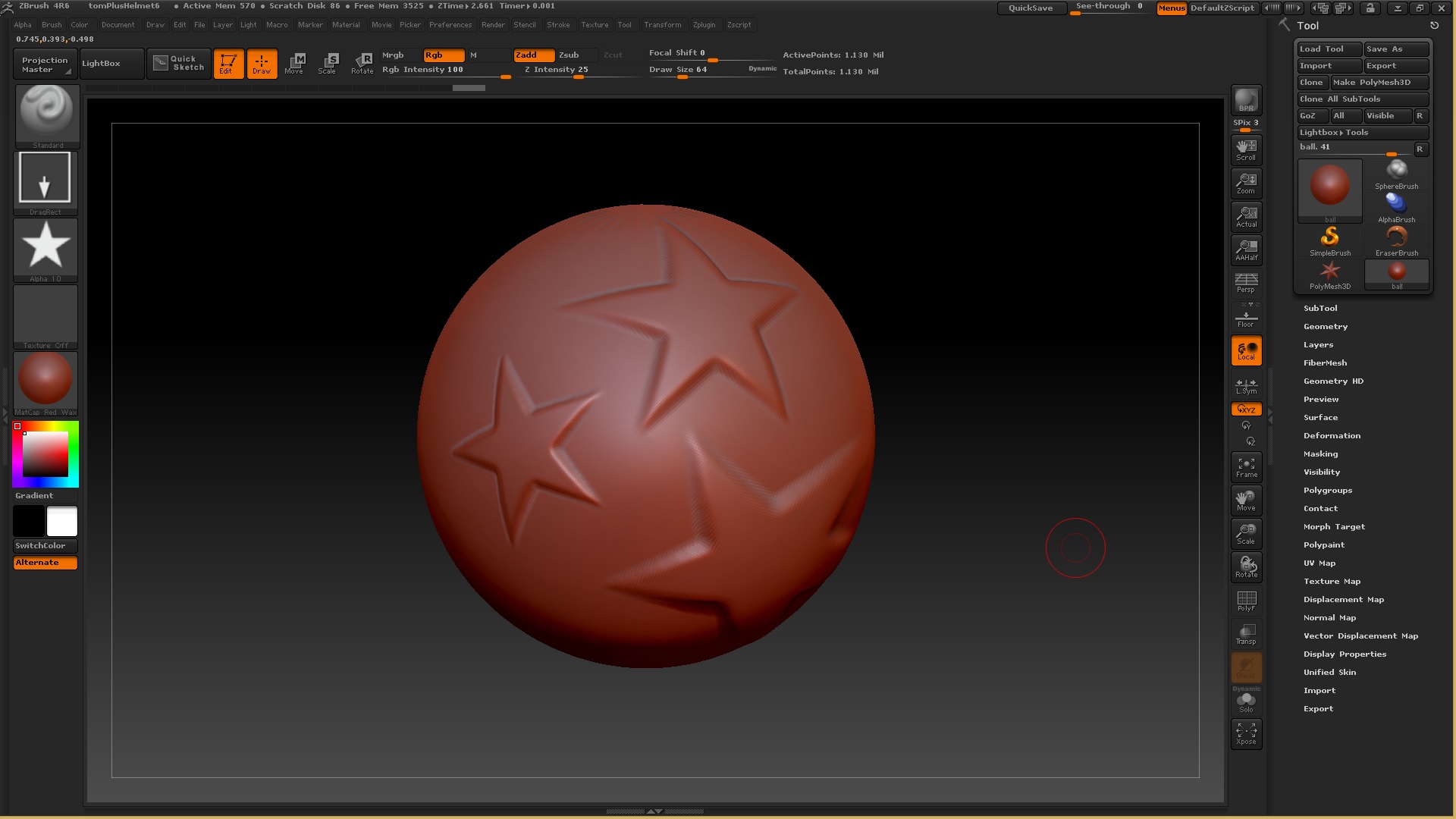
I imported a simple circle Obj that included a UV map into ZBrush. (I did not create a Morph Target because that can be lost)
-
I duplicated number of divisions a few times (ctrl+d)
-
added simple texture to model (z-add and not RGB, to affect the displacement map)
-
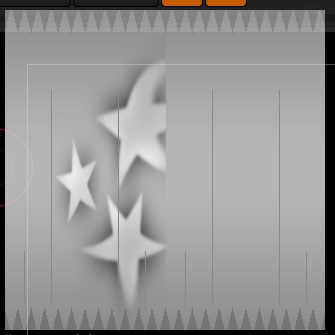
lowered the division count back to 1 and created a displacement map
as you can see in the image above, on creation, the displacement map applies itself to model for some reason and adds some weird lines over it
the displacement map doesn’t look right.
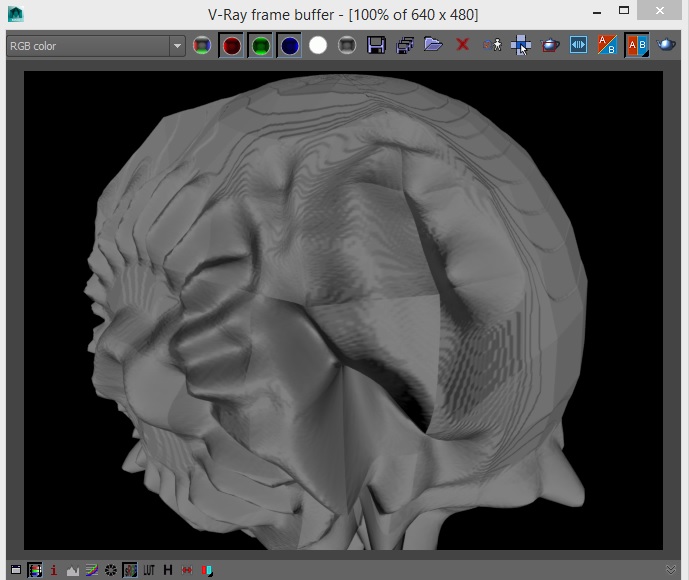
Of course when exporting the model and applying the map to it in Maya doesn’t give a good outcome.
Other maps that I create using ZBrush don’t have those lines added to them but they do apply themselves to the model and also do not work in Maya. ( I know that I should invert the maps on the V axis so my problem is not there).
I can’t rely on Morph target because some models take long time to work on and the program might crash or the PC might go into sleep mode and close the program for some reason.
Is there a solution to this? Is this a bug in the new ZBrush version? I know a few other people who had to deal with this problem but none had a solution.
Thank you and sorry for the long post.
Attachments