I am trying to load my reference image from textures into a plane so I can model my models easy but when I import my picture into texture the plane on the screen is empty yet I can see my reference in the texture window on my left side. Is there a button I had to press so that it is transfered into my plane. It’s a little hard to model from reference with spotlight, since I have to move the picture to align it with my model. The book I have says to import the image from texture and it should be mapped directly to my plane yet nothing happens.
What version of ZBrush are you using?
I use Zbrush 4R2
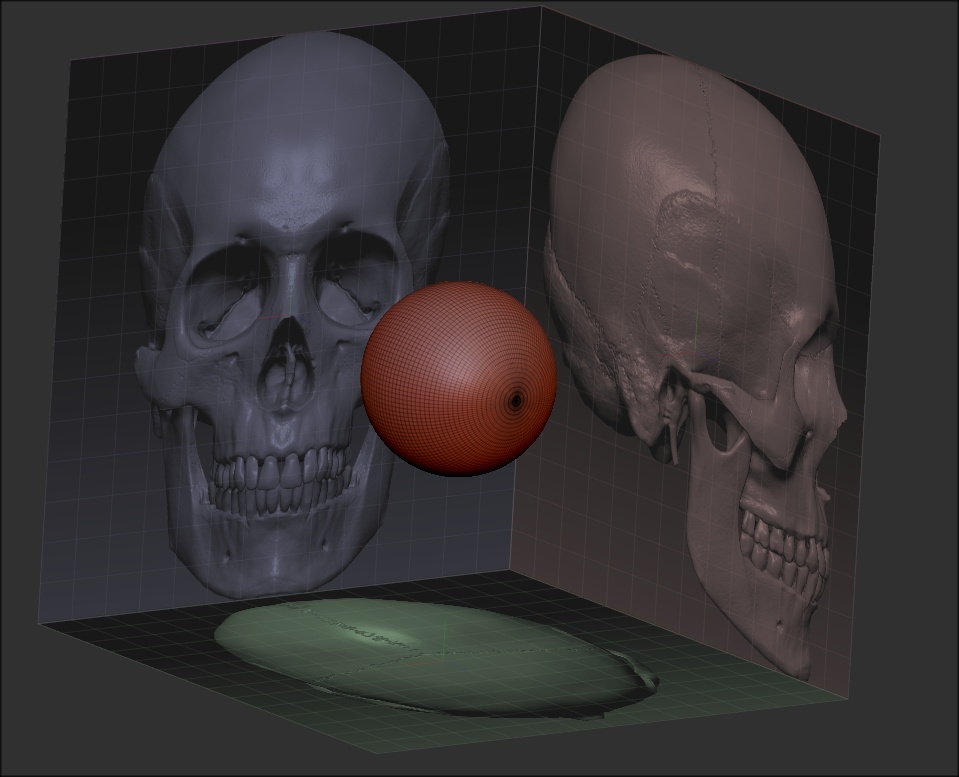
Hmmm…I thought so… ZBrush 4R4 P2 is a free upgrade. You should upgrade and take advantage of the new Grid feature.
Ah yes… there is a tiny bit of a problem that comes with many users today that can’t support themselves do you have a different solution?
Yes…save up some money and “buy” ZBrush. Then I would be more than happy to give you the solution. 

As soon as I find the real job I will definitely, even if my country is in total chaos.
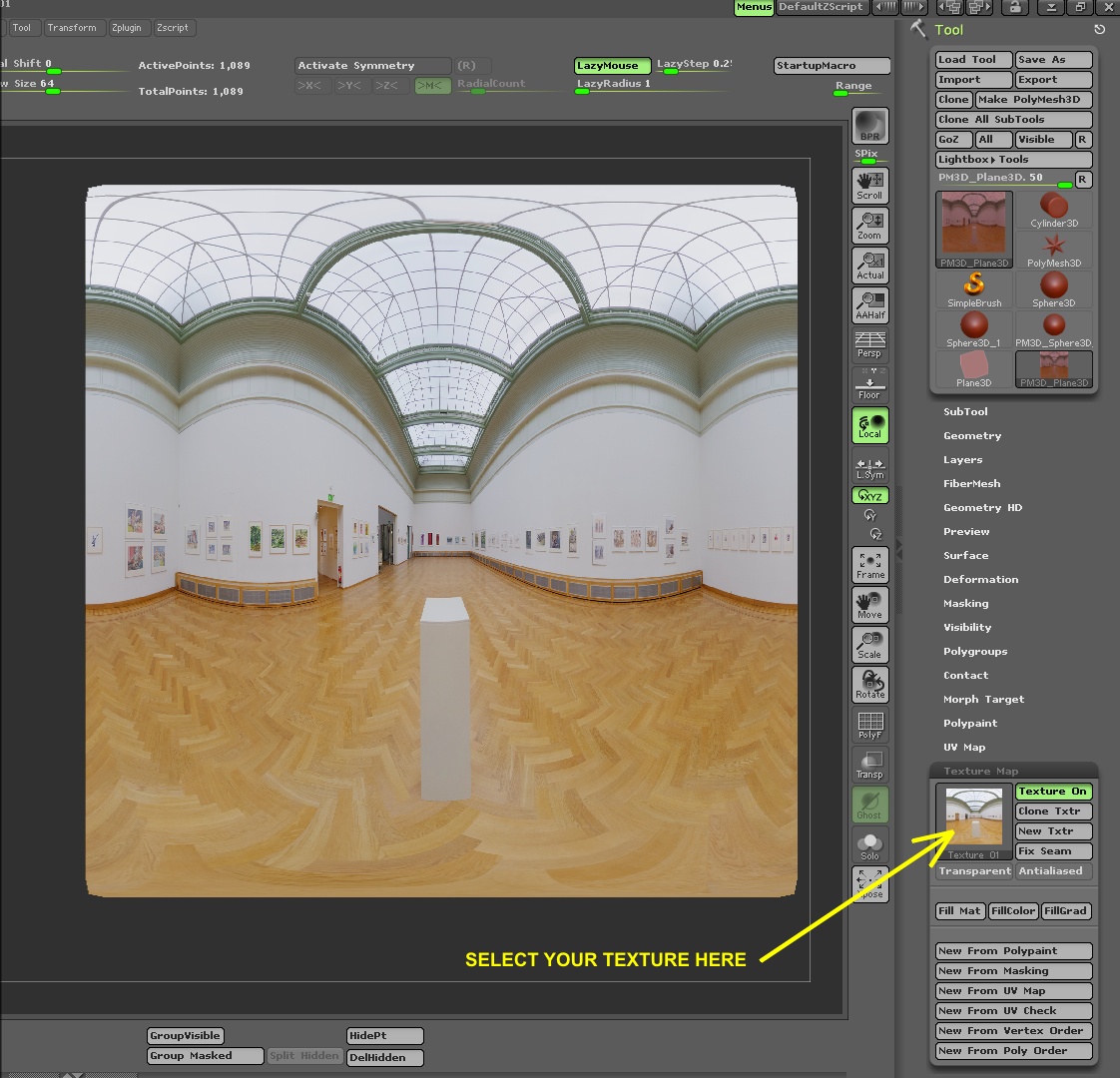
Well, I appreciate your honesty, so I will give you this one. You can have a different texture on every subtool. Select your texture in Tool>Texture Map.
Thank you I will try it.