That’s an interesting idea. I definitely get tired of all the scrolling in palettes.
Here’s ZScript buttons I hotkey to get to the most common sub-palettes I use, mainly the Tool SubTool, Geometry, and Deformations palettes.
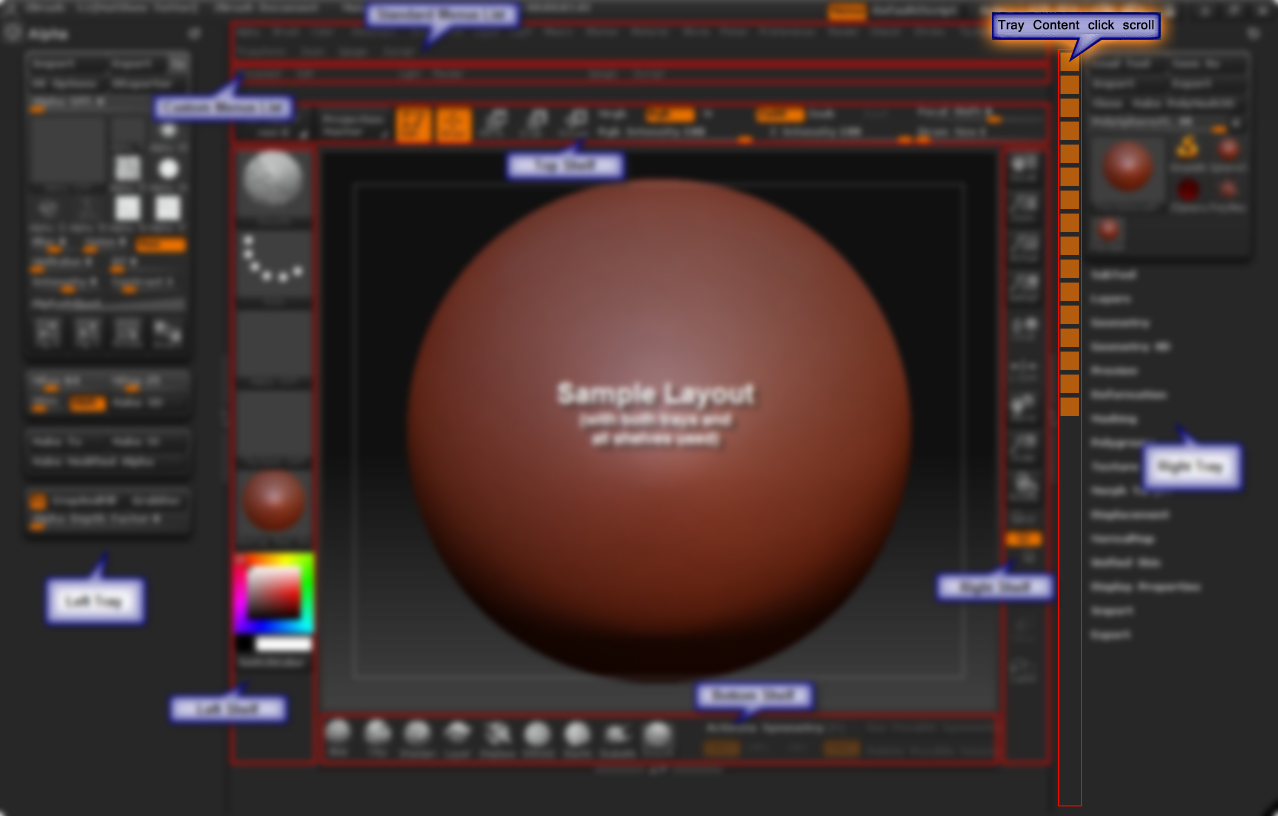
Assuming you’re using the right tray then you need
Preferences:Interface:Right Tray and Preferences:Interface:Auto Collapse
turned off as the commands only work if the menus are already docked and expanded in the tray.
Assign hotkeys of your choice…sometimes you have to press the hotkey more than once as the first keypress scrolls the menu into view if needed
and then the next keypress opens the subpalette.
For example I have Alt+d assigned to go to the tool:deformations palette
Also note that in ZBrush you have to release modifier keys (ctrl,alt,shift) in order to use them in succession, they can’t be held down.
The zscript below when loaded will install the buttons in Zplugin:UIHelper. Modify as needed.
[If, ![IExists, "Zplugin:UIHelper"],
	[ISubPalette, "Zplugin:UIHelper"]
]


[IButton
    ,"Zplugin:UIHelper:GoDeform"
    , "Shows the Deformation Palette"
    ,[IClick, Tool:Deformation]
    ,
    ,
    ,0.25
]


[IButton
    ,"Zplugin:UIHelper:GoGeometry"
    , "Shows the Geometry Palette"
    ,[IClick, Tool:Geometry]
    ,
    ,
    ,0.25
]


[IButton
    ,"Zplugin:UIHelper:GoSubTools"
    ,"Shows the SubTool Palette"
    ,[IClick, Tool:SubTool]
    ,
    ,
    ,0.25
]


[IButton
    ,"Zplugin:UIHelper:tRShelf"
    , "Toggle right shelf"
    ,[IClick, 1001]
]
-ds