ZBrushCentral

Zbrush Crash - Internal Error Line 172 / Line 182

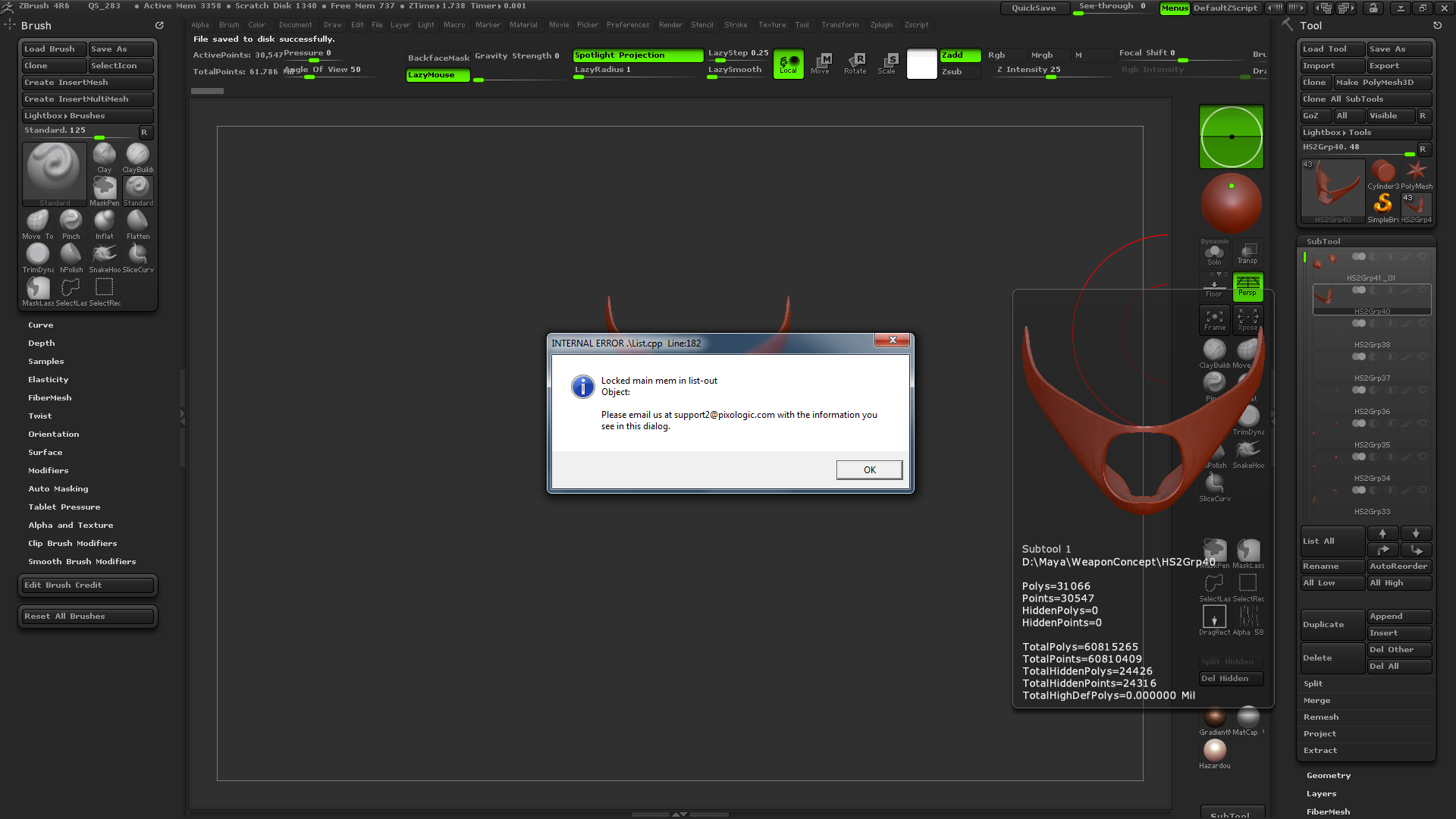
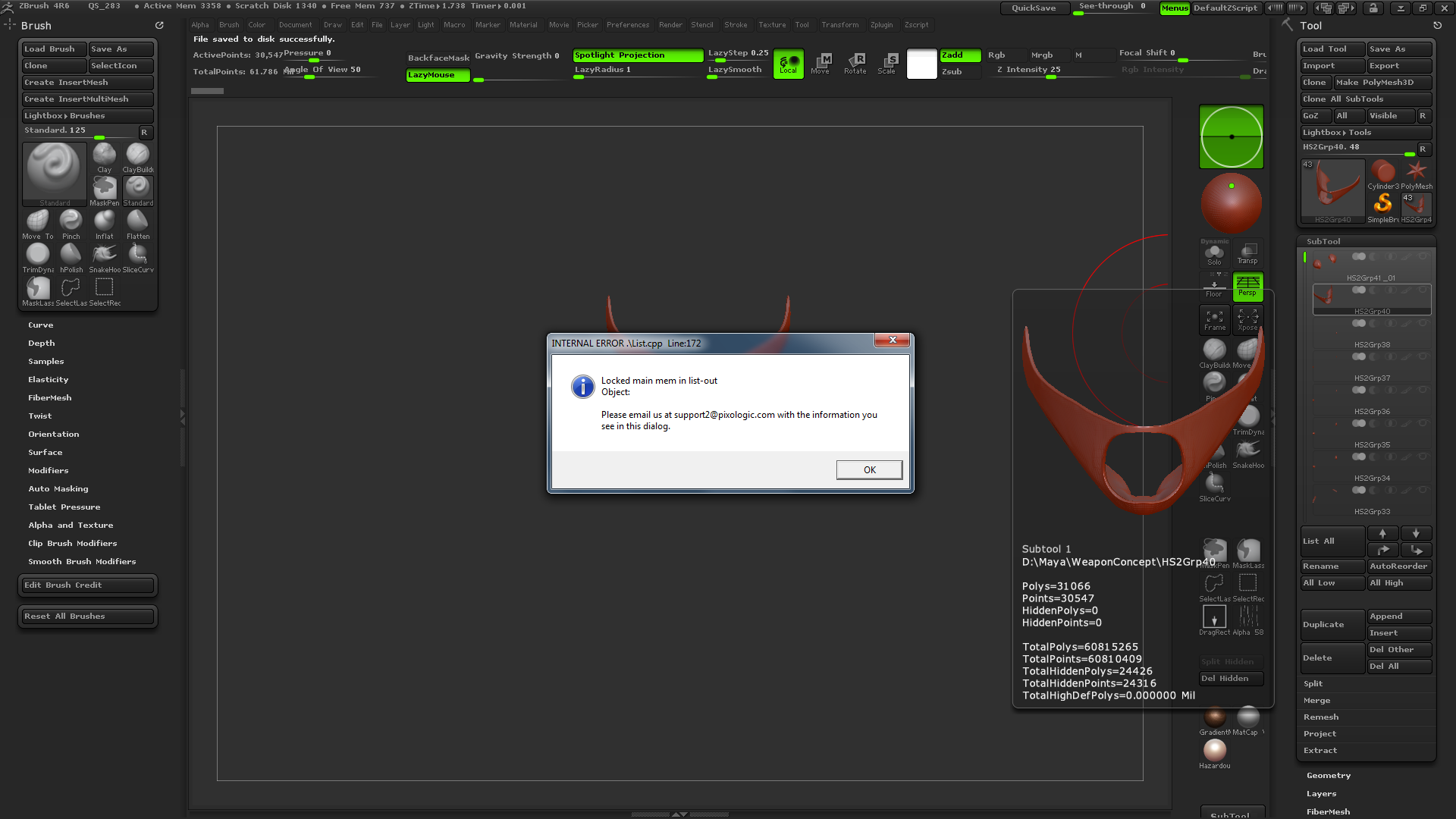
I was working on a project until zbrush crashed… now i cant open my ztool. When i try to open it, i keep getting thi error messages : Internal Error list.cpp Line 172 and list.cpp Line 182 locked main mem in list-out; then it crashes again (note: each error message appears 3 times)… or it just straight up crashs when i try to load the full mesh without the Solo Mode. My file is around 590mb and ~60m polys. Can anybody help me pls T_T

PC Specs:

OS : Windows 7 Ultimate
CPU : I5 3570k
RAM : 32gb
GPU : GTX 780ti
Mobo : msi z77a-g45

Attachments
Line172.png

Line182.png

It sounds like the file has been corrupted somehow.

Do you have QuickSave active? If so, try loading one of the more recent iterations from C:\Users\Public\Documents\ZBrushData\QuickSave

Or if you have been saving iteratively then you can load the most recent valid version from your own saves. (It’s always a good idea to save multiple versions of your work with any important file in any program. Computers do make mistakes - and somehow it always seems to happen when you can least afford them!)

with this specs on my pc, should zbrush crash when i try to open a 60m tool without solo mode? i tried to open some quicksaves but it seems to crash causa the tool is too heavy… i didnt had this problem before the first crash though :frowning:

It might pay to update to 4R6 P2, just in case?