This doesn’t really help now, but before you start anything in Zbrush you should always use subtool master to import into the default Zsphere. The scale and position of each tool is handled by the main starter object (the first subtool ever for that object.)
Most things imported from another application come in with a weird scale and xyz position. The default polysphere that loads when zbrush starts (unless you changed it), has a scale of 1, and a position of 0,0,0.
If you import anything else it will understand this and also have the same settings, which means you can import and export to your hearts content after that. This little quirk started with 3.5 (I have no idea why), but that will work. Granted, this may only matter for the next 10 days as 4 comes out, and hopefully fixes it.
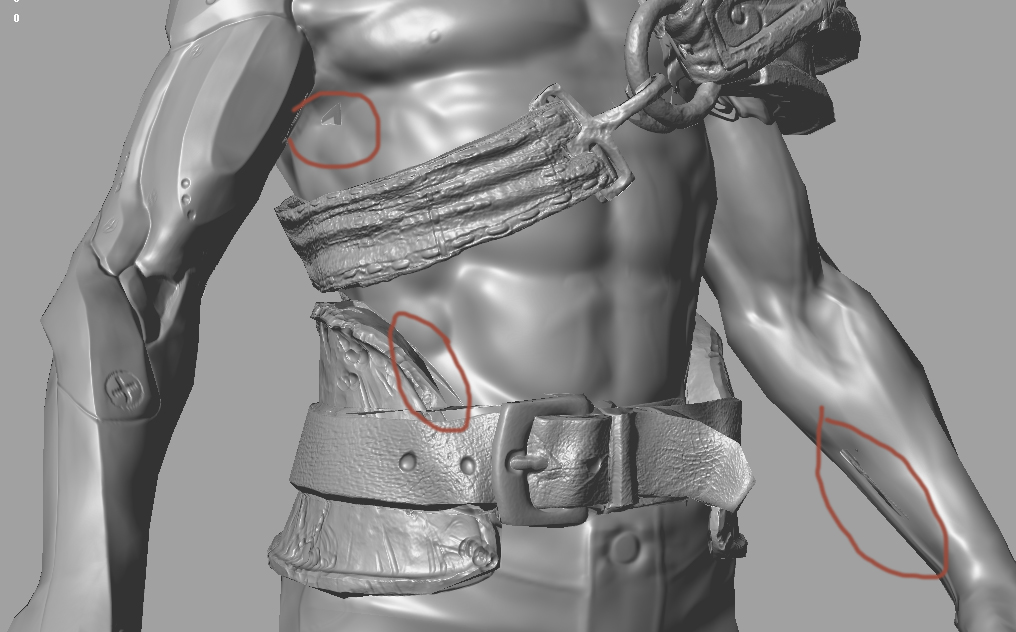
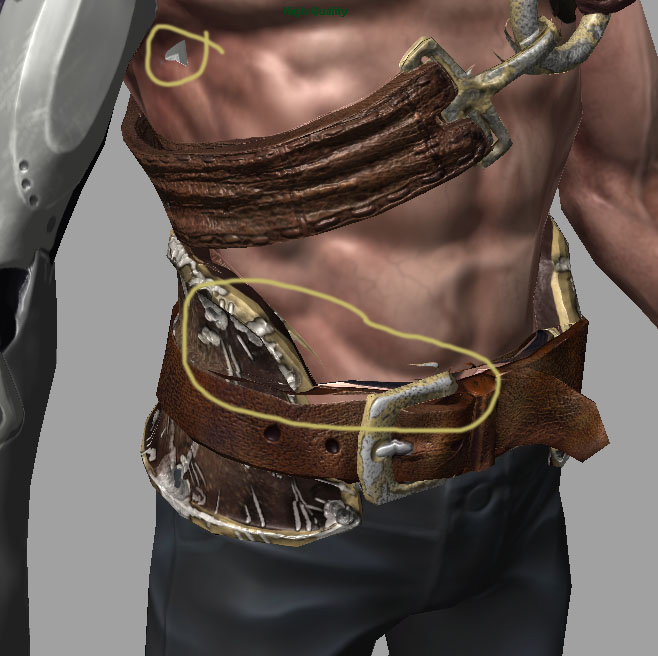
Anyway, the problems with the bake I think are coming from your raycasting distance inside of xNormal. If your mesh is a bunch of different object that are all being baked down into one mesh then you’re going to have to turn some of them off to avoid the distance thing, and then combine normals post.
you can also adjust the scale of your mesh, or the distance of the ray casts.