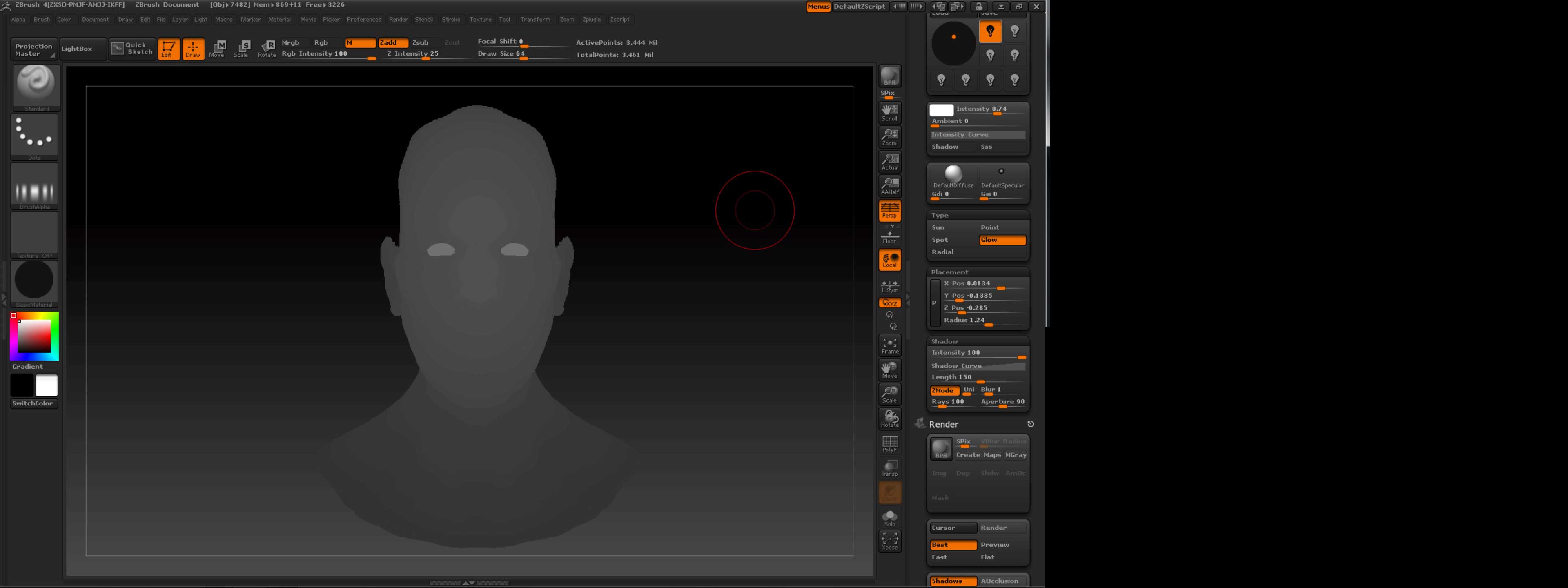
Hi, I have tried to work with my ZBrush copy on my partition with Windows 7 - 64 bit (It is installed on an iMac).
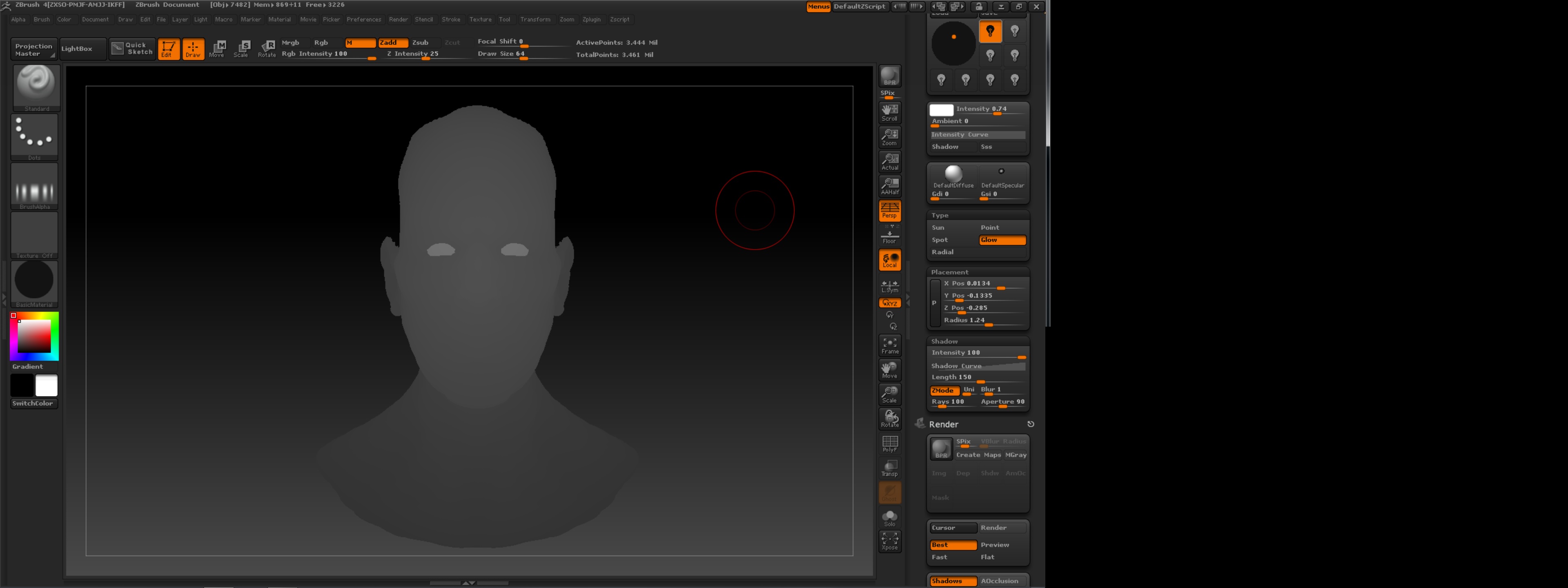
I have noticed that despite the color settings on my system the ZBrush canvas (and only the canvas) appears like it is using 256 colors only.
The background gradient is not showing as a uniform shade of colors (like on my mac) and also the tools, in some situations, don’t appear with many colors.
The weirder thing is that the screenshot that I toke from Windows shows correctly once I watch it on my mac.
Any other applications on Windows work well with colors, this issue occurs only with the ZBrush canvas so far.
I have attached two images, the original one taken from windows (the one that shows correctly on my mac) and a modified version so that you can understand how it appears on windows.
This issue prevents me from working properly on ZBrush
Thanks in advance for the assistance.
Attachments