ZBrushCentral

ZBrush bad performance on 20GB ram PC

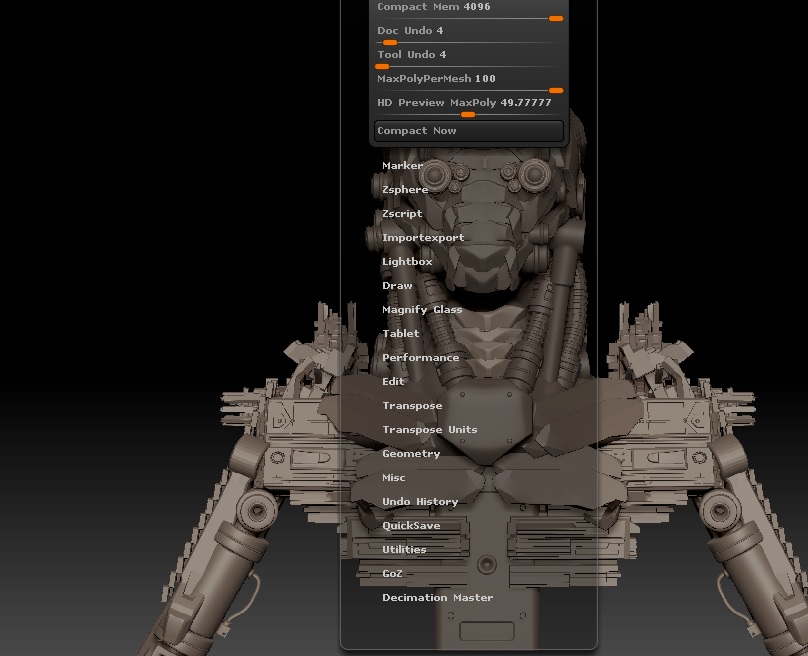
For some reason ZBrush 4r7 struggles on my PC when I have a mesh higher than 4 million polygons I don’t know why because I have a decent spec PC but I get choppy performance whenever it reaches 4million polys. I am sure that this problem is probably my settings in ZBrush I am mainly using the 64bit version and I have attached 2 screenshots of my settings. Can someone give me advice on the mem settings in Prefrences and what is recommended for my PC?
Here are my system specs 20GB DDR3 ram, AMD 8350 8 core cpu 4.0ghz,Geforce GTX 770 gpu 4GB, 250 GB SSD

Attachments
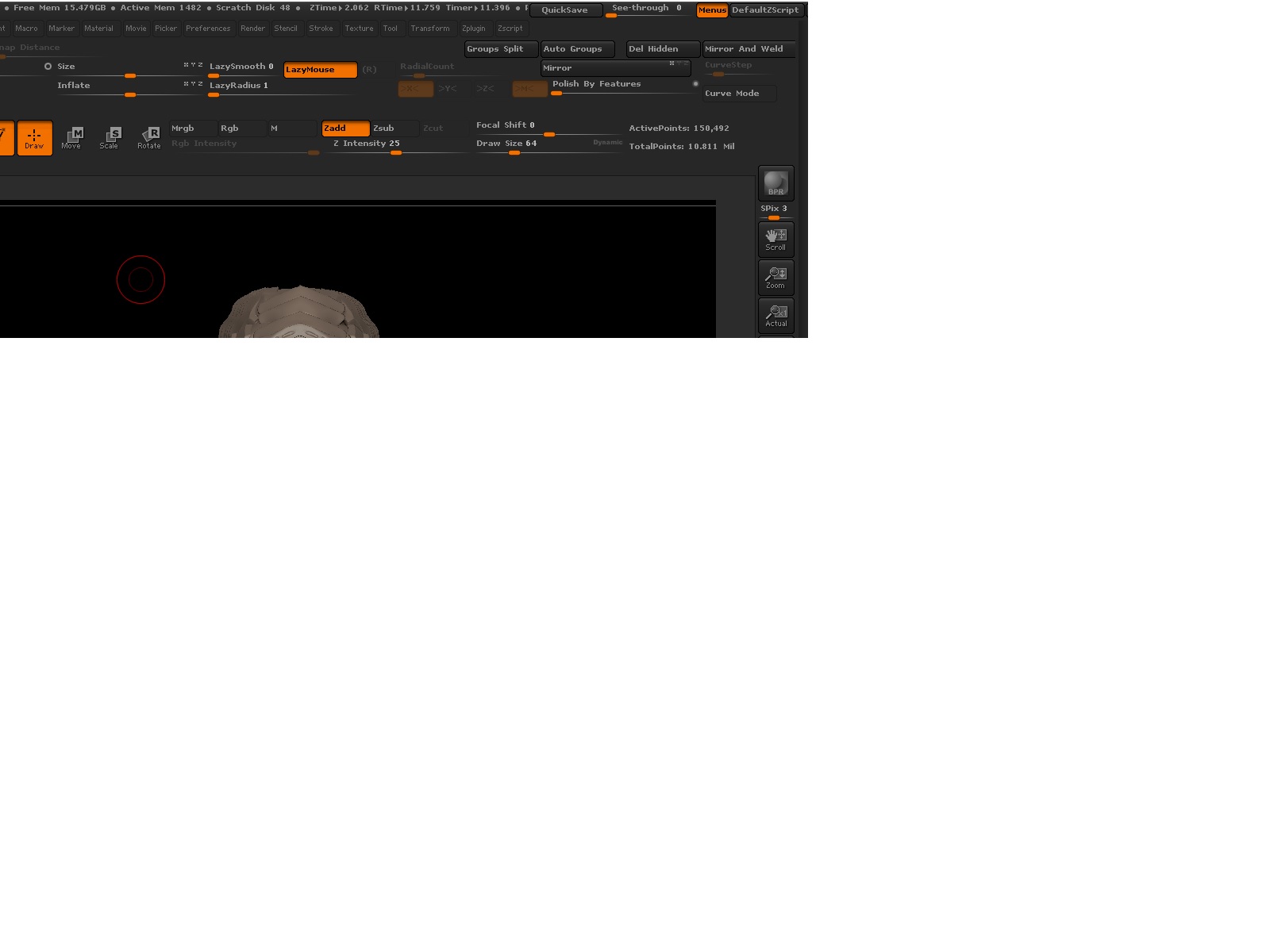
Untitled screenshot2.jpg

Untitled screenshot.jpg

Using dynamic subdivision? They can be activated easily pressing d and most people don’t even notice as the poly count doesn’t change in the info window.

No I am not using dynamic subdivision that is only for Zmodeler meshes I am using normal subdivision

Well, dynamic subdivisions activated by accident is the more typical reason for slowdowns. Other than that it can be extra display resolution (anything beyond 1900x1000 will be slow), anti aliasing display (zoom out high res canvas resolution) or complex shaders.
Only laptops or under powered computers start to slow down with 5 millions.

Hi Altea I lowered the resolution like you suggested and it is working fine now Thanks I appreciate it:+1:

Great! The way that Zbrush works ignores the 3d cards. Something that makes it easy to manage large amount of polys without any monster of 3d card but is very vulnerable to higher res other than the old standard ones. It slowdown considerably in comparison with 3d cards performance.