ZBrushCentral

Zbrush and 3dsmax/vray displacemet workflow ?

Hi, i’ve this problem for awhile now and i cant seems to find away to get around it. Most of the tutorial i found on the net are old stuff, using Zmapper to export displacement from Zbrush. Zmapper is gone from Zbrush 3.1 and Zbrush workflow keep changing day by day so its very confusing to follow.

I dont have much experience with Zbrush and displacement map, so please dont blame me since i’m just speculating stuff.

Basically i wanted to export 32bit displacement map from Zbrush and render it 3dsmax & vray properly.

This is my usual settings when export displacement from Zbrush:
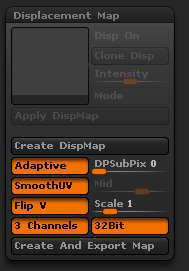
setting.jpg

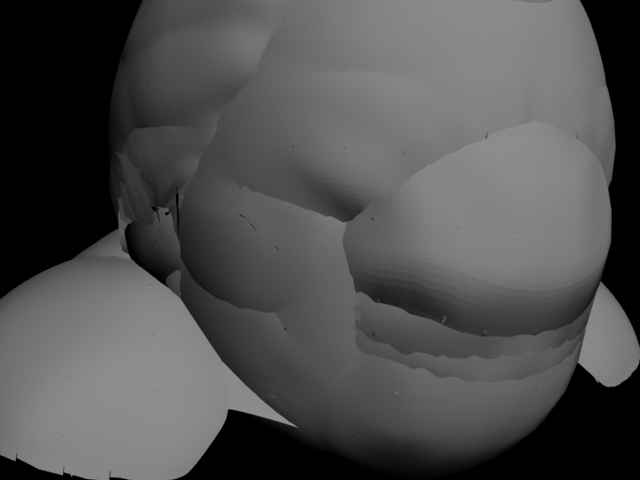
It looks like most of the lower and higher value of the displacement are being clipped out at the 100%white and 100% black area.

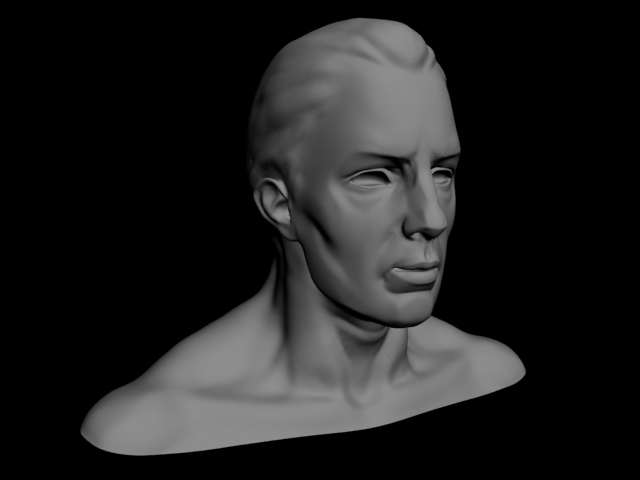
Currently, the only way i can get around this is to mess with the scale value in the displacement tab of Zbrush, by default it’s 1.0 , if i lower this, it give me back the details in my maps. But even then, with some models, i change the scale value to 0.001 (lowest value possible) and it still clip out alot of details. I have no idea what this is, im guessing it’s a scale problem. Because the demohead of Zbrush when exported to max, it’s only 1.5cm high! But still it’s something i cant understand and dont know how to work my way around it.

Thanks for reading all that wall of text but if someone with experience in Zbrush, can you tell me some guide line about displacement between Zbrush , Max and Vray? Thanks so much !!

Attachments
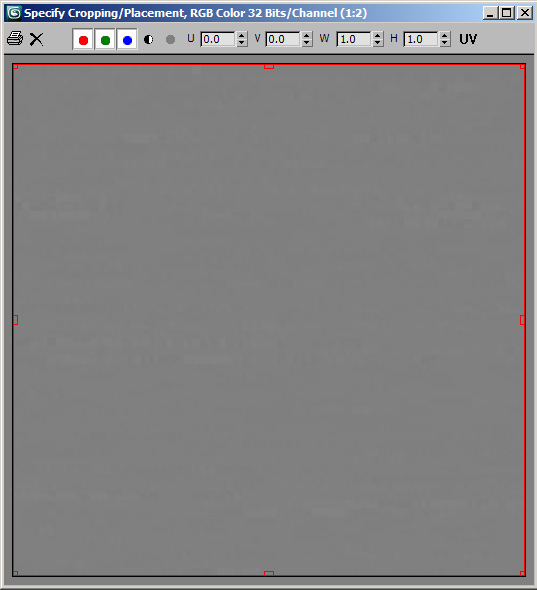
samplemap_.jpg

straight_render_.jpg

fixed_render_.jpg

badtexture.jpg

cot1_.jpg

I have gotten pretty much 100% accurate results with Max + vray and 32bit displacement maps with the following workflow.

I am no expert in these matters or why this method works but it does work for me

-Object is exported from max with scene units set to centimetres (not sure if this is important actually)

-Sculpt, then when it’s time to export the disp map use 32bit, FlipV, 3 channels. Set the scale to .01 and make sure the mid value is at .5.
(If you look at the resulting TIF its usually almost completely mid grey, this is ok)

-In max apply the vraydisplacement modifier to the object and set the diaplcement value to 100 and the offset to -50. Turn off filtering on the map. I think the modifier can do this.

Hi, thanks for replying!

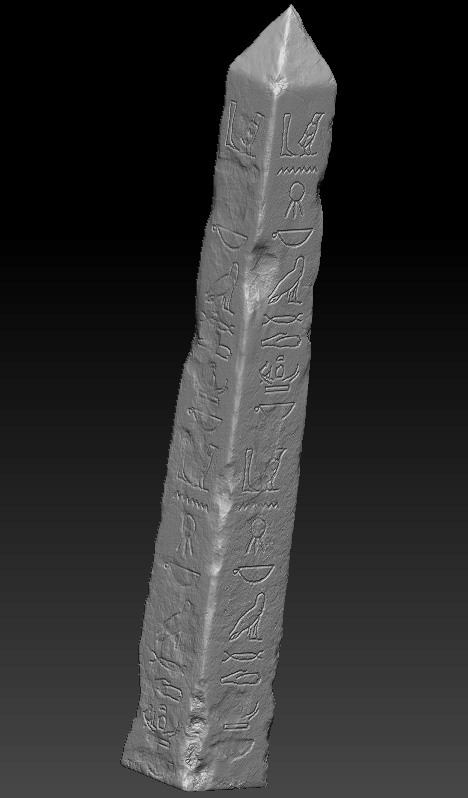
I’ve also tried that way but sometimes if my model is really big (like pyramid), i cant get past 0.001 and the map still look very weird.

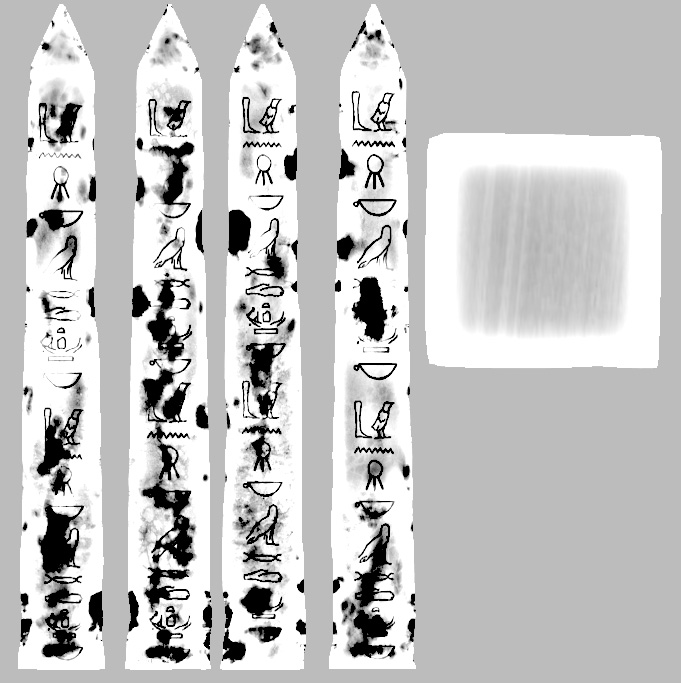
Anyway, after alot of errors and stuff, i just figured out that all the the 32bit map i got from Zbrush is totally fine. It’s not screwed up like i previously thought. I checked the pixel of the 32bit displacement map in photoshop and i think it was a bad map coz the details are clamped, it’s not. When i bring it to Fusion to check and hit the “normalize image” button, i got a beautiful displacement map with all the values are even, so basically all the details are there, they are not clamped.

I also tried to get it in mental ray, i havent figured out the exact setting yet, but from what i’m looking at, mental ray read the map just fine (with all the details preserved)

So the problem here is that Vray cant read that 32bit file correctly, i tried so many way like render out only 1 channel 32bit map then copy it to all 3 channel and export to .exr , or nest it inside a VrayHDRI. The result is the same, looks like vray readed the 32bit file without normalizing it, so the result displacement looks like it was rendered from a clamped map.

This combine with the “scale problem” i said ealier, led me to the conclusion that whatever you and i are doing with the scale value in zbrush, it’s we’re just trying to make the 32bit map looks normalized and looks like the 8bit map rendered from Zbrush and try to render it the way we used to render the 8bit map (have to figure out all the magic number and adjust all the displacement value and offset). While the point of 32bit displacement map is to set the displacement value to 1.0 and you’re done. The scale value should always stay at 1.0 while rendering out 32bit displacement maps.

I’m thinking that maybe next time i’ll try export out a 8bit displacement map and then convert it to 16 or 32bit so i dont have to worry about the “banding” effect on the displacement.

But i’ve seen alot of people and studios render out cinematics with displacement very nice, i wonder how did they do this!