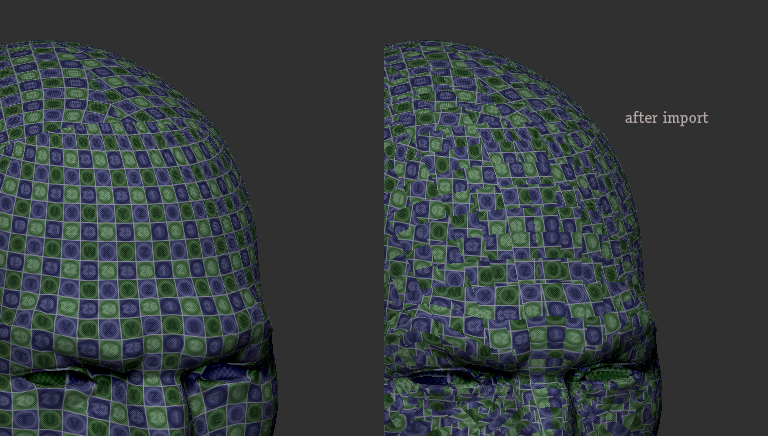
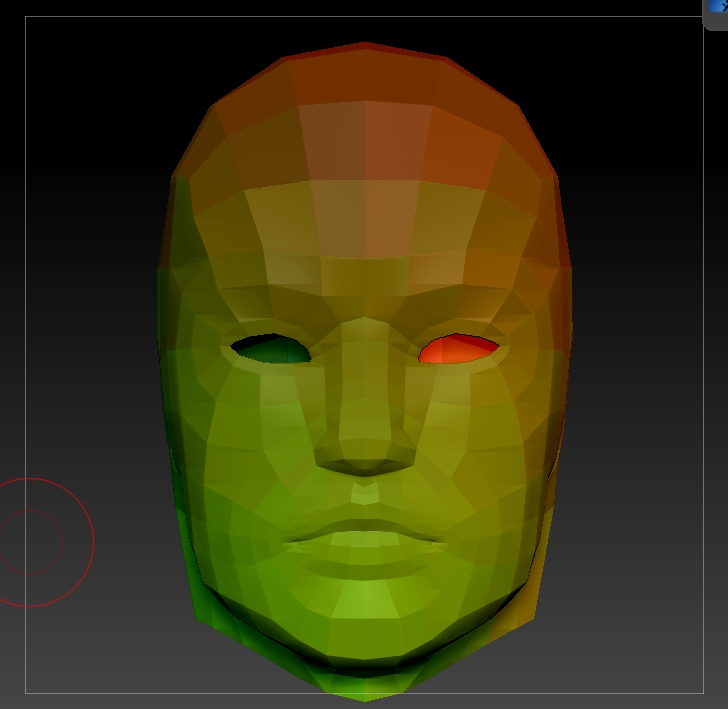
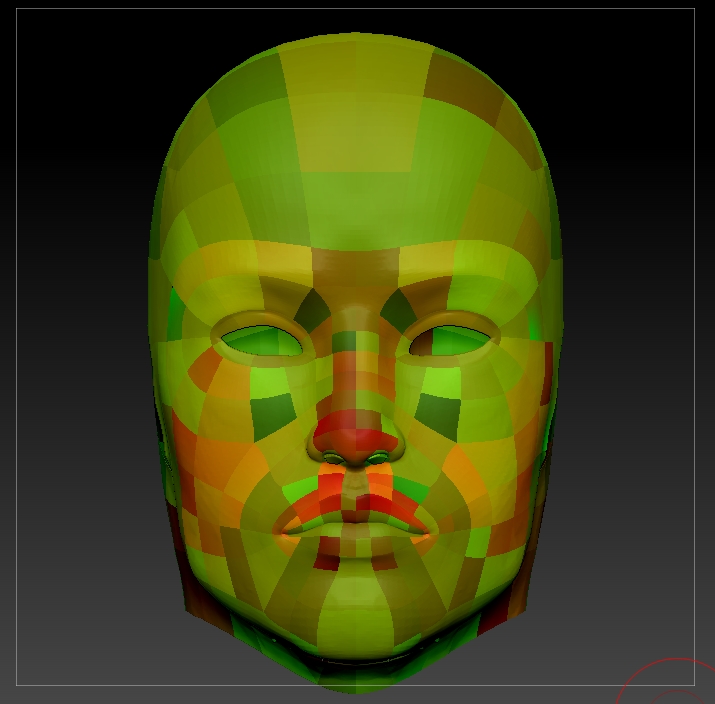
Hey everyone, i ran into a quite nasty bug in zBrush 4.2
No matter what i do once i reimport my basemesh it destroys the uvs, it seems like it doesn’t matter which model it is, i’m having this problem pretty much on ever asset i tried.
A workaround is letting the mesh reproject, then it works for most cases and only destroys some uv parts from time to time, i really can’t say why.
internal unwrapping inside zBrush works with uv master, but when i decide to clean stuff and reimport it just ****s up my new Uvs, randomly twisting and flipping each single polygon, it looks like i breaks all uv edges and rotates the shells, the uvs are merged at export the orientation per polygon is just totally messed up.
I’m not using goz, just the classical obj import export, it is not the obj - when i import it in a seperate tool it imports the uvs as it should be, vertexcount doesn’t change i can morph both models (my initial unwrap from zbrush and my changed uv version from max) without any problems.
Would be great to find a working solution or workaround, as right now i cannot use it for my work for film/ads when i want to texturize my actual basemesh, use displacementmaps generated from zbrush etc.
For anyone not trying to change the uvs, you can work on clone with uvmaster from your correct uved mesh inside zBrush, when you import and it destroys the uvs you can just copy paste your working ones over the imported/destroyed ones.
Attachments