ZBrushCentral

ZBrush 4 will not open ZBrush 4R2 files. Answered.

Hi,
I am having a problem trying to open up ZBrush 4R2 files, each time I click on them to open them they try open
with ZRbrush 4. Both Tools and Project file try to load with ZBrush 4.
I receive the following error:-

Error has been encounted while trying to Load a Tool
Loading has been aborted.

Thanks Wazer

Attachments
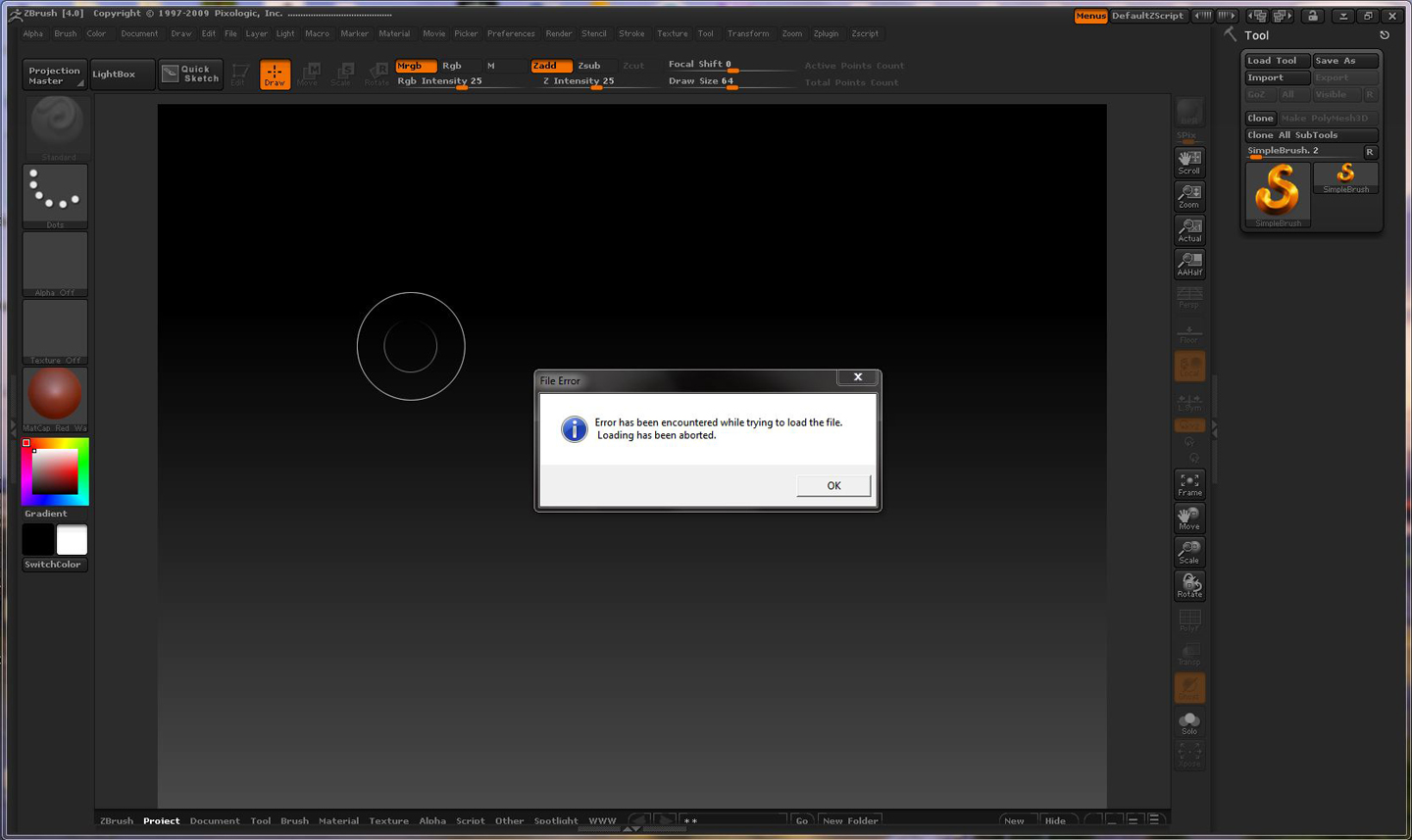
Error on Loading 4R2.JPG


You can open Z4(older) files in Z4R2(newer) and when saved in Z4R2, the files will only open by Z4R2 and future versions.

Thanks for the prompt response, how ever I am unable to open even Z4R2 by double clicking on them, they always try to open with ZBrush4 which is when I receive the error message. I have both new and old files and both insist on opening in ZBrush4. I tried to set Z4R2 as the default in the control panel, but that makes no difference, all Zbrush files old and new, tools and projects try to open in ZBrush4 not Z4R2.

Thanks for a Great Update, really having fun with the new tools

Wazer

r2 dont have as many brushes as r1 , so i want to use old version for sculpting and new for all the new great stuff , to do so , just export as an object , and open in older version , works good , and gives the best of both worlds
by the way , when i installed r2 it kept older on active and working , thats a, is there any way to transport all brushes to r2 ?

In 4R2, all other brushes are in Lightbox/Brush including the ones that were in 4.0.

hehe , cheers ,yeah obviously they would be like damian in 4.0 , why i cant figure things out , thank you

how to get brushes i use to be in default brush menu ?
and is r2 64 bit ?

Put them in ‘ZBrush 4R2/ZStartup/Brush Presets’ folder. ZBrush 4R2 is not 64 bit.

awwwww , there was so much talk about making it 64 bit