ZBrushCentral

Zbrush 4 r2 Zsphere Issue

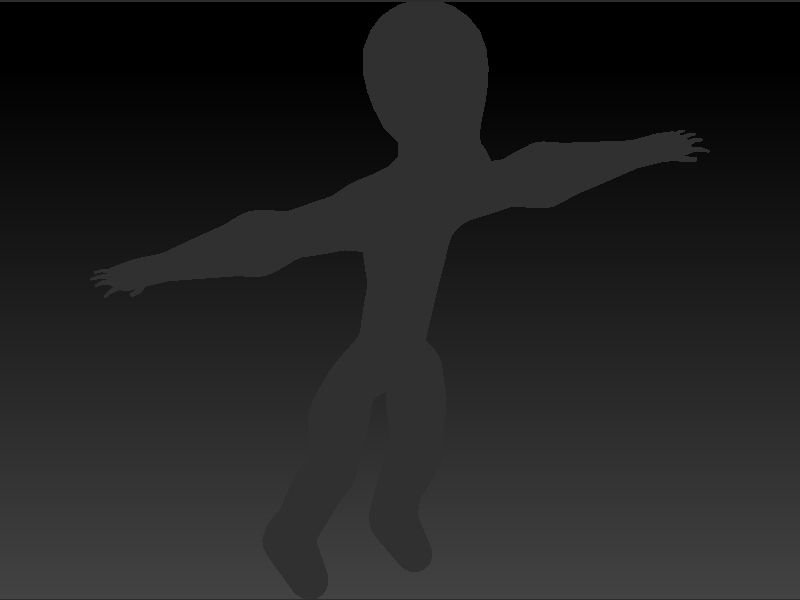
I am currently trying to sketch out a rough to a character using Zspheres. However when applying the “Adaptive Skin” I get a very grey looking finsished product. The material is “Red Wax” but that is not what it is showing after I have adapted the skin, and it will not let me sculpt on the peice at all. It just keeps rotatiing the model every time I try.

Any way to fix this?
It sounds like your model might be masked. Press Tool>Masking>Clear Mask. See what happens.

Thank you for your quick response, but the “clear mask” did not work. It’s weird, it shows up grey on the display with a gradient color as the material, but on the “select tool” option it shows it as in the regular “red wax material”. Could it be something to do with preferences? Because it would’nt even show me the preview for the adaptive skin.

Sorry for the second post, but here is what it looks like.ZsphereSketch.jpg
Tried another zsketch and it seemed to work fine, just wondered on how to troubleshoot an problem like this.

That looks like the renderer is set to something other than Preview. Check the Render palette.

It would also help if you showed an unedited screen shot of the entire interface (including title bar). Not just the canvas.

I hope this is what you meant. Thank you for being so patient and helping me through this, I really do appreciate it. I did check the render palette, and it is on preview.

I’m guessing that your model somehow got drawn without any depth. Press T to exit Edit Mode and then W to turn on the Gyro. Now look at the Draw settings. Make sure that Mrgb is turned on with an Rgb Intensity of 100 and Zadd is turned on with a Z intensity of 100. I’m guessing at least one of those settings is wrong. Fix them and your model should now look fine. If so, press T to return to Edit mode.

Oh wow your Awesome! Thank you so much, that worked and now im moving things around. You saved me alot of time from working another angle to get the same idea finished. Thank you again!

Robert-