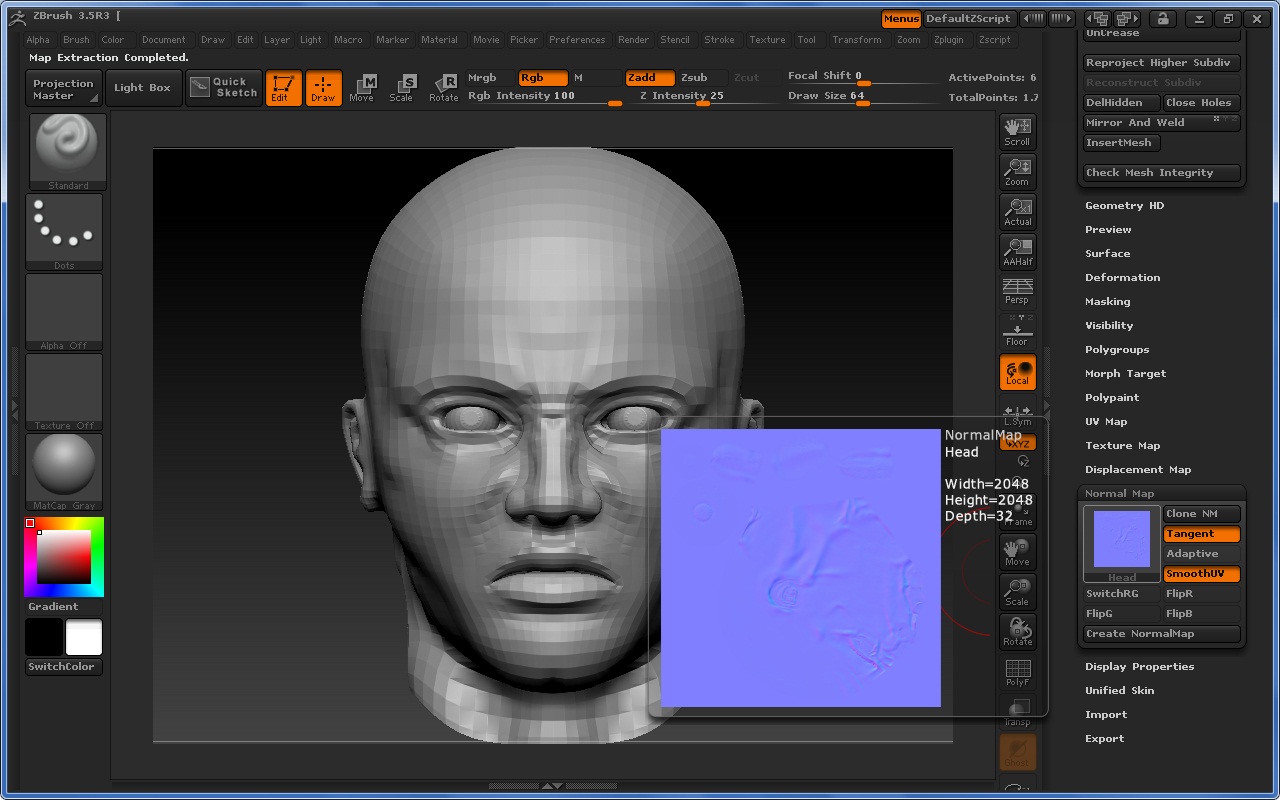
I am new to the forums and to ZBrush 3.5r3 as well. I previously used ZBrush 3.1 and ZMapper in my ever-growing workflow.
My problem is when I import a mesh with mirrored UVs from 3Ds Max (symmetry modifier), sculpt it to my liking, and generate a normal map with the newly built-in Normal Map feature (with settings 2048x2048, tangent space, smooth UV options on at subdivision level 5), I get a result like this:
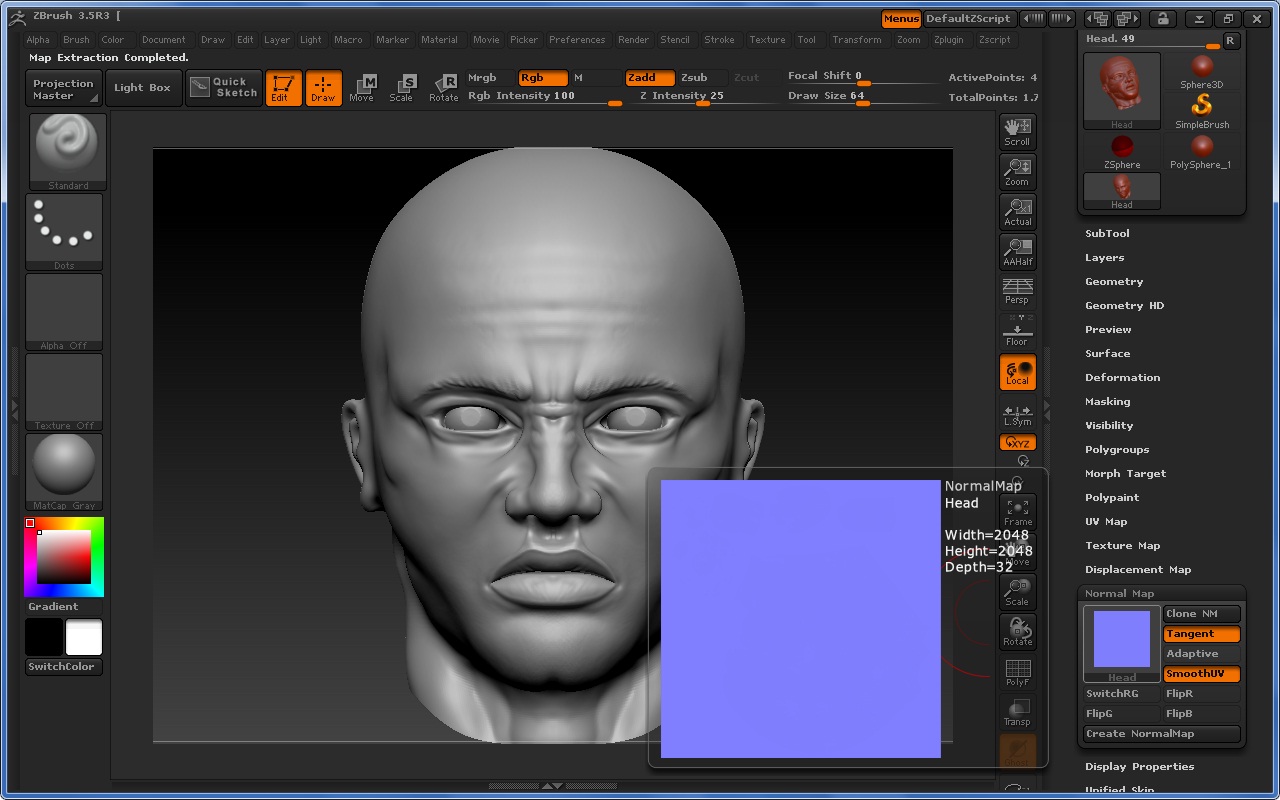
I seriously need help on what is going on since I am very new to this! Any suggestions on this?
Attachments